F4000N_revD.pdf
F4000N Series Operating Manual Part # 562187N - 1 Rev . D Sep 2012 F 4000 N SERIES ROBOT OPERA TING MANUAL
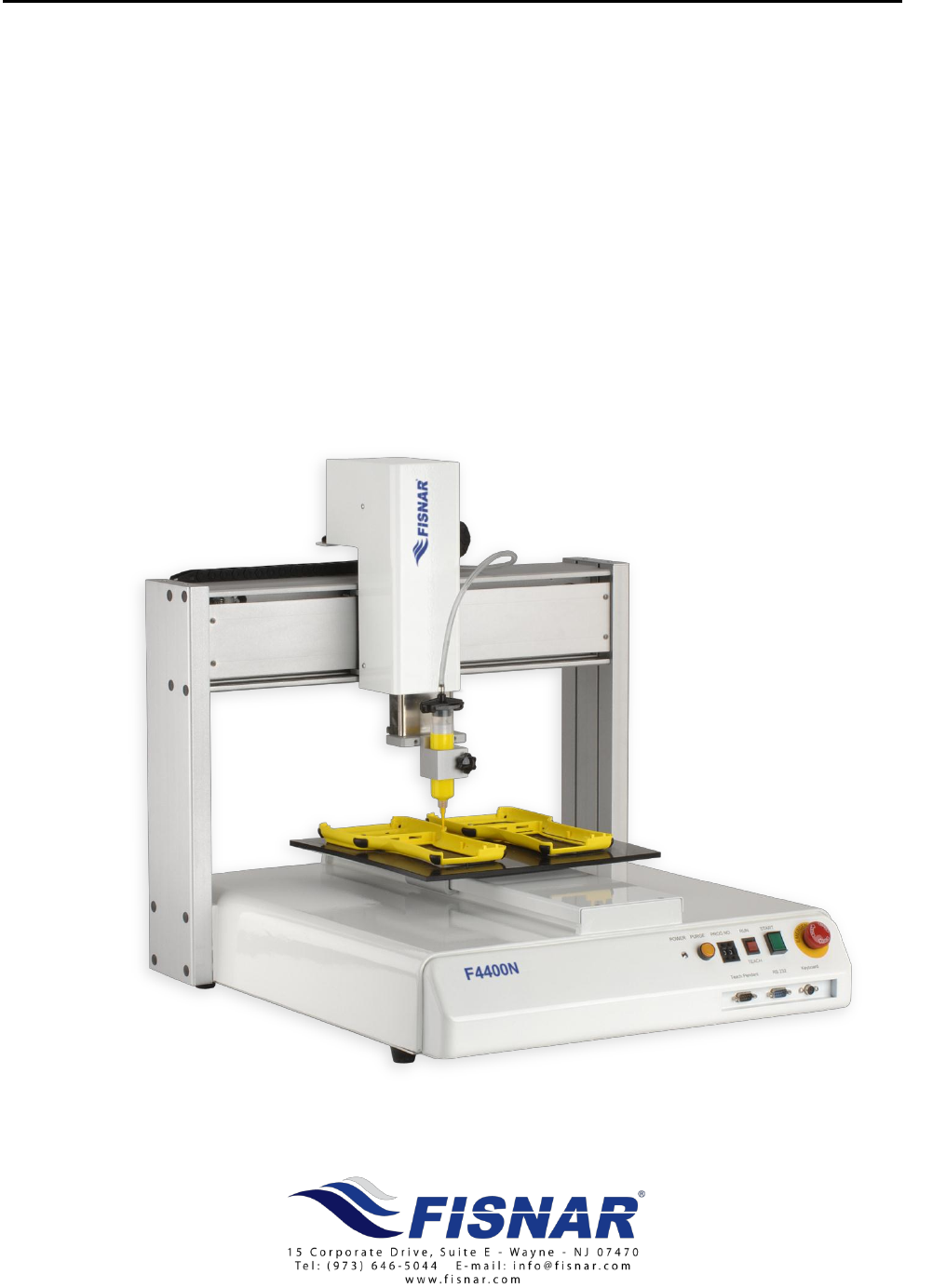
F4000N Series Operating Manual
Part # 562187N-1
Rev. D Sep 2012
F4000N
SERIES ROBOT
OPERATING MANUAL

F4000N Series Operating Manual
Section 1: Contents
Part # 562187N-1
Rev. D Sep 2012
1
© 2012 Fisnar Inc.
TABLE OF CONTENTS
SECTION 1: INTRODUCTION .................................................................................... 4
1. SAFETY PRECAUTIONS ........................................................................................................ 5
2. PACKAGE CONTENTS .......................................................................................................... 6
3. CONNECTOR AND SWITCH LOCATIONS ............................................................................... 9
SECTION 2: SETUP .................................................................................................... 10
1. UNPACKING THE ROBOT ..................................................................................................... 11
2. SETUP ................................................................................................................................. 11
SECTION 3: TEACHING OVERVIEW ......................................................................... 12
1. TEACHING OVERVIEW ........................................................................................................ 13
2. USING THE TEACH PENDANT .............................................................................................. 15
2.1 Key Selection .......................................................................................................................................15
2.2 Key Assignments ..................................................................................................................................16
2.3 Data Entry ...........................................................................................................................................17
2.4 Running a Program .............................................................................................................................17
3. POINT TYPE & FUNCTION SUMMARY .................................................................................. 18
3.1 Point Menu (F1) ..................................................................................................................................18
3.2 Menu 1 (F2) .........................................................................................................................................20
3.3 Utility Menu (Within Menu1) ...............................................................................................................21
3.4 Menu 2 (F3) .........................................................................................................................................22
3.5 Setup Menu (F4) ..................................................................................................................................23
SECTION 4: PROGRAMMING EXAMPLE ................................................................. 25
1. PROGRAMMING EXAMPLE ................................................................................................... 26
2. GOOD PROGRAMMING PRACTICES ...................................................................................... 29
3. EDITING A PROGRAM .......................................................................................................... 30
3.1 Changing a Point’s XYZ location ........................................................................................................30
3.2 Insert / Delete an Instruction ...............................................................................................................30
4. CHANGING THE PROGRAM NUMBER ................................................................................... 31
5. CHANGING FROM TEACH MODE TO RUN MODE .................................................................. 31
SECTION 5: POINT TYPE & FUNCTION REFERENCE ............................................ 32
1. F1 (POINT MENU) ............................................................................................................... 33
1.1 Dispense Dot ........................................................................................................................................33
1.2 Line Start .............................................................................................................................................33
1.3 Line Passing.........................................................................................................................................34
1.4 Circle ...................................................................................................................................................34
1.5 Arc Point ..............................................................................................................................................35
1.6 Line End ...............................................................................................................................................35
1.7 End Program .......................................................................................................................................35
1.8 Dispense ON / OFF .............................................................................................................................36
1.9 GOTO Address .....................................................................................................................................37
1.10 Step & Repeat X ...................................................................................................................................37
1.11 Step & Repeat Y ...................................................................................................................................42
1.12 Brush Area ...........................................................................................................................................43
1.13 Call Subroutine ....................................................................................................................................50
1.14 Call Program .......................................................................................................................................51
1.15 Set I/O ..................................................................................................................................................51
1.16 Wait Point ............................................................................................................................................52
1.17 Stop Point ............................................................................................................................................52
1.18 Home Point ..........................................................................................................................................52

F4000N Series Operating Manual
Section 1: Contents
Part # 562187N-1
Rev. D Sep 2012
2
© 2012 Fisnar Inc.
1.19 Loop Address .......................................................................................................................................52
1.20 Dummy Point .......................................................................................................................................53
1.21 Initialize ...............................................................................................................................................53
1.22 Label ....................................................................................................................................................53
1.23 Display Counter ...................................................................................................................................53
1.24 Loop Counter .......................................................................................................................................53
1.25 Dispense Output Setup .........................................................................................................................54
2. F2 (MENU 1) ....................................................................................................................... 55
2.1 Group Edit ...........................................................................................................................................55
2.2 Expand Step & Repeat .........................................................................................................................62
2.3 Program Name .....................................................................................................................................63
2.4 Z-axis Limit (mm) ................................................................................................................................63
2.5 Initial Output Port ...............................................................................................................................63
2.6 Debug Speed (mm/s) ............................................................................................................................64
2.7 Utility Menu .........................................................................................................................................64
2.8 Jog Speed .............................................................................................................................................64
2.9 Adjust Origin .......................................................................................................................................64
2.10 Control by RS232 .................................................................................................................................64
2.11 Resume .................................................................................................................................................65
3. UTILITY MENU (WITHIN MENU 1) ....................................................................................... 66
3.1 Program ...............................................................................................................................................66
3.2 Memory ................................................................................................................................................66
3.3 Teach Pendant .....................................................................................................................................67
3.4 Relocate Data ......................................................................................................................................67
3.5 Lock or Unlock Program .....................................................................................................................69
3.6 Password Setup ....................................................................................................................................69
3.7 Cycle Counter ......................................................................................................................................69
3.8 Key Beep ..............................................................................................................................................70
3.9 Test Function .......................................................................................................................................70
4. F3 (MENU 2) ....................................................................................................................... 72
4.1 Numerical Move ...................................................................................................................................72
4.2 Save Temp Point ..................................................................................................................................72
4.3 Move To Temp Point ............................................................................................................................72
4.4 Undo Program .....................................................................................................................................72
4.5 Redo Program ......................................................................................................................................72
4.6 Debug Program ...................................................................................................................................72
4.7 Move To Home Position ......................................................................................................................73
4.8 System Information ..............................................................................................................................73
4.9 Execute Point .......................................................................................................................................73
4.10 Program List ........................................................................................................................................73
5. F4 (SETUP MENU) ............................................................................................................... 74
5.1 Line Speed ............................................................................................................................................74
5.2 Line Dispense Setup .............................................................................................................................74
5.3 Point Dispense Setup ...........................................................................................................................75
5.4 Dispense End Setup .............................................................................................................................75
5.5 Z Clearance .........................................................................................................................................77
5.6 X/Y Move Speed ...................................................................................................................................78
5.7 Z Move Speed .......................................................................................................................................78
5.8 Home Position Setup ............................................................................................................................79
5.9 Adjust Position Setup ...........................................................................................................................80
5.10 Retract Setup ........................................................................................................................................82
5.11 Quickstep .............................................................................................................................................84
5.12 Auto Purge Setup .................................................................................................................................85
5.13 ESTOP Output Status...........................................................................................................................85
5.14 Acceleration .........................................................................................................................................86
5.15 Pause Status .........................................................................................................................................86
5.16 USB Up/Down Load ............................................................................................................................87
SECTION 6: SAMPLE PROGRAMS ........................................................................... 89
1. DOTS, LINES AND ARCS – SAMPLE PROGRAM .................................................................... 90
2. BRUSH AREA – SAMPLE PROGRAM ..................................................................................... 92
3. STEP & REPEAT – SAMPLE PROGRAM ................................................................................ 93
4. INPUT / OUTPUT SIGNAL PROCESSING – SAMPLE PROGRAM ............................................... 95