F4000N_revD.pdf - 第37页
F4000N Series Operating Manual Section 5: Point T ype & Function Reference Part # 562187N - 1 Rev . D Sep 201 2 36 © 20 12 Fisnar Inc. 1.8 Dispense ON / OFF The Dispense ON / OFF instruction will allo w the use r to …
F4000N Series Operating Manual
Section 5: Point Type & Function Reference
Part # 562187N-1
Rev. D Sep 2012
35
© 2012 Fisnar Inc.
1.5 Arc Point
Registers the current XYZ location as an Arc Point. Arc points are used to dispense
material along an arc or circular path.
See SECTION 4: Programming Example, for an example of the use of an Arc point.
1.6 Line End
Registers the current XYZ location as a Line End point.
The dispense delay time used at the end of the line can be controlled by registering a Line
Dispense Setup instruction in a previous memory address. The Line Dispense Setup
instruction is registered by pressing the F4 (SETUP) key.
See also SECTION 5:5.2 Line Dispense Setup.
The upward motion of the tip after dispensing can be controlled by registering a Dispense
End Setup instruction and / or a Z Clearance instruction in a previous memory address.
Dispense End Setup and Z Clearance instructions are registered using the F4 (SETUP)
key.
1.7 End Program
Registers the current memory address as the end of the program. The end program
instruction will cause the tip to return to the home position at the end of the program cycle.
F4000N Series Operating Manual
Section 5: Point Type & Function Reference
Part # 562187N-1
Rev. D Sep 2012
36
© 2012 Fisnar Inc.
1.8 Dispense ON / OFF
The Dispense ON / OFF instruction will allow the user to program an instruction which will
turn the dispenser ON or OFF.
This is useful for turning the dispenser OFF before the end of a line to prevent excess
material at the line end.
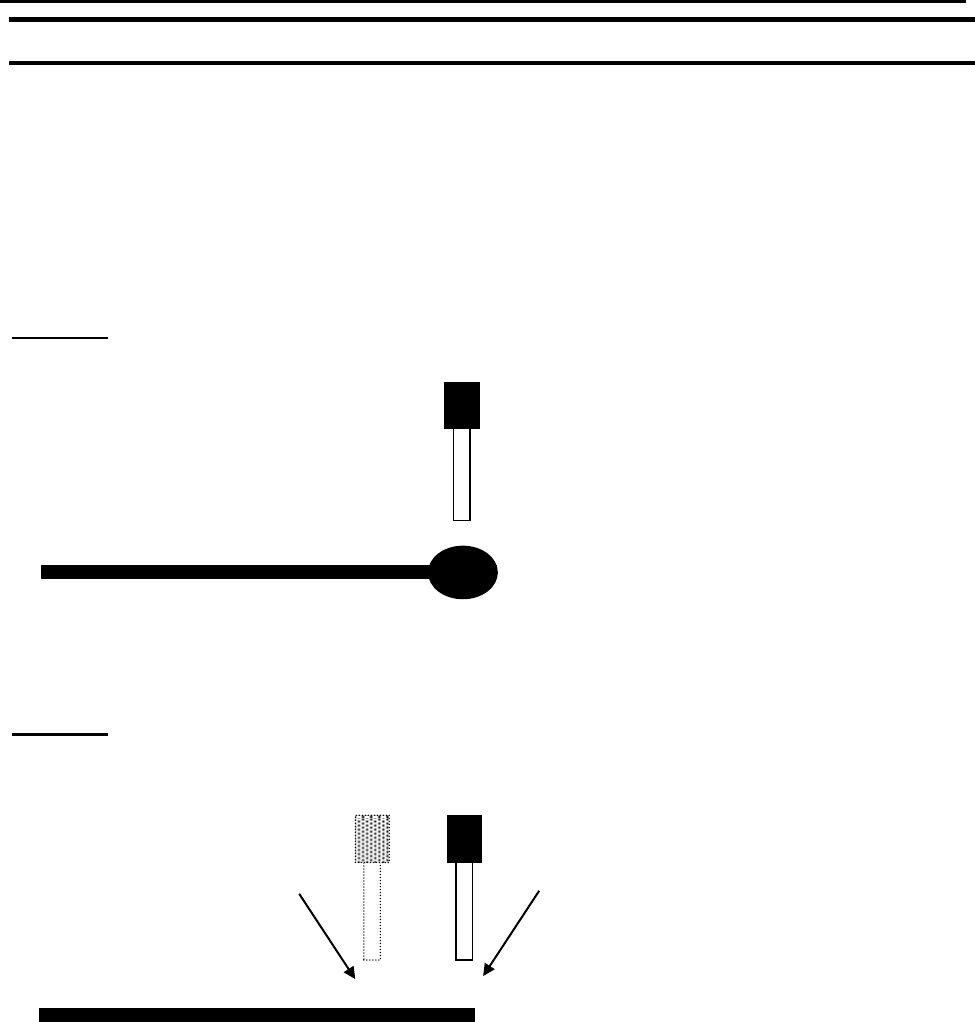
Problem: Too much material at the end of the line.
Solution: Turn the dispenser OFF before the end of the line.
To register a DISPENSE OFF instruction, jog the tip to the XYZ location where you want
the dispenser OFF, enter that location as a Line Passing point, then press the ENTER key
and select Dispense ON / OFF.
Press 1 to select Dispenser ON, or press 2 to select Dispenser OFF.
Turn Dispenser Off here
Continue moving to end of line
F4000N Series Operating Manual
Section 5: Point Type & Function Reference
Part # 562187N-1
Rev. D Sep 2012
37
© 2012 Fisnar Inc.
1.9 GOTO Address
The GOTO Address function causes the program to jump to a specified memory address.
1.10 Step & Repeat X
Step & Repeat X allows a group of instructions to be run repeatedly, stepping a given
distance in the X-axis or Y-axis between each cycle.
Step & Repeat X is useful when a fixture is mounted on the robot, which holds many
identical work pieces aligned in rows and columns. The user needs only to create a
program for the first work piece in the fixture, and then use the Step & Repeat function to
dispense to the other work pieces.
The Step & Repeat function will allow the user to define the number of rows, the number
of columns, the X Offset between each part, and the Y Offset between each part.
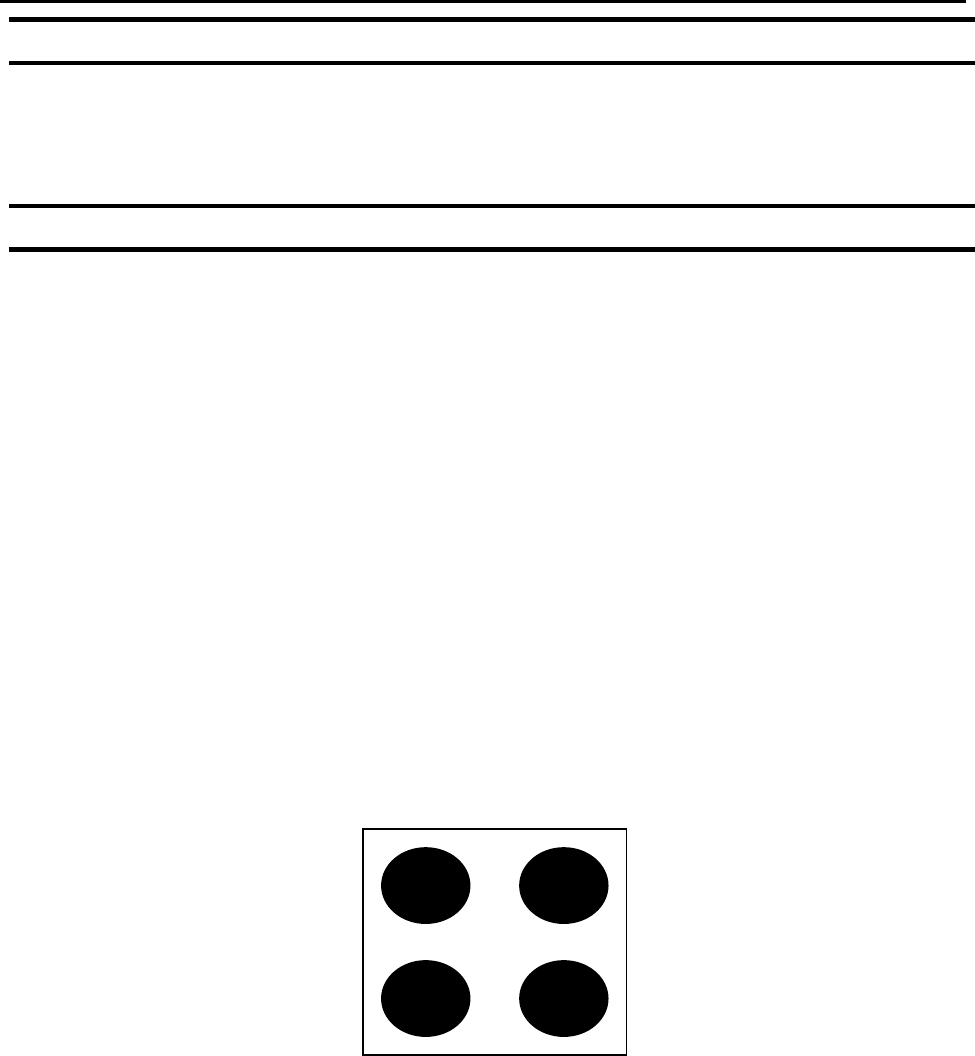
If, for example, we have a program (number 20) which dispenses four dots of material on
a work piece: