F4000N_revD.pdf - 第22页
F4000N Series Operating Manual Section 3: T eaching Overview Part # 562187N - 1 Rev . D Sep 2012 21 © 20 12 Fisnar Inc. 3.3 Utility Menu (With in Menu1) Below is a list of functions, which are found under Menu 1 (F2) - &…

F4000N Series Operating Manual
Section 3: Teaching Overview
Part # 562187N-1
Rev. D Sep 2012
20
© 2012 Fisnar Inc.
3.2 Menu 1 (F2)
Below is a list of functions, which are found under the F2 (Menu 1) key:
Function
Description
Group Edit
Allows a function to be applied to a user-defined group
of memory addresses. Functions include copy, delete,
move, multiply line speed, multiply dispense times, apply
X Offset, apply Y Offset, apply Z Offset.
Expand Step & Repeat
Expands the memory address locations which would be
performed at a Step & Repeat instruction so individual
memory addresses of the repeated instructions can be
edited.
Program Name
Allows the user to register a name for the current
program number.
Z-axis Limit (mm)
Sets the MAXIMUM Z-axis value (the lowest tip
position). Once the Z-axis limit is set, the robot will
prevent the tip from jogging below the set location.
Initial Output Port
Sets the status of the output signals when the machine
is initialized.
Debug Speed
Sets the speed used when running in Debug mode.
Utility Menu
Opens the Utility Menu. See SECTION 3:3.3.
Jog Speed
Allows the user to set the tip jog speed for teach mode:
Low, Middle or High jog speed can be selected.
Adjust Origin
See SECTION 5:2.9 “Adjust Orgin”.
Control by RS232
Allows the robot to be controlled via the RS232 port.
Resume
Determines if a program will restart from point #1 or the
point at which it was interrupted if a program is stopped
by an emergency stop or the enclosure door switch
open signal.

F4000N Series Operating Manual
Section 3: Teaching Overview
Part # 562187N-1
Rev. D Sep 2012
21
© 2012 Fisnar Inc.
3.3 Utility Menu (Within Menu1)
Below is a list of functions, which are found under Menu 1 (F2) -> Utility Menu:
Function
Description
Program
Opens the Program utility menu. Allows programs to be
copied, backed up, restored, or cleared.
Memory
Opens the Memory utility menu. Allows the robot
memory to be backed up, restored, or cleared.
Teach Pendant
Opens the Teach Pendant utility menu. Allows the
current program to be copied to the Teach Pendant for
transferring to another robot.
Relocate Data
Allows the position of a program to be corrected using
two reference points. Corrects for X offset, Y offset and
angle of rotation.
Lock Program
Locks or unlocks a program to enable or disable
program editing.
Password Setup
Allows the password to be set or reset for the current
program. Protects the program from unauthorized
editing.
Cycle Counter
Allows the operator to set a number to the program
cycle to run the program a number of times.
Key Beep
Enabling Key Beep to produce a beep every time a key
in the Teach Pendant is touched.
Test Function
Testing the Robot Sensor, Panel Connector, Input
Output signal, Teach Pendant and Motor.
F4000N Series Operating Manual
Section 3: Teaching Overview
Part # 562187N-1
Rev. D Sep 2012
22
© 2012 Fisnar Inc.
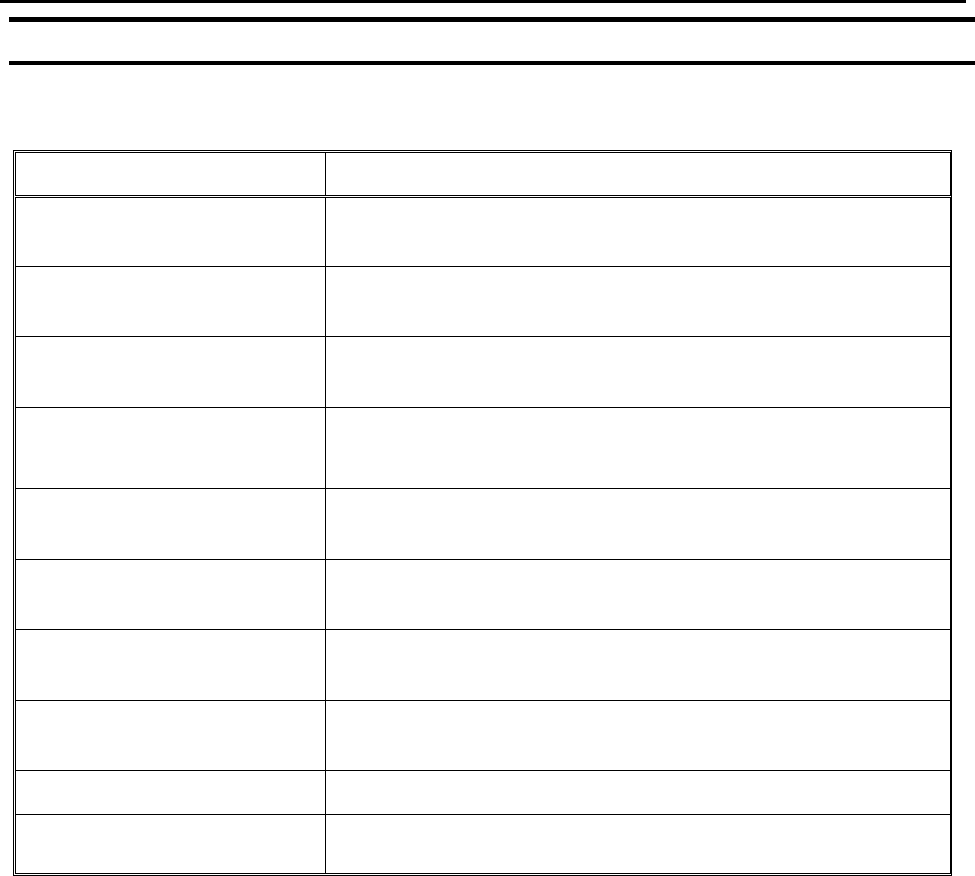
3.4 Menu 2 (F3)
Below is a list of functions, which are found under the F3 key:
Function
Description
Numerical Move
Allows the tip to be positioned numerically by entering a
number for the X, Y and Z values.
Save Temp Point
Saves the current XYZ position in a temporary memory
area numbered 1 – 9.
Move To Temp Point
Retrieves a XYZ position, which was stored with Save
Temp Point.
Undo Program
Cancels the last change to the program. Returns to the
program state prior to the last change.
Redo Program
Restores the last change to the program, which was
canceled with Undo.
Debug Program
Runs the program in Debug mode starting at the current
point location.
Move To Home Position
Causes the tip to move to the home position. The default
home position is X=0, Y=0, Z=0.
System Information
Displays system information, including software version
number, work area size and control board version.
Execute Point
Runs a selected command.
Program List
Allows the operator to see all programs in the memory.