3OM-1208-011_w.pdf - 第304页
6-71 AIVEDT -ID [2] Icons The following describes the functions of the icons that can be used only in the "Nozzle Data" window . Reference Refer to "1.2 Basic Icons" in "Chapter 2" for the m…
6-70
AIVEDT-ID
3. Nozzle Data
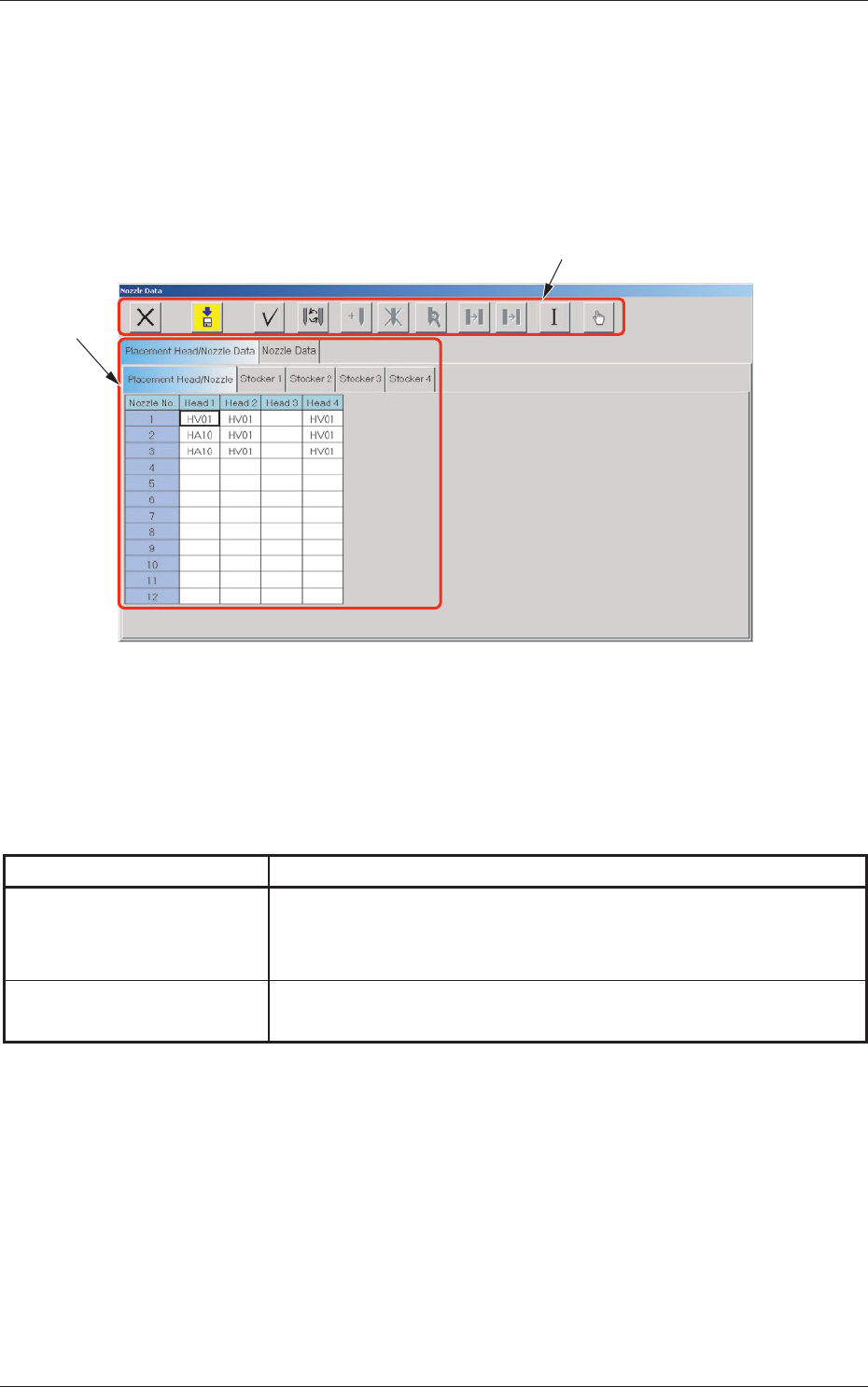
It can be specified which nozzle types are allocated for each nozzle stocker.
The nozzle data can also be set.
When the [NOZ. DATA] button on the menu bar is pressed after the [MACH
SET] button on the main menu bar is selected, the following window opens.
[1]
[2]
Fig. 3F60 "Nozzle Data" Window
[1] Tabs and Tab Sheets
The "Nozzle Data" window is provided with the following tabs. When
each tab is pressed, the corresponding tab sheet appears.
T
able 3F5
Tabs Description
Placement Head/Nozzle
Data
The corresponding tab sheet enables the operator to register the
nozzle types (Nozzle IDs) to be allocated to each individual heads and
nozzle stockers.
Nozzle Data
The corresponding tab sheet enables the operator to edit the nozzle
type data.
0606-009
3. Nozzle Data
6-71
AIVEDT-ID
[2] Icons
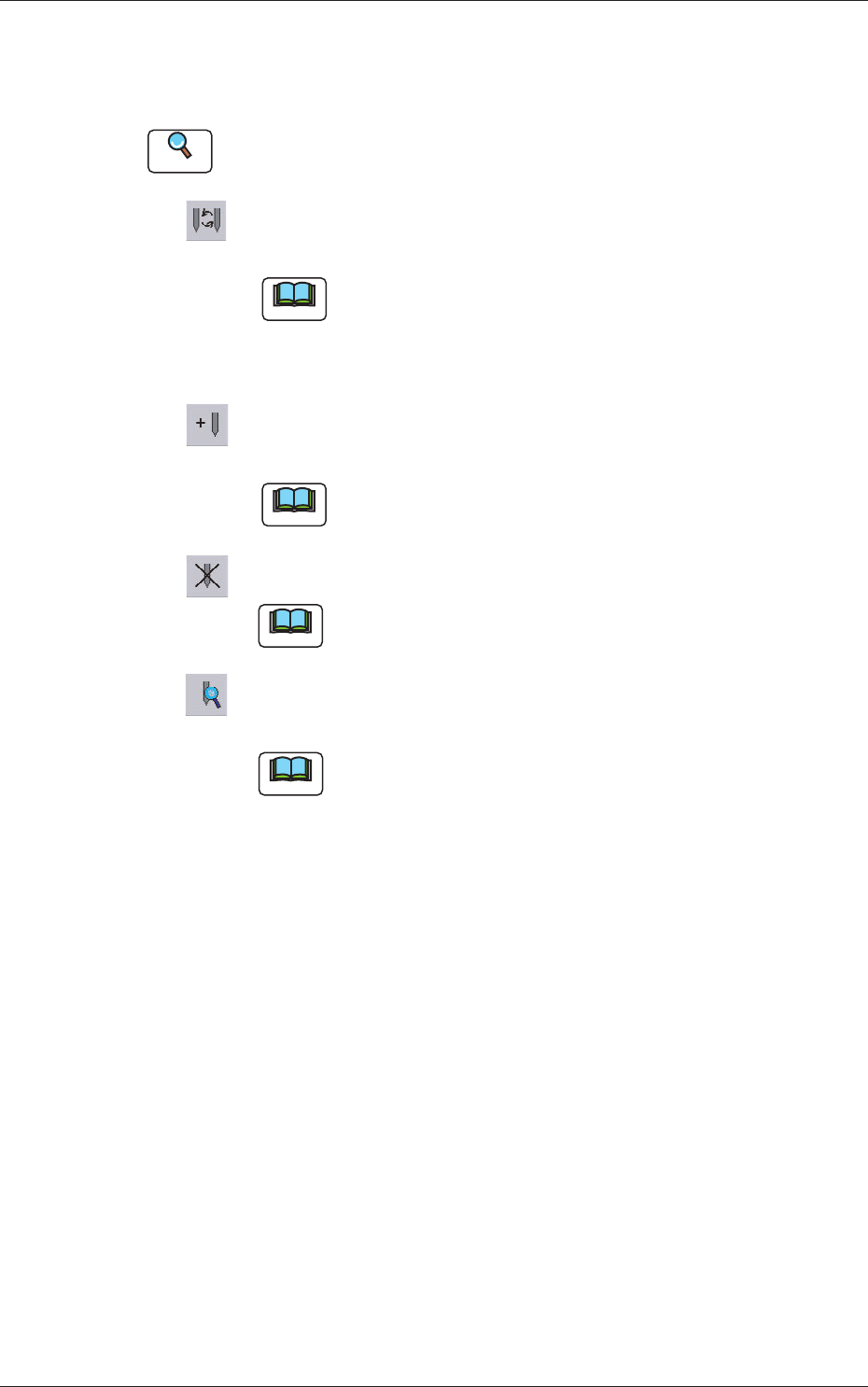
The following describes the functions of the icons that can be used only
in the "Nozzle Data" window.
Reference
Refer to "1.2 Basic Icons" in "Chapter 2" for the meaning of the basic
icons.
: When pressed, this opens the "Nozzle Type" window, enabling
you to change the nozzle types.
Note
(a) Double-clicking a text box also opens the "Nozzle
Type" window.
(b) Clicking a "Nozzle No." label (title) selects the nozzle
Nos. on all heads at a time.
: When pressed, this opens the "Nozzle Type Property"
window, enabling the operator to add a new nozzle type.
Note
This function is available only in the "Nozzle Data" tab
sheet.
:
When pressed, this deletes the selected nozzle type.
Note
This function is available only in the "Nozzle Data" tab
sheet.
: When pressed, this opens the "Nozzle Type Property" window,
enabling the operator to change the selected nozzle type.
Note
This function is available only in the "Nozzle Data" tab sheet.
0606-009
3. Nozzle Data
6-72
AIVEDT-ID
3.1 Placement Head/Nozzle Data
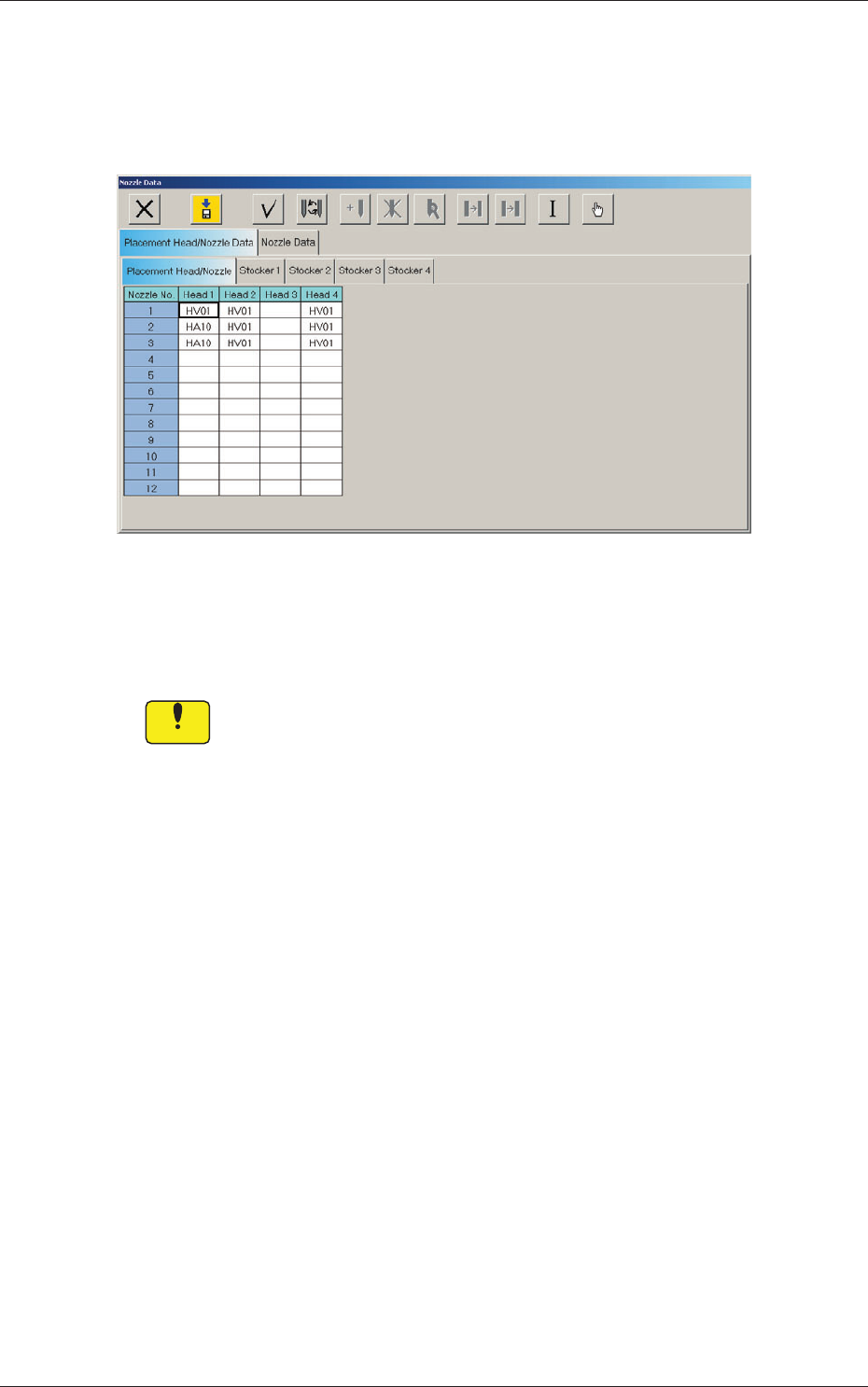
When the "Placement Head/Nozzle Data" tab is pressed in the "Nozzle Data"
window, the following tab sheet appears.
Fig. 3F61 "Placement Head/Nozzle Data" Tab Sheet
The machine performs the nozzle change operation during automatic
operation according to this placement head/nozzle data.
Notice
Be sure to enter parameters correctly.
Otherwise, the nozzles may interfere with each other.
0606-009
3.1 Placement Head/Nozzle Data