00197975-06_UM_TX-Serie_EN.pdf - 第71页
User manual SIPLACE TX-Series 2 Operational safety From software version 713.0 Edition 01/2020 2.3 Classification of camera systems 71 2.3 Classification of camera systems 2.3.1 Classification of the whole machine 2 2.3.…
2 Operational safety User manual SIPLACE TX-Series
2.2 Warning labels From software version 713.0 Edition 01/2020
70
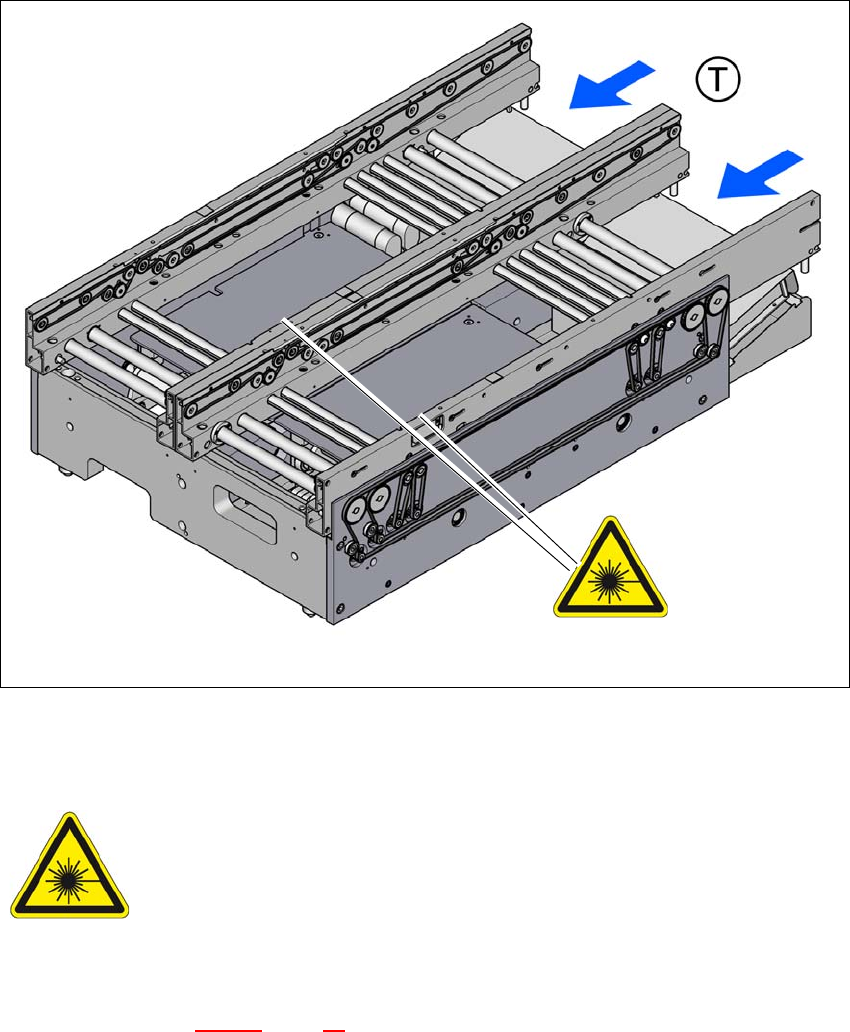
2.2.12 Warning labels on the PCB conveyor
2
Fig. 2.2 - 17 Warning labels on the PCB conveyor
W laser class 2 on the conveyor side for the laser light barriers
2
W laser class 2 in fig. 2.2 - 17, page 70, item no. 03155348-01 (quantity on PCB conveyor: 2)
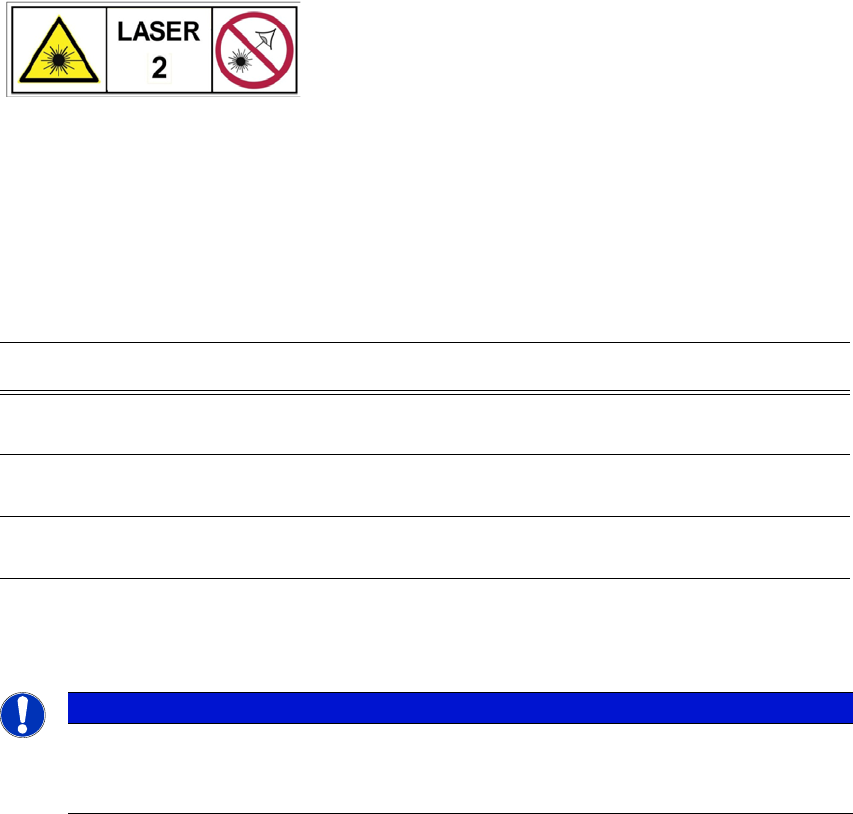
W laser class 2
2
LASER RADIATION
Laser class 2
Acc. to IEC 60825-1:2014
Do not look into beam!
User manual SIPLACE TX-Series 2 Operational safety
From software version 713.0 Edition 01/2020 2.3 Classification of camera systems
71
2.3 Classification of camera systems
2.3.1 Classification of the whole machine
2
2.3.1.1 Laser classification
The following modules are assigned to laser class 2:
2
2.3.2 Classification of the camera systems
2
The operational machine as a whole is classified as laser class 2.
The laser classes are determined according to IEC 60825-1:2014.
Assembly Data
Component sensor on SpeedStar Maximum optical output power: < 1 mW
Wavelength: 635 nm
Component sensor on MultiStar Maximum optical output power: < 1 mW
Wavelength: 635 nm
Laser light barrier on PCB conveyor Maximum optical output power: < 1 mW
Wavelength: 650 nm
PLEASE NOTE
The camera illumination system used has bright LEDs fitted. These are classified as risk
group 1, according to IEC 62741:2006.
Do not look into beam!
2 Operational safety User manual SIPLACE TX-Series
2.4 Safety instructions for operation From software version 713.0 Edition 01/2020
72
2.4 Safety instructions for operation
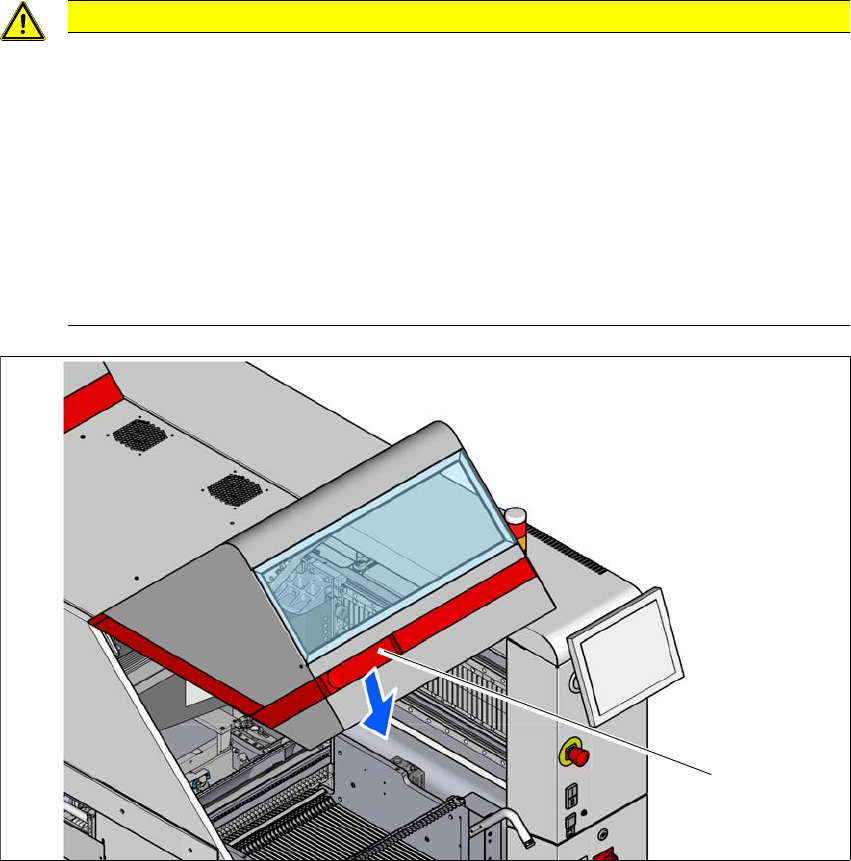
2.4.1 Safety instructions for closing the protective covers
The protective covers can be opened upwards in two positions (45° or 60°). To avoid risk of injury
when closing the protective covers on the placement machine, the operator must instruct the per-
sonnel concerned to always follow the instructions below when handling the protective covers.
2
2
Fig. 2.4 - 1 Safety instructions for closing the protective covers
(1) Handle
CAUTION
Risk of crushing hands!
Risk of crushing hands if the protective covers are not closed correctly.
Close the protective covers in accordance with the following instructions.
To open or close the protective covers, always take hold of these by the grab
handles (1).
When closing, do not reach into the gap between the protective cover and the
machine panel.
When closing the protective cover, make sure that the area in which it is swiv-
eled is free of obstruction and that no other people are at risk of injury.
(1)