00198375-02_UM_OnBoardPCB-Inspection-R18-1_DE_EN.pdf - 第39页
1 Introduction User Manual / Bedienungsanleitung Onboard PCB Inspection 06/2018 39 1 Introduction This manual describes the concept and use of OnBoard PCB Inspection. It is designed to familiar- ize you with the OnBoar…

1 Introduction
User Manual / Bedienungsanleitung Onboard PCB Inspection 06/2018 39
1 Introduction
This manual describes the concept and use of OnBoard PCB Inspection. It is designed to familiar-
ize you with the OnBoard PCB Inspection tool and guide you through the individual processes.
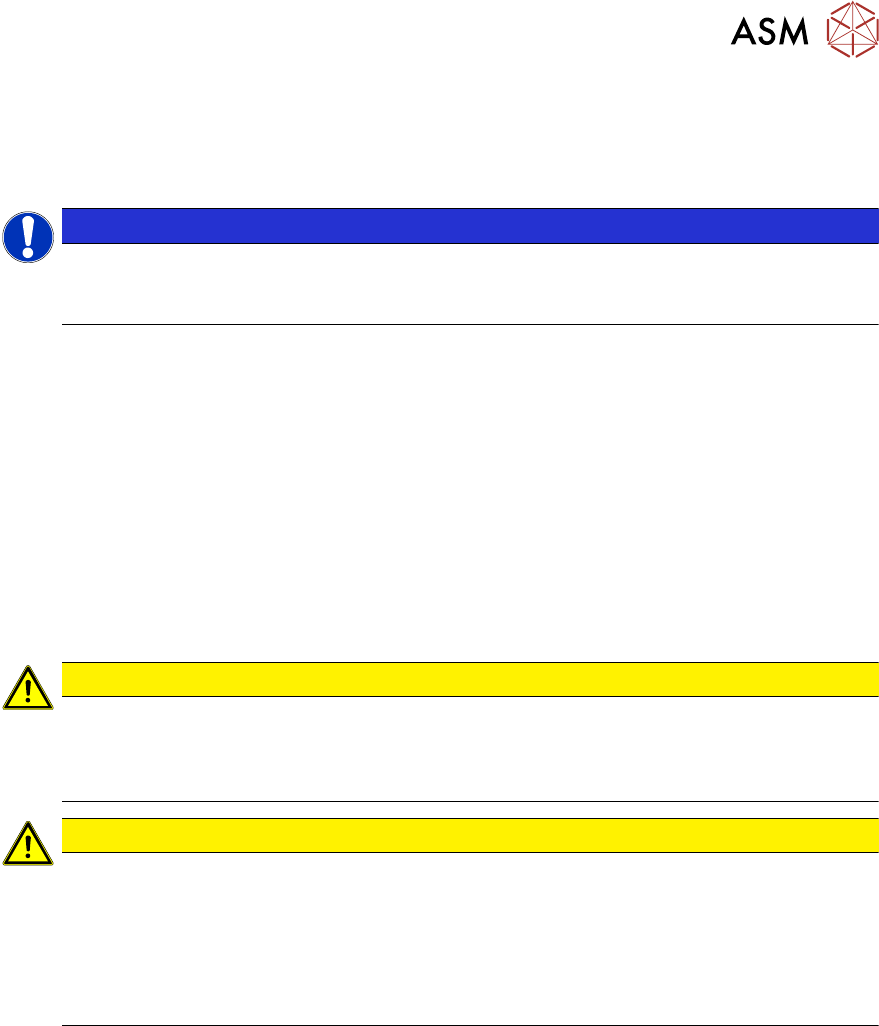
NOTICE
Station software online help and SIPLACE Vision.
Details about the individual views, their respective functions and parameters can be found
in the station software online help for SIPLACE Vision.
The contents of this manual address the following user groups:
●
Operator
The operator has completed appropriate training and is authorized to carry out tasks on the
machine and line, such as the configuration and refilling of components, setup verification and
production preparation in the pre-setup area.
●
The line engineer
The line engineer has completed special training and is authorized to carry out tasks, such as
the creation of setup configurations and definition of inspection parameters etc.
●
The service engineer
Persons of this class have been trained to carry out servicing work, to set up machines and to
change the setup of machines.
CAUTION
Trained and qualified personnel
Only people with the appropriate training for the specific software part may carry out tasks
on the machine. All tasks must be carried out by trained and qualified personnel. All warn-
ing, caution and danger notes MUST be observed!
CAUTION
Contents of this software guide
We would like to draw your attention to the fact that the contents of this software guide are
not part of a previous or existing agreement, commitment or legal contract, neither is this in-
tended to modify one of the above. All obligations of ASM Assembly Systems GmbH & Co.
KG may be taken from the appropriate sales contract, which also contains a complete and
valid warranty agreement. These contractual statements are neither extended nor restricted
by this software guide.
1 Introduction
1.1 General
40 User Manual / Bedienungsanleitung Onboard PCB Inspection 06/2018
1.1 General
1.1.1 Symbols / Notes
Different symbols and notes have been used to make it easier to read and understand this docu-
ment.
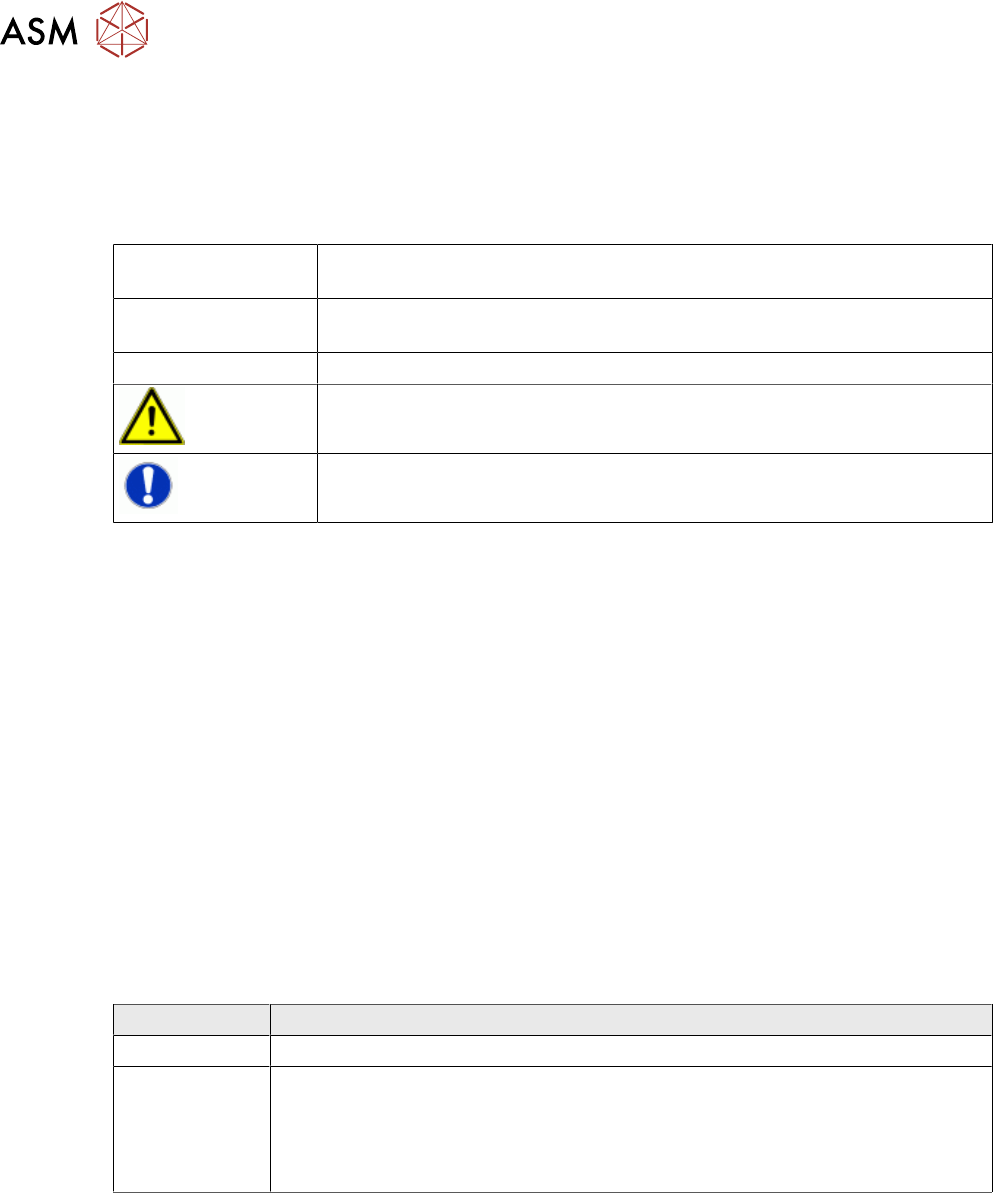
Words in bold/italic
print
These refer to dialogs, dialog fields, menu items, and commands.
Step ... Includes all actions to do with a particular dialog. A dialog may be com-
posed of several actions (→).
► Requires an action (e.g. mouse click, open file)
Indicates a warning. The information is essential for successful working.
Explanatory information.
1.1.2 ASM on the World Wide Web
Log in to our homepage at http://www.asm-smt.com.
► You can choose between the German and English versions.
The different sections contain information about our products, services and contact persons.
In addition, registered customers can also access the SIPLACE User Group. Here you can call up
special information about our placement systems, e.g.
●
Technical documentation,
●
Technical information,
●
spare parts lists etc.
Registration for the user group is very simple:
► Click the Register link.
► Fill in the registration form and send it off to us.
Soon afterwards, you will receive your access authorization with USER ID and password.
1.1.3 Release History
Edition Changes
09/2017 First edition
06/2018
●
Formal adjustments
●
Improvements and supplements
●
System requirements
●
New teaching views and parameters