User-Manual-NeoDen9-PNP-machine.pdf - 第11页
11 Zhejiang Neoden T echnol ogy Co., Ltd 2.PCB Editing On the file list p age, select an existin g file for editing or add a ne w file and name it, select the file for editing, and ente r the editing interfa ce: File lis…
10
Zhejiang Neoden Technology Co., Ltd
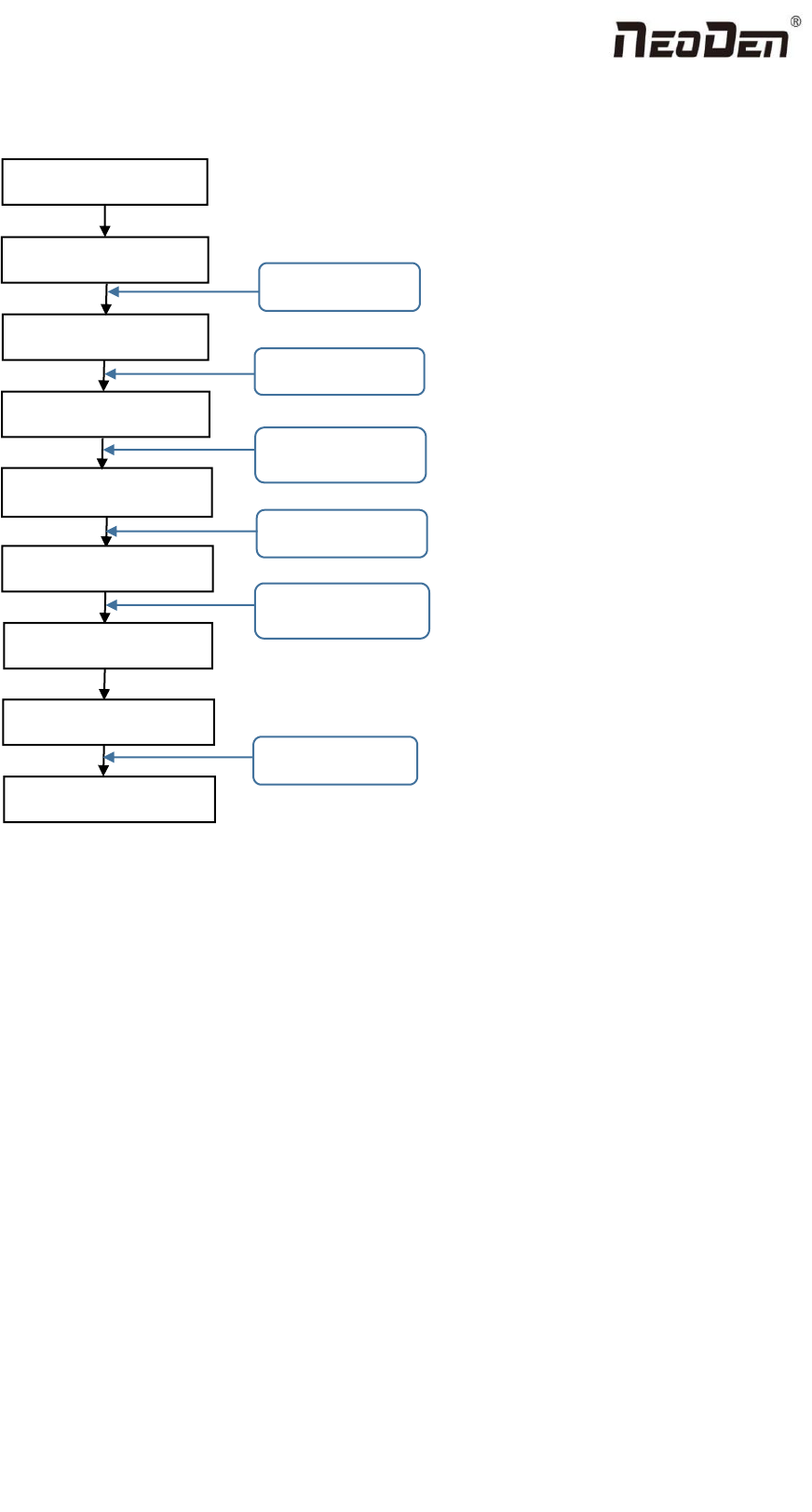
1.6 Flow chart of making a programming file
Note:
A. The basic procedure of making a programming file by manual programming or import coordinate file is similar, but
there are two different parts: component list and fiducial setting.
B. Please find the detailed operation steps of the differences on relative page.
Start
Edit the file
Save and return
PCB feed setting
Feeder settings
Fiducial setting
Penalized PCB first chip
Component setup
See P 12
See P 31
Select file and start
第 14 页
See P 14
See P 19
See P 19
See P 26
11
Zhejiang Neoden Technology Co., Ltd
2.PCB Editing
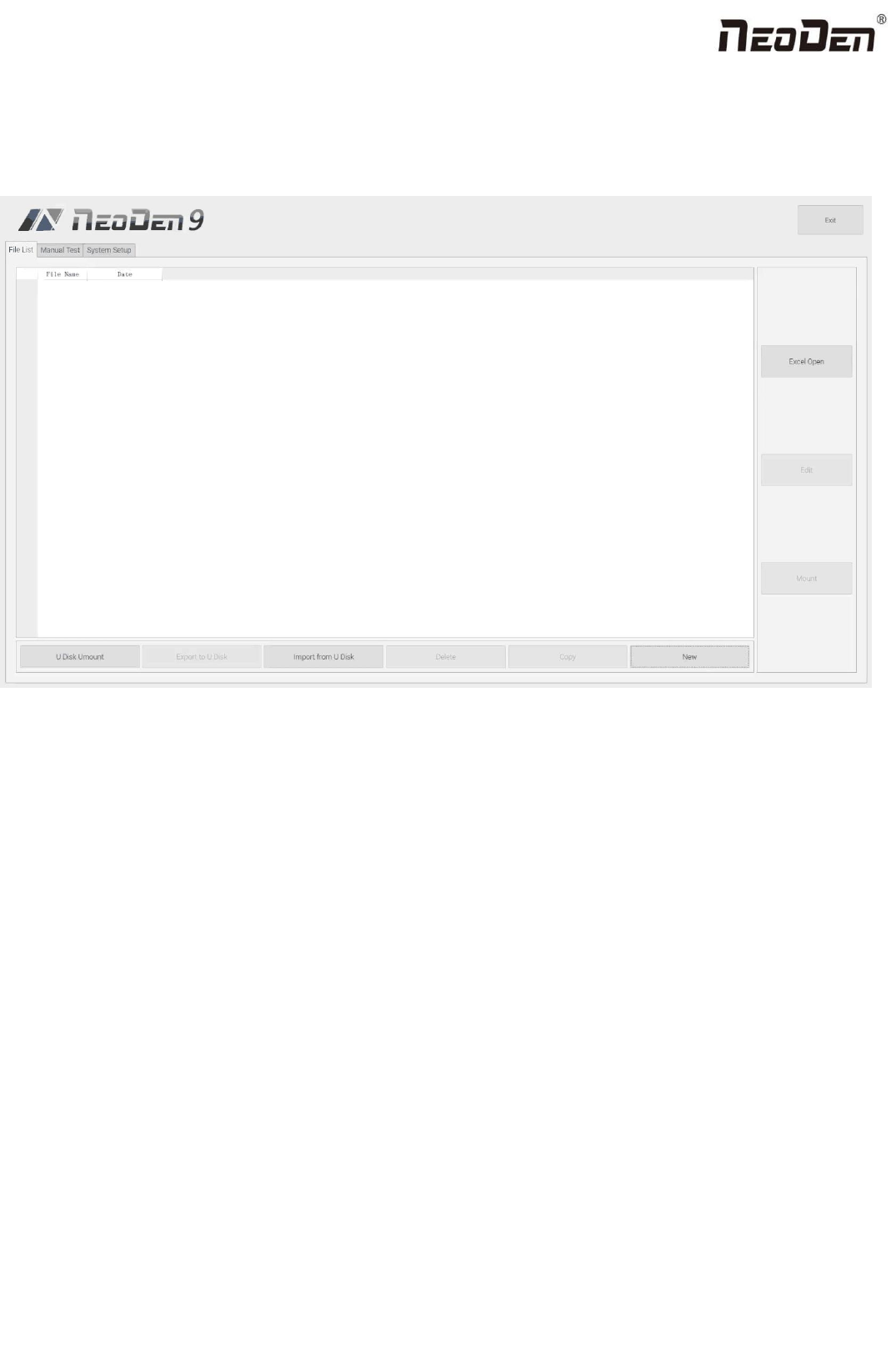
On the file list page, select an existing file for editing or add a new file and name it, select the file for editing, and enter the
editing interface:
File list introduction:
(1) Excel Open:The Excel table of the file can be modified directly in the table for some routine operations,
simplifying the programming operation.
(2) Edit: select a file and click Edit to enter the corresponding editing interface.
(3) Processing: after editing the file, after checking the correctness, select the file and click processing to mount.
(4) Export file: After connecting an U disk, select the file and click Export, after the successful notice pops up, the
export is finished.
(5) Import from U disk: for the files that have been edited offline, they can be directly imported from U disk for
mounting. After connecting U disk, click Import from U disk, select the corresponding files in the new window, and
click OK. When the imported files are showed in the file list, the operation is finished.
(6) Delete: select the corresponding file, click delete, a prompt window will pop up, and click Yes.
(7) Copy: select the corresponding file, click Copy, and the file list will generate a file of xxxcopy1. In order to
prevent misoperation, a new file can be copied before operation.
(8) Add a new file: click Add to open the input window, input the file name, and click OK. At this time, when the file
12
Zhejiang Neoden Technology Co., Ltd
list interface displays new files, the operation is successful.
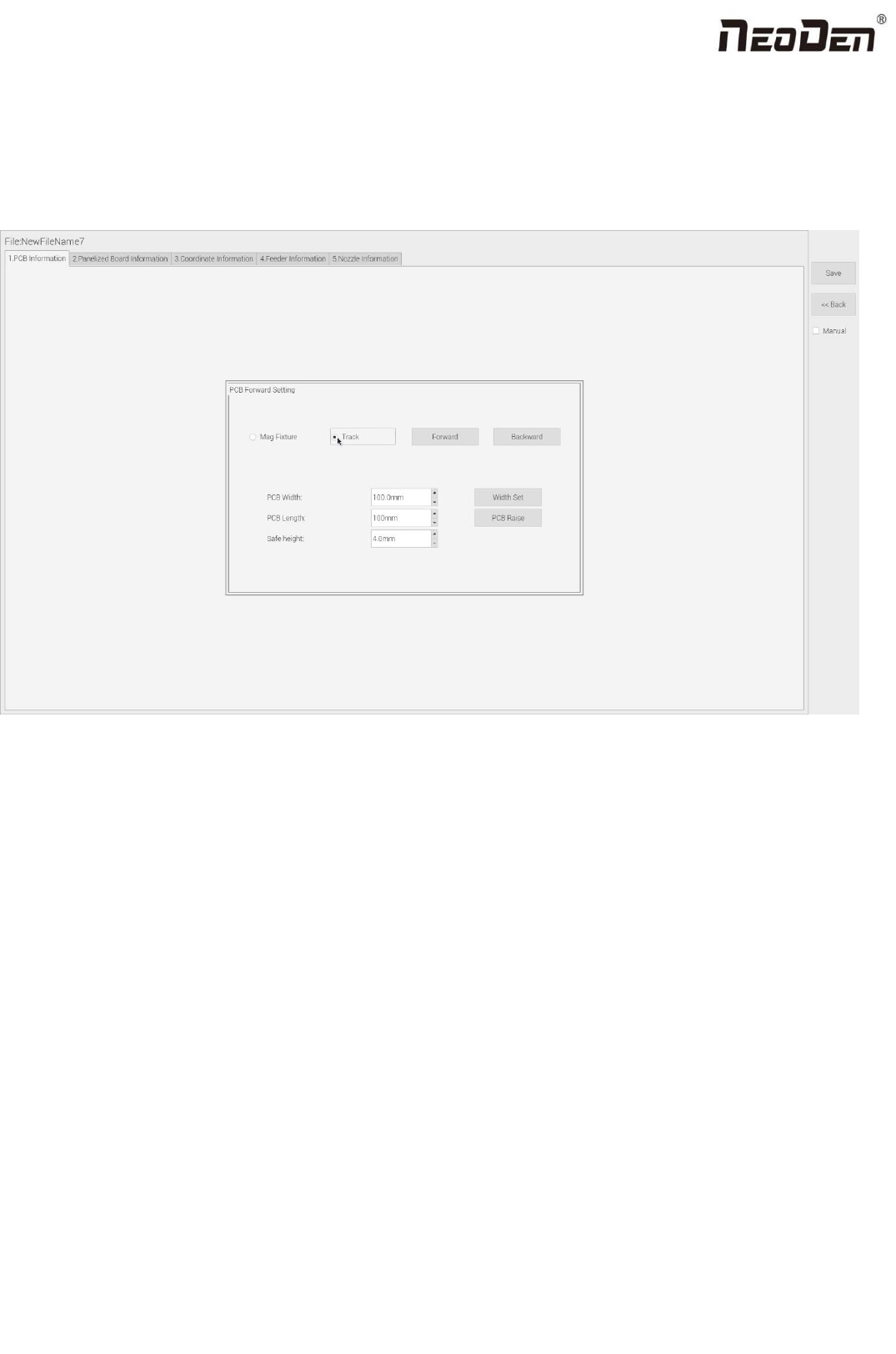
2.1 PCB information
In manual programming, this item is the primary editing item, as shown in the figure:
2.1.1 PCB Forward Setting
Mag Fixture
Select ”Mag Fixture” mode, click “Forward” to feed PCB into the mounting position.
Track
Select “Track” mode, put PCB at the track entrance position and click “Forward”, it will be fed into the stop pin position
(this position can be adjusted manually). Once pcb was stopped, the cylinder will raise pcb and pin return back.
2.1.2 Backward
Click “Backward”, cylinder will descend and pcb be transit to the end of track, it will stop above the sensor position. If
there’s SMT conveyor connected and release signal to pnp machine, pcb will be automatically transit into SMT conveyor.