TRS Advanced WB Intel Issue 02.pdf - 第105页
Issue 2, Nov 14 TRS Advanced Maintenance 105 Objective 35: Calibrate Squeegee Pressure 1. If necessary, fully initialise the printer using the BLUE Button. 2. Enter MAINTENANCE / CALIBRATIONS and select PRESSURE. 3. Sele…

TRS Advanced Maintenance
104
Issue 2, Nov 14
Objective 34: Calibrate Rail Width using Technical Reference Manual.
Issue 2, Nov 14
TRS Advanced Maintenance
105
Objective 35: Calibrate Squeegee Pressure
1. If necessary, fully initialise the printer using the BLUE
Button.
2. Enter MAINTENANCE / CALIBRATIONS and select
PRESSURE.
3. Select CALIBRATE READINGS
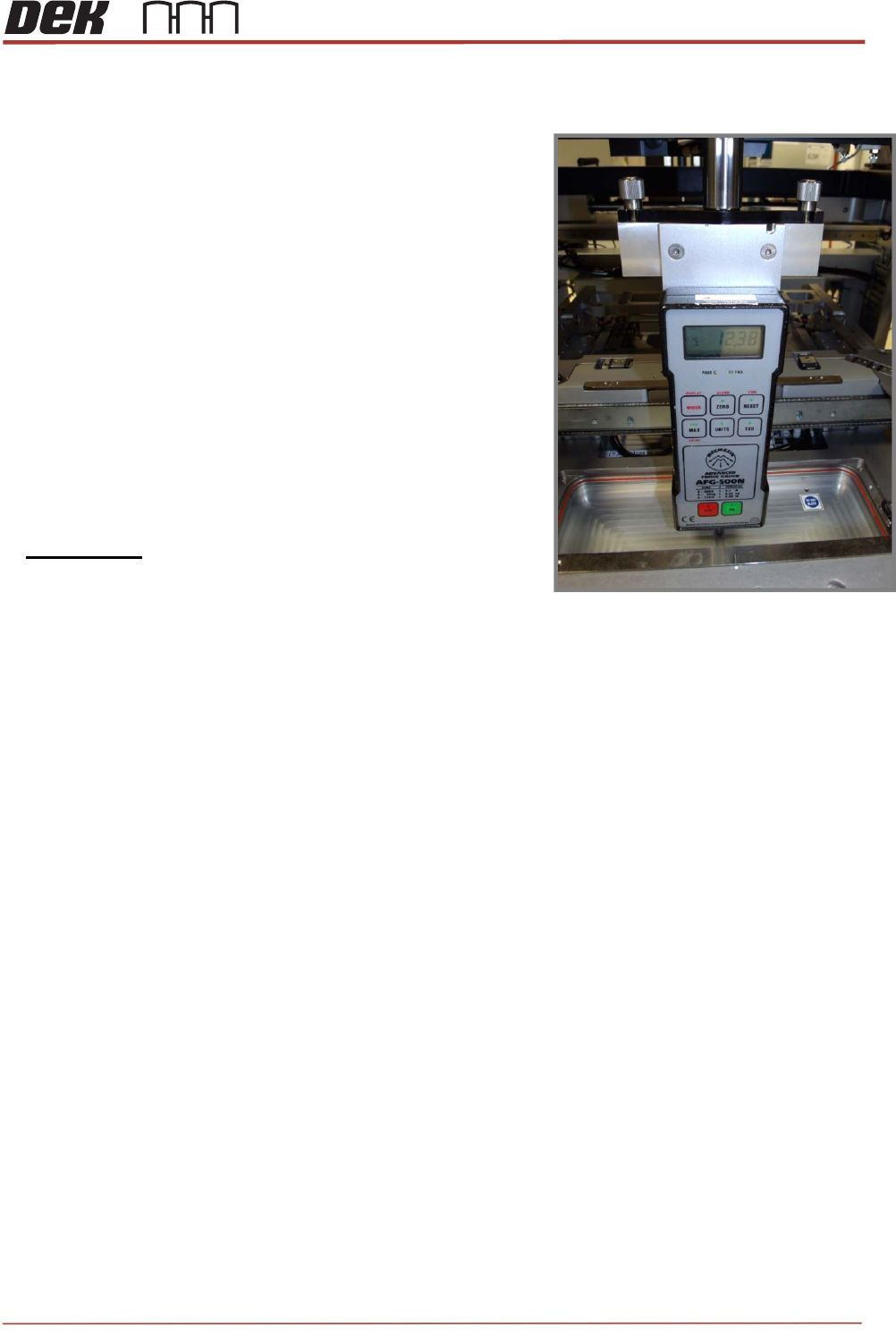
4. Fit the ‘Squeegee Pressure Rig’ as shown.
NOTE: The pressure calibration feature is machined into
the vacuum pocket of the MEK Base.
5. Follow the standard Calibration Procedure
6. i.e. Use JOG RIG to adjust & obtain a reading of
10kg +/- 0.1 on the Force Meter.
7. Select SET CALIBRATION to save.
8. Remove the Squeegee Pressure Rig.
TRS Advanced Maintenance
106
Issue 2, Nov 14
Objective 36: Calibrate Vision and Offset
Carry out the following Vision Calibration procedure:
- Clean the SPC Board (212277), vision alignment plate (212808) and calibration board
(187128) with isopropyl prior to use.
- Load the CALIBRA_TRS product file.
- Enter Setup Product / Tooling / Setup Tooling page.
- Select Transport Height
- Select Extend Board Stop
- Check that Board / Rail Width is set to 170mm.
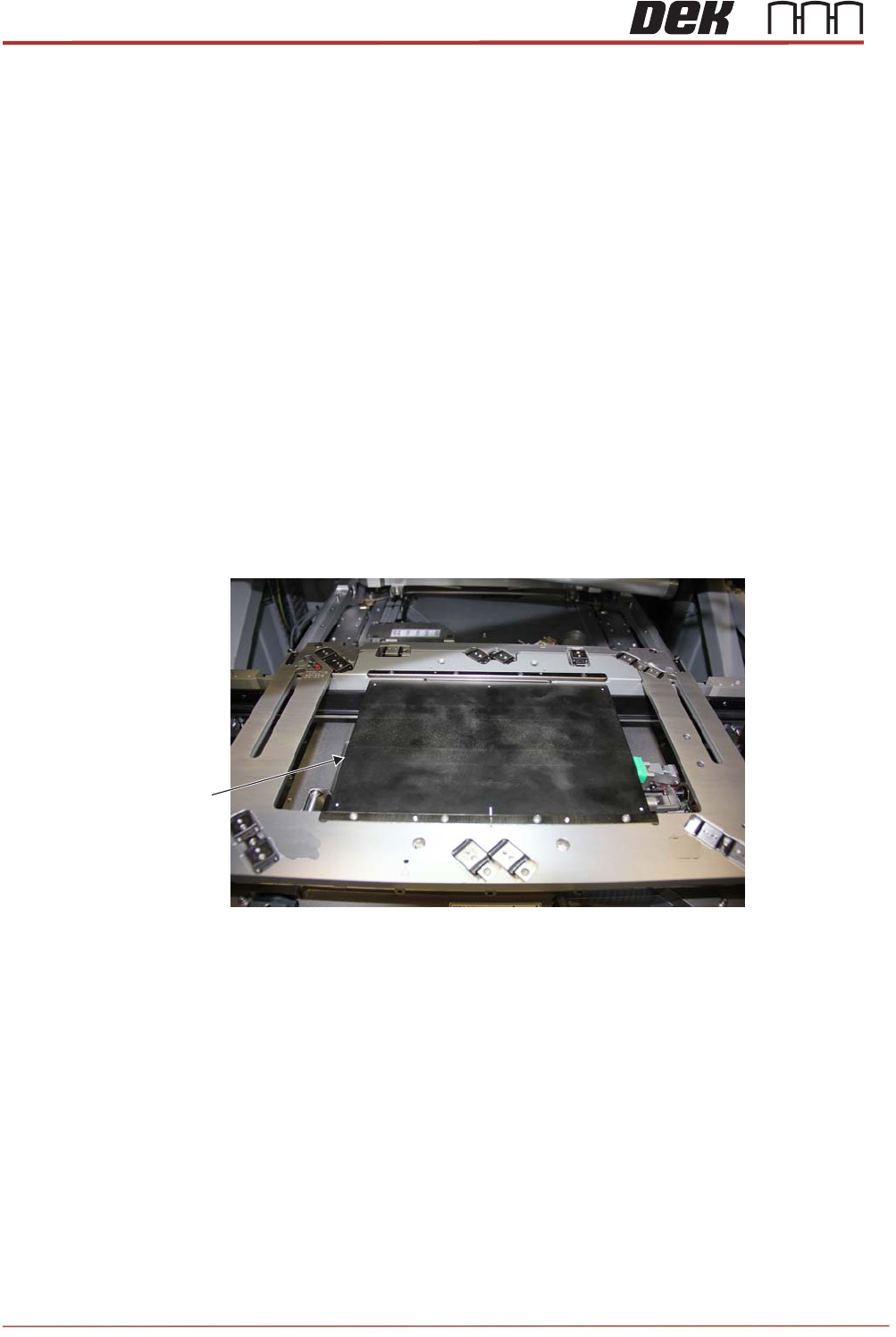
- Manually adjust the board stop using the SPC board (212277).
- Align the bearings in the rail cap with the marks engraved adjacent to their slots.
SPC Board
(212277)
View on Rail Cap and SPC Board