AOI_RS_v85_en.pdf - 第21页
Chapter 1 Installation Pr ocess AOI Repair Station 17 k. Select [for every socket], and enter the number of devices of each socket. And continue.
Chapter 1 Installation Process
AOI Repair Station
16
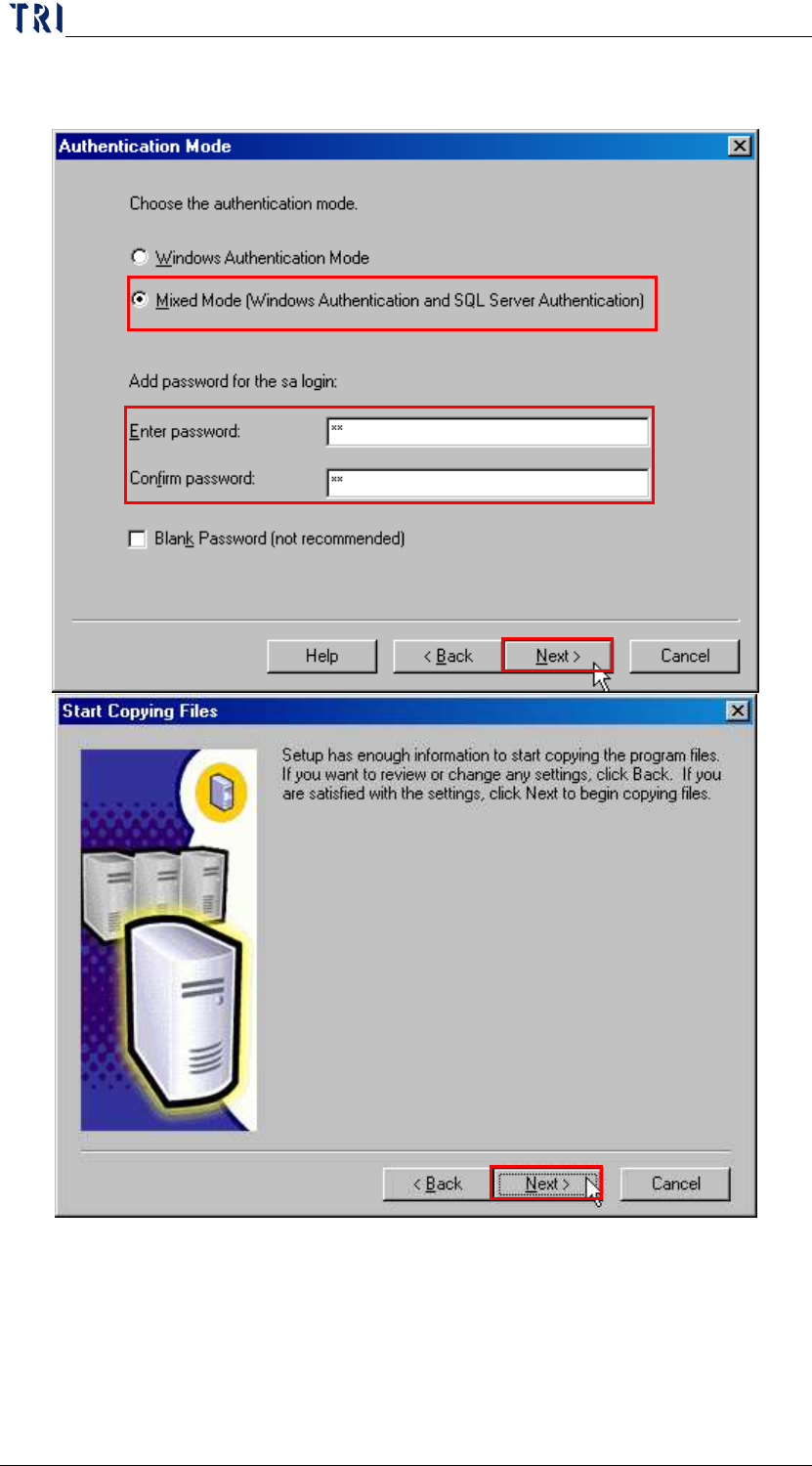
j. Select [Mixed Mode], and enter [sa] for the password of [sa]
system manager, then confirms the password again.
Chapter 1 Installation Process
AOI Repair Station
17
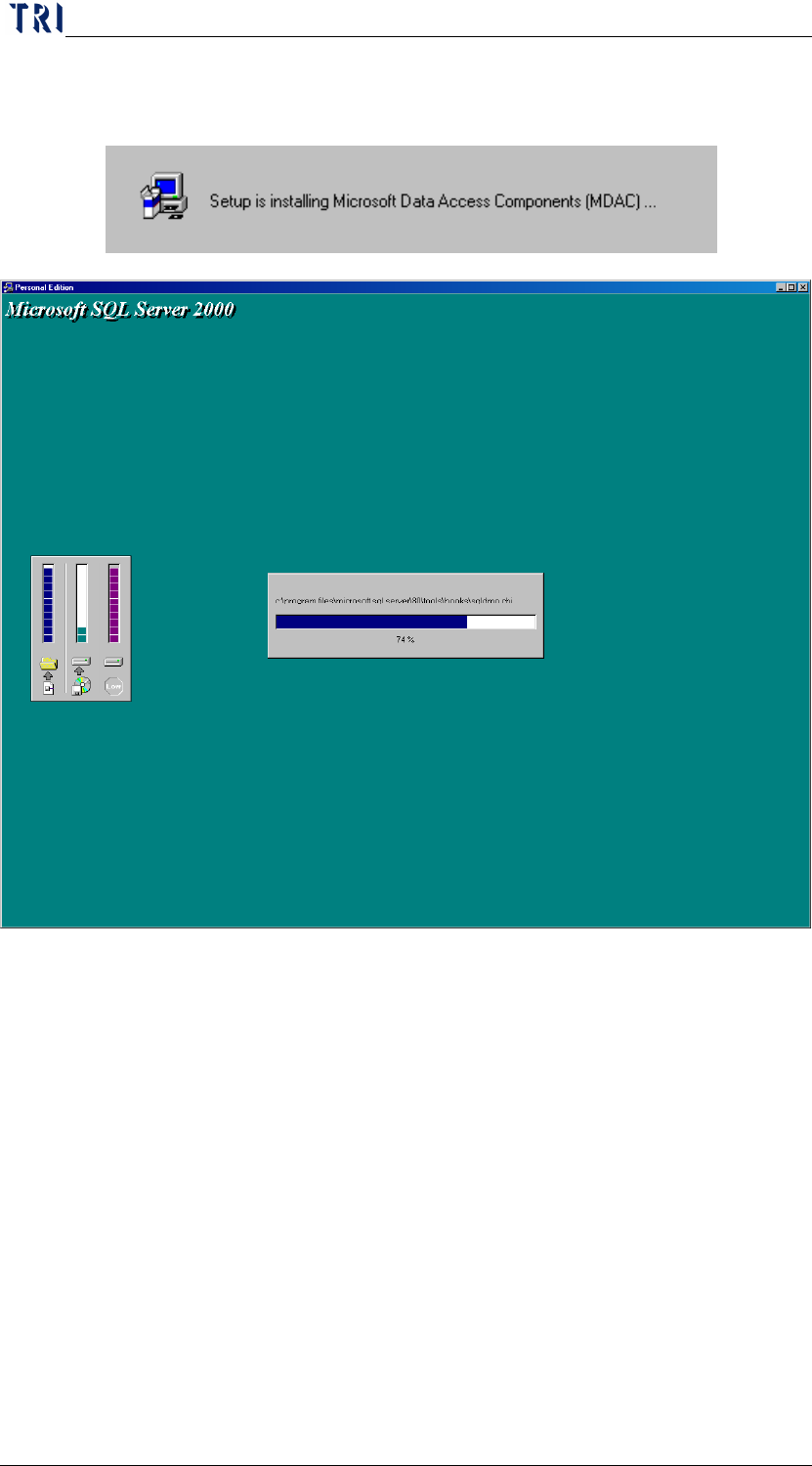
k. Select [for every socket], and enter the number of devices of
each socket. And continue.
Chapter 1 Installation Process
AOI Repair Station
18
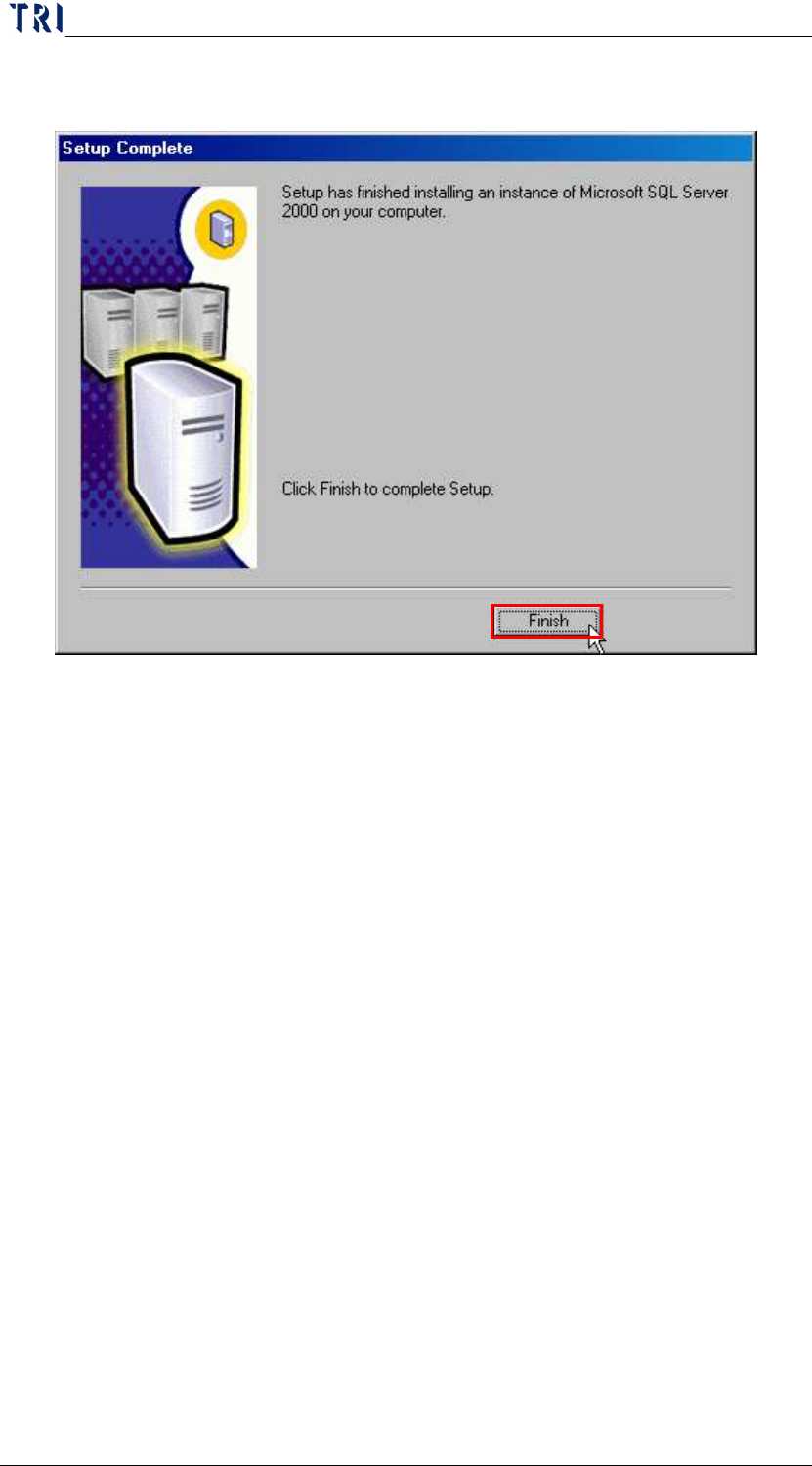
l. The installation of SQL 2000 is successful when the following
image appears.
Step2. Run [C:\rsinstall\sql2ksp3\setup.bat] (or run SQL SERVER PACK3
CD).