00197500-01_IM_Material Manager_1.0_DE_EN.pdf - 第28页
Installing the MaterialManager 28 Installation Manual Material Manager V1.0 Installation successfully finished After the Material Manager has b een successfully installed, the dialog box to finis h the installation prog…
Installing the MaterialManager
Installation Manual Material Manager V1.0 27
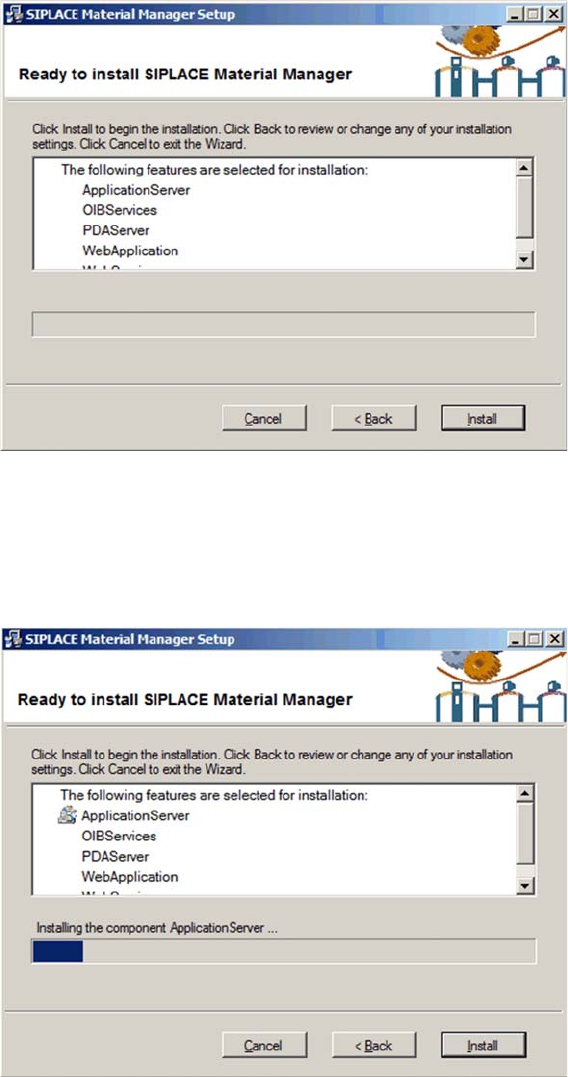
Displaying settings
The settings you have made are displayed for checking.
► Click on Back to correct your settings.
► Click on Install to perform the installation with your settings.
► Click on Cancel to cancel the installation.
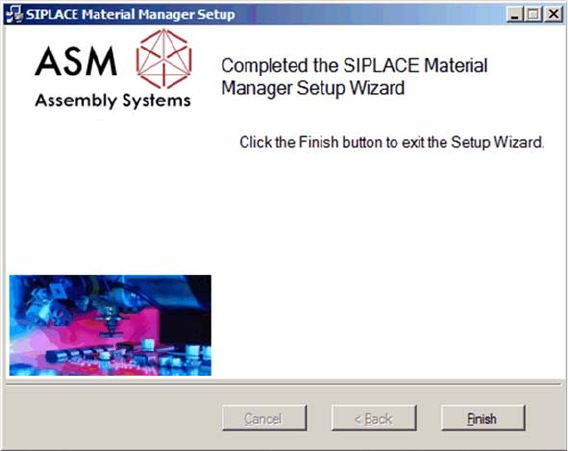
Installing components
The installation runs and a progress bar displays the current installation state.
Installing the MaterialManager
28 Installation Manual Material Manager V1.0
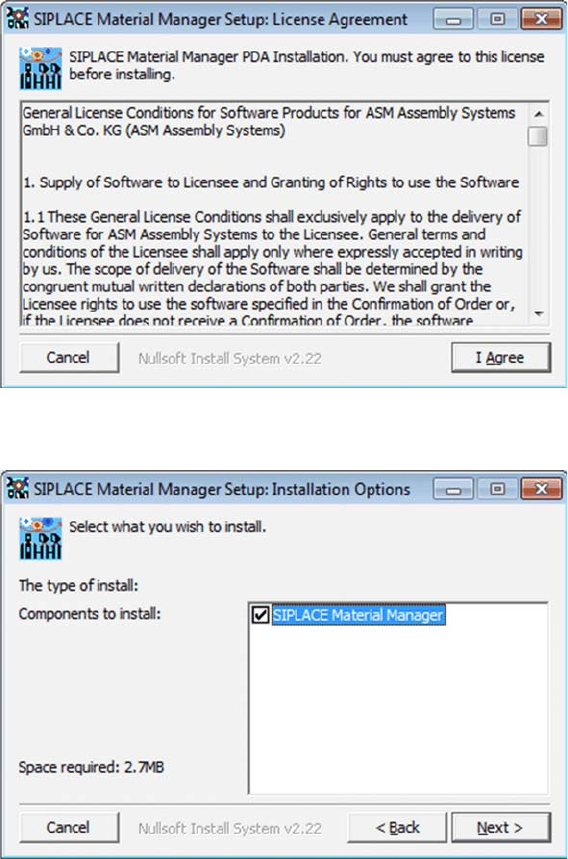
Installation successfully finished
After the Material Manager has been successfully installed, the dialog box to finish the installation
program is displayed.
► Click on Finish to terminate the installation program.
Setting Up a PC for the PDA and the 2D Scanner
Installing the PDA Client
Installation Manual Material Manager V1.0 29
4
4 Setting Up a PC for the PDA and the 2D Scanner
Setting Up a PC for the PDA and the 2D Scanner
An additional PC is required to install the software, configure and administer the PDA and the 2D
scanner. This PC should not be the server on which the Material Manager is installed.
Prepare the PC with the Support Media DVD as follows:
► Install the Mobile Scanner Prerequisites for the PDA and follow the instructions of Support Media.
► Install the ALADDIN software for the 2D scanner by double-clicking on the
*.exe
setup file in the
UPDATES\FIRMWARE\DATALOGIC ALADDIN folder and follow the instructions of Support Media.
4.1
4.1 Installing the PDA Client
Installing the PDA Client
► Insert the installation CD into the CD drive of the PC.
► Click on the /Install/PDA-Client/SiMMSetup.exe file to start the installation.
The dialog box with the license agreements is displayed.
► Click on I Agree.
The dialog box to set the installation options is displayed.
► Click on Next.