P-TOOL说明书.pdf - 第64页
2-30 2 Board Explorer 4.2.2 T ype compatibility table When converting board data of a mounter to the Inspection progr am, library part name of inspector can be added to the inspection data of part placement la yout. With…
2-29
2
Board Explorer
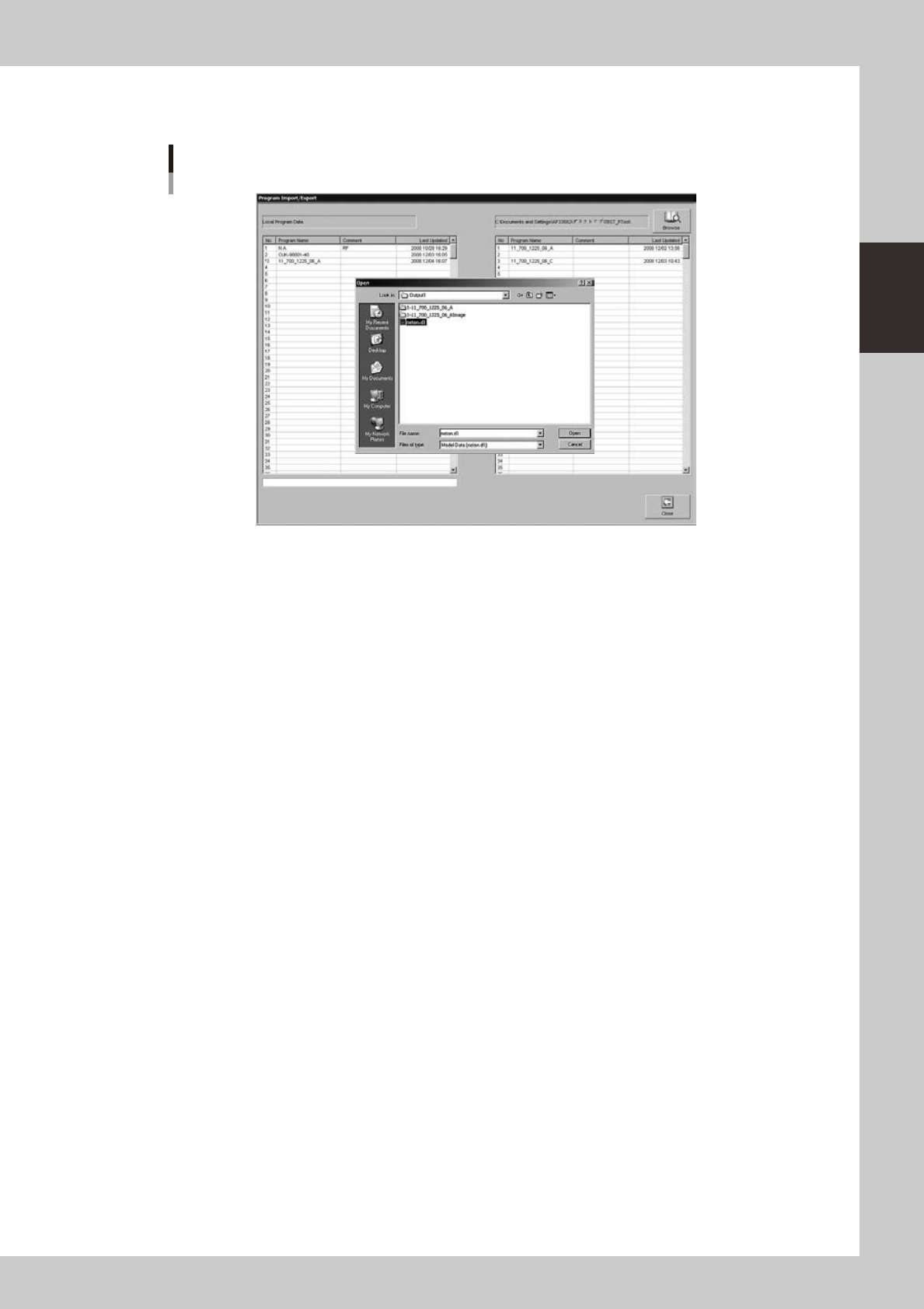
The converted Inspection program can be imported with Inspection program import/export screen of
the inspector or YViOS.
Inspector data import/export screen
642B9-S0-00
2-30
2
Board Explorer
4.2.2 Type compatibility table
When converting board data of a mounter to the Inspection program, library part name of inspector can be
added to the inspection data of part placement layout.
With this function, almost all the inspection data will be completed by importing the converted Inspection
program with the inspector unit or YViOS and then opening library with full distribution. (Some data
adjustment will be necessary.)
To use this function, it is necessary to create a correspondence table between parts name of the mounter and
library parts name of the inspector. If the correspondence table contains no data for a part, library part name
will be output as empty.
Mounter part name Library part name of inspector
AAA AAA01
BBB BBB01
CCC CCC01
: :
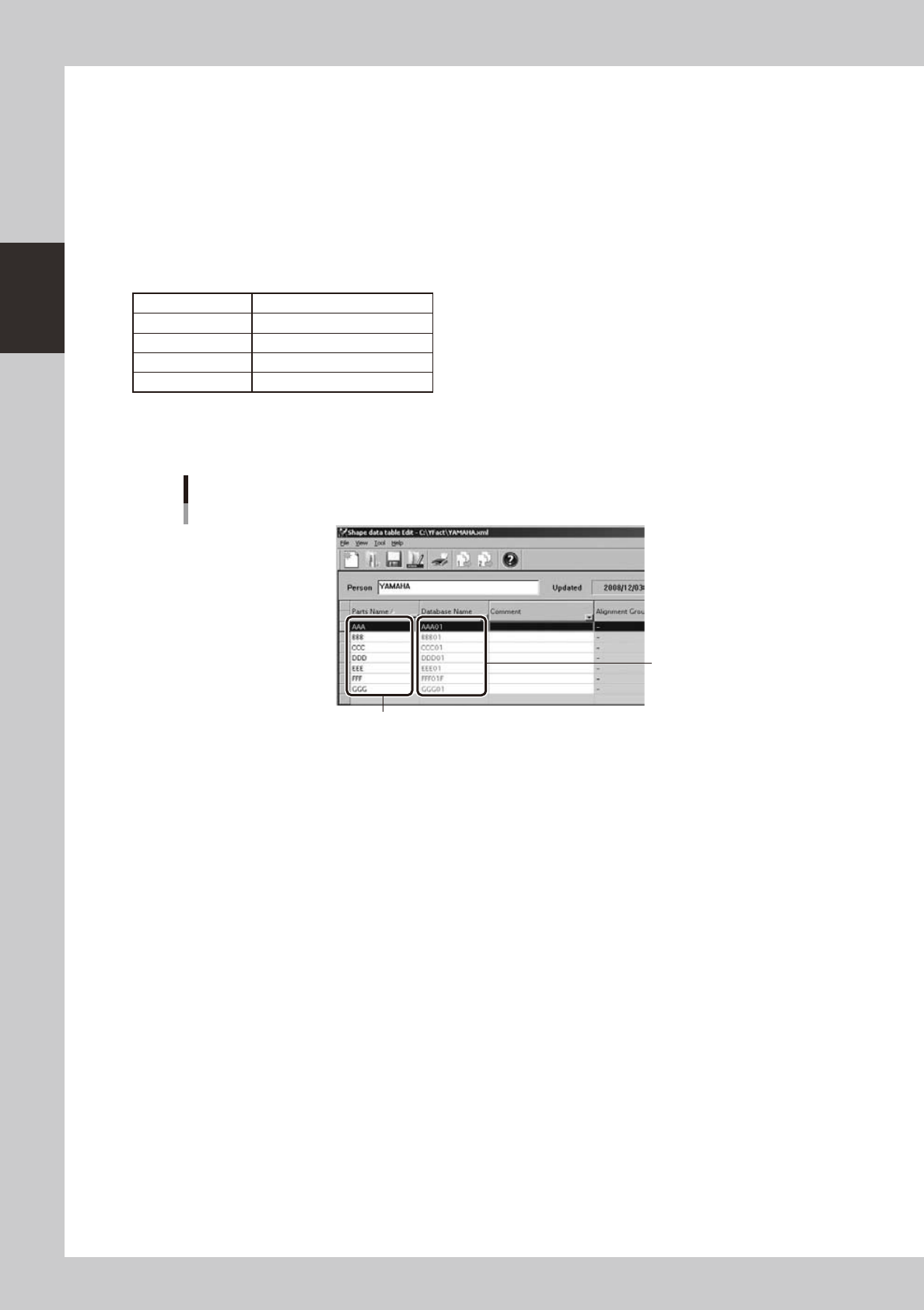
Type correspondence table can be created with type correspondence table editor. Refer to the manual of the
type correspondence table editor for instructions on how to use the tool.
Creation of type correspondence table
Input library part name for
the inspector.
Input part name for the mounter.
642C1-S0-00
2-31
2
Board Explorer
4.2.3 About “FAST”
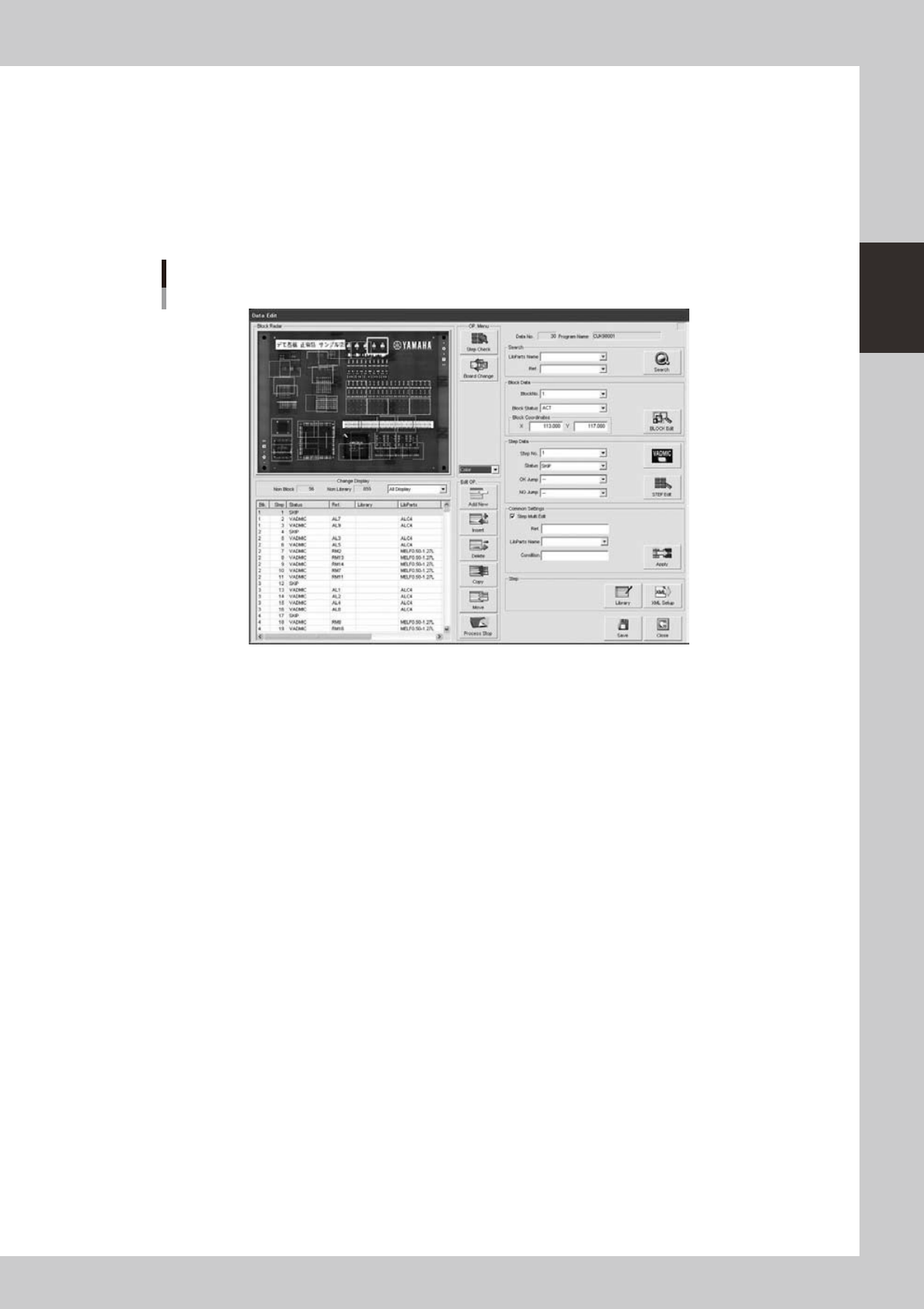
FAST conversion is another function to convert into the VADMIC steps instead of skip steps. With this function,
the converted inspection data has a default VADMIC parameter, so, only by registering the good board images,
it is possible to start simple inspection without library data.
TousetheFASTconversion,pleaseset“ON”atthe[FAST]settingwhichisdescribedin“4.2.4Howtosetup”
beforehand.ProcedureofFASTconversionisthesamewiththeusualconversionwhichisdescribedin“4.2.1
Conversion of Inspection program”.
FAST conversion
642G0-S0-00
In the FAST conversion, multiple inspection steps are set for each mount points corresponding with the parts
alignment type of the mounter board data.
Each step size is also set depending on the parts size and parts shape, and suitable default parameters are set
foreachinspectiontarget(partsbody,solderandpartsleads).So,aftertheinspectormachineortheYVi-OS
imported the inspector data, it is possible to start inspection , without library data, only by the registering the
good board image.
“What-liketheinspectionstepsareconvertedbyeachalignmenttype”isdescribedasbelow.