YS12P_YS12F_YG12F_Mainte_E.pdf - 第75页
3-23 3 Periodic maintenance items 3.3 Checking the spline shaft movement and lubricating the slide section Aftercleaningthesplineshafts,checkthesplineshaftmovementandlubricatetheslidesection. c …
3-22
3
Periodic maintenance items
3.2.2 Checking the negative pressure
Aftercleaningthesplineshafts,checkthenegativepressure(vacuumlevel)generatedineachhead.
1
After assembly, check the vacuum
levels.
1. Leave nozzles detached from the heads.
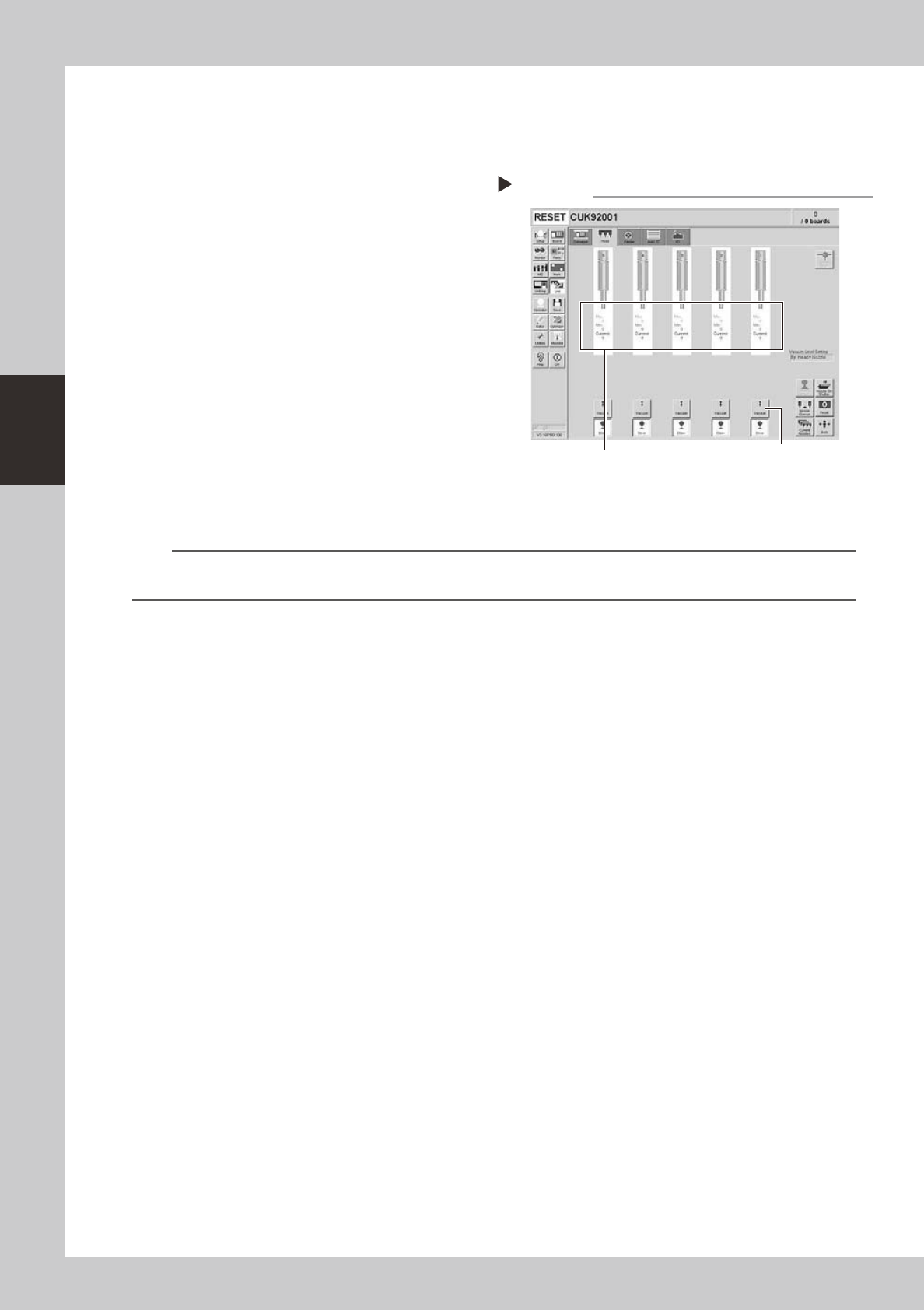
2. Open the [Unit]-[Head] tab screen and
press the [Vacuum] button to generate a
negative pressure. Read the "Max" values
shown on the screen and determine
whether the vacuum levels are
appropriate by referring to the criteria
below.
54311-L6-10
2
Reattach the nozzles.
Attach the nozzles by hand back to the
heads.
n
Vacuum level criteria in spline air path
Whennozzleisopen :70orless
Whennozzleissealed:190ormore
n
NOTE
The vacuum level in the spline shaft air path might sometimes differ slightly depending on the air source and operating
conditions. Use the above criteria for reference during maintenance.
Checking the vacuum level
Step 1
[Vacuum] buttonRead "Max" values.
3-23
3
Periodic maintenance items
3.3
Checking the spline shaft movement and lubricating the slide section
Aftercleaningthesplineshafts,checkthesplineshaftmovementandlubricatetheslidesection.
c
1
Turn off the machine power switch.
Quit the software and turn off the machine
power switch.
2
Move each spline shaft by hand to
check for abnormal movement.
Move each spline shaft up and down by
hand and make sure that all spline shafts
move smoothly without hanging up and
unusual noise.
c
If the machine is operated while movement of any
assistance.
3
Clean the outside of each spline
shaft.
Use a lint-free cleaning wiper or cotton swab
to wipe the outside of each spline shaft.
4
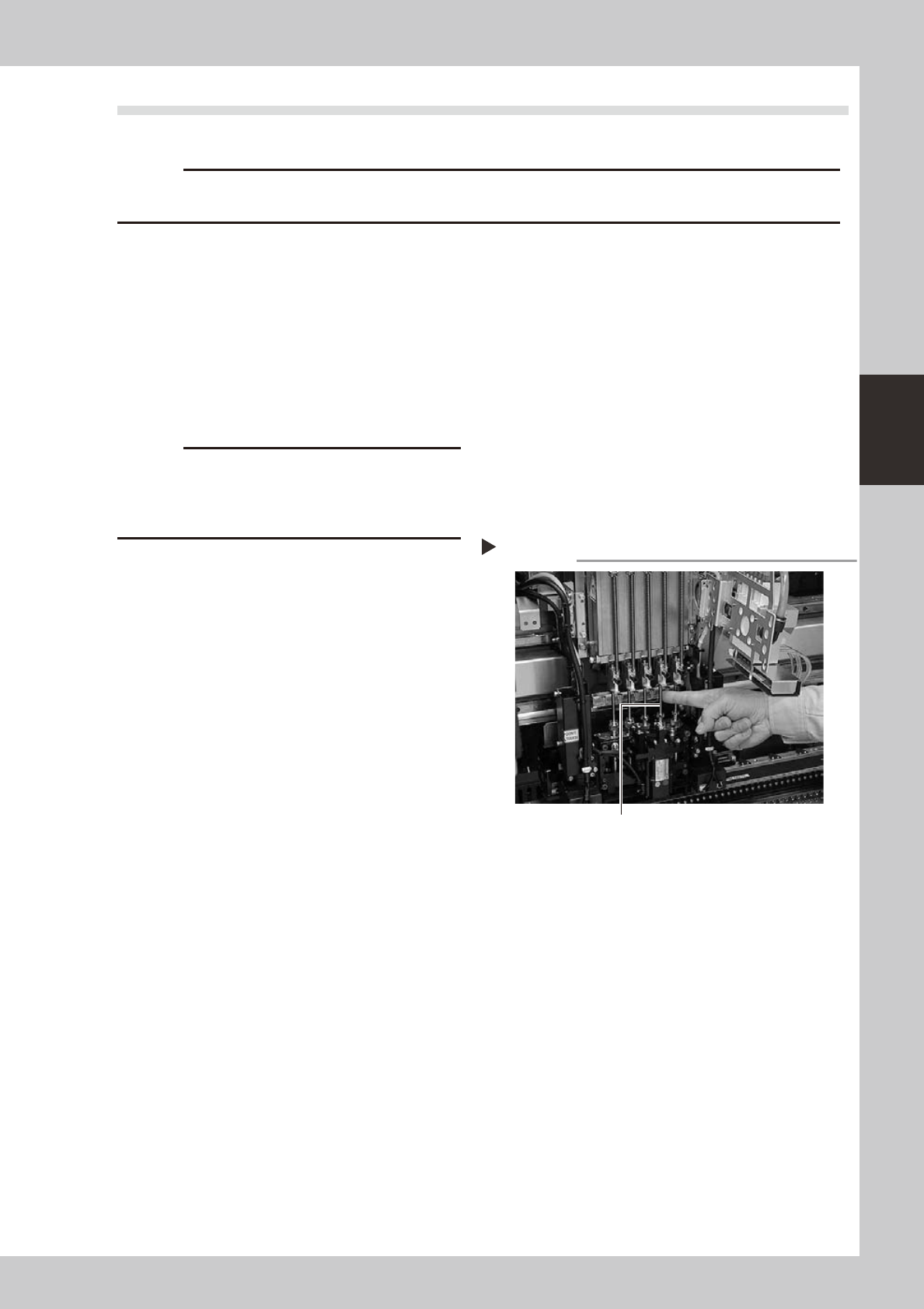
Apply grease to the outside of each
spline shaft.
Apply a thin, uniform coat of grease by hand
to the outside of each spline shaft.
53335-L6-00
5
Wipe away excess grease.
Move each spline shaft by hand several
times and wipe away excess grease.
Applying grease to spline shaft
Step 4
Z-axis spline shaft
3-24
3
Periodic maintenance items
3.4 Checking the SC-axis flex cable (YS12P)
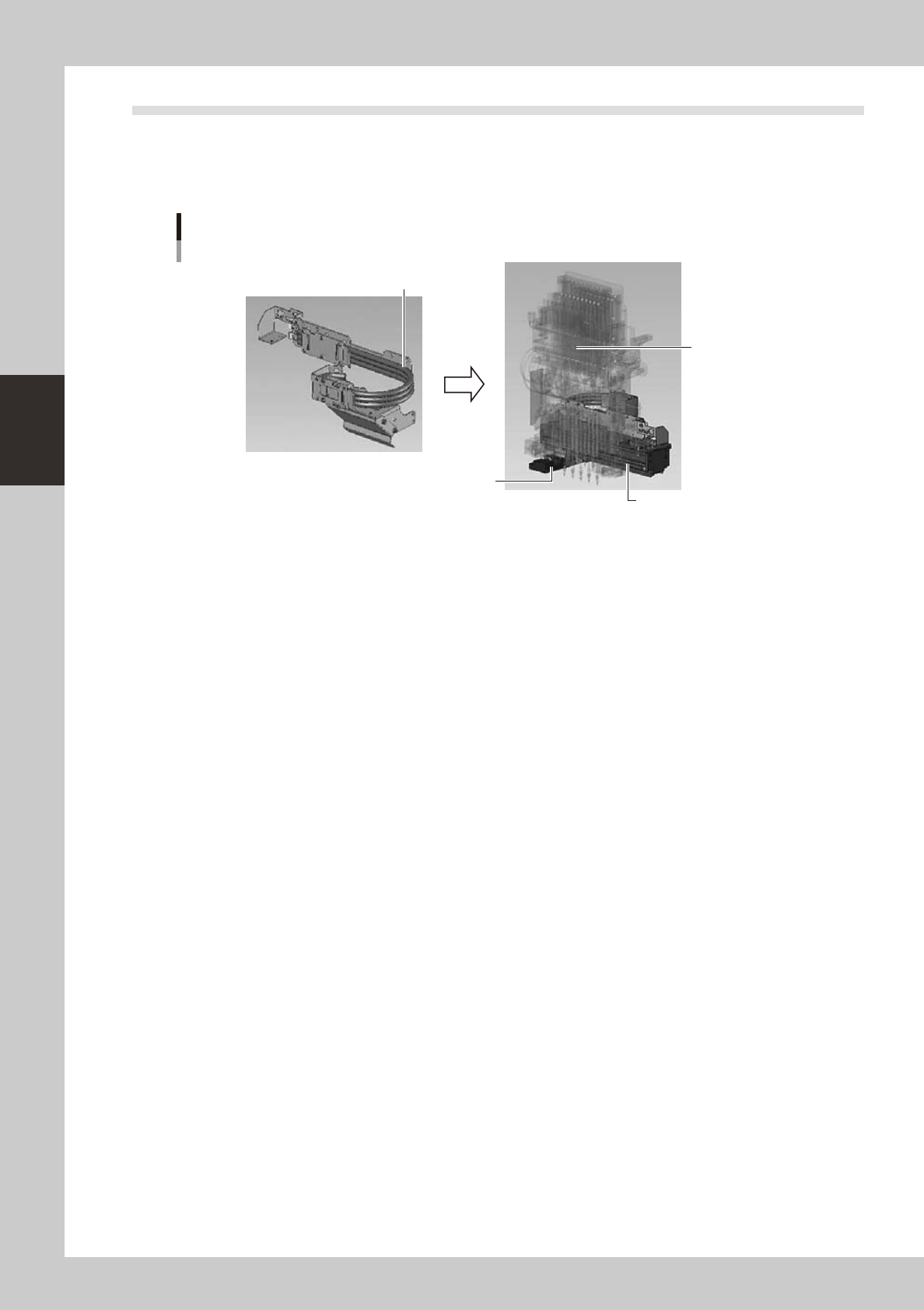
TheSC-axisflexcableisaflatmulti-cabledesignedforrigiditytopreventtheharnessfromdroopingasit
movesalongwiththescancamera.However,thecablemayeventuallydroopduetowarpingorweakening
fromlong-termuse.Ifcabledroopingoccurs,thenthecablemaycomeincontactwithmovingpartsandcause
trouble.Werecommendmakingperiodicchecksandreplacingthecableifdroopingbecomesobvious.
SC-axis unit
Checking the SC-axis flex cable condition
Scan camera
Head assembly
Check for drooping in the flex cable.
53351-L6-00