KY8030 Programmers Manual.pdf - 第34页
32 | KY-8030 Series (KYOS-2007001_rev0) 3D In ‐ line Solder Paste Inspection Systems
Programmers Manual
| 31
3) Pad (Ctrl + P)
Change the mouse pointer mode to Pad Selection mode.
You can select pad(s) to perform the following tasks:
1) To modify a pad : Choose "Edit ▶ Modify Pad" in the menu bar.
2) To remove a pad : Choose "Edit ▶ Remove Pad" in the menu bar.
3) To modify a pattern : Choose "Edit ▶ Modify Pattern" in the menu bar.
You can modify pads of which pattern number is the same
as the selected pad.
4) To remove a pattern : Choose "Edit ▶ Remove Pattern" in the menu bar.
You can remove pads of which pattern number is the same
as the selected pad.
5) To scan a reference code : With a reference code, you can work on the selected
group of pads as if they were a single part.
(Currently not used)
You can select or unselect pad(s) as follows:
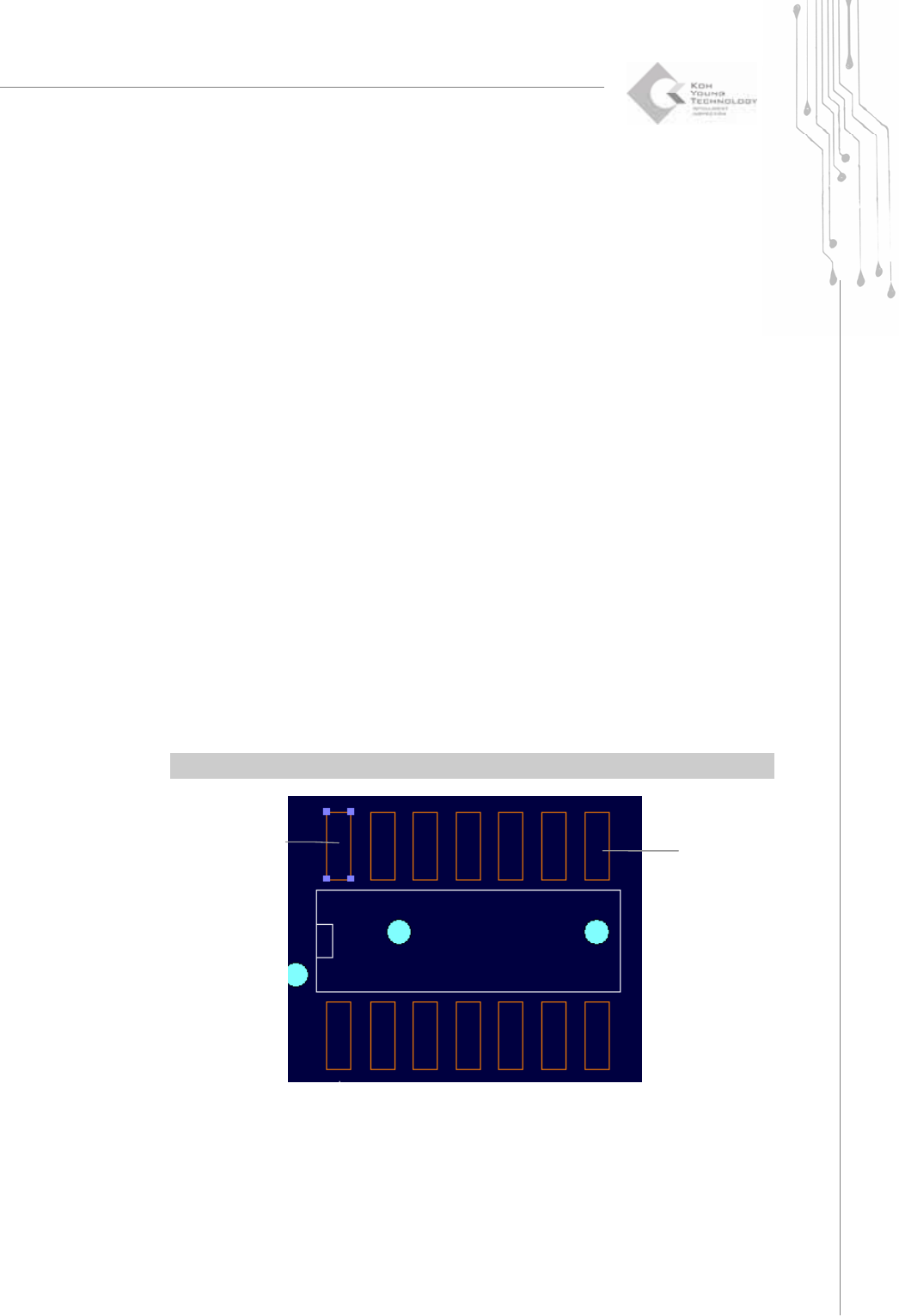
1) To select a pad : Click your mouse over a pad.
2) To select all pads : Drag your mouse around the pads that you want to select.
All pads contained in the rectangle created by the mouse drag will be selected.
3) To unselect a pad : Click your mouse again over the selected pad.
4) To unselect all pads: Choose "Select ▶ Unselect" in the menu bar or use “ESC”
※ Note: You can select or unselect a pad from the list in the pad bar.
A Selected
Pad
A Pad

32 | KY-8030 Series(KYOS-2007001_rev0)
3DIn‐lineSolderPasteInspectionSystems
Programmers Manual
| 33
4) Point
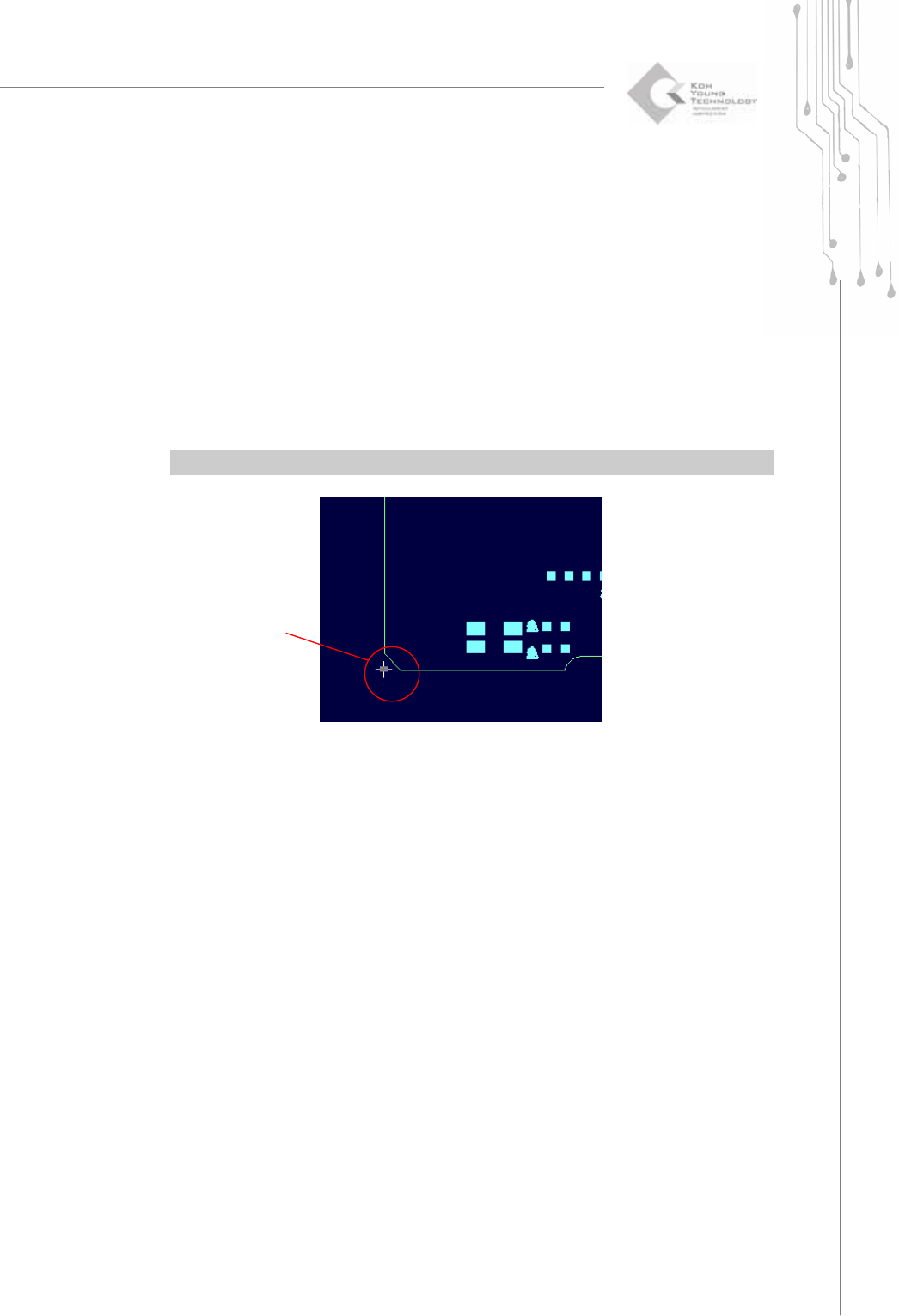
Change the mouse pointer mode to Point Selection mode.
You can select any point to perform the following tasks:
1) To set the origin : Choose "Setup ▶ Origin" in the menu bar.
2) To calculate a position : Choose "View ▶ Position" in the menu bar.
You can select or unselect a point as follows:
1) To select a point: Click your mouse over a point.
2) To unselect a point: Choose "Select ▶ Unselect" in the menu bar.
Ú Caution: When calculating a position with a point, a positional deviation may occur.
5) Unselect (Esc)
Unselect all selected items (flash, trace, pad or point).
A Selected Point