KY8030 Programmers Manual.pdf - 第60页
58 | KY-8030 Series (KYOS-2007001_rev0) 3D In ‐ line Solder Paste Inspection Systems 1.3.6. Hel p 1) About GerbPad Open the About GerbPad dialog box to check the version and copyrig ht information. About Ge…

Programmers Manual
| 57
6) Zoom In
Change the mouse pointer mode to Zoom-in mode.
Select an area by dragging your mouse. The rectangular area created by the mouse
drag will be displayed in full screen.
7) Zoom Out
Based on the current center position, zoom out the screen by 10%.
8) Zoom to Fit
Zoom in or out to display the entire PCB in full screen.
9) Rotate
Rotate the screen by +90° or -90°.
Ú Note: If the rotation value > 0, the screen is rotated counter-clockwise. If the rotation value < 0,
the screen is rotated clockwise.
10) Mirror
Move the main view symmetrically along the X- or Y-axis.
Ú Note: Mirror X moves the main view symmetrically along the X-axis and Mirror Y moves the main
view symmetrically along the Y-axis.
11) Pad Bar
Show or hide the pad bar in the screen.
12) Status Bar
Show or hide the status bar in the screen.
13) Toolbar
Show or hide the tool bar in the screen.
58 | KY-8030 Series(KYOS-2007001_rev0)
3DIn‐lineSolderPasteInspectionSystems
1.3.6. Help
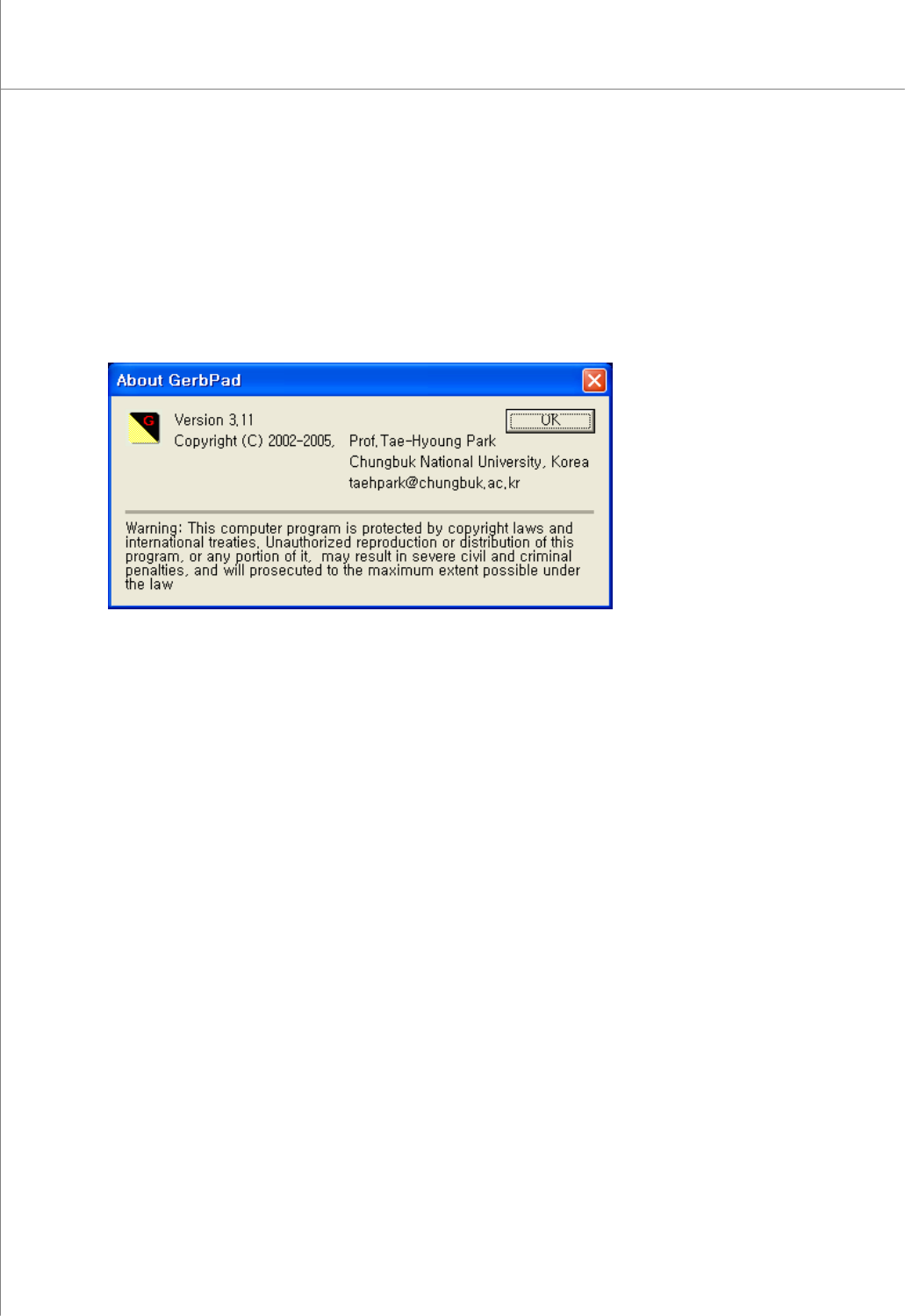
1) About GerbPad
Open the About GerbPad dialog box to check the version and copyright information.
About GerbPad dialog box

Programmers Manual
| 59
1.4. Glossary
● Gerber File (For Metal Mask)
It is a PCB production design file which has been defined by the Gerber System
Corporation in U.A, and its format has been standardized internationally. There are
separate files for each layer of the PCB.
Format: International Standard (RS-274D, RS-274X)
● Gerber Format
- RS-274D: It is an old format which includes only graphic data. The Gerber
parameters must be inputted separately and Aperture files must be loaded.
- RS-274X: It is a new format which includes the Gerber parameters and Aperture
data as well as graphic data. It is a recommended format.
● Gerber Parameter
It is a standard for numerical data of the Gerber files. For the RS-274D format, the
parameters must be inputted separately.
- Unit: Sets a unit. (mm/inch)
- Digits: Sets digits of the integer part and fraction.
- Notation: Sets a position display method.
(i) absolute: An absolute position value is displayed based on the design origin.
(ii) incremental: A position value is displayed by the increased amount of the
position.
* The standard value is “absolute”.
- Zero omission: Sets a display method of ‘0’ which is included in the position data.
(i) leading zero: Displays ‘0’ in the front digits.
(ii) trailing zero: Displays ‘0’ in the back digits.
(iii) none: Omits ‘0’.
* Default value is “leading zero”.
Example)
When Gerber file data is “X5612Y2378D2*”,
Case1) Unit = mm, Digits = 3.3, Notation = absolute, Z.O = when “leading zero”
⇒ X = 5,612(mm), Y = 2.378(mm)
Case2) Unit = inch, Digits = 2.4, Notation = absolute, Z.O = when “leading zero”
⇒ X = 0.5612(inch), Y = 0.2378(inch)
Case3) Unit = inch, Digits = 2.4, Notation = absolute, Z.O = when “tailing zero”
⇒ X = 56.1200(inch), Y = 23.7800(inch)