KY8030 Programmers Manual.pdf - 第58页
56 | KY-8030 Series (KYOS-2007001_rev0) 3D In ‐ line Solder Paste Inspection Systems 2) Aperture Open the "Apertur e" dialog box to display aperture dat a. The "Aperture" Dialog Box Refe…
Programmers Manual
| 55
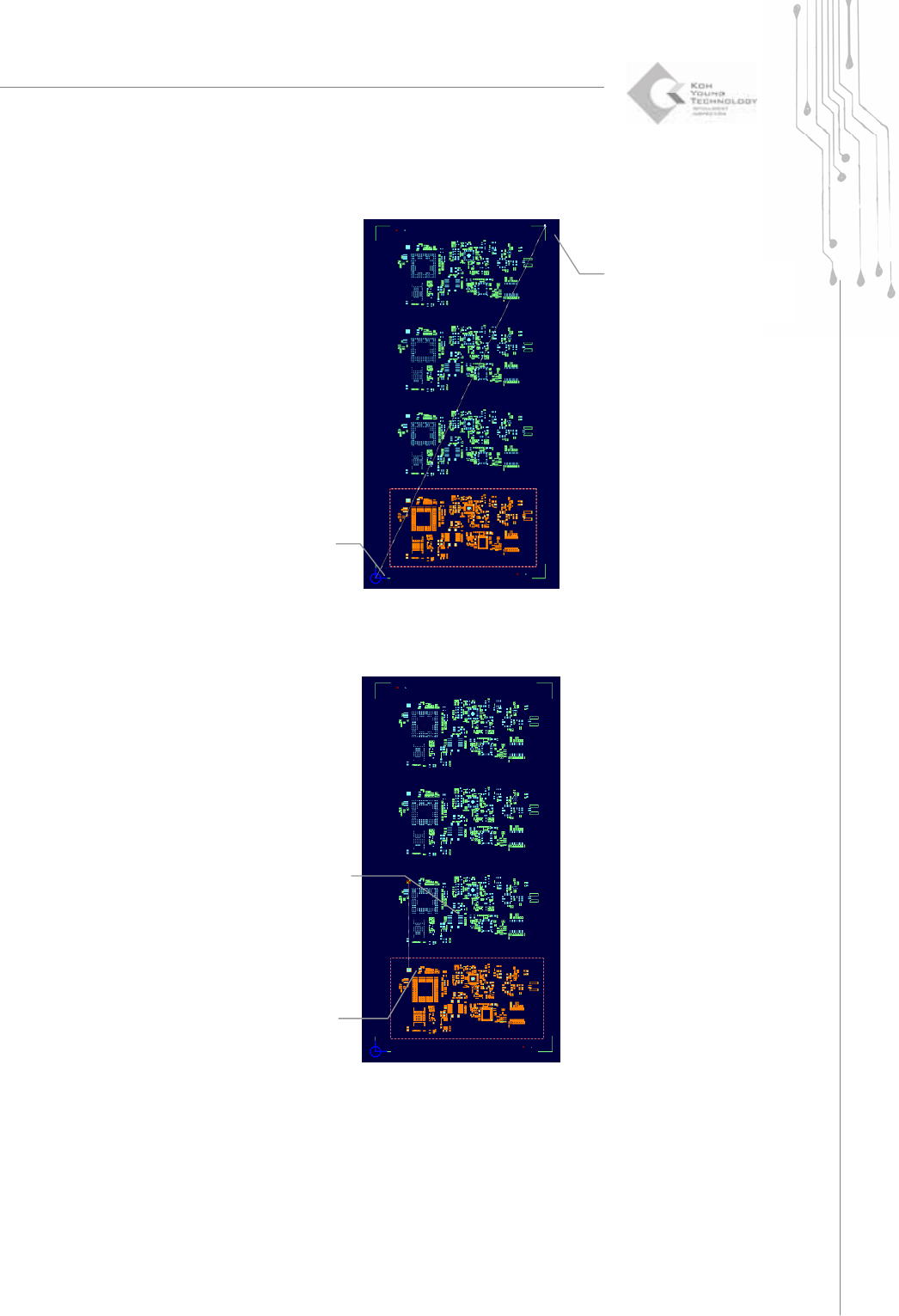
Ú Resizing a PCB
Ú Specifying the spacing of an array board
(1) Select Source
position
(2) Offset calculating
(1) Select Source
position
(2)Offset calculating
56 | KY-8030 Series(KYOS-2007001_rev0)
3DIn‐lineSolderPasteInspectionSystems
2) Aperture
Open the "Aperture" dialog box to display aperture data.
The "Aperture" Dialog Box
Refer to the "Aperture" dialog box that appears when "File ▶ New" is chosen in the
menu bar. Note that the "Import" option is not available here.
3) Redraw
Redraw a main view
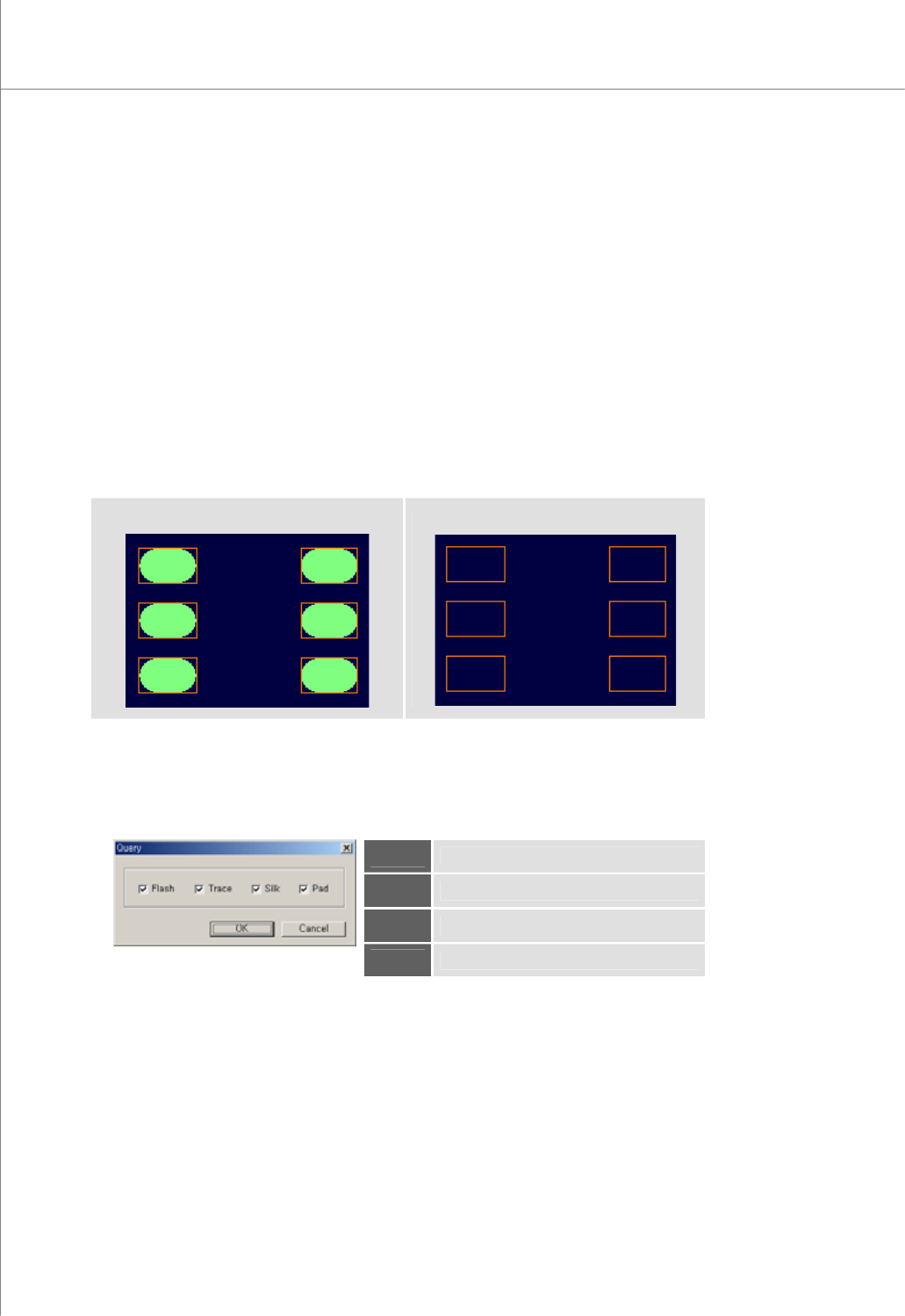
4) Inside Pad
Show or hide flashes and traces in a pad.
With this option, you can display pads more clearly.
<Show>
<Hide>
5) Query
Open the "Query" dialog box to select items that will be displayed in the main view.
The "Query" Dialog Box
Flash
Specify whether a flash will be displayed.
Trace
Specify whether a trace will be displayed.
Silk
Specify whether a silk will be displayed.
Pad
Specify whether a pad will be displayed.
Programmers Manual
| 57
6) Zoom In
Change the mouse pointer mode to Zoom-in mode.
Select an area by dragging your mouse. The rectangular area created by the mouse
drag will be displayed in full screen.
7) Zoom Out
Based on the current center position, zoom out the screen by 10%.
8) Zoom to Fit
Zoom in or out to display the entire PCB in full screen.
9) Rotate
Rotate the screen by +90° or -90°.
Ú Note: If the rotation value > 0, the screen is rotated counter-clockwise. If the rotation value < 0,
the screen is rotated clockwise.
10) Mirror
Move the main view symmetrically along the X- or Y-axis.
Ú Note: Mirror X moves the main view symmetrically along the X-axis and Mirror Y moves the main
view symmetrically along the Y-axis.
11) Pad Bar
Show or hide the pad bar in the screen.
12) Status Bar
Show or hide the status bar in the screen.
13) Toolbar
Show or hide the tool bar in the screen.