IFS-NX_使用说明书.pdf - 第170页
IFS - NX 使用说明 书 第 5 章 Configura t or 5- 61 5-5- 3 -3 JUKI IFS - NX 属性 (JUKI IFS - NX Properties) 进行 JU KI IFS - NX 的有关属性设定。 图 5-5-3-7 JUKI IF S - NX 属性 (1) JaNet s IS File Man agem ent Web 服务的 U RL 属性名: [ JaNet s / IS Fi…
IFS-NX 使用说明书 第 5 章 Configurator
5-60
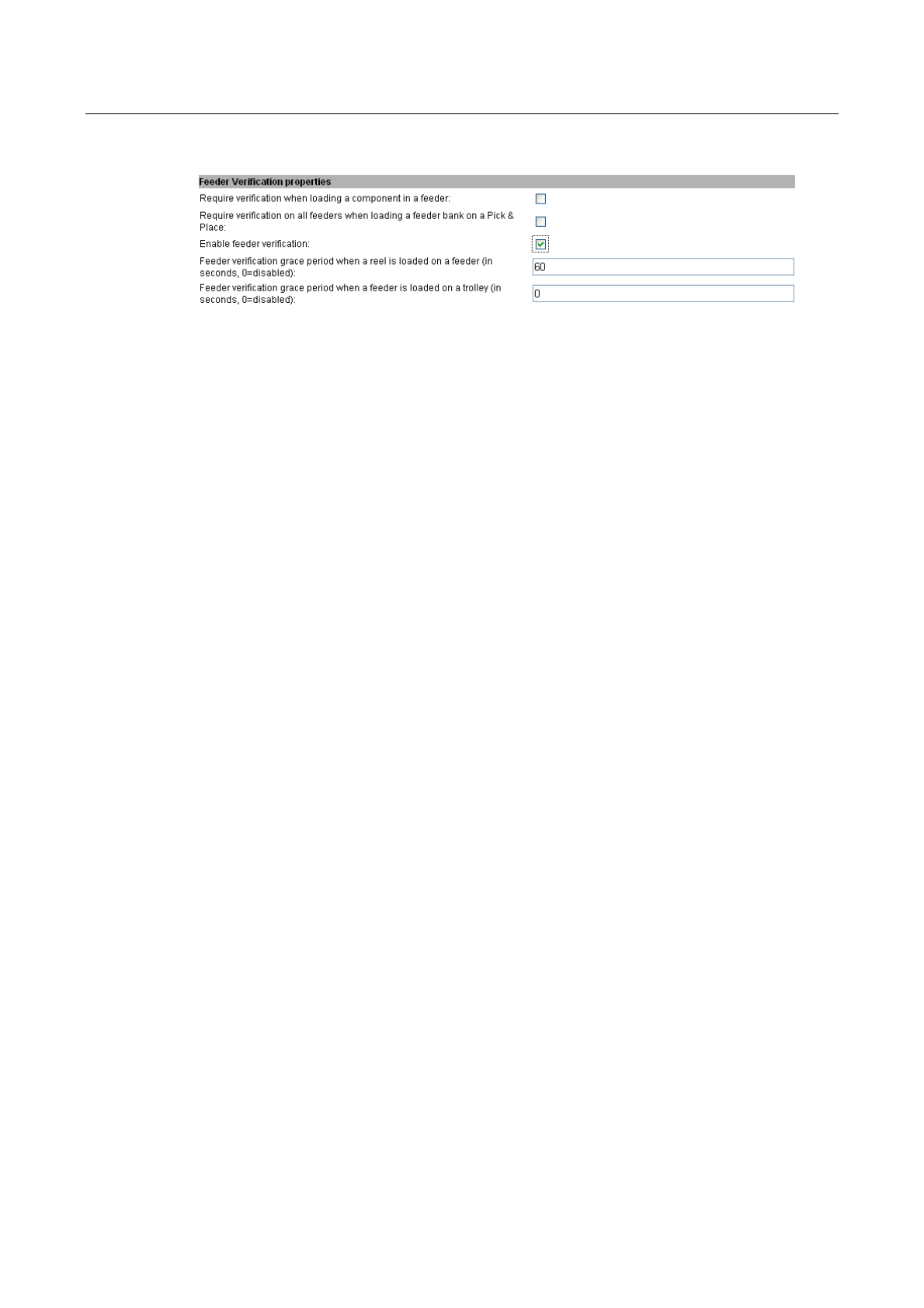
5-5-3-2 确认供料器安装属性(Feeder Verification Properties)
进行供料器安装确认动作的相关设定。
图
5-5-3-6
供料器安装确认属性
(1)
元件加载到供料器时确认安装
属性名:[Require verification when loading a component in a feeder:]
本属性设置为有效时,将元件料卷加载到供料器,即进入需要确认安装的状态。默认为无效。
(2)
将供料器台架加载到机器时进行安装确认
属性名:[Require verification on all feeders when loading a feeder bank on a Pick & Place:]
本属性设置为有效时,将供料器台车加载到机器,即进入需要确认所有供料器已被安装到供料器
台架的状态。默认为无效。
(3)
确认安装的有效
/
无效
属性名:[Enable feeder verification:]
使本属性有效时,(1)或(2)的功能会变为有效。无 效时,(1)或(2)即使勾选,也不进行安装的确认。
默认为有效。
(4)
将元件加载到供料器时确认安装的时间
属性名:[Feeder verification grace period when a reel is loaded on a feeder:]
将元件加载到供料器时,确认安装为有效时,从确认安装一次后,到变更为需要再次进行确认的
间隔时间。设置为 0 时,为一直要确认的状态。
(5)
供料器台架加载到机器时的确认时间
属性名:[Feeder verification grace period when a feeder is loaded on a trolley]
将供料器台架加载到机器时的确认时间为有效时,从确认安装一次后,到变更为需要再次进行确
认的间隔时间。设置为 0 时,为一直要确认的状态。
(6)
安装确认时的供料器装载
/
卸载有效
/
无效
属性名:[Enable load/unload on feeder verification]
确认安装后,对装载/卸载设定有效/无效。默认为有效。
仅要实施安装确认时,请设定为无效。
IFS-NX 使用说明书 第 5 章 Configurator
5-61
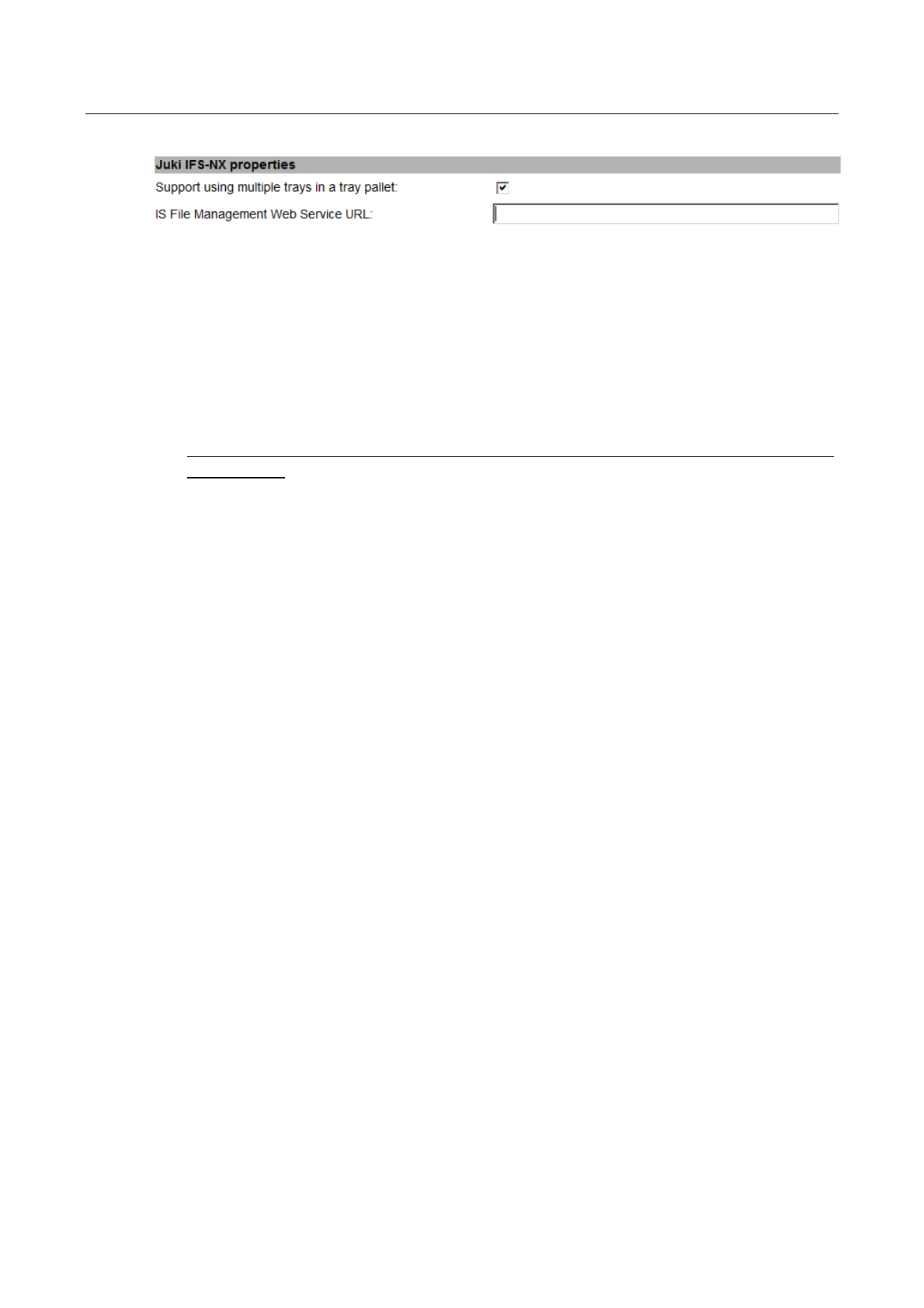
5-5-3-3 JUKI IFS-NX 属性 (JUKI IFS-NX Properties)
进行 JUKI IFS-NX 的有关属性设定。
图
5-5-3-7 JUKI IFS-NX
属性
(1) JaNets IS File Management Web
服务的
URL
属性名:[JaNets/IS File Management Web Service URL:]
车间内安装了 aNets/IS 时,通过在本属性上设定 JaNets/IS 服务器的 File Management Web 服
务 URL,即可浏览 JaNets/IS 服务器里注册的生产程序。请按以下格式输入
http://janetsservername:80/juki.iss.webservices/FileManagementService/FileManagement
Service.asmx
在“JaNetsservername”里,请输入 JaNets/IS 服务器的计算机名及 IP 地址,接着输入 IS 端口号。
IFS-NX 使用说明书 第 5 章 Configurator
5-62
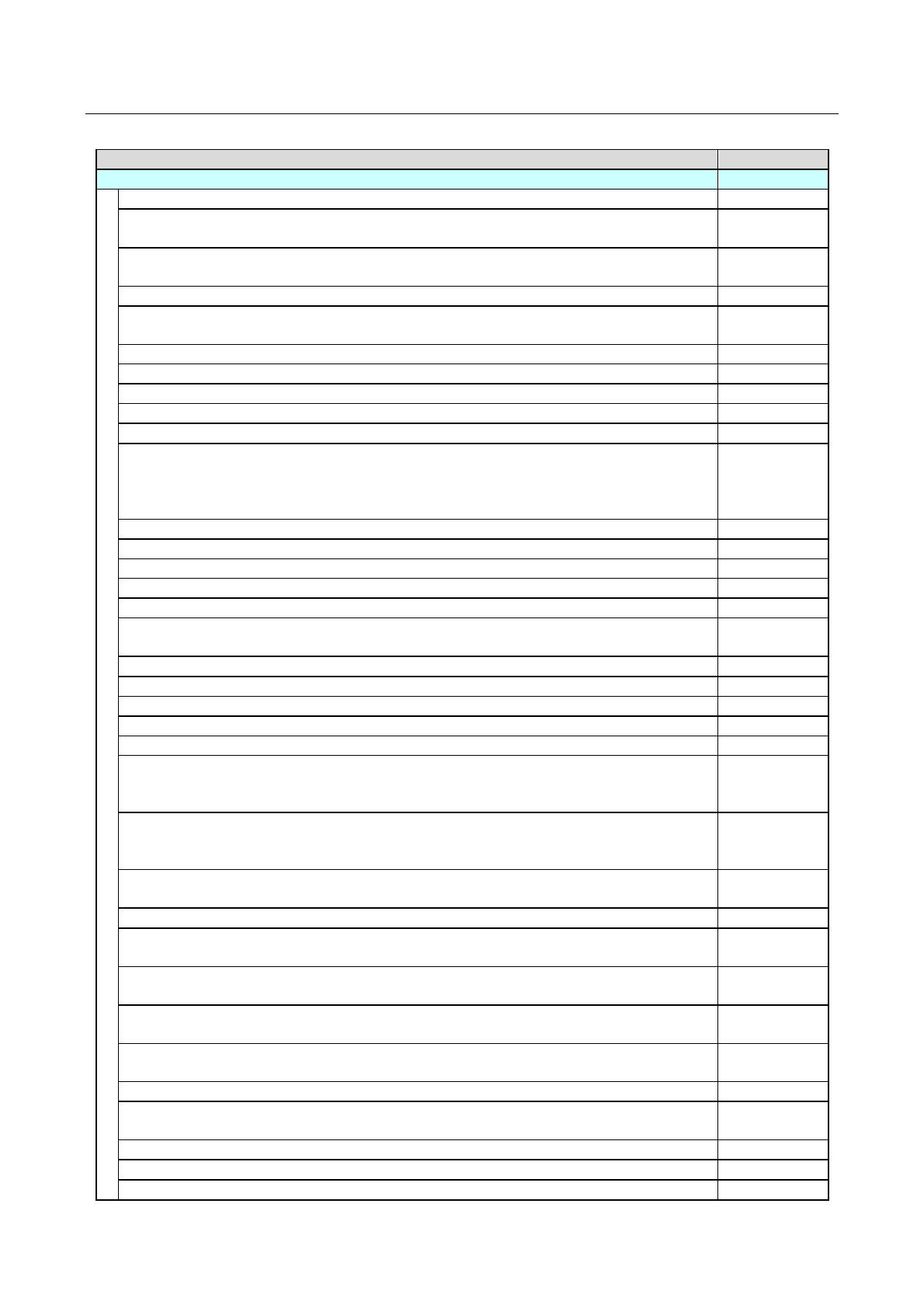
5-5-3-4 属性的初始值
属性的初始值如下:
属性
初始值
Floor Activity Tracking properties
Number of days before deleting inactive raw materials:
0
Delay (in minutes) before unloading the content of a feeder after it has been unloaded
(minimum 2 minutes):
0
Maximum time (in seconds) a reel will be considered loaded in a feeder in transit (0
disables this option):
(空栏)
Library XML import directory:
0
Library XML import monitor interval in seconds
(0 disables this option):
勾选
Enable initialization of multiple identical raw materials:
勾选
Require a confirmation when replenishing a feeder:
勾选
Display Supplier part number field into Raw Material Initialization Task:
无勾选
Allow the creation of new part numbers in the operator interface:
无勾选
Allow the modification of part numbers in the operator interface:
无勾选
Automatically generate lot numbers.
When "Y", the lot numbers are generated automatically during raw material
initialization.
The format is PN-YYYYMMDDHHMM:
无勾选
Enable extended confirmation mode:
无勾选
Item ID (lot number) maximum length for raw materials (minimum 5, maximum 250):
250
Component lot ID validation regular expression:
(
空栏
)
Part number maximum length (minimum 5, maximum 250):
250
Batch ID maximum length (minimum 5, maximum 50):
50
Time(s) of the day the inventory reports generator task should run (ex: 3:00, 15:00)
(empty=disabled):
(空栏)
Inventory reports folder:
(
空栏
)
Print component labels only once per container at unload:
勾选
Enable type-ahead for the input part numbers (in Operator Interface):
勾选
Include part number on item labels:
勾选
Automatic part number generator format (leave blank to disable):
(
空栏
)
Remaining number of boards before registering a low raw material on the Material
Status view
(0 disables this option):
0
Remaining time (in minutes) before registering a low raw material on the Material
Status view
(0 disables this option):
10
When a raw material is split, automatically delete the original item if the remaining
quantity reaches zero:
无勾选
When a raw material is split, if labels are printed, print also a label for the original lot:
无勾选
Allow automatically generating component lot numbers when scanning a supplier part
number:
勾选
Allow automatically generating component lot numbers when scanning a part
number:
无勾选
Allow automatically generating component lot when scanning a supplier part number
and a lot number:
勾选
Allow automatically generating component lot when scanning a part number and a lot
number:
勾选
Disable confirmation questions at unload:
无勾选
In the Raw Material Initialization task, allow initializing using the supplier part number
(the part number does not need to be specified):
勾选
Batch cleanup expiration delay (in days, 90=default):
90
Resolved tool alarm cleanup delay (in days, 90=default):
90
Automatically delete empty item when no confirmation is required on the replenish:
无勾选