00198519-03_UM_LDU_2_X_DE_EN_CHS-ZH.pdf - 第180页
4 Operation 4.8 Operating the control unit via user interface 180 User Manual / Bedienungsanleitung / 用户手册 SIPLACE Linear Dipping Unit 2 X 05/2020 Refreshing the dipping medium ► Select with the Up (1) or Down key (2) th…
4 Operation
4.8 Operating the control unit via user interface
User Manual / Bedienungsanleitung / 用户手册 SIPLACE Linear Dipping Unit 2 X 05/2020 179
4.8 Operating the control unit via user interface
NOTICE
Target group: setup operator
The procedure described is a task that occurs irregularly and should only be carried out by
a trained operator with special knowledge (setup operator).
NOTICE
Operating the control unit via GUI can be done by any trained operator.
Logging off
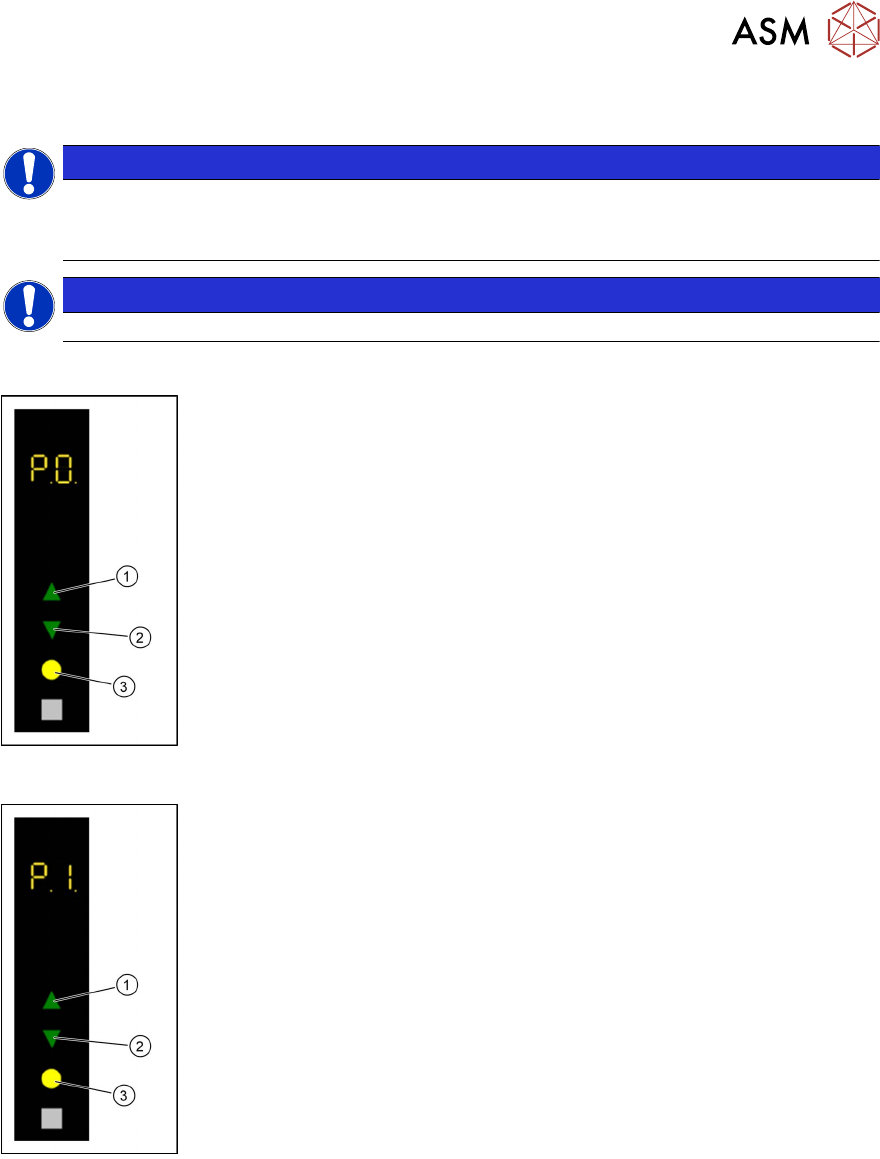
► Use the Up(1) or Down key(2) to select the operating mode P0.
► Press the Select key(3).
The LDU will be logged off and unlocked from the placement machine.
► Remove the LDU from the changeover table.
Starting a reference run
► Use the Up(1) or Down key(2) to select the operating mode P1.
► Press the Select key(3).
The LDU performs a reference run.
4 Operation
4.8 Operating the control unit via user interface
180 User Manual / Bedienungsanleitung / 用户手册 SIPLACE Linear Dipping Unit 2 X 05/2020
Refreshing the dipping medium
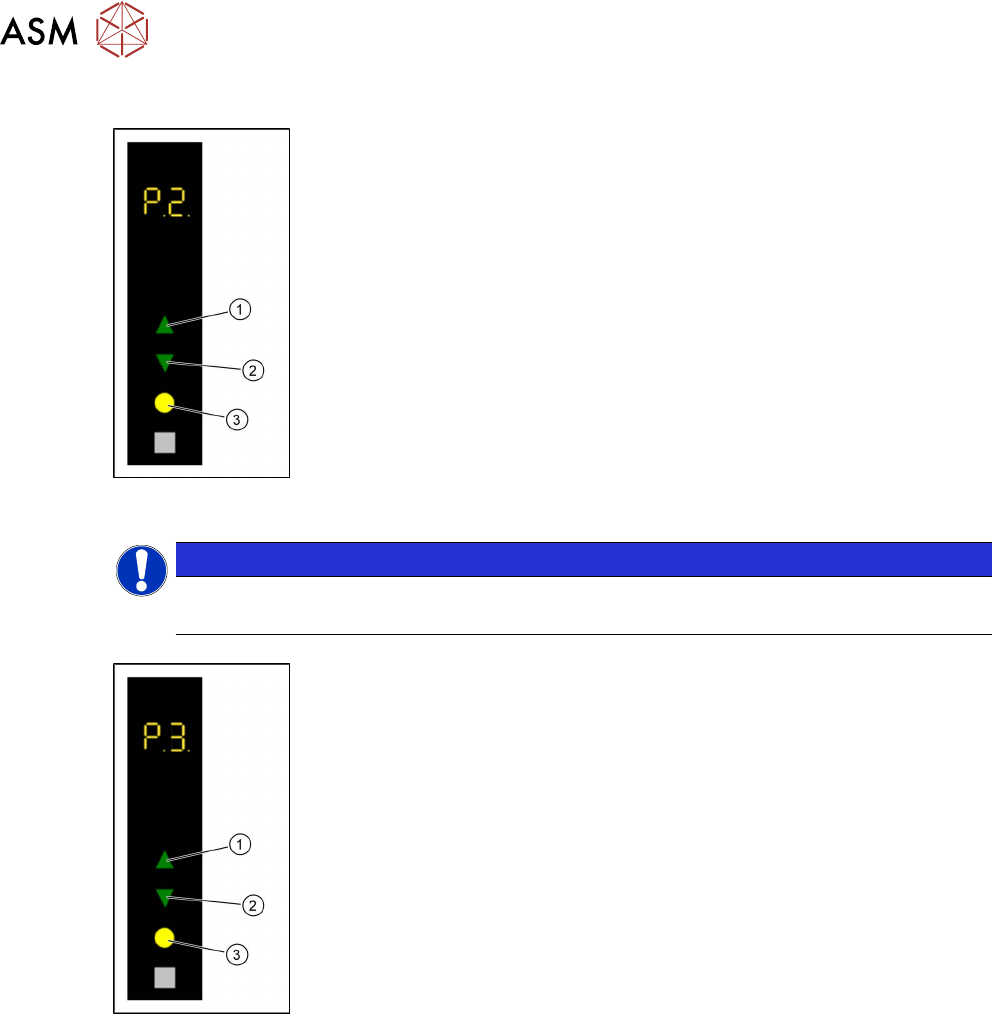
► Select with the Up (1) or Down key (2) the operating mode P2.
► Press the Select key (3).
The LDU performs a squeegee movement.
Adjusting the squeegee speed
NOTICE
Only for testing the user interface
Regardless of these settings, Serio always uses the SIPLACE Pro settings!
► Use the Up (1) or Down key(2) to select the operating mode P2.
► Press and hold the Up key(1), to switch to the Advanced production
activity level.
► Use the Up (1) or Down key (2) to select the operating mode P3.
► Press the Select key (3).
► Press the Up (1) or Down key (2) to increase or decrease the value of
the squeegee speed.
The squeegee speed in mm / s is shown in the 7 segment display 3/4.
► Press the Select key(3) to save the value.
4 Operation
4.8 Operating the control unit via user interface
User Manual / Bedienungsanleitung / 用户手册 SIPLACE Linear Dipping Unit 2 X 05/2020 181
Starting a warm-up cycle
NOTICE
Only for testing the user interface
Regardless of these settings, Serio always uses the SIPLACE Pro settings!
► Use the Up (1) or Down key (2) to select the operating mode P2.
► Press and hold the Up key(1), to switch to the Advanced production
activity level.
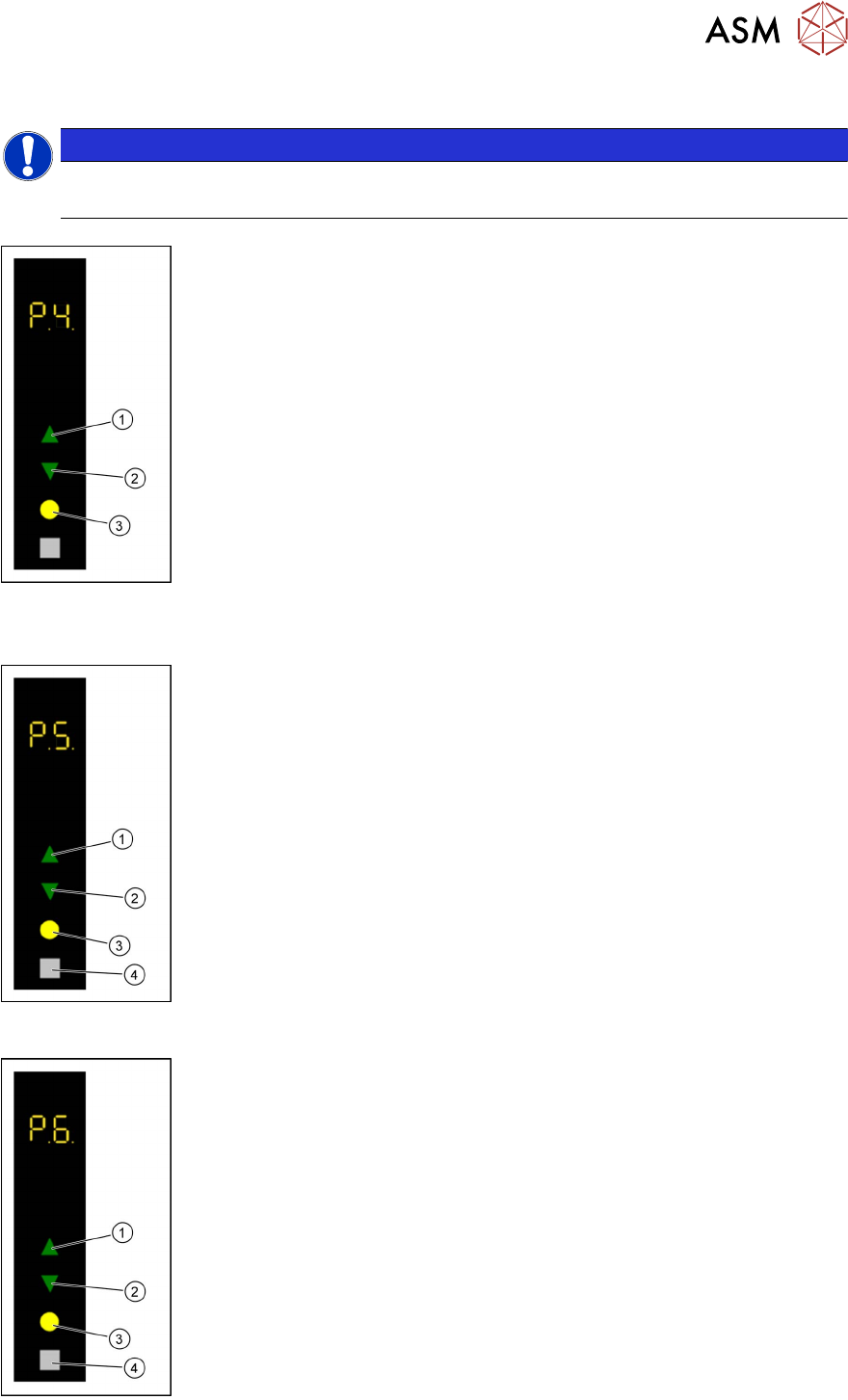
► Use the Up (1) or Down key(2) to select the operating mode P4.
► Press the Select key(3).
► Use the Up(1) or Down key(2) to select the desired number of squee-
gee cycles (1-50).
The number of squeegee cycles is shown in the 7 segment display 3/4.
► Press the Select key(3).
The LDU performs a corresponding number of squeegee cycles. The num-
ber of remaining squeegee cycles is shown in the 7 segment display 3/4.
► Press the Adjust key (4) to stop the process.
The number of remaining squeegee cycles is set to zero and the process will
be stopped after finishing the running squeegee cycle.
Setting the zero position of the dipping plate
► Use the Up(1) or Down key(2) to select the operating mode P1.
► Press and hold theSelect(3) and Adjust(4) keys simultaneously to
switch to the Service
activity level.
► Use the Up(1) or Down key (2) to select the operating mode P5.
► Press the Select button(3) to start the calibration.
► Use the Up(1) and Down keys(2) to move the dipping plate until the
park plate and the dipping plate are exactly level.
► Press the Select button(3) to save the zero position.
Performing a self-test
► Use the Up(1) or Down key(2) to select the operating mode P1.
► Press and hold theSelect(3) and Adjust(4) keys simultaneously to
switch to the Service
activity level.
► Use the Up(1) or Down key(2) to select the operating mode P6.
► Press the Select key(3).
The LDU performs a self-test.