SOM-1735-001.pdf - 第29页
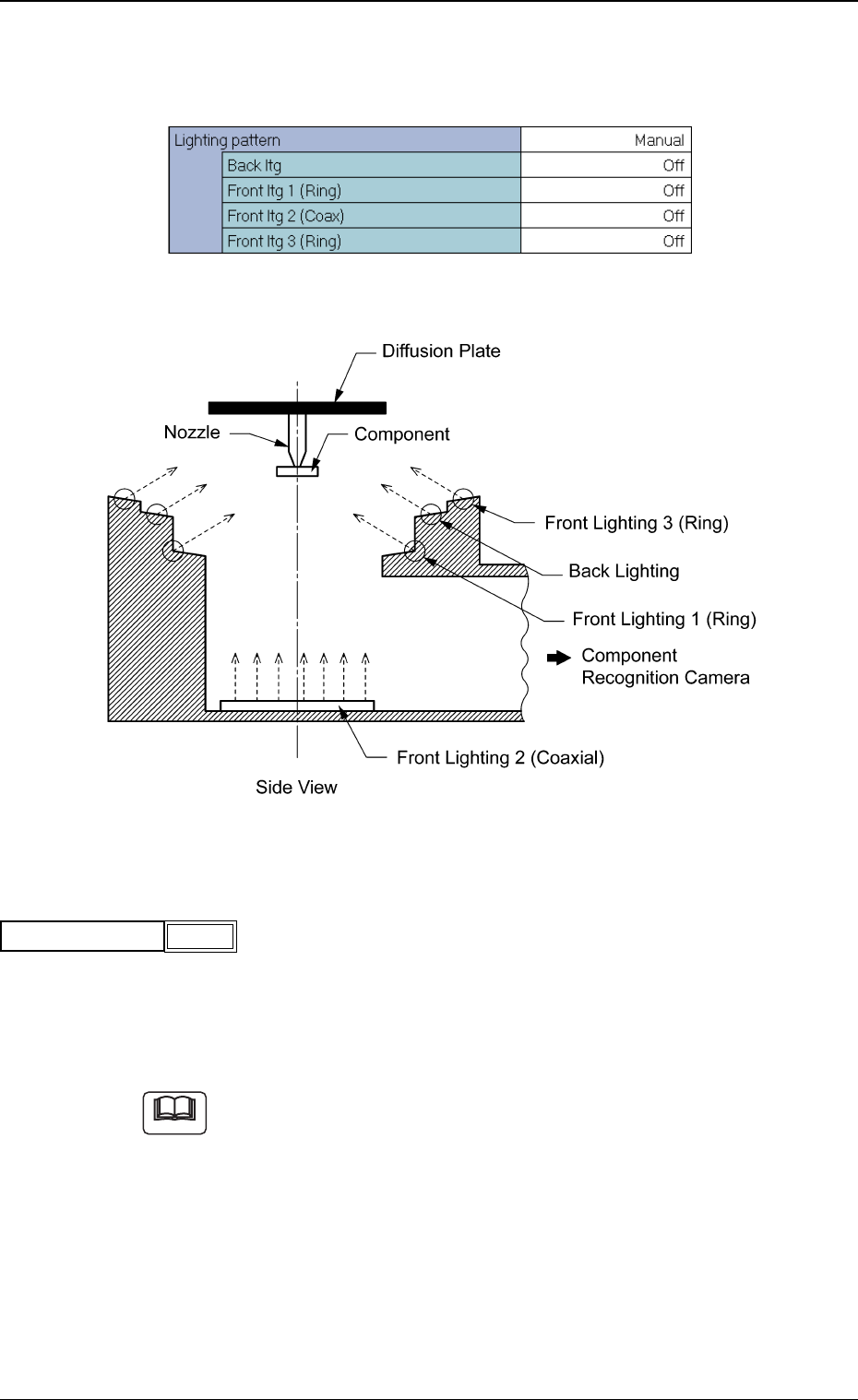
(B02-05) Lighting p attern Set a lighting pattern to be used for component recognition. Fig. 64 Edit Window (Example) Fig. 65 (1) Lighting pattern Select one of the following options to designate a lighting pattern. Auto…
(B02_03) Recog level
Set a recognition level for component checking.
Set "1" in normal cases.
Data Input Range: 1 to 99
When "2" or a larger number is set, "Manual" should be selected in the
"Recog data set" text box.
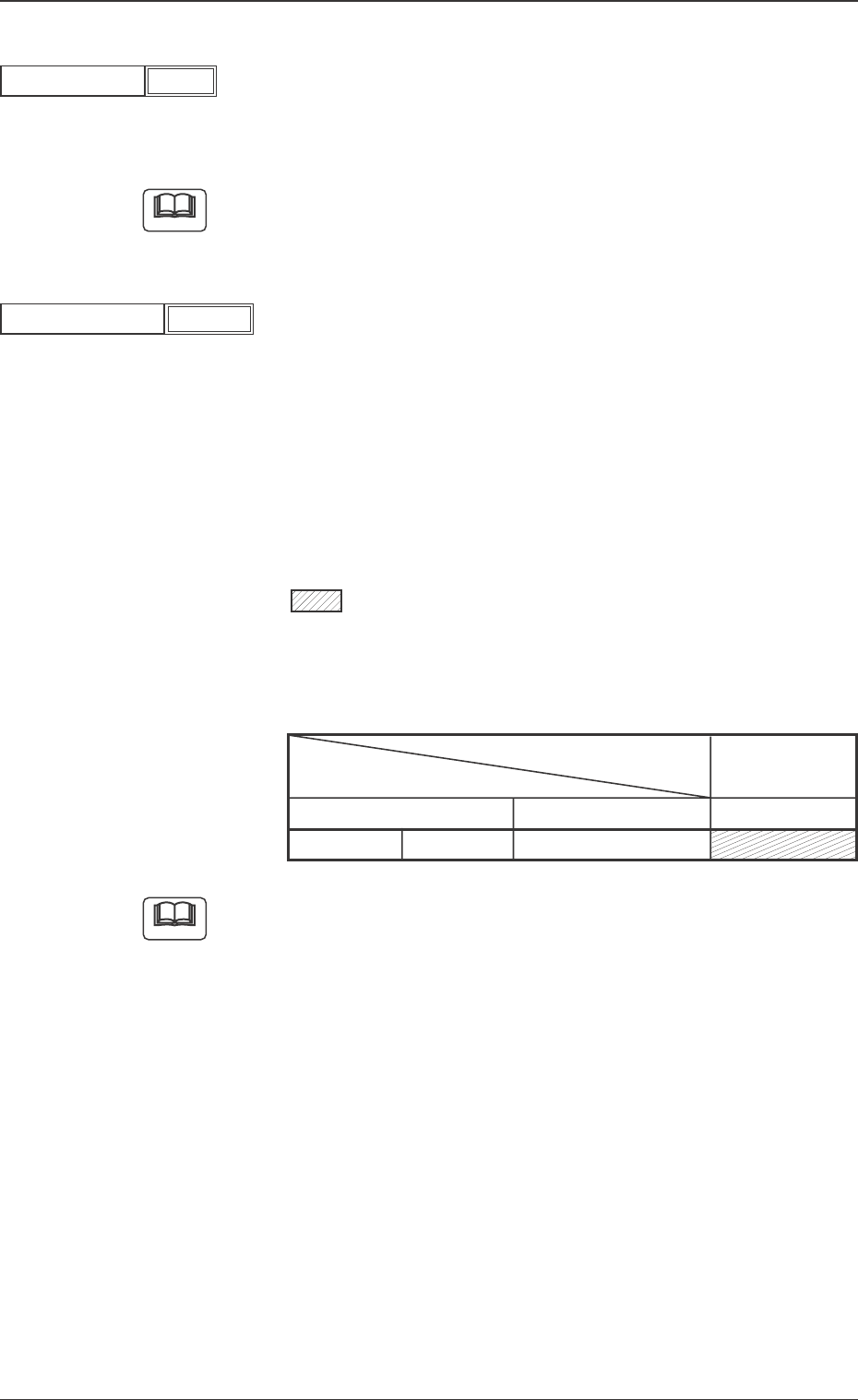
(B02-04) Front ltg algo
Set a recognition system.
Select "BGA".
Auto: Each condition of the component data is considered and one
of the shadowed recognition systems in the table is selected.
Grid Pattern: The electrodes consisting of meshes (grids), the
bumps, etc., can be detected.
: Options representing the recognition systems
Be sure to select either one of the options.
: Options (Recognition Systems) to be selected when
"Auto" is set
Either one of the options is selected.
Table 11
Recognition System
Grid Pattern
Component Type
Component Shape Lighting Mode
Area Array BGA/CSP Front Lighting
To set a parameter, select "Manual" in the "Recog data set" text
box.
Fig.62
1
Recog level
Note
Fig.63
Auto
Front ltg algo
Note
0307-001 27 Tg0930-PM-SO
5.2 Parameters (B02-03), (B02-04)
(B02-05) Lighting pattern
Set a lighting pattern to be used for component recognition.
Fig. 64 Edit Window (Example)
Fig. 65
(1) Lighting pattern
Select one of the following options to designate a lighting pattern.
Auto : The lighting patterns are automatically set for all lighting
units.
Manual : The lighting patterns can be set individually for each light-
ing unit.
(a) When the recognition cannot be made correctly due to improper light-
ing condition, set proper lighting patterns for the selected compo-
nent.
(b) To set a parameter, select "Manual" in the "Recog data set" text box.
Fig.66
Auto
Lighting pattern
Note
0307-001 28 Tg0930-PM-SO
5.2 Parameters (B02-05)
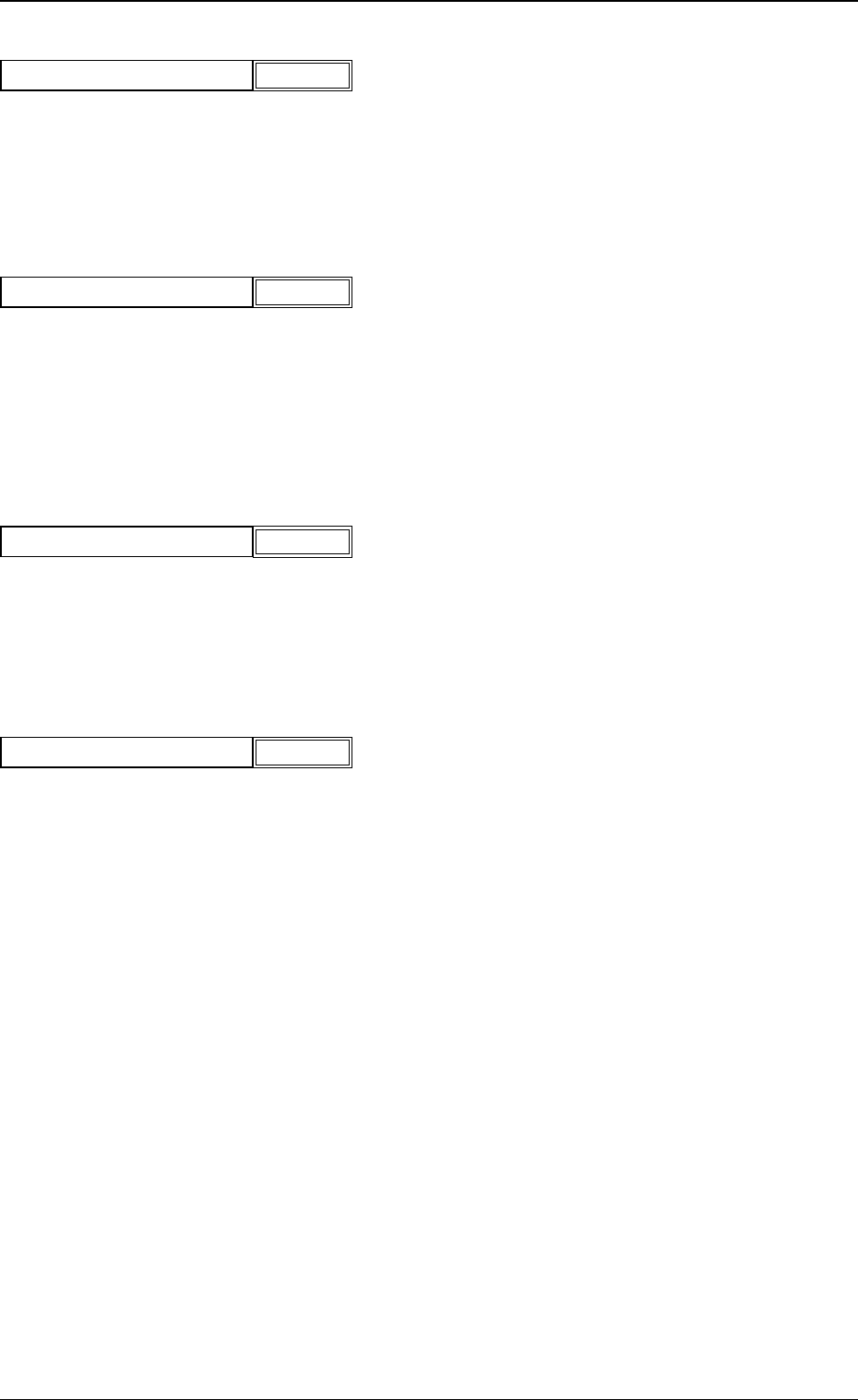
(2) Back Ltg
When "Manual" is set in the "Lighting pattern" text box, specify a light-
ing pattern for the back lighting recognition system.
Select "On" or "Off".
(3) Front ltg 1 (Ring)
When "Manual" is selected in the "Lighting pattern" text box, specify a
lighting pattern of the ring lighting for the front lighting system located
at the lower side.
Select "On" or "Off"
(4) Front ltg 2 (Coaxial)
When "Manual" is selected in the "Lighting pattern" text box, specify a
lighting pattern of the coaxial lighting for the front lighting system.
Select "On" or "Off"
(5) Front ltg 3 (Ring)
When "Manual" is selected in the "Lighting pattern" text box, specify a
lighting pattern of the ring lighting (used mainly for BGA components)
for the front lighting system located at the upper side.
Select "On" or "Off"
Fig.69
Off
Front ltg 2 (Coaxial)
Fig.67
Off
Back Ltg
Fig.68
Off
Front ltg 1 (Ring)
5.2 Parameters (B02-05)
Fig.70
Off
Front ltg 3 (Ring)
0307-001 29 Tg0930-PM-SO