DECAN_S2_Trouble(Eng_Ver4.2).pdf - 第23页
1-1 System Messages of the MMI and Solutions Chapter1. Sy stem Messages of the M MI and Solutions 1.1. Trouble Shooting Guide in general If one of the errors to be explained below happens during the operation of machine,…

Advanced Chip Shooter DECAN S2 Troubleshooting Guide
xii
About This Manual
Composition of this Manual
The manual for this machine is comprised as follows.
Handbook
Operation Handbook
Describes briefly a series of processes that is performed by the operator.
Maintenance Handbook
Describes briefly basic points related to maintenance of the machine;
Preparation for maintenance, daily inspection, periodical inspection, cleaning
and lubrication method, definition of consumables including replacement time
and method.
Administrator’s Guide
Describes the program for PCB production or various system setups related to the
machine;User’s account administration and authority setup, board definition,
component registration, feeding device setup, step programming, optimization,
production setup, teaching and placement test, machine calibration, system setup,
machine diagnosis, utility menu setup and production information management
Troubleshooting Guide
Describes definition and the method used to take measures against the errors;
Describes definition and solution for error codes and the errors not defined
Technical Reference
Provides part information for the maintenance and various technical drawings.
Symbols other than safety marks used in this manual
The meanings of symbols used in this manual are as follows:
ReferenceReference indicates a part to be referred to.
Memo Describes useful information related to the text or definition of terms.
1-1
System Messages of the MMI and Solutions
Chapter1. System Messages of the MMI
and Solutions
1.1. Trouble Shooting Guide in general
If one of the errors to be explained below happens during the operation of machine, take
actions explained in the corrective action section. If such errors persist once these
measures have been taken, or if errors not mentioned in this manual occur, take the
following actions and contact our CS company or local agent.
First, download the log file necessary for the corrective action and store it.
For the errors related to machine operation, carry out homing of all axes, then take
corrective actions.
If the problem persists, turn off the power, and restart after 10 seconds, and take
corrective actions.
If the problem persists even after all the measures explained above have been taken,
send us the log file stored according to the first procedure and consult the C/S
company or the local agent for further actions.
If an abnormal S/W error or another error occurs, send the C/S company or the local agent
following files for faster problem solving.
Work PCB file (A file whose extension is .pcb or .opt)
Error log file (All the files in ‘C:\SmartSM\Log’ f'older)
Machine calibration file (All the files in ‘C:\SmartSM\System’ folder)
Warning Referring to the machine status indication group of the MMI,
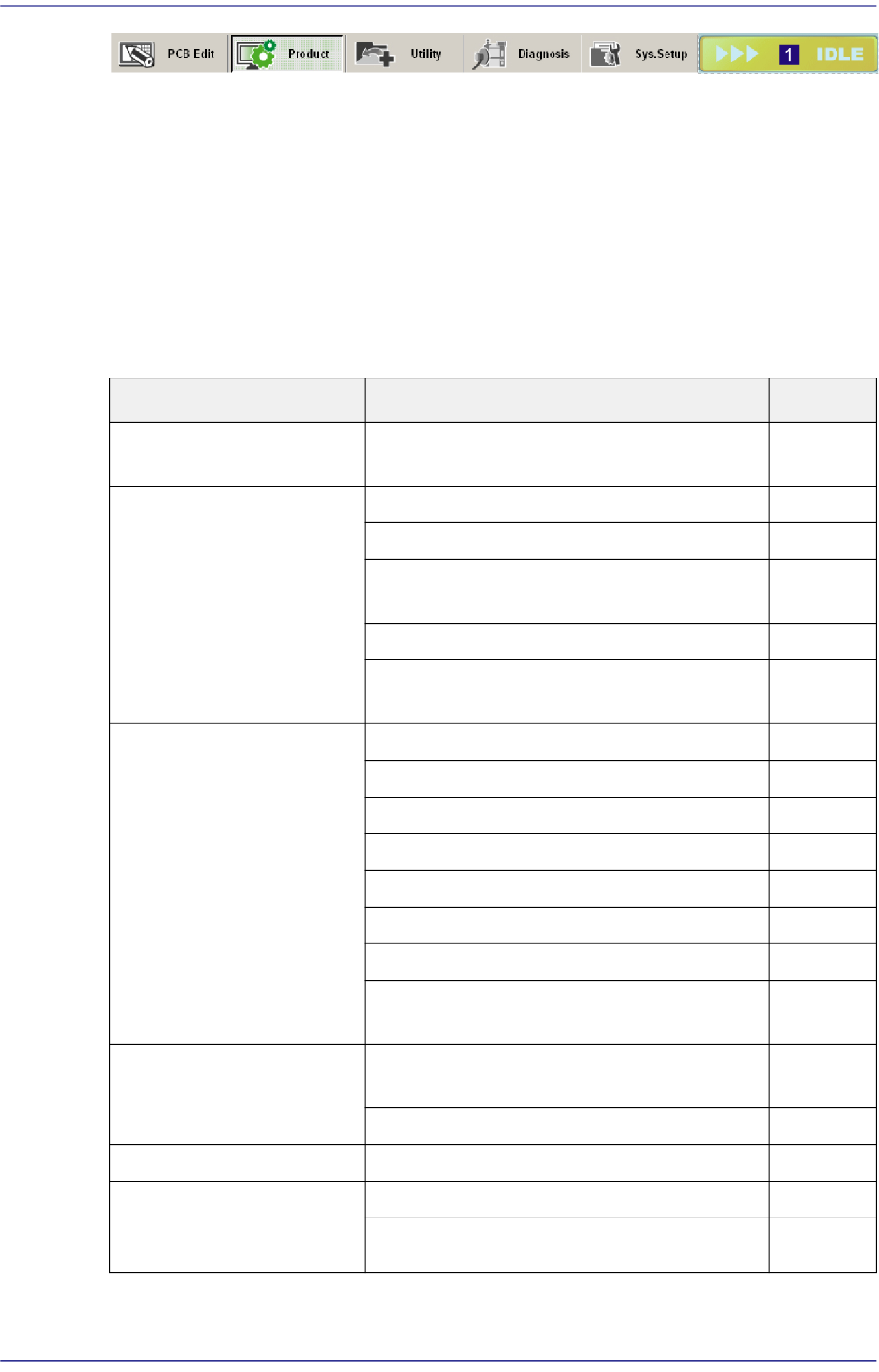
check the error level according to the error code. If the error
level indicates Emergency (EMER) or Freeze (FREEZE),
press the “STOP” button to turn off the buzzer first and then
press the “RESET” button to put the machine in idle state.
Measures can then be taken to rectify this problem.
If it is MPU_STOP, stop the machine normally and reboot it.
Adjusting a sensor or correcting an error while the machine
is in the ready status could cause injury. Release the
‘Ready’ without fail. Adjust the sensor and then take
corrective measures against the error while the machine is
stopped.
1-2
Advanced Chip Shooter DECAN S2 Troubleshooting Guide
1: Machine Status Indication Area
1.2. Process Trouble Shooting
1.2.1. Pickup Error (Increased Dump Rate)
Parts are not picked up - Errors causing parts to not be picked up [Refer to Section
1.2.1.1]
Part Supply Error
Cause Description Remarks
Tape installation error Incorrect installation of tape reel in the
tape feeder
E0000
Part turnover/edge-
standing
Defective reel E0010
The tape guide has been magnetized E0011
Tape guide/Tape guide shutter
deformation
E0012
Defective tape feeder shutter operation E0013
Defective part feeding speed (odd shaped
part feeder)
E0014
Defective feeding Insufficient tape feeder maintenance E0020
Defective tape feede
r motor operation E0021
Defective tape feeder cylinder operation E0022
Insufficient feeding force of the feeder E0023
Spring damage and separation E0024
Pitch error E0025
Defective index sensor E0026
Part has not been fed due to insufficient
vibration of the vibration feeder
E0027
Defective vinyl discharge The tape vinyl has been curled inside the
tape guide
E0030
Abnormal vinyl discharge E0031
Tape jamming A part is
stuck in the tape discharge path E0040
A part beside the
corresponding part
jumped off
Pickup Z setup error E0050
Fast down movement for pickup E0051