1OM-1003-007.pdf - 第101页
0305-001 2- B AIL01EOPP

Section 2
Basic Knowledge of Operations
0305-001 2-A AIL01EOPP
This section describes the basic items to be understood for
proper machine operations.

0305-001 2-B AIL01EOPP
1. Basic Operations
0305-001 2-1 AIL01EOPP
1. Basic Operations
1.1 Selection of Front or Rear Operation Panel
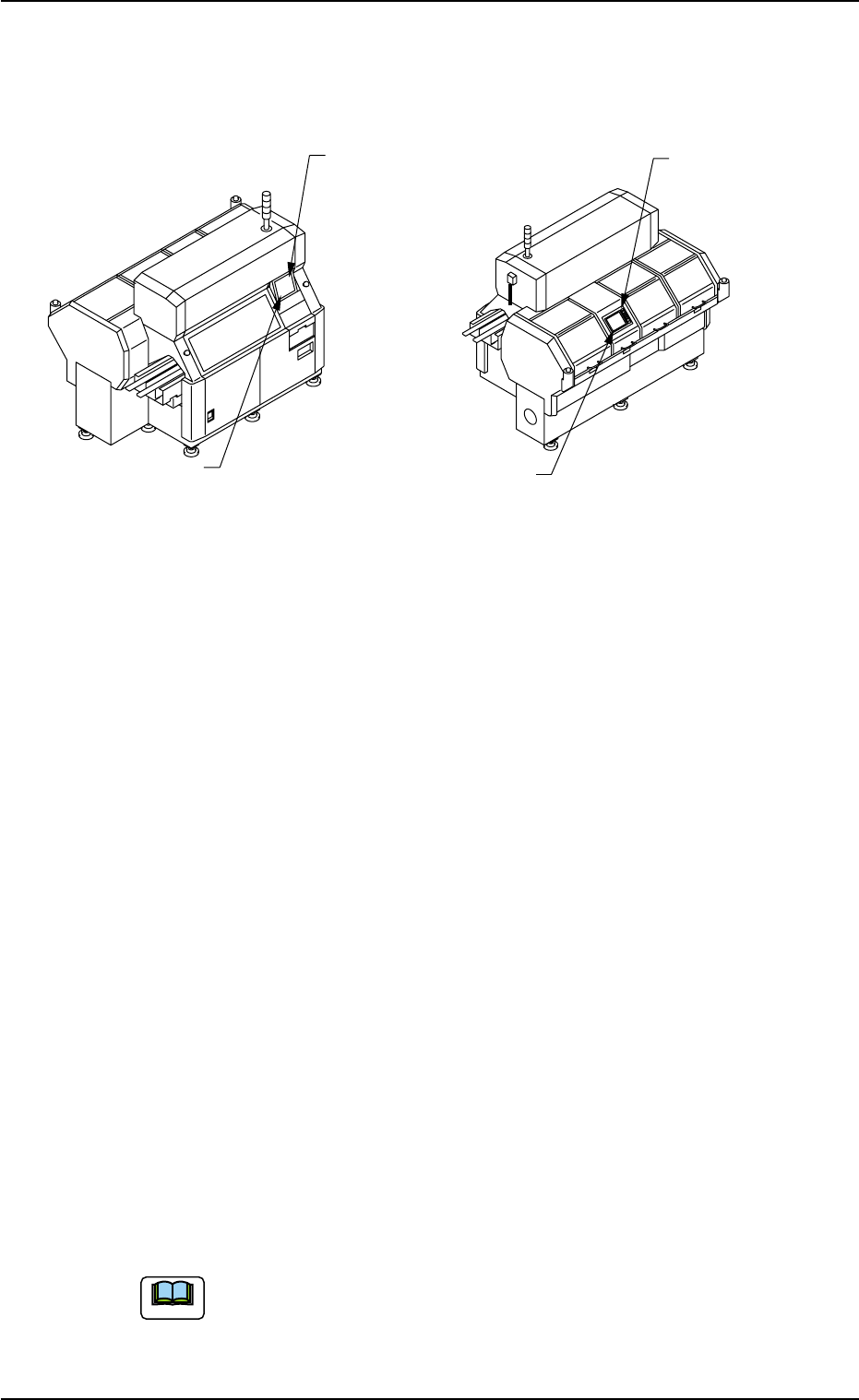
Fig. 1B1
The machine is equipped with operation panels on both front and rear
sides. Each operation panel has a touch screen and some switches
and buttons required to operate the machine.
One of the operation panels is always available (valid) in operations
and the other one can be selected with the [PNL CHANGE] button. It is
impossible to activate both operation panels at the same time.
• When the [PNL CHANGE] button on the selected operation panel is
pressed, the LED of the button illuminates, indicating that the opera-
tion panel is set available in operations.
• When this button is pressed with the LED being "ON", the [LOCK]
lamp illuminates, indicating that only the panel is available in opera-
tions (Operation Locked).
• To cancel "LOCK" mode on the selected operation panel, press the
[PNL CHANGE] button located on the panel again.
When the "LOCK" mode is canceled, the "LOCK" lamp extinguishes.
• The other operation panel can be selected by pressing the [PNL
CHANGE] button on the unavailable (invalid) side only when the cur-
rently selected panel is not set in the "Operation Locked" mode.
Either one of the operation panels can be selected regardless of the
operation mode (Ex. "RUN" or "PAUSE" mode) of the machine.
(a) When the machine is powered, the front operation panel
is activated (available).
(b) The pointing device and the keyboard can be used only
for operations on the front operation panel.
Front Touch Screen
Front Operation Panel
Rear Touch Screen
Rear Operation Panel
Front Side of Machine
Rear Side of Machine
Note