1OM-1003-007.pdf - 第130页
1.5.2 Interruption with [EMERGENCY STOP] Switch Use the [EMERGENCY STOP] switch to immediately stop the machine in an emergency . An error alarm is issued and the LED of the [POWER ON] button illumi- nates in red. Fig. 1…
1.5 Interruption of Automatic Operation
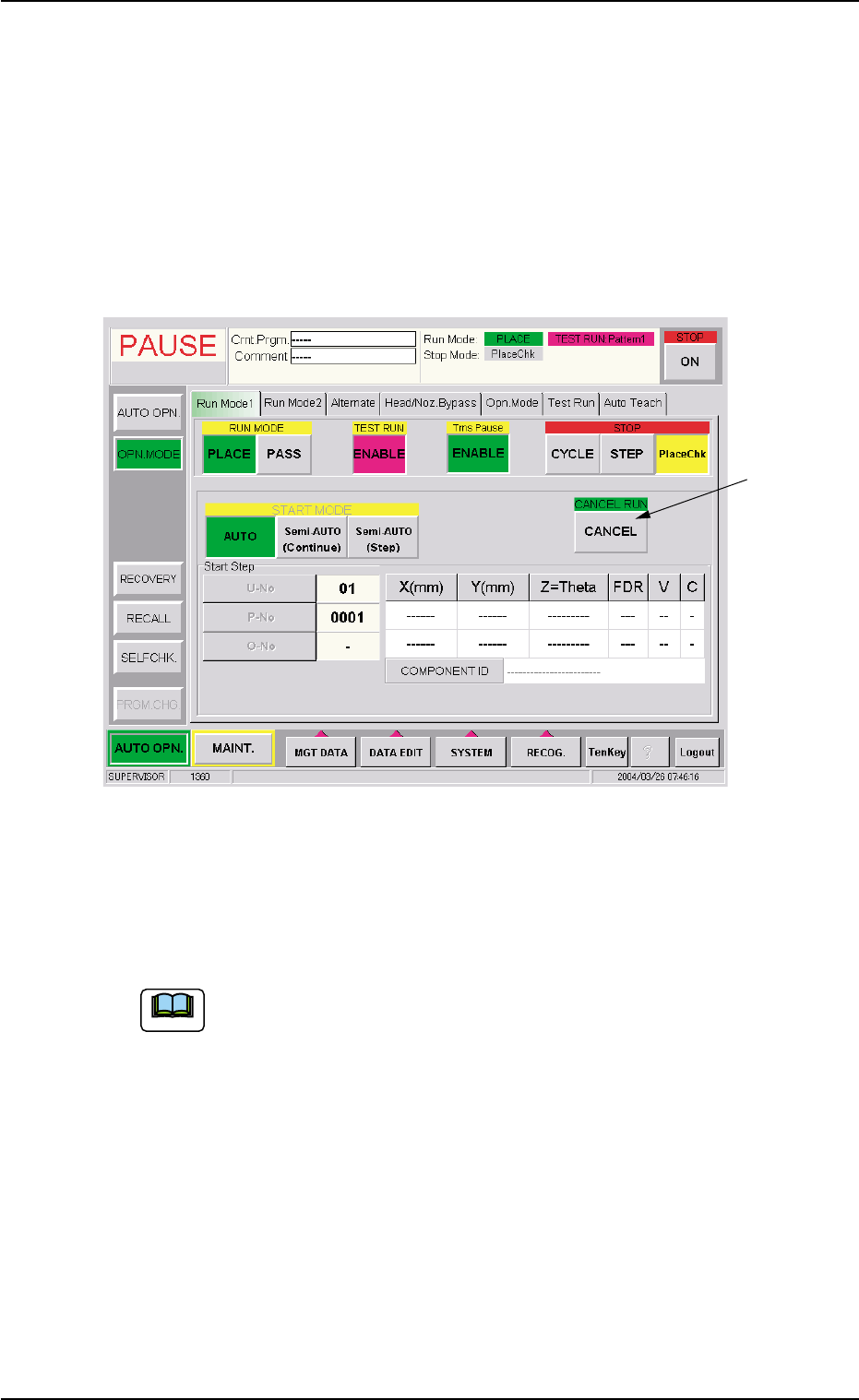
1.5.1 Interruption of Automatic Operation with [CANCEL] Button
To discontinue the production due to wrong selection of the current pat-
tern program or product P.C.B.’s, interrupt the automatic operation.
(1) Press the [STOP] button on the front operation panel.
Fig. 1C25 "Run Mode 1" Tab Sheet
(2) When the [CANCEL] button (*1, entitled "CANCEL RUN") is pressed
after the "Run Mode 1" tab ("OPN. MODE" submenu window), the
automatic operation is interrupted.
To continue the automatic operation after the interruption, re-
fer to "Step (8)" and the subsequent items in "3.1 [EMERGENCY
STOP] Switch Pressed" in "Section 4" for details.
1.5 Interruption of Automatic Operation
*1
0406-003 3-18 AIL01EOPP
Note
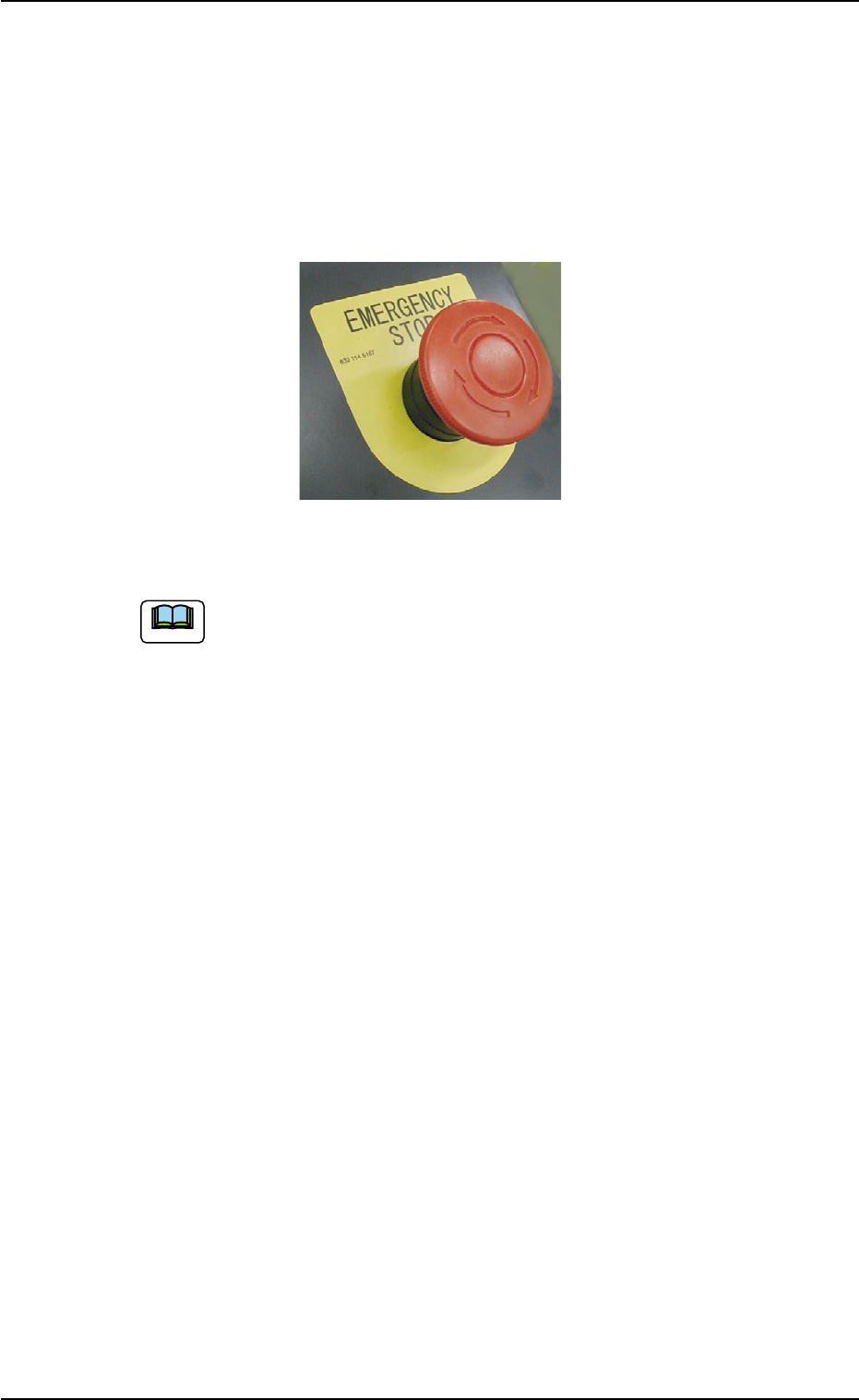
1.5.2 Interruption with [EMERGENCY STOP] Switch
Use the [EMERGENCY STOP] switch to immediately stop the machine
in an emergency.
An error alarm is issued and the LED of the [POWER ON] button illumi-
nates in red.
Fig. 1C26
Refer to "Section 4 Remedy of Simple Trouble" in "Volume 1"
for the procedures to reset the machine to the normal condition
from an emergency stop.
1.5 Interruption of Automatic Operation
0305-001 3-19 AIL01EOPP
Note
1.6 End of Automatic Operation
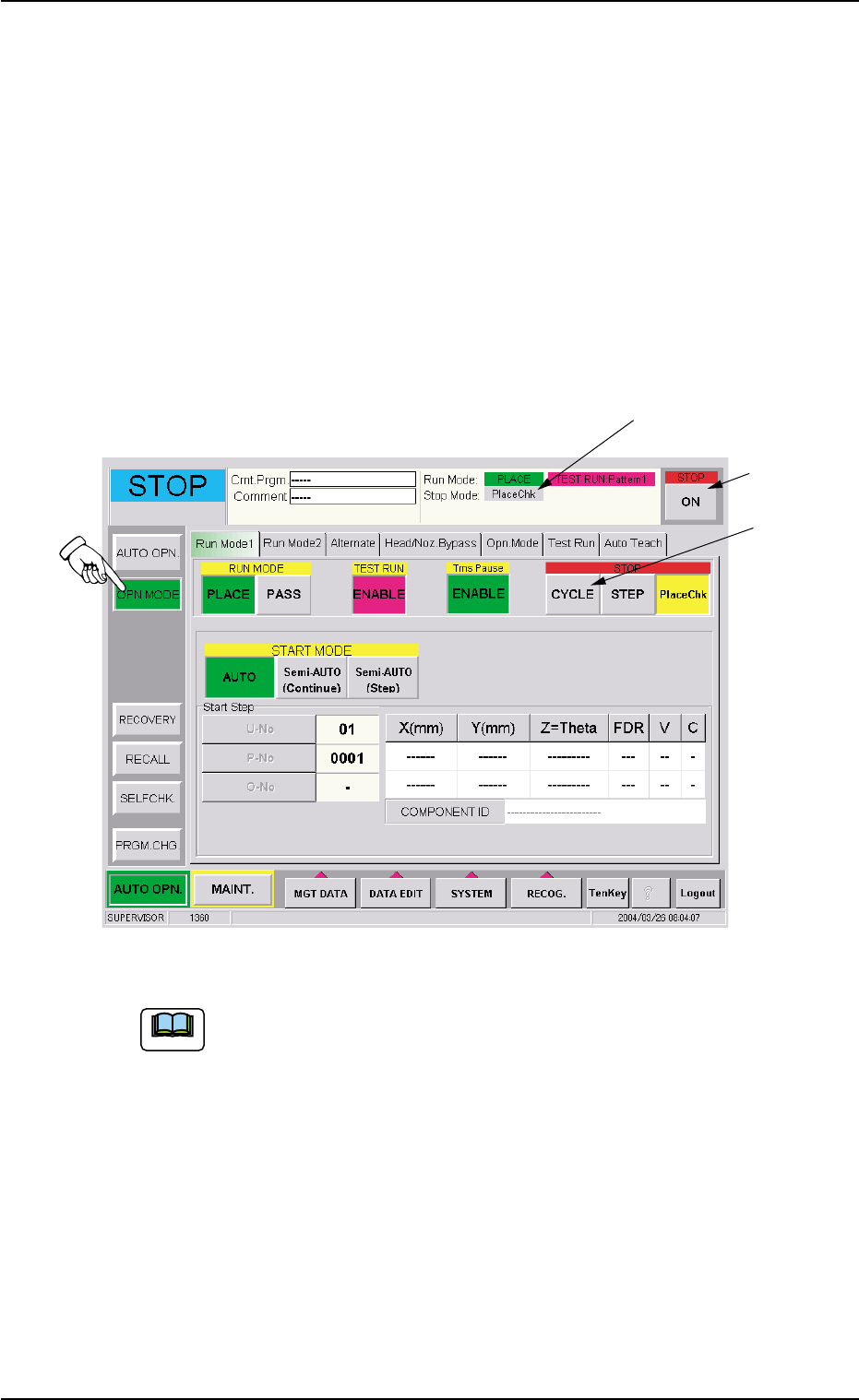
1.6.1 Stop of Automatic Operation
(1) Confirm that "CYCLE" (*1) is set as "Stop Mode".
(2) When the [ON] button (*3, entitled "STOP") is pressed, each device
returns to its stationary position after the machine has placed com-
ponents on the P.C.B.’s inside the machine.
The LED of the [START] button and the green lamp (tower light)
extinguish and the automatic operation stops.
Fig. 1C27
When "STEP" is set as "Stop Mode" (*1), select the [CYCLE]
button (*2, entitled "STOP") in the "Run Mode 1 (or Run Mode
2)" tab sheet. "CYCLE" is set as "Stop Mode" (*1).
1.6 End of Automatic Operation
*1
*3
*2
0406-003 3-20 AIL01EOPP
Note