00198615-04_UM_IPC-HERMES-9852-V1.2_DE_EN_ZH.pdf - 第27页
3 Configuration 3.2 Connection configuration in SIPLACE Pro Administrator Guide / Administrator Handbuch / 管理员指南 IPC-HERMES-9852 - V1.2 05/2020 27 3.2 Connection configuration in SIPLACE Pro NOTICE System requirements In…

3 Configuration
3.1 Connection configuration in the LAN
26 Administrator Guide / Administrator Handbuch / 管理员指南 IPC-HERMES-9852 - V1.2 05/2020
Deleting
To delete the configured connections proceed in the reverse order and delete the created entries.
3.1.6 Using another router
If another router shall be used to establish Hermes connections between the SIPLACE LAN and
the shop floor LAN, which is possible, please consider the guidelines regarding port forwarding
provided by the vendor of the selected router.
3 Configuration
3.2 Connection configuration in SIPLACE Pro
Administrator Guide / Administrator Handbuch / 管理员指南 IPC-HERMES-9852 - V1.2 05/2020 27
3.2 Connection configuration in SIPLACE Pro
NOTICE
System requirements
In combination with station software versions from 711.1, you can configure the connec-
tions in SIPLACE Pro. With station software 710.3, you cannot configure the connections in
SIPLACE Pro.
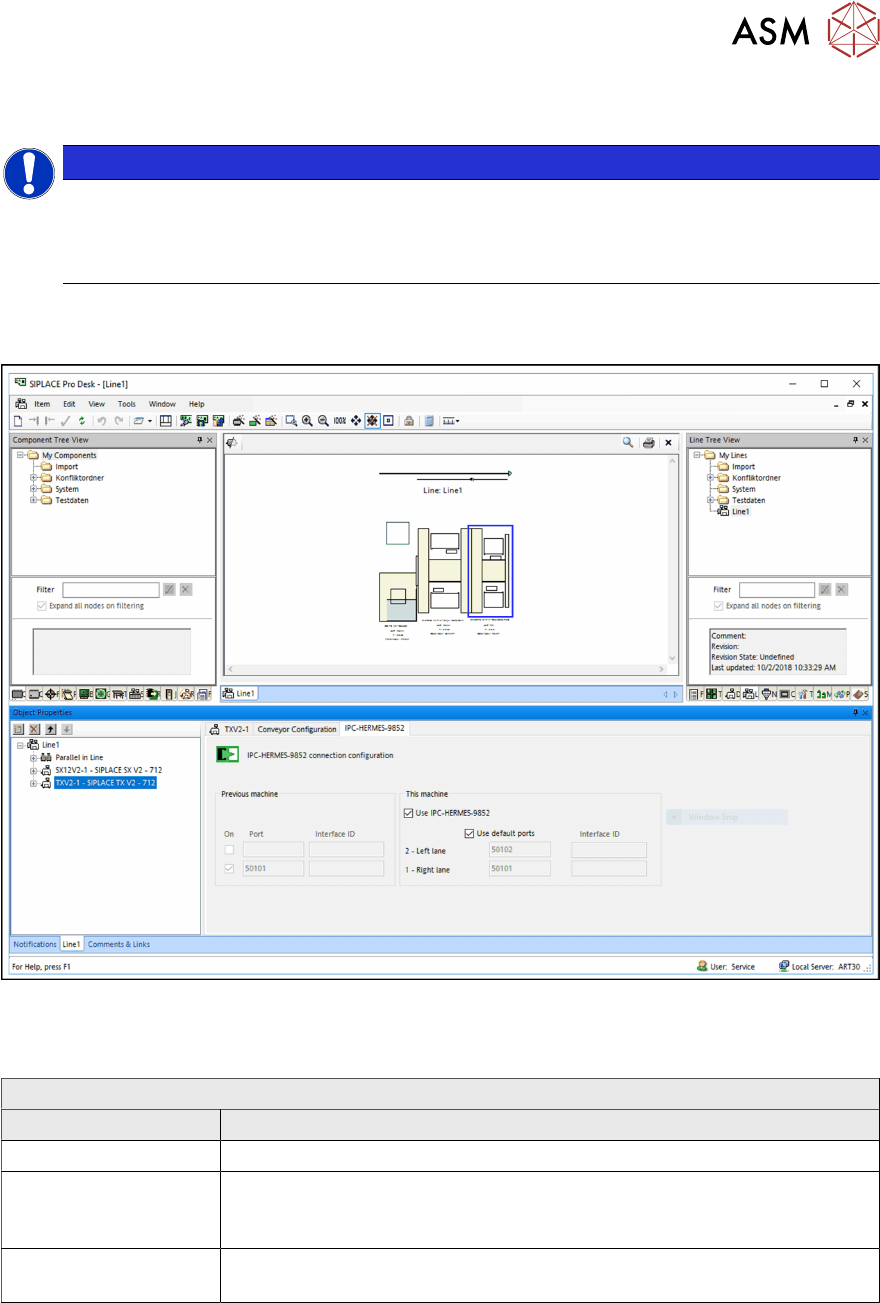
► In SIPLACE Pro, open the line editor.
► Select the IPC-HERMES-9852 tab.
► Select the individual stations in the line and configure the connections for all of them.
ð The settings of the previous machine are displayed and you can make the settings for the
next machine.
Editing field: From previous machine
Field Value/Meaning
On Shows if a port number from the previous machine is present.
Port The port number of the previous machine (placement machine, printer,
general line device or inspection system) is read out from the configura-
tion and displayed here.
Interface ID The Interface ID of the previous third party party device (no SIPLACE
station) is displayed.
► Configure the connection to the next machine.
3 Configuration
3.2 Connection configuration in SIPLACE Pro
28 Administrator Guide / Administrator Handbuch / 管理员指南 IPC-HERMES-9852 - V1.2 05/2020
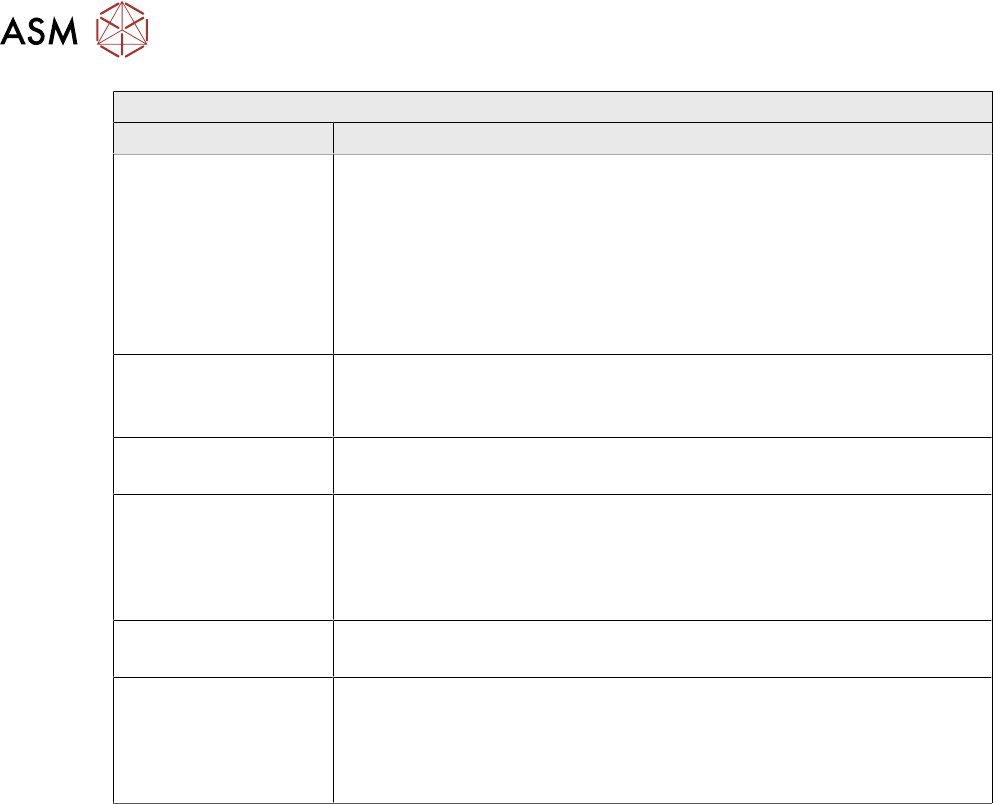
Editing field: To the next machine
Field Value/Meaning
Use IPC-HER-
MES-9852
Enabled:
Instead of the IPC SMEMA interface, IPC-HERMES-9852 is used for the
connection to the next machine in the line. At the next machine in the
line, this configuration is displayed in the From previous machine field
and cannot be edited there.
Disabled:
The IPC SMEMA interface is used for the connection to the next
machine in the line.
Use default ports Enable this option if you want to use the default ports.
Disabled:
Allows entering individual port numbers for the respective conveyor lane.
Port 2 - Left lane
50102 - Port number for the left conveyor lane.
Interface ID The Interface ID for third party devices with additional conveyor lanes
(including return transport) that are not the main transport direction
through the line. The Interface ID is used to identify the input or output
side of special devices (no SIPLACE stations).
Default: No value is entered for the Interface ID.
Port 1 - Right lane
50101 - Port number for the right conveyor lane.
Interface ID The Interface ID for third party devices with additional conveyor lanes
(including return transport) that are not the main transport direction
through the line. The Interface ID is used to identify the input or output
side of special devices (no SIPLACE stations).
Default: No value is entered for the Interface ID.