DECAN_S1_Troubleshooting_Guide(Eng_Ver1.3)_Print_Web.pdf - 第48页
1-24 Next Generation, Multi-Functional Plac er DECAN S1 Troubleshooting Guide E0211 The nozzle is conta minated [Cause] The nozzle is contaminated [Measures] Clean the nozzle periodically referring to the Maintenance…

1-23
System Messages of the MMI and Solutions
2) Replace the camera.
3) Replace Head illumination board.
Replace Head I/F board. (For the SM411, 421, 411F)
4) Check for the cable connection status of the Head Illumination board or Head I/F
board. If there are any problems, replace the camera cable.
5) Check the vision I/F board cable connection and if the cable has a problem, replace the
camera cable.
E0208 The camera has not been assembled properly. Therefore, the following problem
occurred:
The camera recognition area is not located at the part center but slightly offset in the X-
axis or Y-axis direction Camera
[Cause]
The camera has not been assembled properly
[Measures]
Remove the camera and reassemble it. Then perform calibration.
E0209 The image from the camera appears dark due to abnormal brightness of the
illumination
[Cause]
1) Defective camera illumination board
2) Head illumination board or head I/F board are defective.
3) VME IO illumination board or Flux board are defective.
4) The light LED turns on and off repeatedly due to defective contact of the cable related
to lighting.
5) Light mapping was not performed properly
[Measures]
1) Check the connection of the cables related to the illumination IF board as well as S/W
setup. If there is no problem with the cable connection, replace the illumination board.
2) Replace Head illumination board.(For the SM411, 421, 411F)
Replace Head I/F board. (Applies to the SM series machines excluding the SLM,
SCM1 and SM451)
3) Replace VME IO illumination board.(For the SM411, 421, 411F)
Replace Flux board. (For the SM481, 482)
4) Connect the illumination cable connector again or check whether the connector pin is
connected properly. If the cable has a problem, replace the cable.
5) Perform light mapping again.

1-24
Next Generation, Multi-Functional Placer DECAN S1 Troubleshooting Guide
E0211 The nozzle is contaminated
[Cause]
The nozzle is contaminated
[Measures]
Clean the nozzle periodically referring to the Maintenance Handbook.
E0212 The head reference mark was not recognized properly (only for SM 411/411F/431/ 471
models)
[Cause]
The head 'Ref' mark is contaminated.
[Measures]
Clean the head 'Ref' mark
1-25
System Messages of the MMI and Solutions
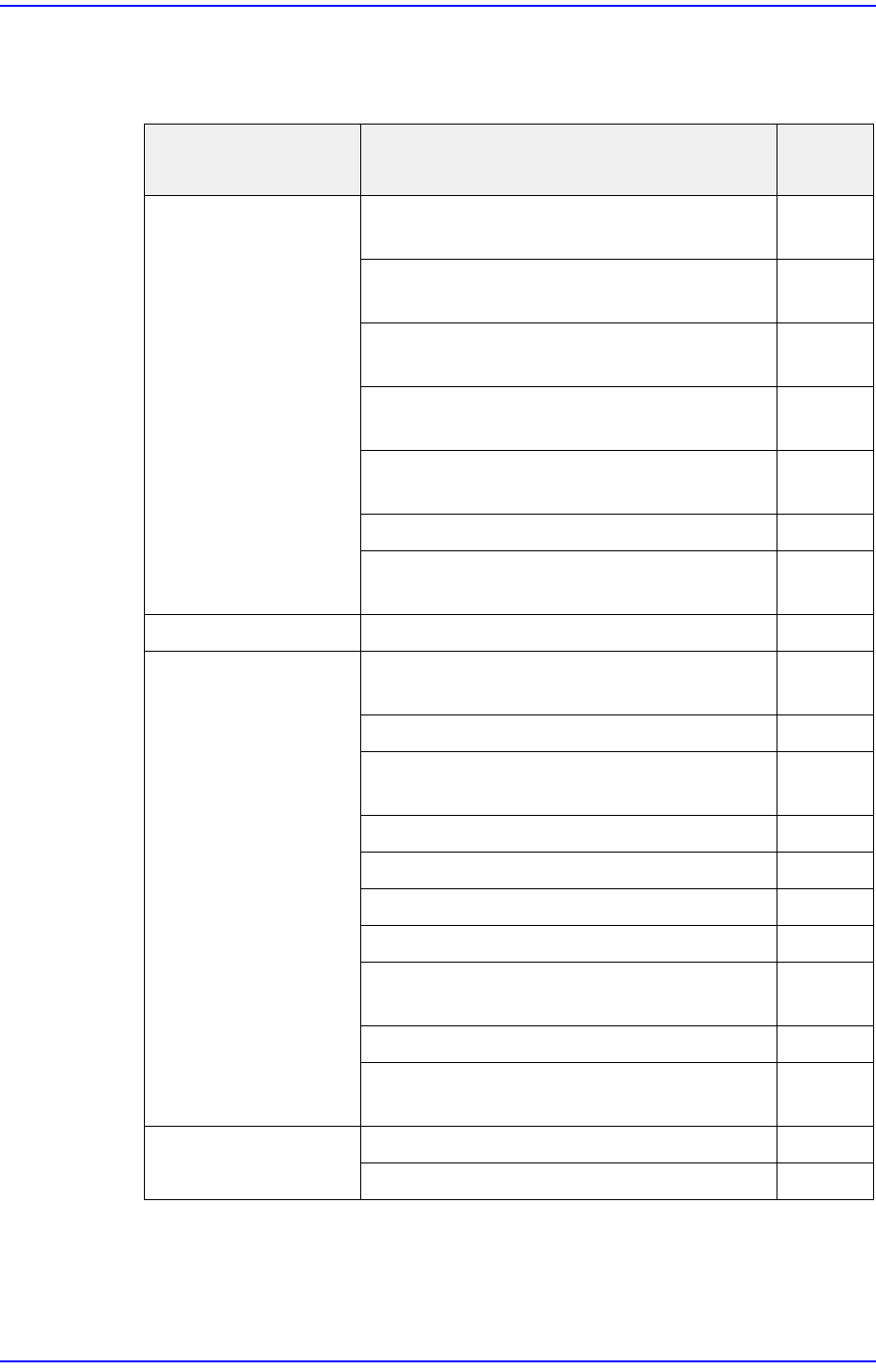
1.2.2. Part Placement Error
Parts not picked up - Errors causing parts not to be picked up [Refer to Section 1.2.2.1]
Cause Description
Remark
s
Parts are blown (low
vacuum)
A component of the head’s pneumatic
system is defective
E0300
User parameter setup error (part thickness,
illumination brightness, etc.)
E0301
Excessive fluctuation range of main
pneumatic pressure (4.5 Mpa ~5.5 Mpa)
E0302
In the case of certain model, parts are
blown
E0303
Defective head vacuum solenoid cable
connector
E0304
PCB clamp error E0305
Setup error of the solenoid valve for blow
(strong)
E0306
PCB warp A PCB warps up and down E0310
A part adheres to the
nozzle
Setup error of the solenoid valve for blow
(weak)
E0320
Fouled vacuum filter E0321
The head vacuum filter case was not
assembled properly or was damaged
E0322
Defective solenoid valve E0323
The spindle is clogged E0324
Vacuum leaks from the rotary joint E0325
The LED part pickup position is sticky E0326
A large amount of oil entered the vacuum
generator
E0327
Static electricity generated E0328
Foreign material was adsorbed at the
nozzle tip
E0329
Part is stuck in the
nozzle
Standard nozzle is not used E0340
A nozzle unsuitable to the part is used E0341