DECAN_S1_Troubleshooting_Guide(Eng_Ver1.3)_Print_Web.pdf - 第79页
1-55 System Messages of the MMI and Solutions [Cause] The image is dim or blurre d due to incorrect focus. No diff erence in brightness bet ween the fiducial mark and i ts surrounding. [Measures] Check the state of…
1-54
Next Generation, Multi-Functional Placer DECAN S1 Troubleshooting Guide
$ac08 The part height recognized is different from the reference value.
[Cause]
The part height recognized is greater or lesser than the allowable value.
[Measures]
Check whether the registered part information corresponds to the picked part and
check the allowable error.
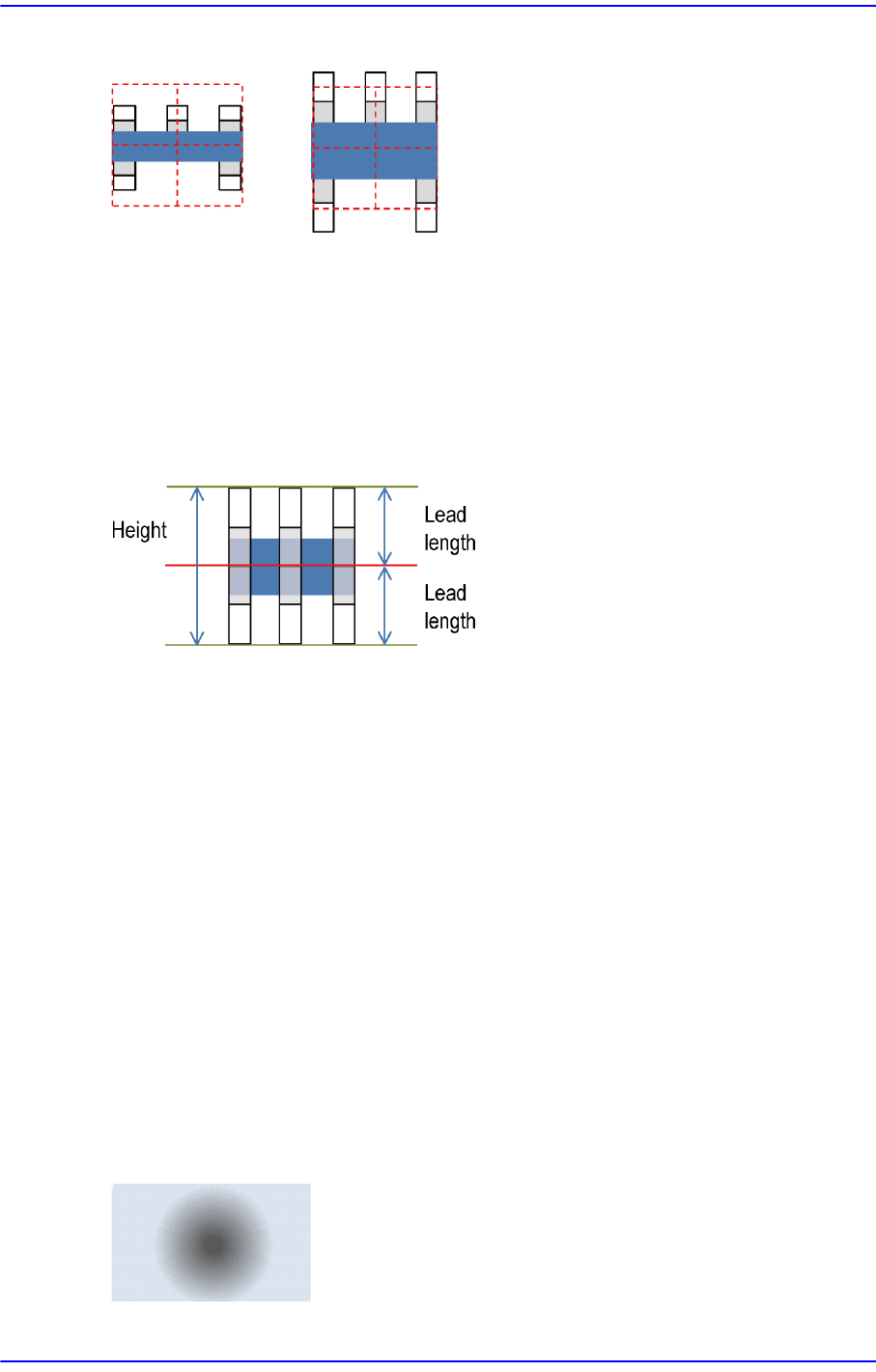
$ac11 The part size is too small and the lead length is set to be too long.
[Cause]
The sum of the upper and lower lead lengths is higher than the entire part height.
[Measures]
Check the registered part information. If necessary, adjust the entire height of the part.
1.3.6. Fiducial related error[ae03 ~ ae16]
$ae04 The score of the fiducial mark to be recognized is less than the input score.
[Cause]
The score of the measured fiducial mark is less than the reference score.
[Measures]
Check the state of the fiducial mark. If necessary, adjust the score value or
illumination value.
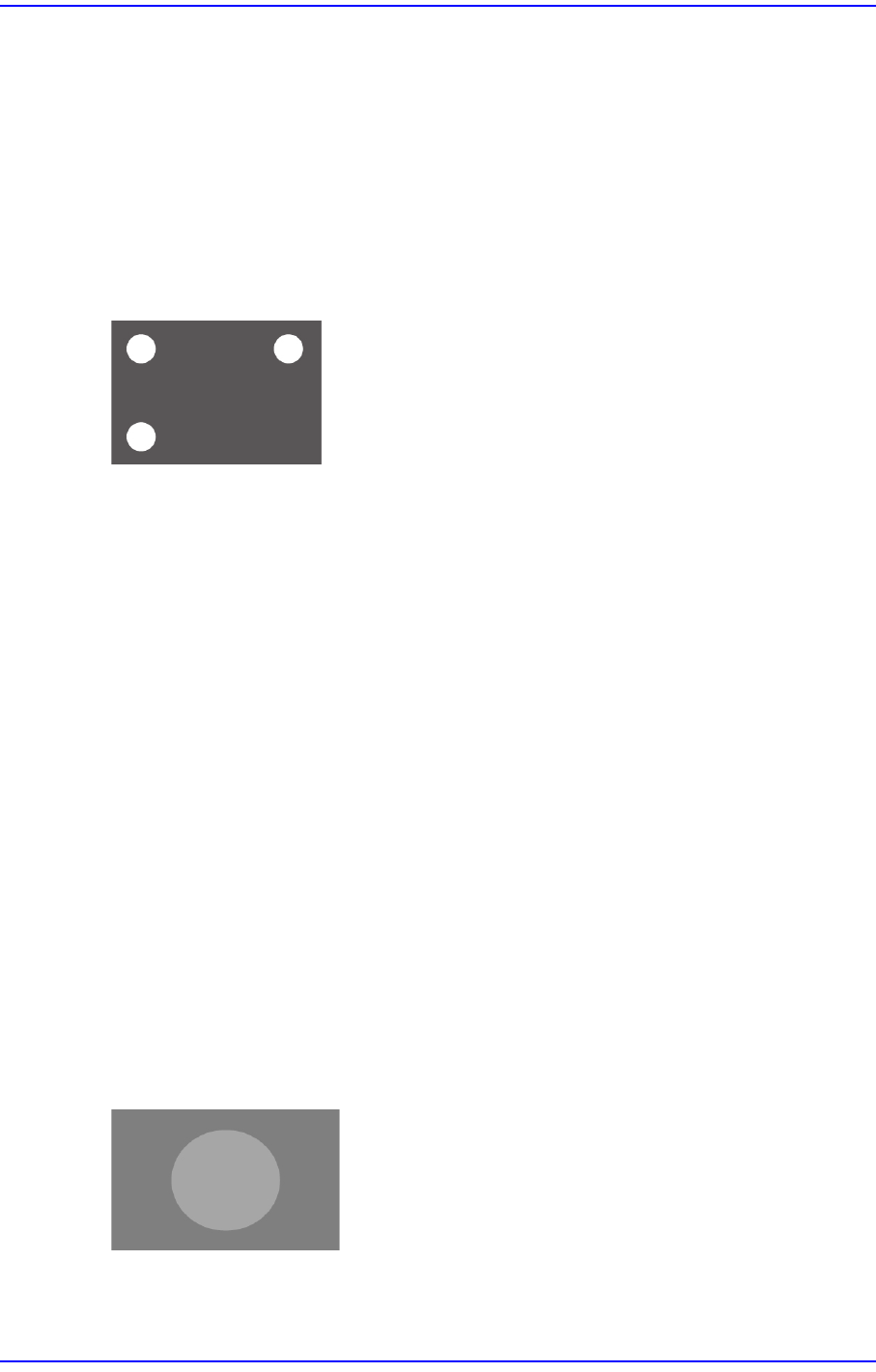
$ae05 Cannot find the fiducial mark edge.
1-55
System Messages of the MMI and Solutions
[Cause]
The image is dim or blurred due to incorrect focus.
No difference in brightness between the fiducial mark and its surrounding.
[Measures]
Check the state of the fiducial mark.
Adjust the threshold value or illumination value.
$ae06 Too many fiducial mark candidates
[Cause]
Several fiducial marks exist in one screen.
[Measures]
Adjust the fiducial mark inspection area.
$ae09 Failed to train since the size of the input fiducial is small
[Cause]
The fiducial mark size is less than 100µm.
[Measures]
Set the fiducial mark larger than 100µm.
$ae10 Failed to train since the size of the input fiducial is very large
[Cause]
The fiducial mark size is greater than 6 mm.
[Measures]
Set the fiducial mark less than 6 mm.
$ae12 The fiducial center was found. However, it has failed to check the final contrast.
[Cause]
1-56
Next Generation, Multi-Functional Placer DECAN S1 Troubleshooting Guide
The difference in brightness between the fiducial mark and its surroundings is less
than 20 DN.
[Measures]
Check the state of the fiducial mark.
Adjust the illumination value so that the fiducial mark and its surroundings look clear.
$ae15 Cannot find the fiducial mark edge.
[Cause]
There is no fiducial mark.
The difference in brightness between the fiducial mark and its surroundings is small.
[Measures]
Check the state of the fiducial mark.
Adjust the illumination value so that the fiducial mark and its surrounding look clear.
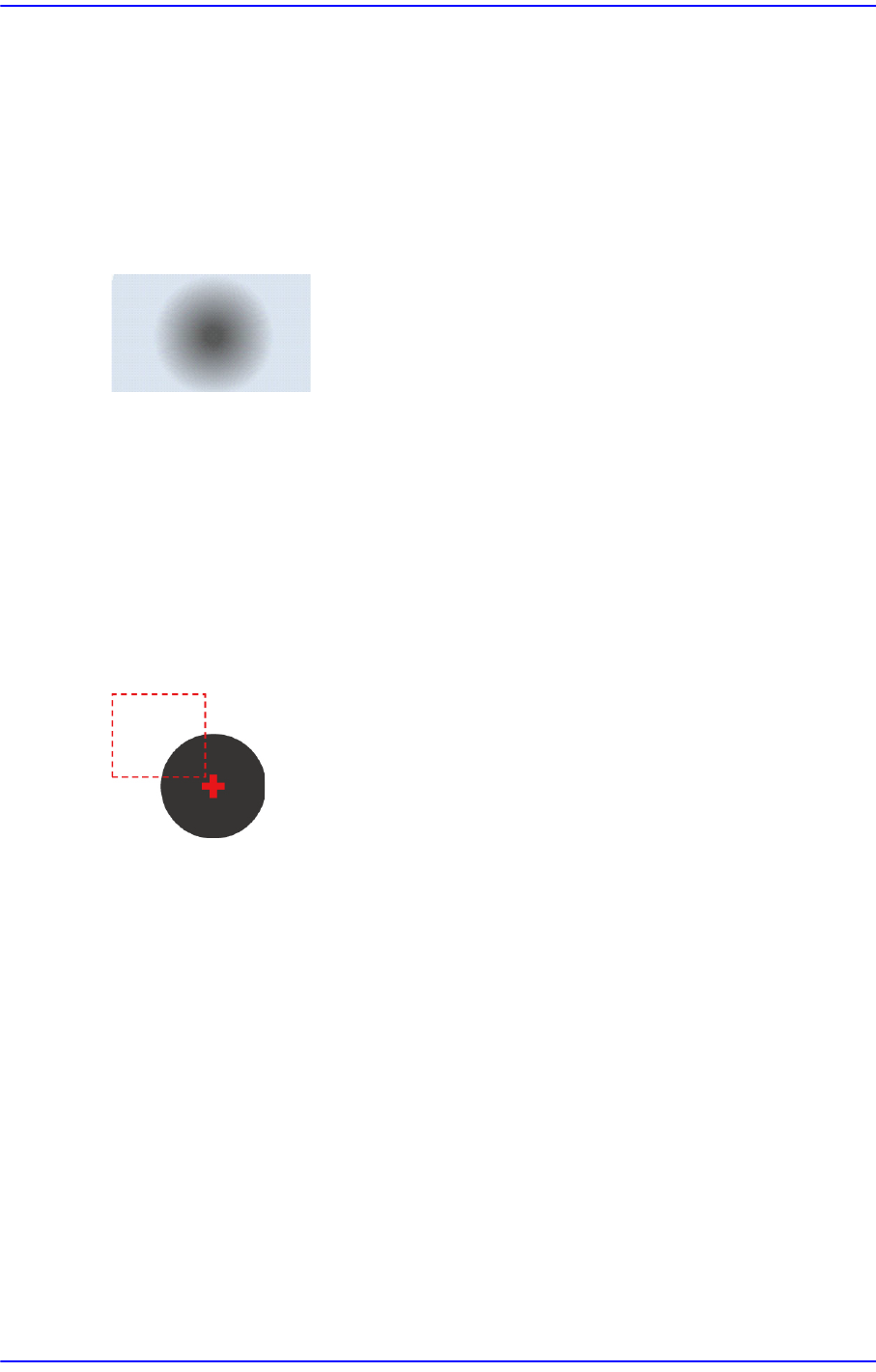
$ae16 The fiducial center was found. However, it is out of the inspection area.
[Cause]
The fiducial mark center is out of the set inspection area.
[Measures]
Adjust the fiducial position or inspection area.