SWIA_503.04_EN.pdf - 第10页
L&A I NSTA LLATION M ANUAL L INE C OMPUTER LCL 50 3.04 NSTALLING THE LINE COMPUTER SOF TWARE INUX U I LRL L (S SE 9.0) in the event of an upgrade, proceed with section 4.2.4 Update: Installation via «Install Op - t…
INSTALLATION MANUAL LINE COMPUTER LCL 503.04 L&A
VERVIEW O
4.2 Installing the line computer software LRL Linux (SuSE 9.0)
4.2.1 Overview
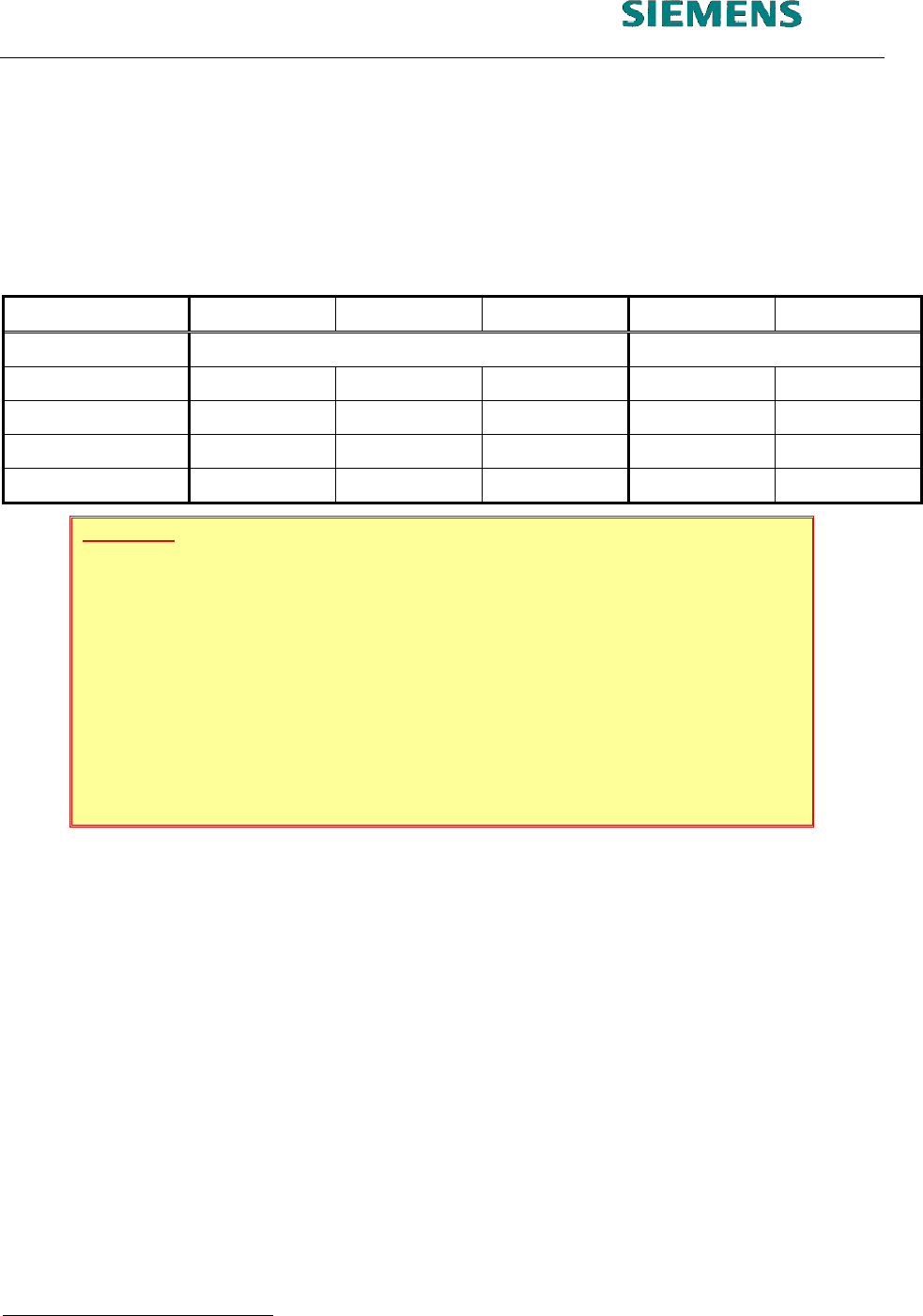
Installation can be carried out from a number of different initial scenarios. Different activities with re-
spect to data backup and data conversion are necessary depending on the initial scenario.. The
table below provides an overview:
New hardware SCO 3.0 SCO 5.0 SuSE 7.3 SuSE 9.0
Action New installation Update
Data backup - X X (X) -
Boot from CD X X X - -
«Install options»
1
- - - X X
Data conversion X X X - -
ATTENTION
Since the first installation routine 2002, some components had been changed,
which had to be considered. Especially
the computer type Econel 30
the computer type Econel 40
the computer type Econel 50
the 19” monitor (flat screen)
The manual had been supplemented by using USB- and network printers. Also the
usage of the alternative filesytem «EXT3» had been included.
Before the installation is carried out, a data backup run must be performed.
When migrating from SCO 3.0, data must first be converted at least to 403 format. Then the
data can be backed up over the network, for example.
When migrating from SCO 5.0, it is recommended that data is backed up over the network.
The backup tool «SDH_Backup« cannot be used for backing up data for Linux.
When migrating from SuSE 7.3, it is recommended that data are backed up.
After the software has been installed, the data must be reloaded into the master data maintenance
system. Any further data conversion is carried out by re-installing the LRL software and selecting the
menu option «OPTIONS» / «Install options».
After data backup has been carried out, continue as follows:
in the event of a new installation, proceed with section 4.2.2 New installation
1
This means, to install the software use the function «Options» / «Install Options» from the application menu.
03.03.2005 SUBJECT TO CHANGE WITHOUT PRIOR NOTICE L&A EA
R
UPERT-MAYER-STR. 44
P
AGE 9 / 75 SWIA_503.04_EN.DOC D-81359 MUNICH
L&A INSTALLATION MANUAL LINE COMPUTER LCL 503.04
NSTALLING THE LINE COMPUTER SOFTWARE INUX U
I
LRL L (S SE 9.0)
in the event of an upgrade, proceed with section 4.2.4 Update: Installation via «Install Op-
tions»
in the event of a pure LCL installation, proceed with section 4.2.5 Installation entries of LCL
software installation
4.2.2 New installation
The following remarks should be considered during a new installation.
4.2.2.1 Econel 30
NOTE
When using an «Econel 30» system (these have both a DVD and a CD wri-
ter) the installation CD must be inserted into the CD writer drive!
4.2.2.2 Econel 40
Before starting the installation of «auteq Linux 9.0» onto an «Econel 40», you have to check and
maybe change the BIOS settings:
1. After switch on the computer, press the ‹Delete› key, to enter the setup.
2. Select the 2
nd
page «Advanced»
3. Select the menu entry «IDE-Configuration»
4. Change the setting S-ATA Mode [Native]
to S-ATA Mode [Legacy]
e.g. using the ⊕ key.
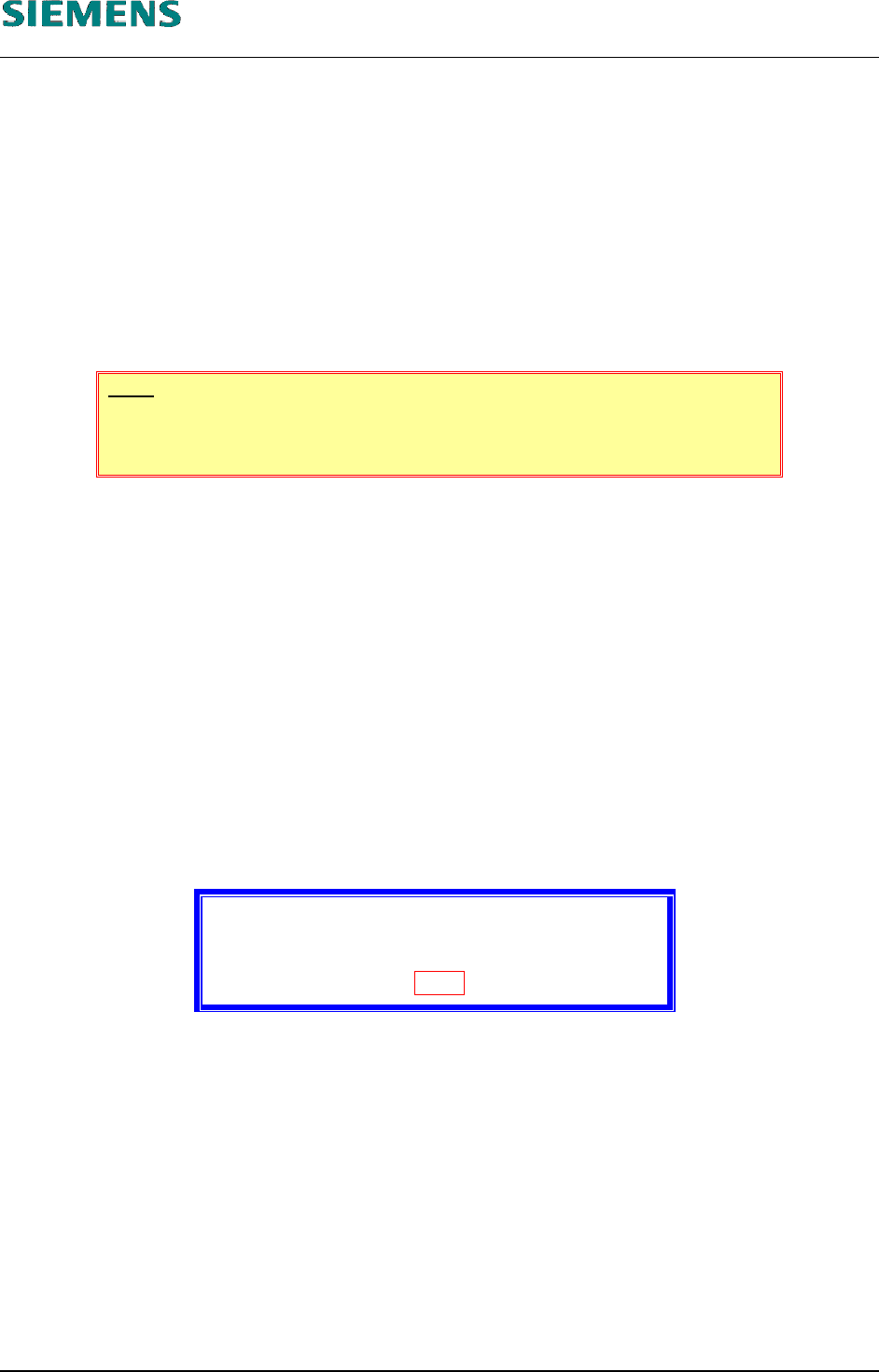
Now you can start the installation as described below. If you don’t change the BIOS settings, the in-
stallation will abort with the message:
Error:
No hard disks were found for the installation.
Please check your hardware!
OK
L&A EA SUBJECT TO CHANGE WITHOUT PRIOR NOTICE 03.03.2005
RUPERT-MAYER-STR. 44
D-81359 M
UNICH SWIA_503.04_EN.DOC PAGE 10 / 75
L&A INSTALLATION MANUAL LINE COMPUTER LCL 503.04
NSTALLING THE LINE COMPUTER SOFTWARE INUX U
I
LRL L (S SE 9.0)
4.2.2.3 Econel 50
Additional driver floppies are required when installing an «Econel 50» computer (order number
03037356-1 –SIPLACE Compact Server 4) with SuSE Linux 9.0 and LCL 503.04:
for controlling the SATA RAID controllers
(order number 00377053-01 Disc SATA RAID – SuSE 9.0 – Econel 50)
for the network card
(order number 00377054-01 Disc NETWORK CHIP SET – SuSE 9.0 – Econel 50)
For the «Econel 50» you need also the additional CD for Service Pack 1
(order number 00376174-02 CD LINUX 503.04 – Service Pack 1 – Econel 50)
The complete package can be ordered under the number 00377052-01 (Patch LINUX SuSE 9.0 –
Econel 50).
Cause:
The «Econel 50» should be used with the SATA controller.
A new type of network card is used in the «Econel 50».
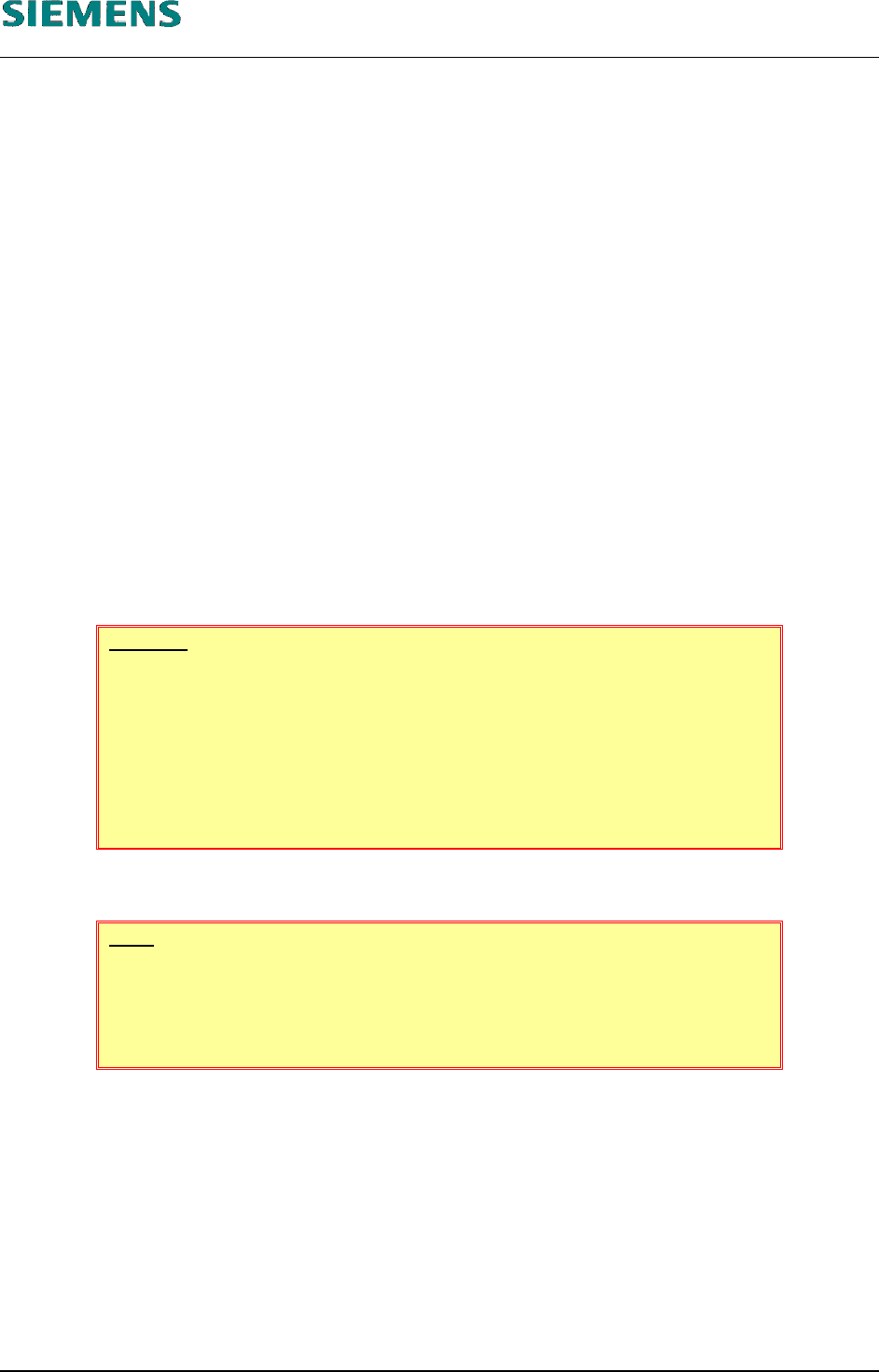
WARNING
Using an «Econel 50» with linecomputer software LCL 503.04 and Service
Pack 1, you have to use the special CD «CD LINUX 503.04 – Service Pack
1 – Econel 50».
You must not use the former installation CD for the Service Pack 1 (version
01)!
4.2.2.4 19” Monitor
NOTE
If you want to install a system, using a «19” monitor» (flat screen), at first,
you have to change the resolution of the monitor onto the value 1024x768
(see step 1 below on page 12)
4.2.2.5 Replace filesystem «ReiserFS» by «Ext3»
The «Reiser filesystem» under «auteq Linux 9.0» is not as error-tolerant as expected.
If the computer is not shut down correctly, but simply switched off, any files still open at that time are
not corrected properly when the system is rebooted and can thus no longer be read or written to.
Regrettably it’s not possible to change the filesytem type on an installed system. But during a new
installation, you should use the opportunity to change from the preset filesystem «ReiserFS» to the
filesystem «Ext3».
L&A EA SUBJECT TO CHANGE WITHOUT PRIOR NOTICE 03.03.2005
RUPERT-MAYER-STR. 44
D-81359 M
UNICH SWIA_503.04_EN.DOC PAGE 11 / 75