00198000-02_VD_709.1_DE_EN.pdf - 第14页
Station Software 709.1 / Version Descript ion Ausgabe 05/2016 E dition 14 ● T eaching placeme nt positions Figure 4-6:Teaching placement pos itions ● Teaching tray (simi lar to teaching c omponent shap es) ● Correcting p…
Station Software 709.1 / Version Description Ausgabe 05/2016 Edition
13
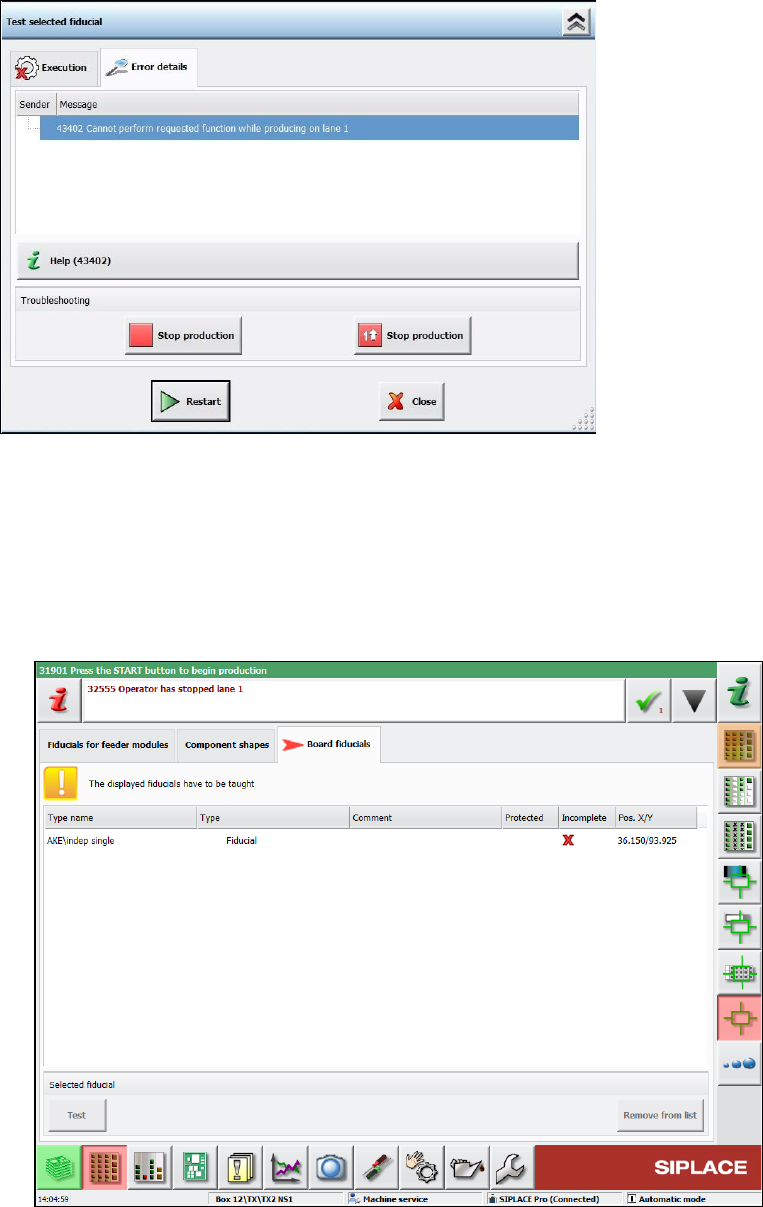
When, for example, teaching is triggered by pressing the appropriate buttons, the GUI prompts for
machine stop like this:
Figure 4-4: Prompt for machine stop
The teaching workflow does not change in 2-in-1 mode. The only difference is that the other
conveyor lane will continue producing while the operator is teaching.
The following dialogs allow editing while simultaneously producing on the other conveyor lane in
2-in-1 mode:
● Teaching board fiducials, component shapes and fiducials for feeder modules.
These machine requests can be taught in the following new dialog.
Figure 4-5: Teaching machine requests
Station Software 709.1 / Version Description Ausgabe 05/2016 Edition
14
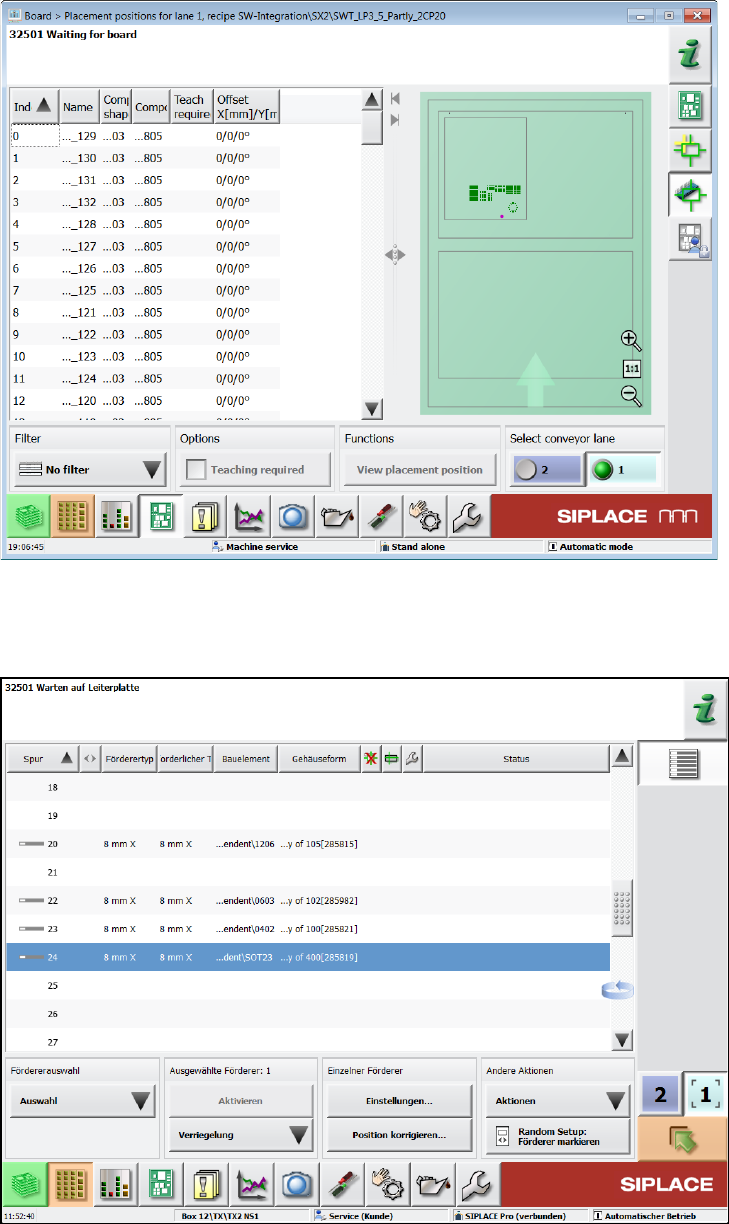
● Teaching placement positions
Figure 4-6:Teaching placement positions
● Teaching tray (similar to teaching component shapes)
● Correcting pickup position
Figure 4-7: Correcting pickup position
Station Software 709.1 / Version Description Ausgabe 05/2016 Edition
15
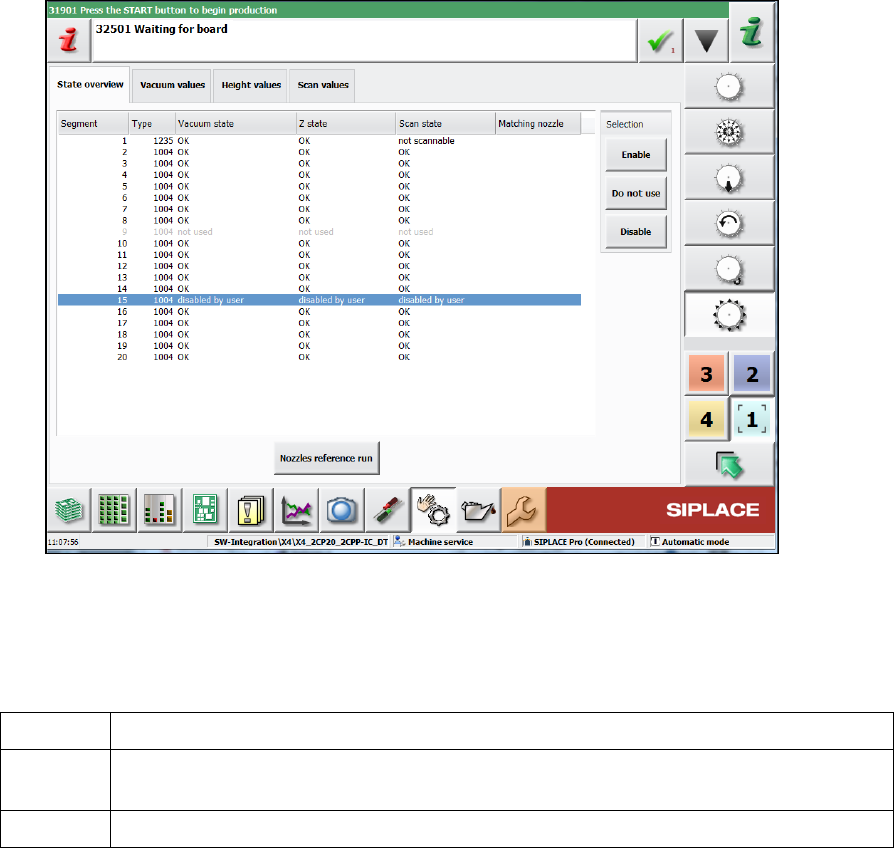
● Not using/enabling segments
Figure 4-8: Not using/enabling segments
Lamps
The green light of the lamp towers has the following meaning in 2-in-1-mode:
off Job stopped on this conveyor lane.
blinking Job is ready for production (conveyor lane unblocked) or a manual function is active
for the conveyor lane/gantries associated with this job.
on Job on this conveyor lane is actively producing.
Error handling in 2-in-1-mode
Detailed errors only lead to a stop of the affected conveyor lane. The conveyor lane will be stopped
in the following cases:
– Fiducial error or fiducial requires teaching
– Component requires teaching
– Placement position requires teaching
– Check whether a component was placed or not
Several of the detailed errors can accumulate in the error bar without interrupting the current
workflow: The operator can finish the current workflow (e.g. user initiated teaching) on one
conveyor lane, while a detailed error is pending for the other conveyor lane. Alternatively, the
operator could cancel the current workflow, navigate to the detailed error, solve it, restart the
conveyor lane and start the user-requested workflow again.