TUT-CP842-Oper guide-preliminary.pdf.pdf - 第29页
The following operations must be carried out before the power to the machine can be cut. Reject Parts If the power to the machine is cut with picked parts remaining on nozzles, these parts will drop off into the machine.…
Turning on the Power
Procedure
1. Start the host system connected to the machine.
2. Set the circuit breaker on the machine to the ON position.
The [POWER ON] lamp lights at this time.
3. Press one of the EMERGENCY STOP buttons.
CAUTION
For safety reasons, press the EMERGENCY STOP button
before turning on the power to the machine.
4. Push the SYSTEM ON button to start the machine.
5. Release the EMERGENCY STOP button which was pushed in.
6.
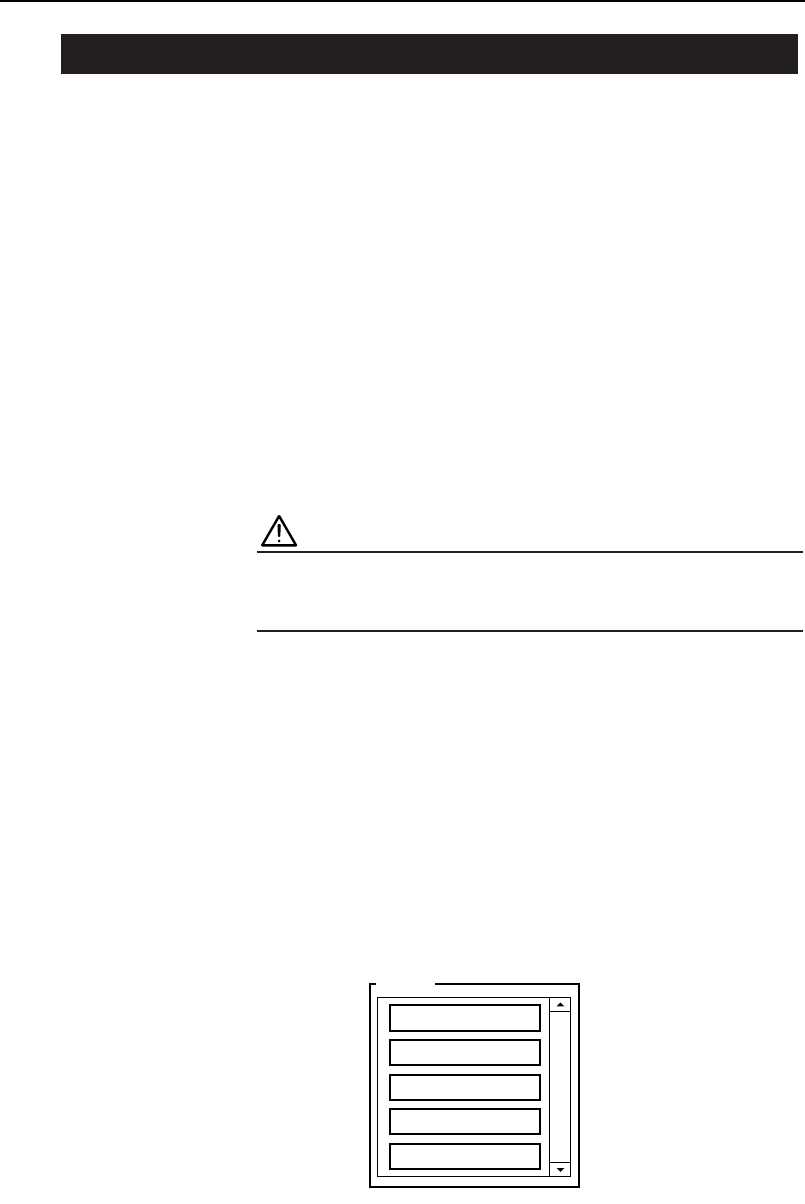
Push the READY ON button and select your user name from
the list which displays. You will be requested to enter your
password using the keyboard which displays. After entering
your password, press [Enter] to log on.
Operator
Super User
Operator-A
Operator-B
Maintenance-1
Maintenance-2
C84INT012E
2.1 Starting the Machine
Chapter 2: Starting and Stopping the Machine
Preliminary
2-2 CP-842E/842ME Operator’s Guide

The following operations must be carried out before the power to the machine
can be cut.
Reject Parts
If the power to the machine is cut with picked parts remaining on nozzles,
these parts will drop off into the machine. Discard all picked parts into the
parts reject box before turning off the machine power.
Procedure
1. Select [Part Rejection] at the [Main] screen.
2. Press the START button.
3. After all parts have been discarded, press [Close] to return to
the [Main] screen.
Move Device Table(s) to Escape Position
The replacement and loading of parts cannot be performed while the device
table is in the part pickup position. Move each device table to its respective
part supply position before cutting the power to the machine.
Procedure
1. Select [Position] from the [Main] screen.
2. Select either [D1-axis] or [D2-axis] for the D-axis that is current-
ly at the pickup position (not at escape position).
Both device tables can be selected when the table mode is in the joint mode.
2.2 Prior to Cutting the Power
Chapter 2: Starting and Stopping the Machine
Preliminary
2-3CP-842E/842ME Operator’s Guide

3. Press the START button.
4. Once the selected D-axis moves to its escape position press
[Close] to return to the [Main] screen.
The operations in the previous section must be carried out prior to turning off
the machine power.
Procedure
1. Press EMERGENCY STOP.
2. Press the [Power OFF] button on the display.
3. Press [OK] in the message box.
Shutdown processing then begins.
4. The final Windows screen displays following shutdown process-
ing, then a timer is used to turn off the power automatically.
CAUTION
Do not press the SYSTEM ON button or the [Restart] but-
ton on the display, while the timer is active.
That completes the normal shutdown procedure. The power light is still on,
but it is not necessary to turn off the power at the breaker unless maintenance
work is required, or when the machine is to be left idle for an extended peri-
od. In these cases, the UPS should be deactivated, and the power should then
be turned off at the breaker. (Refer to the CP-842E/842ME Mechanical
Reference manual for detail.)
2.3 Cutting the Power
Chapter 2: Starting and Stopping the Machine
Preliminary
2-4 CP-842E/842ME Operator’s Guide