00195613-01 IM Uptime LT_EN_DE.pdf - 第73页
Installing the Uptime LT Application Installing Program Packages Installing Uptime LT SIPLACE Uptime LT Installationsanleitung / Installation Manual 73 4-13: Initializing an MSDE entity Since initialization of the MSDE e…
Installing the Uptime LT Application
Installing Uptime LT Installing Program Packages
72 SIPLACE Uptime LT Installationsanleitung / Installation Manual
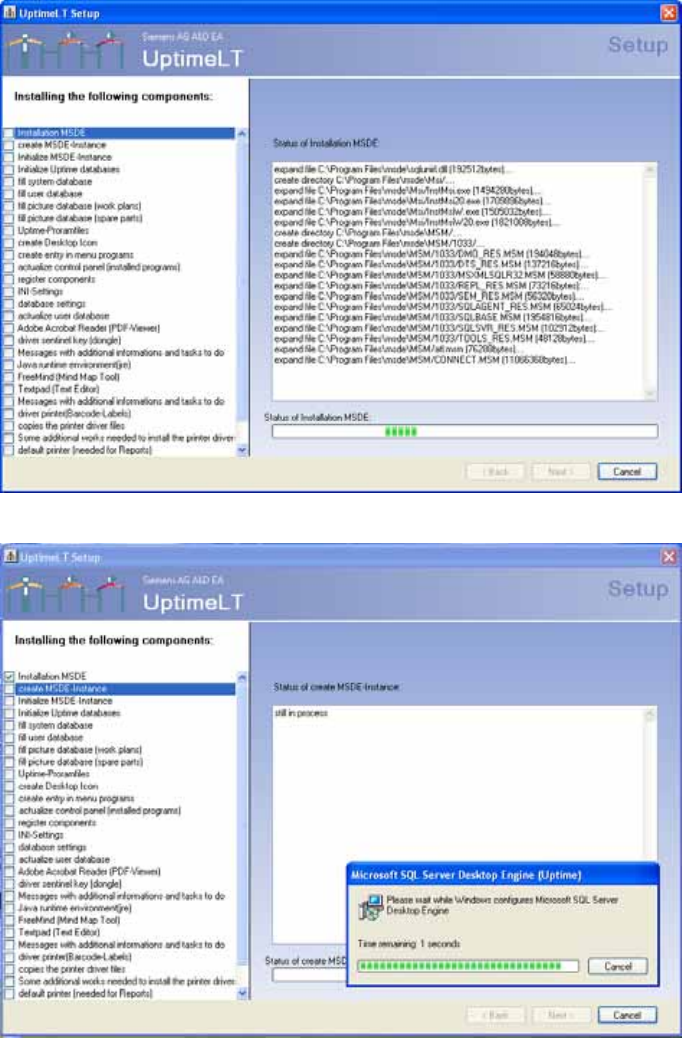
4.2.3 Installing Program Packages
4-11: Installing program packages
4-12: Generating an MSDE entity
Installing the Uptime LT Application
Installing Program Packages Installing Uptime LT
SIPLACE Uptime LT Installationsanleitung / Installation Manual
73
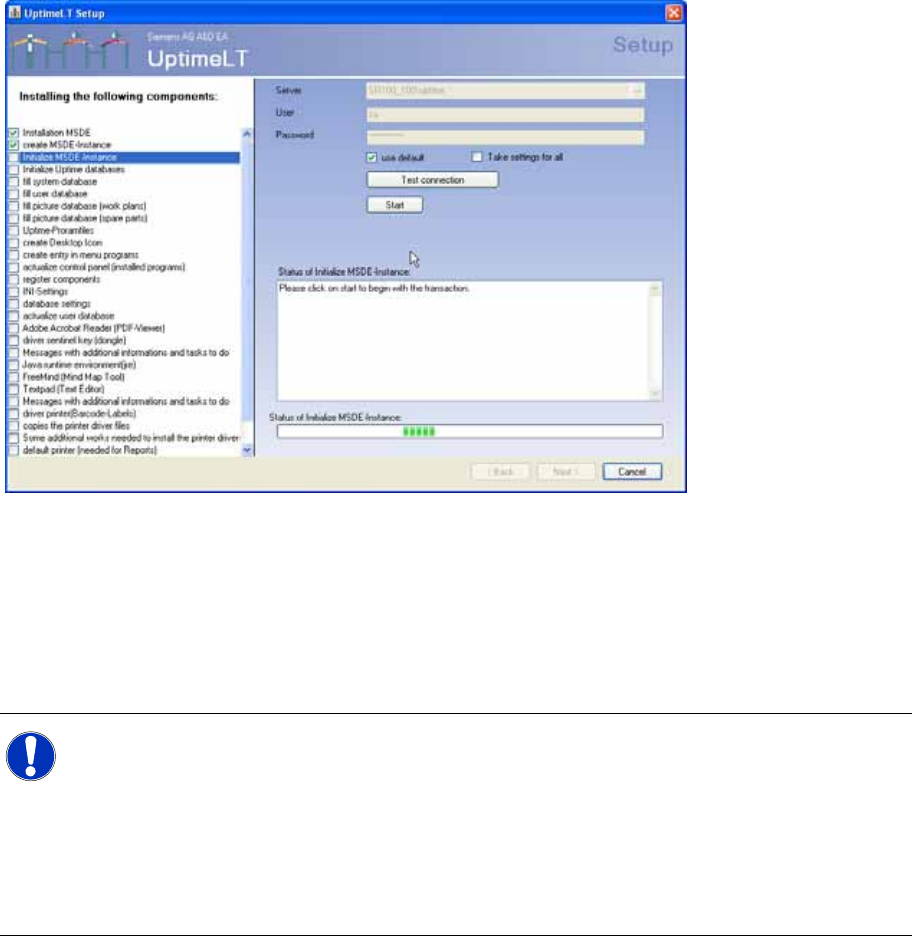
4-13: Initializing an MSDE entity
Since initialization of the MSDE entity involves access to the database, you need to check the connection
settings. These should generally be OK.
Clicking on Start starts installation of the program package.
If you tick Use for all in the settings, all following program packages which require a database connection
will be automatically started with the same connection information.
X Perform the steps shown.
NOTE: Automatic backup
Before the actual initialization of the MSDE entity, you need to make several manual changes
to the registration. The message shows the individual steps to be performed. These changes
are only necessary if you want Uptime LT to automatically perform backups i.e. on a time-
controlled basis.
If these changes are not made, Uptime LT will not be able to make the functions of the regular
backups fully available.
This setting can also be defined later, after the installation.
Installing the Uptime LT Application
Installing Uptime LT Installing Program Packages
74 SIPLACE Uptime LT Installationsanleitung / Installation Manual
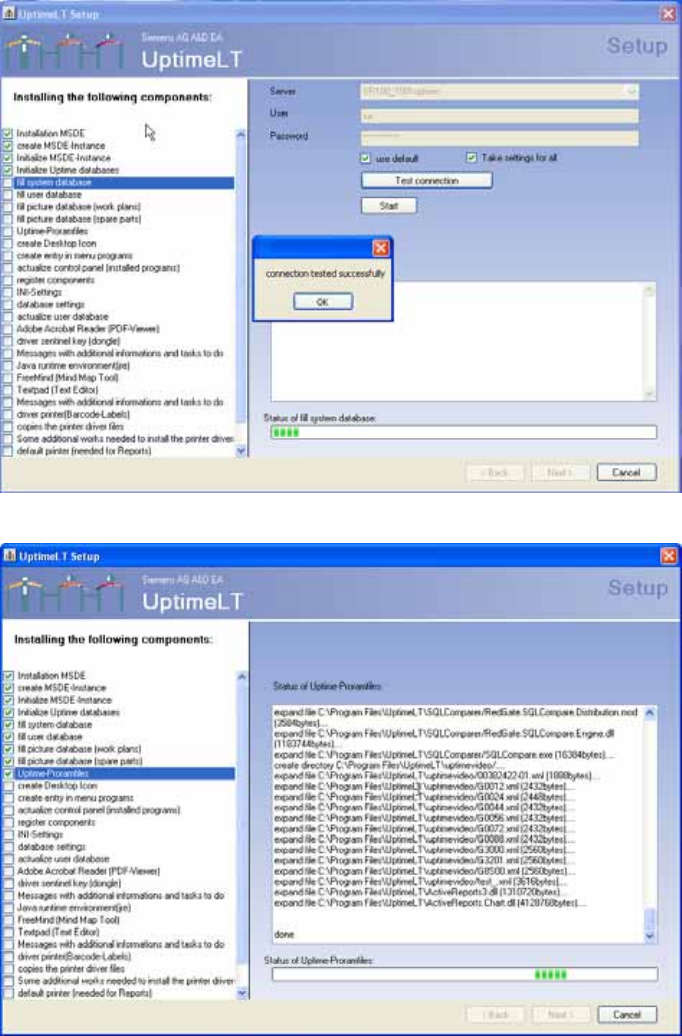
4-14: Message after successful connection test.
4-15: Installing the program files