Horizon UserManualV6.pdf - 第128页
Parameter Nominal Default Tolerances Increment Size Tolerance Range Cycle Time 30 ± 2 seconds 0.1 seconds ± 10 seconds Table Position Product Parameter (print gap) ± 0.2mm 0.025mm ± 1mm Board Fiducial 1 Score 700 +375, +…
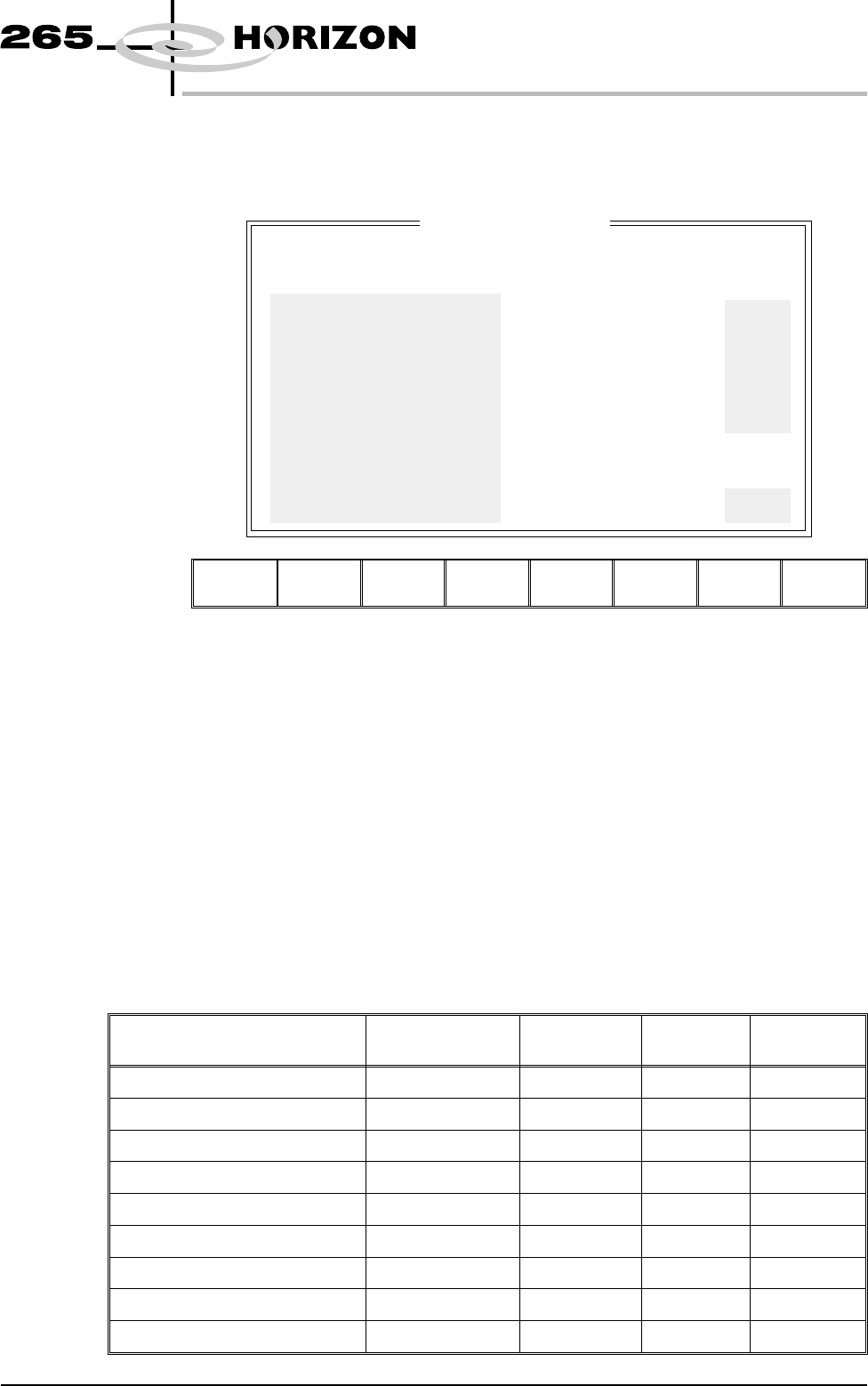
Edit SPC Limits Pressing the Edit Limits key when SPC Configuration Page is displayed opens
the following window and menu bar:
Left Right Next Previous Incr. Decr. Exit
NOTE
The shaded parameters in the window are set by the machine.
Each parameter can be set to stop the machine if the limits are exceeded.
The Left and Right keys move the cursor across the parameter columns.
The Next and Previous keys move the cursor vertically through the parameter
list.
The Incr. and Decr. keys increase or decrease the highlighted parameter.
The Exit key returns to the previous menu.
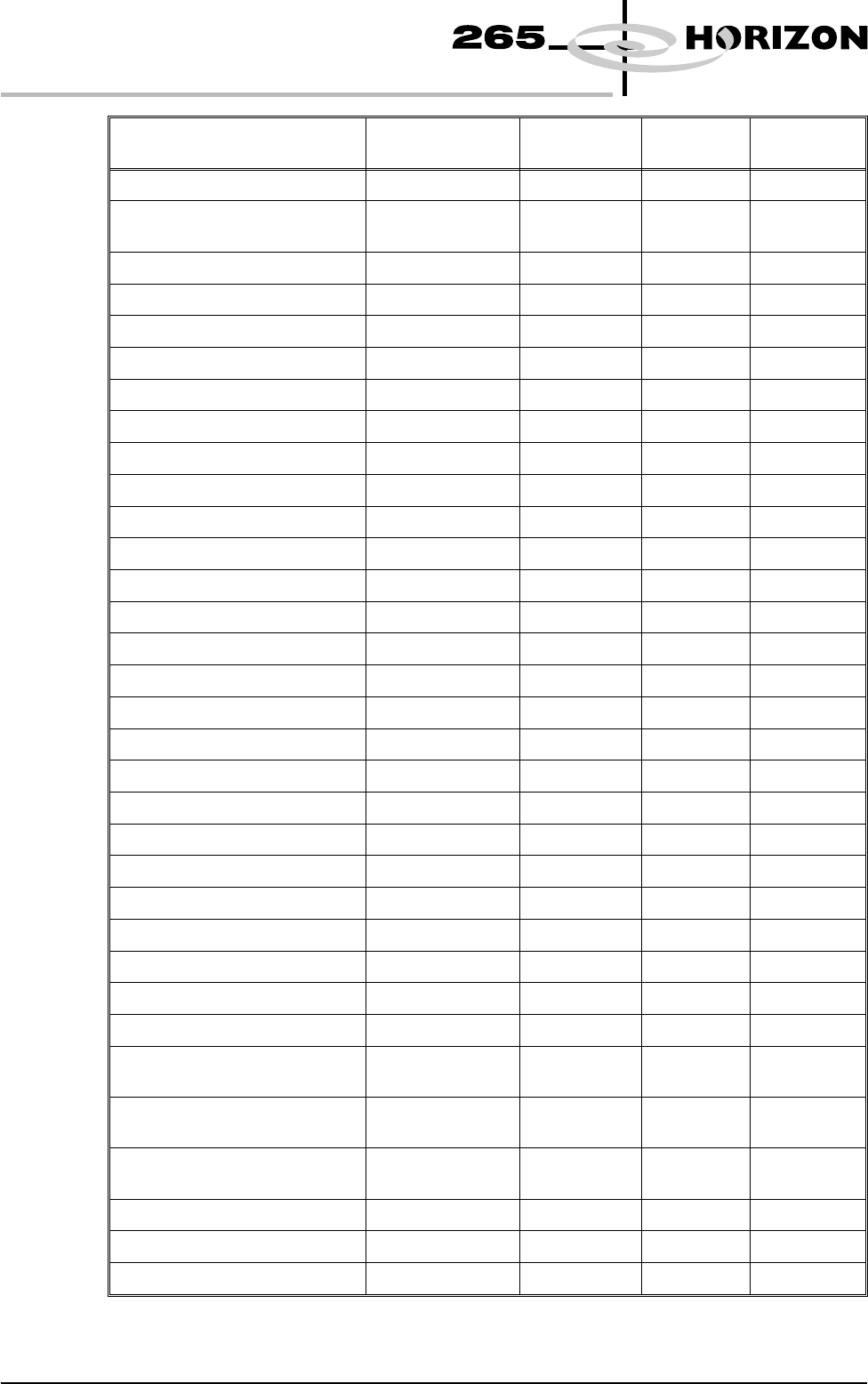
The SPC parameters and their edit limits are listed in the table below:
Parameter Nominal Default
Tolerances
Increment
Size
Tolerance
Range
X Alignment Deviation 0 ± 0.025mm 0.0005mm ± 1mm
Y Alignment Deviation 0 ± 0.025mm 0.0005mm ± 1mm
Theta Alignment Deviation 0 ± 31 arcsec 1 arcsec ± 100 arcsec
Board Stretch 0 ± 0.1mm 0.01mm ± 1mm
Front Pressure Product Parameter ± 0.2 kg 0.01 kg ± 2 kg
Rear Pressure Product Parameter ± 0.2 kg 0.01 kg ± 2 kg
Separation Speed Product Parameter ± 0.5mm 0.25mm ± 5mm
Temperature 22 ± 5 degrees 1 degree ± 10 degrees
Relative Humidity 50 ± 25 % 1 % ± 50 %
Software Version 6 User Manual 1.111
MACHINE PROGRAMMING
SPC CONFIGURATION
EDIT SPC LIMITS
X Alignment Deviation
Y Alignment Deviation
Theta Alignment Deviation
Board Stretch
Front Pressure
Rear Pressure
Separation Speed
Temperature
Relative Humidity
Cycle Time
Table Position
Board Fiducial 1 Score
NO
NO
NO
NO
NO
NO
NO
NO
NO
NO
NO
NO
Parameter Stop On
Limit
Maximum
Limit
Minimum
Limit
Nominal
+0.025
+0.025
+27
+0.10
+0.2
+0.2
+2.00
+5
+25
+2.0
+0.4
+375
-0.025
-0.025
-27
-0.10
-0.2
-0.2
-2.00
-5
-25
-2.0
-0.4
+100
0.000
0.000
0
0.00
0.0
0.0
1.0
22
50
30.0
0.000
700
Parameter Nominal Default
Tolerances
Increment
Size
Tolerance
Range
Cycle Time 30 ± 2 seconds 0.1 seconds ± 10 seconds
Table Position Product Parameter
(print gap)
± 0.2mm 0.025mm ± 1mm
Board Fiducial 1 Score 700 +375, +100 10 ± 500
Screen Fiducial 1 Score 700 +375, +100 10 ± 500
Board Fiducial 2 Score 700 +375, +100 10 ± 500
Screen Fiducial 2 Score 700 +375, +100 10 ± 500
Board Fiducial 3 Score 700 +375, +100 10 ± 500
Screen Fiducial 3 Score 700 +375, +100 10 ± 500
X Pre Alignment Deviation 0 ± 0.025mm 0.0005mm ± 1mm
Y Pre Alignment Deviation 0 ± 0.025mm 0.0005mm ± 1mm
Theta Pre Alignment Deviation 0 ± 27 arcsec 1 arcsec ± 100 arcsec
Pre Print Board stretch 0 ± 0.1mm 0.01mm ± 1mm
Pre Fid 1 X Align Deviation 0 ± 0.0625mm 0.0005mm ± 1mm
Post Fid 1 X Align Deviation 0 ± 0.0625mm 0.0005mm ± 1mm
Pre Fid 1 Y Align Deviation 0 ± 0.0625mm 0.0005mm ± 1mm
Post Fid 1 Y Align Deviation 0 ± 0.0625mm 0.0005mm ± 1mm
Pre Fid 2 X Align Deviation 0 ± 0.0625mm 0.0005mm ± 1mm
Post Fid 2 X Align Deviation 0 ± 0.0625mm 0.0005mm ± 1mm
Pre Fid 2 Y Align Deviation 0 ± 0.0625mm 0.0005mm ± 1mm
Post Fid 2 Y Align Deviation 0 ± 0.0625mm 0.0005mm ± 1mm
Pre Fid 3 X Align Deviation 0 ± 0.0625mm 0.0005mm ± 1mm
Post Fid 3 X Align Deviation 0 ± 0.0625mm 0.0005mm ± 1mm
Pre Fid 3 Y Align Deviation 0 ± 0.0625mm 0.0005mm ± 1mm
Post Fid 3 Y Align Deviation 0 ± 0.0625mm 0.0005mm ± 1mm
Front X Act Rel Movement 0 ± 0.45mm 0.025mm ± 2mm
Rear X Act Rel Movement 0 ± 0.85mm 0.025mm ± 2mm
Act Y Rel Movement 0 ± 0.25 0.025mm ± 2mm
Front X Act Position Front X Rough
Align Value
± 0.45mm 0.025mm ± 9mm
Rear X Act Position Rear X Rough
Align Value
± 0.85mm 0.025mm ± 9mm
Act Y Position Y Rough Align
Value
± 0.25mm 0.025mm ± 9mm
PVP Result 80 ± 20 % 5 % ± 50 %
Front Print Speed Product Parameter ± 0.5mm 0.25mm ± 5mm
Rear Print Speed Product Parameter ± 0.5mm 0.25mm ± 5mm
1.112 User Manual Software Version 6
MACHINE PROGRAMMING
SPC CONFIGURATION
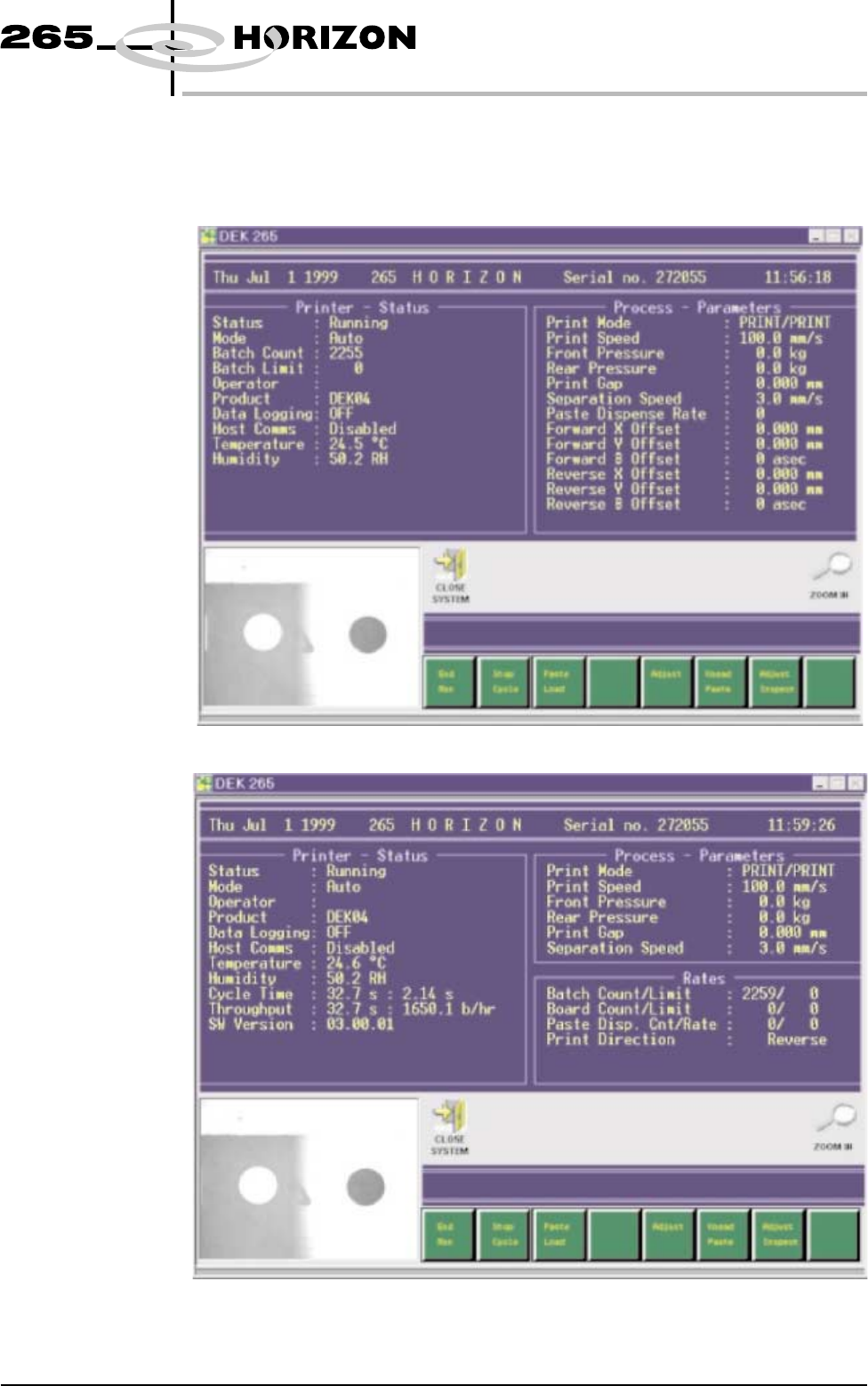
STATUS PAGE The information displayed on the main control screen is shown on the status
page. There are two versions of the status page, selectable in Display Type in
Set Prefs menu.
Display Type 1
Display Type 2
Software Version 6 User Manual 1.113
MACHINE PROGRAMMING
STATUS PAGE