Horizon UserManualV6.pdf - 第249页
CHAPTER 8 2D INSPECTION
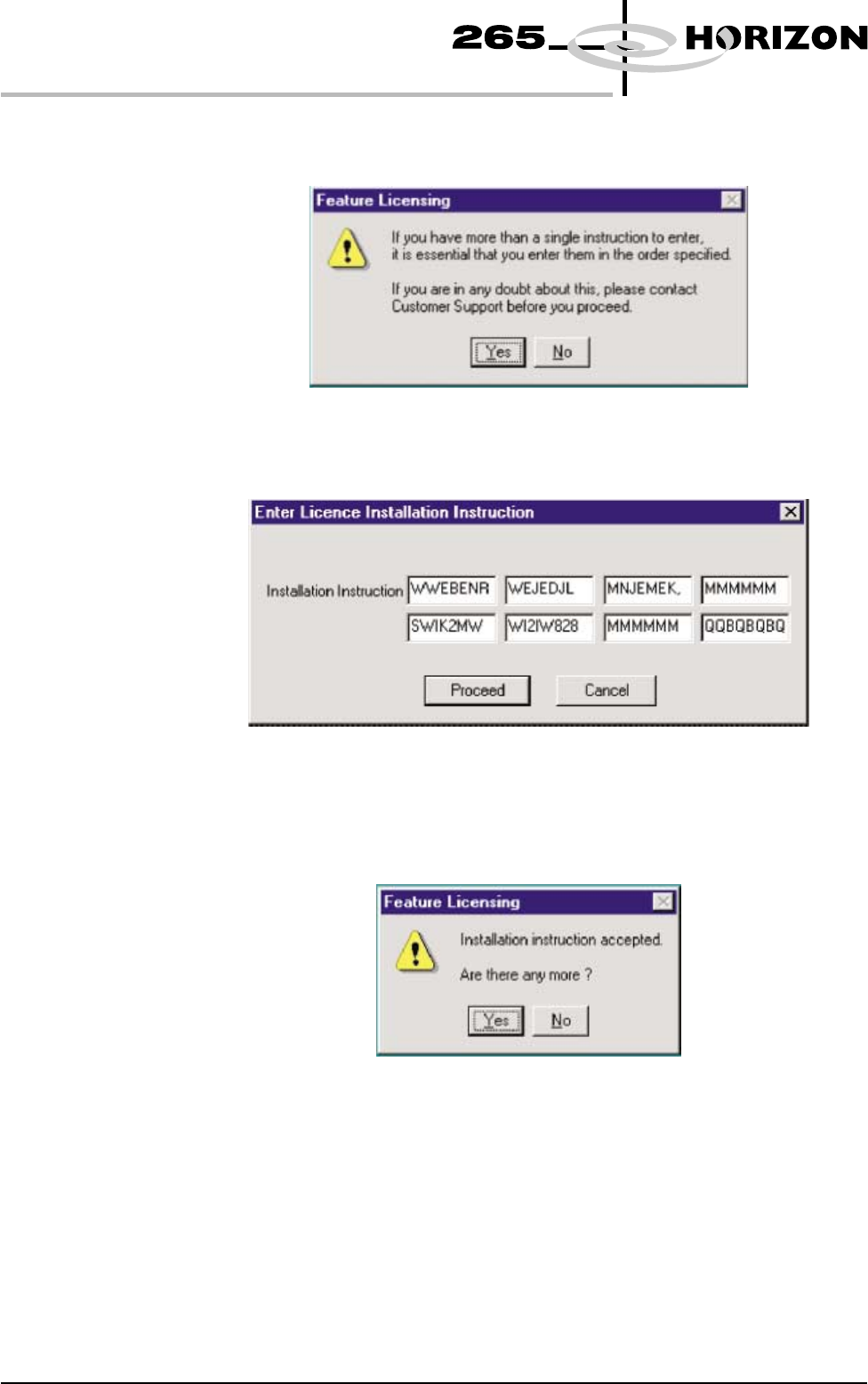
7. Select Yes on the following window:
The following window is displayed:
8. Carefully enter the 8 groups of 8 alphanumeric characters of the installation
instructions in the order specified and select Proceed. Once the licence has
been accepted the following window is displayed:
9. If further licencing instructions are to be entered, select Yes and repeat
Step 8. If not, select No and Exit the program.
7.20 User Manual Software Version 6
HOUSE KEEPING
FEATURE LICENSING

CHAPTER 8
2D INSPECTION