Horizon UserManualV6.pdf - 第206页
Drive X Rear Motor Using Jog Buttons Selecting this diagnostic function drives the X rear actuator using the jog buttons. The right jog button drives the X rear actuator right at slow speed and the left jog button drives…
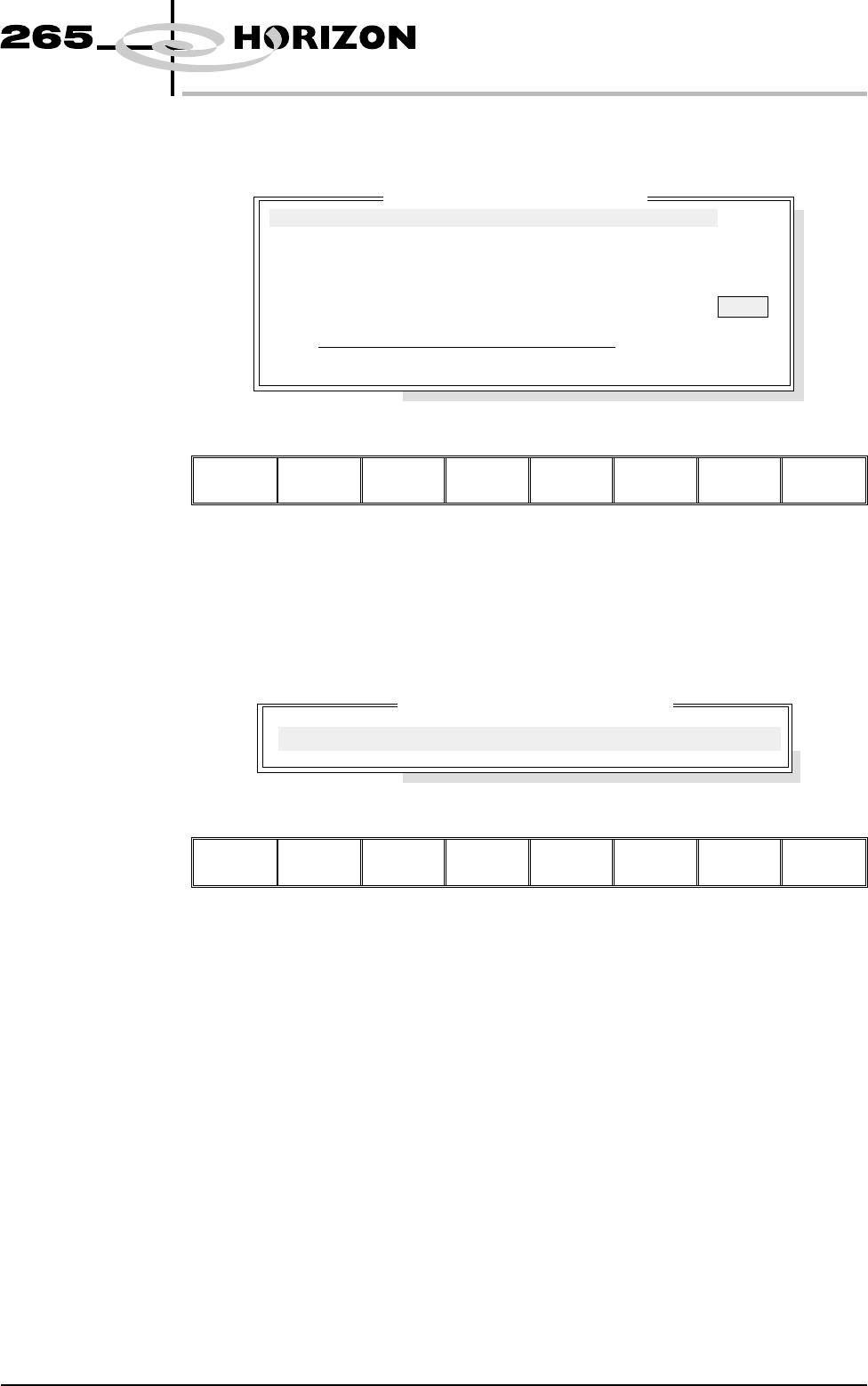
SCREEN ALIGNMENT
Selecting this diagnostics module opens the following window:
The menu bar changes to the following:
Run
Diagnost
Adjust Next Previous Exit
Next / Previous keys move the highlight bar up and down the list of selectable
diagnostic functions.
Run Diagnost activates the diagnostic function, as selected by the highlight bar.
Exit returns operation to the module diagnostics page.
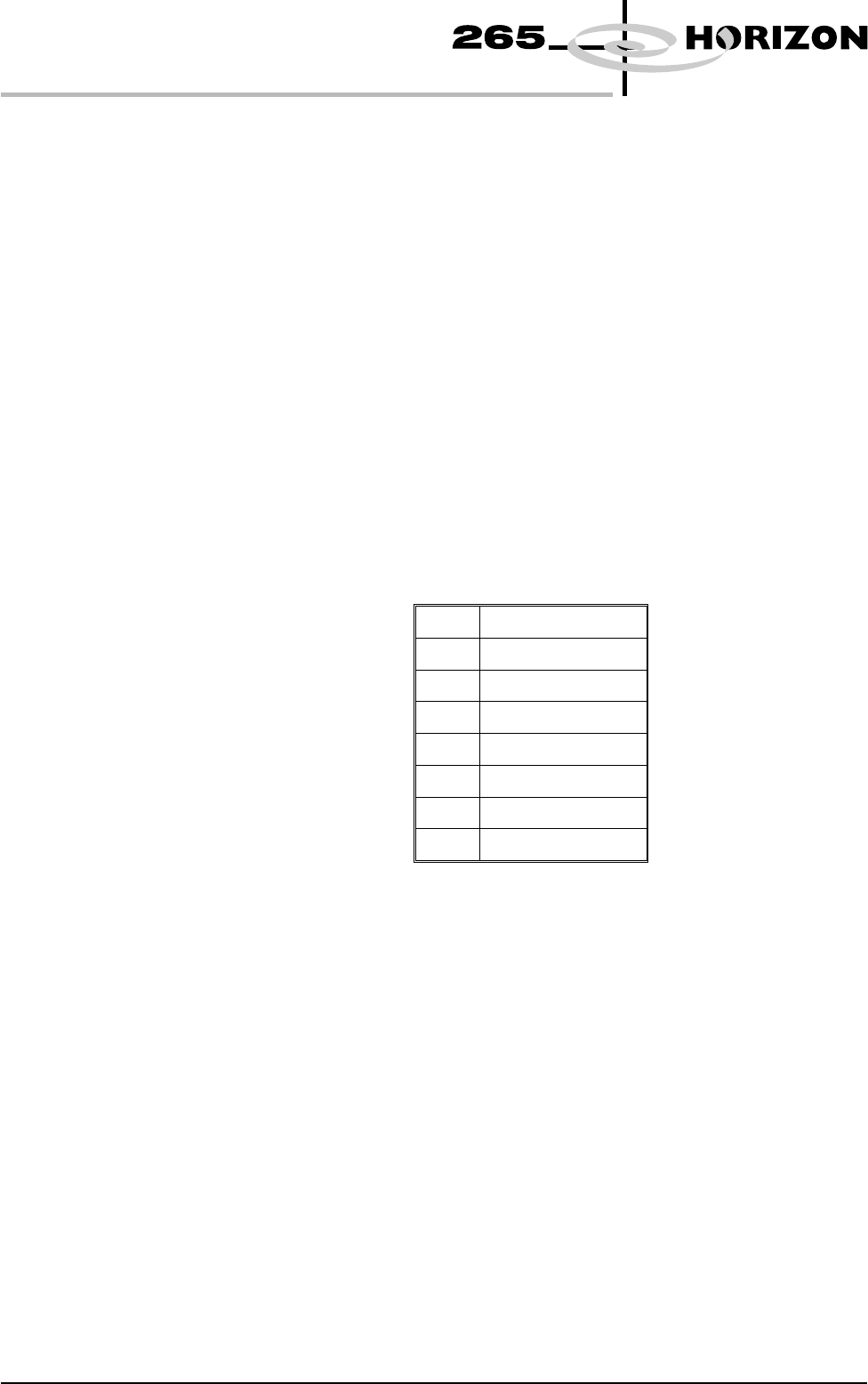
Adjust opens the following window:
The menu bar changes to the following:
Next Previous Incr. Decr. Exit
Next / Previous keys have no function in this application.
Incr. / Decr. keys change the value of the cycle count.
Exit returns operation to the screen alignment diagnostics page.
Home Actuators Selecting this diagnostic function drives the X forward, X Rear and Y Axis
actuators simultaneously to their home positions, as determined by their home
sensors.
Drive X Forward
Motor Using
Jog Buttons
Selecting this diagnostic function drives the X forward actuator using the jog
buttons. The right Jog button to drive the X forward actuator right at slow speed
and the left Jog button drives it left, stopping immediately the button is released.
Software Version 6 User Manual 5.23
DIAGNOSTICS
SCREEN ALIGNMENT
Cycle Count
Done :-
0, To go :-
50
ON
Home Actuators
Drive X Forward Motor Using Jog Buttons
Drive X Rear Motor Using Jog Buttons
Drive Y Motor Using Jog Buttons
Toggle Chase Clamp
Cycle Alignment System
Screen A
li
gnment D
i
agnost
i
cs
Actuator Cycle Test Parameters
CYCLE COUNT
50.0
Cycles
Drive X Rear Motor
Using Jog Buttons
Selecting this diagnostic function drives the X rear actuator using the jog
buttons. The right jog button drives the X rear actuator right at slow speed and
the left jog button drives it left, stopping immediately the button is released.
Drive Y Motor
Using Jog Buttons
Selecting this diagnostic function drives the Y actuator using the jog buttons.
The right jog button drives the Y actuator forward at slow speed and the left jog
button drives it to the rear, stopping immediately the button is released.
Toggle Chase
Clamp
Selecting this diagnostic function alternately energizes and de-energizes the
chase clamp solenoid, displaying On when the clamps are energized and Off
when the clamps are de-energized.
Cycle Alignment
System
Selecting this diagnostic function starts a continuous cycle of driving the screen
actuators to each of the positions in the table below in sequence, dwelling for 2
seconds at each point and continuing the cycle.
The positions are given as XF, XR and Y in mm from the home position and are
as follows:
1
0, 0, 0.
2
+20, +10, +10.
3
0, 0, 0.
4
-20, -10, -10.
5
0, 0, 0.
6
+10, +20, -10.
7
0, 0, 0.
8
-10, -20, +10.
If data logging is enabled, every time the screen returns to 0,0,0, locate a screen
fiducial and its coordinates are appended to D:\Program
Files\DEK\Machinecontrol\Printer\Screen.Dat file. This continuous cycling is
terminated by selecting the stop key or when the set cycle count has been
reached.
Cycle Count This diagnostic function displays the amount of cycles done and the amount of
cycles to go to complete the cycle count.
5.24 User Manual Software Version 6
DIAGNOSTICS
SCREEN ALIGNMENT
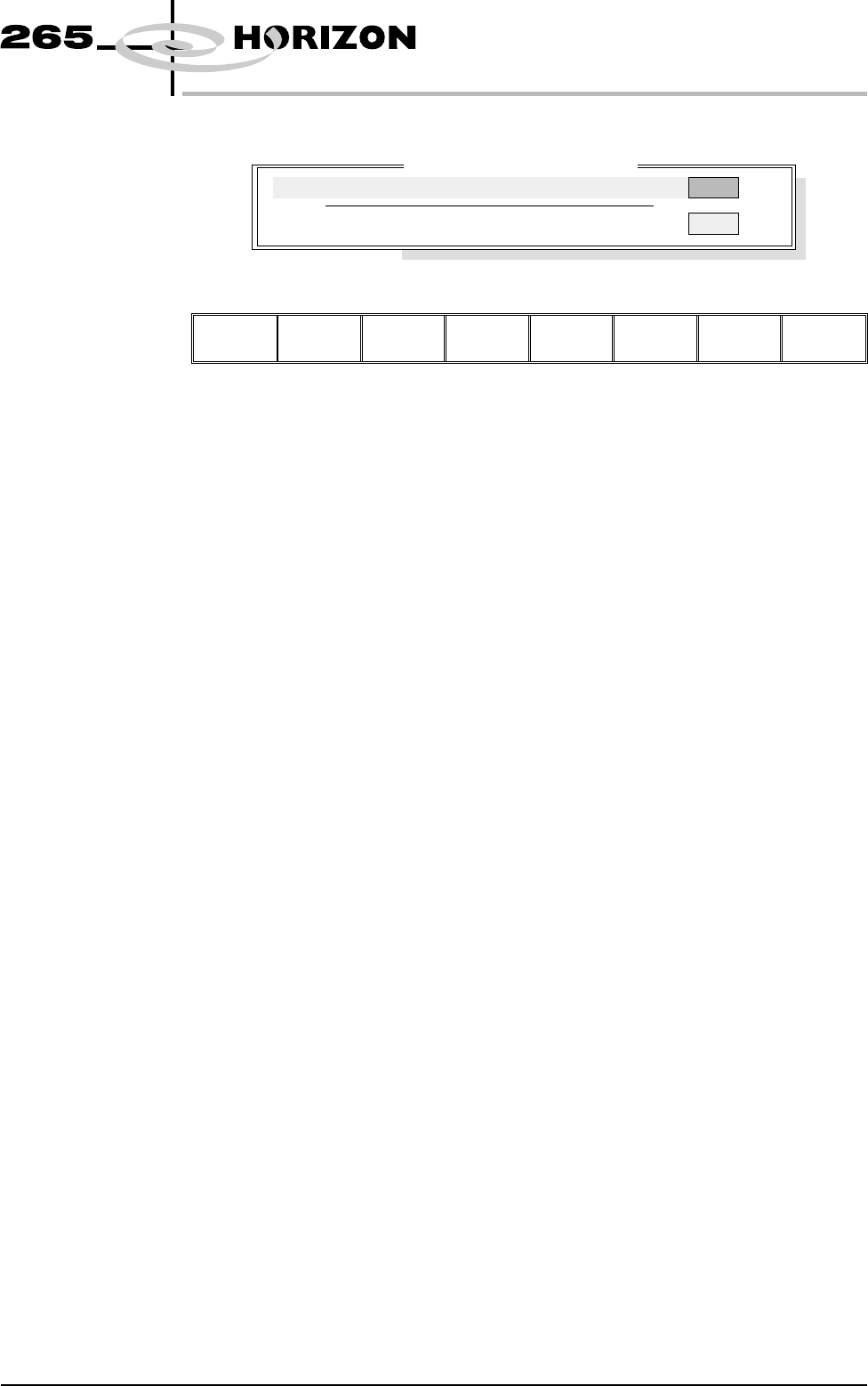
SCREEN CHANGE Selecting this diagnostics module opens the following window:
The menu bar changes to the following:
Run
Diagnost
Next Previous Exit
Next / Previous keys have no function in this application.
Run Diagnost activates the toggle screen clamps diagnostic function.
Exit returns operation to the module diagnostics page.
Toggle Screen
Clamps
Selecting this diagnostic function alternately energizes and de-energizes the
screen clamps, displaying On when energized and Off when de-energized.
Screen Sensor This diagnostic function continuously displays the status of the screen sensor.
Software Version 6 User Manual 5.25
DIAGNOSTICS
SCREEN CHANGE
Screen C
h
ange D
i
agnost
i
cs
OFF
Screen Sensor
ON
Toggle Screen Clamps