Horizon UserManualV6.pdf - 第142页
Operator Command Issued Remote Barcode Received Comms Adjust ProFlow Pressure Options.enb file Attribute Error Volume Alarm Evaluation Dongle Detected Valid Dongle Detected Dongle Error Dongle Changed Print Speed Front P…
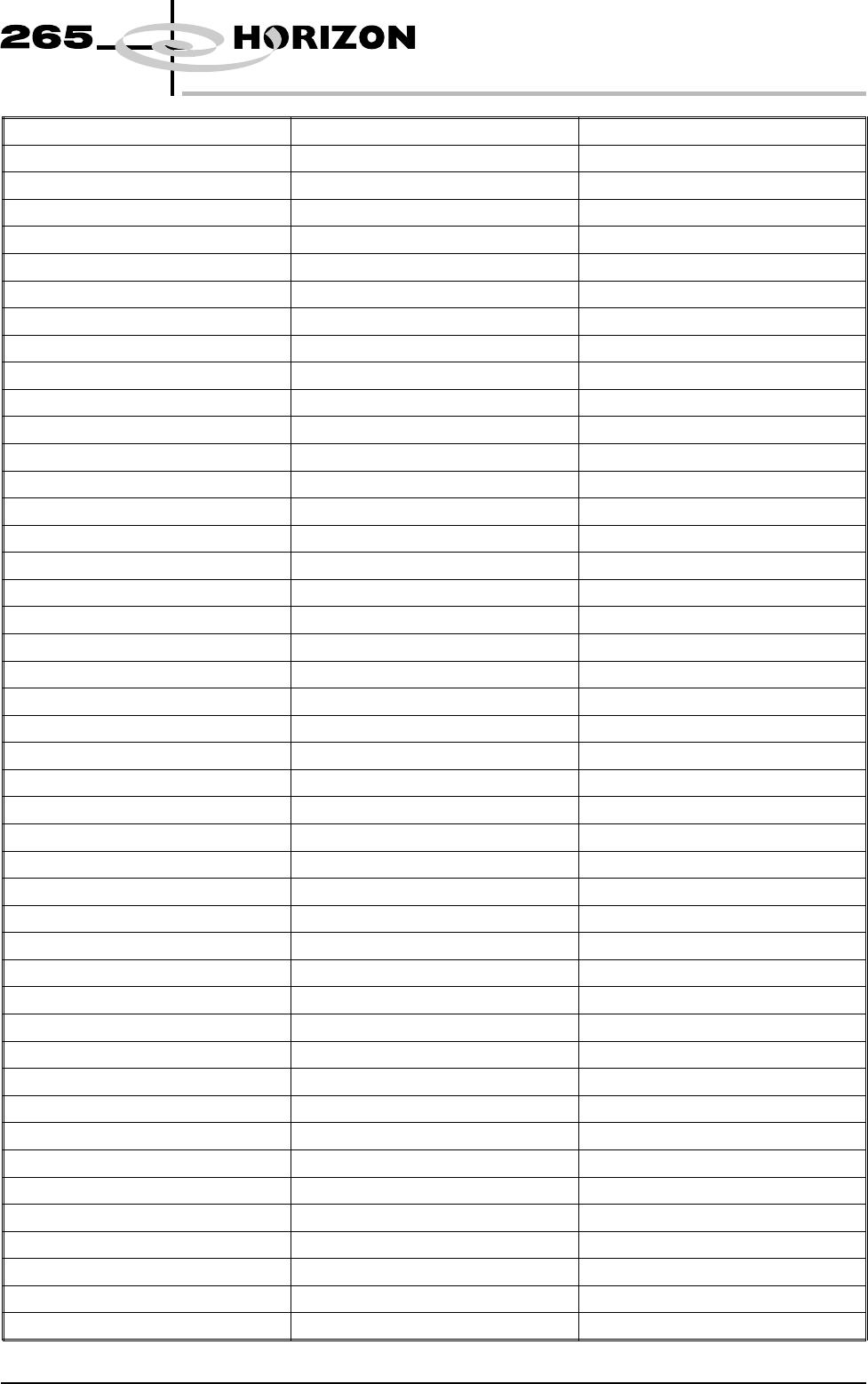
Screen Elevator Comms Fault Screen Elevator Fault Screen Changer Fault
Lid Bolt Fault Alignment Out Of Range Line Power On
Line Power Off Cover Open Cover Closed
Printer Ready Head Raised Head Closed
Paste Dispensing Paste Cartridge Empty Cycle Aborted
Cycle Completed Cleaning Screen Parameter Adjusted
Setup Started Product Loaded New Product
Product Data Changed Screen Unloaded Screen Loaded
Tool Change Started Tool Change Complete Setup Ended
Start Print Cycle Board Received End Print Cycle
Printed Board Ready Board Printed Operator Log On
Operator Log Off Clear Batch Count Start Maintenance
End Maintenance Pressure Recalibrated Offset Recalibrated
XY Scale Recalibrated Theta Recalibrated Configuration Changed
Start Diagnostics End Diagnostics Flood Height Reset
Camera Ref Reset Thickness Recalibrated Vision Height Reset
Print Height Reset Autoflex Status Reset Software Updated
New Event Log Front Reference Position Reset Front Reference Height Reset
Rear Reference Height Reset Check Cleaner Paper Cleaner Solvent Low
Barcode Read Failure Barcode Mismatch Screen Couplings Not Extended
Mint Reply Timeout Camera X Failed To Position Camera Y Failed To Position
Aperture Blockage Stencil Smear Paste Present
Bridging alarm Alignment Alarm Head Left Partly Open
Head Moved To Safe State Inspection Cycle Complete Clock Change Request
Clock Changed Board Delivered and Removed Event Log Disc File Full
ProFlow Error Autoflex Tooling Selected Autoflex Tooling Deselected
AutoFlex Tooling Enabled AutoFlex Tooling Disabled Tooling Data Has Been Changed
CAN Node Comms Lost. Node CAN Node Comms Active. Node CAN Bus Comms Lost. Bus
CAN Bus Comms Active. Bus Invalid CAN Response Product Directory Request
Current Product Request Erase Product Request Rename Product Request
Load Product Request Download Product Request Upload Product Request
Download Configuration Request Upload Configuration Request Upload Management Data Request
Clear Batch Data Request Clear Session Data Request Upload Event Log Request
Clear Event Log Request Comms Start Request Comms Stop Request
Update Mode Request Comms Error Parameter Info Uploaded
Formatted Parameters Uploaded Formatted Parameters Downloaded Comms Status Request
Comms Rebuild Product List Comms Adjust Paste Rate Comms Adjust Front Pressure
Comms Adjust Rear Pressure Comms Adjust Print Gap Comms Adjust Seperation Speed
Comms Adjust Clean Screen Comms Adjust FWD_X Offset Comms Adjust FWD_Y Offset
Comms Adjust FWD_T Offset Comms Adjust REV_X Offset Comms Adjust REV_Y Offset
Comms Adjust REV_T Offset Comms Dispense Paste Request Comms Clean Screen Request
Comms Enabled Comms Disabled Equipment Constant Change
Acknowledge Terminal Message Comms Knead Paste Request Comms Condition Paste Request
Control State Change To Local Control State change To Offline Control State Change To Remote
GEM Spooling Activated Gem Spooling Deactivated GEM Spool Transmission Failure
Software Version 6 User Manual 2.7
SET PREFERENCES
PREFERENCES
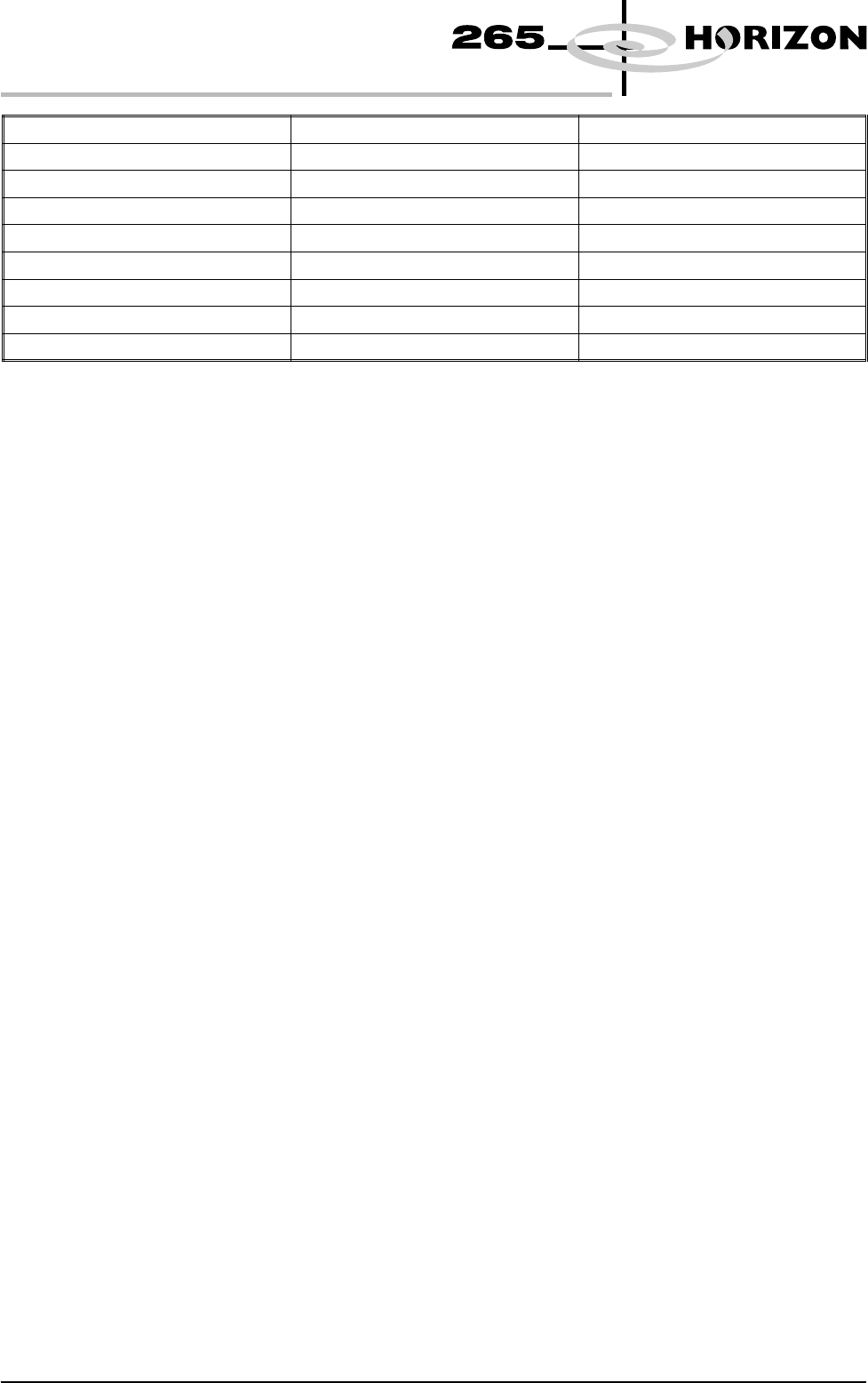
Operator Command Issued Remote Barcode Received Comms Adjust ProFlow Pressure
Options.enb file Attribute Error Volume Alarm Evaluation Dongle Detected
Valid Dongle Detected Dongle Error Dongle Changed
Print Speed Front Print Speed Rear Print Speed
Comms Adjust Print Speed Comms Adjust Front Print Speed Comms Adjust Rear Print Speed
Vortex Cassette Replaced Maintenance Monitoring Initialis The Monthly Service is Due
The Six Monthly Service is Due The Yearly Service is Due Equipment Recovery
Equipment Setup Equipment Ready Equipment Maintenance
Equipment Waiting Equipment Running Equipment Down
Tooling Hardware Sets which type of tooling is fitted, options are:
AutoFlex; Vacuum; Magnetic; Vac for Flex
Fiducial Reference Sets whether the fiducial co-ordinates are specified relative to the front/left or
front/right corner of the board, options are:
Left; Right
2D Inspection Sets whether the 2D inspection facility is to be used, options are:
Enabled; Disabled
2Di Movement
Tuning
Used to determine whether camera movement is to be tuneable. While the value
is other than zero; the camera, upon arrival at an inspection site, is allowed to
settle for the period set before proceeding with acquisition and inspection.
Minimum 0 milliseconds
Maximum 250 milliseconds
Default 250 milliseconds
Increment 50 milliseconds
Screen Size Sets the screen size frame, options are:
265; Fuji; 249; Sanyo; Screen Library
With Screen Library enabled the printer is provided with detailed screen
dimensional information from a ‘read only’ library. This information is stored
within the machine configuration and product files.
Once selected in Set Preferences, detailed frame dimensions are provided to the
printer. In Edit Current Parameters, the parameter Image Data provides
comprehensive location and mesh details to the printer.
2.8 User Manual Software Version 6
SET PREFERENCES
PREFERENCES
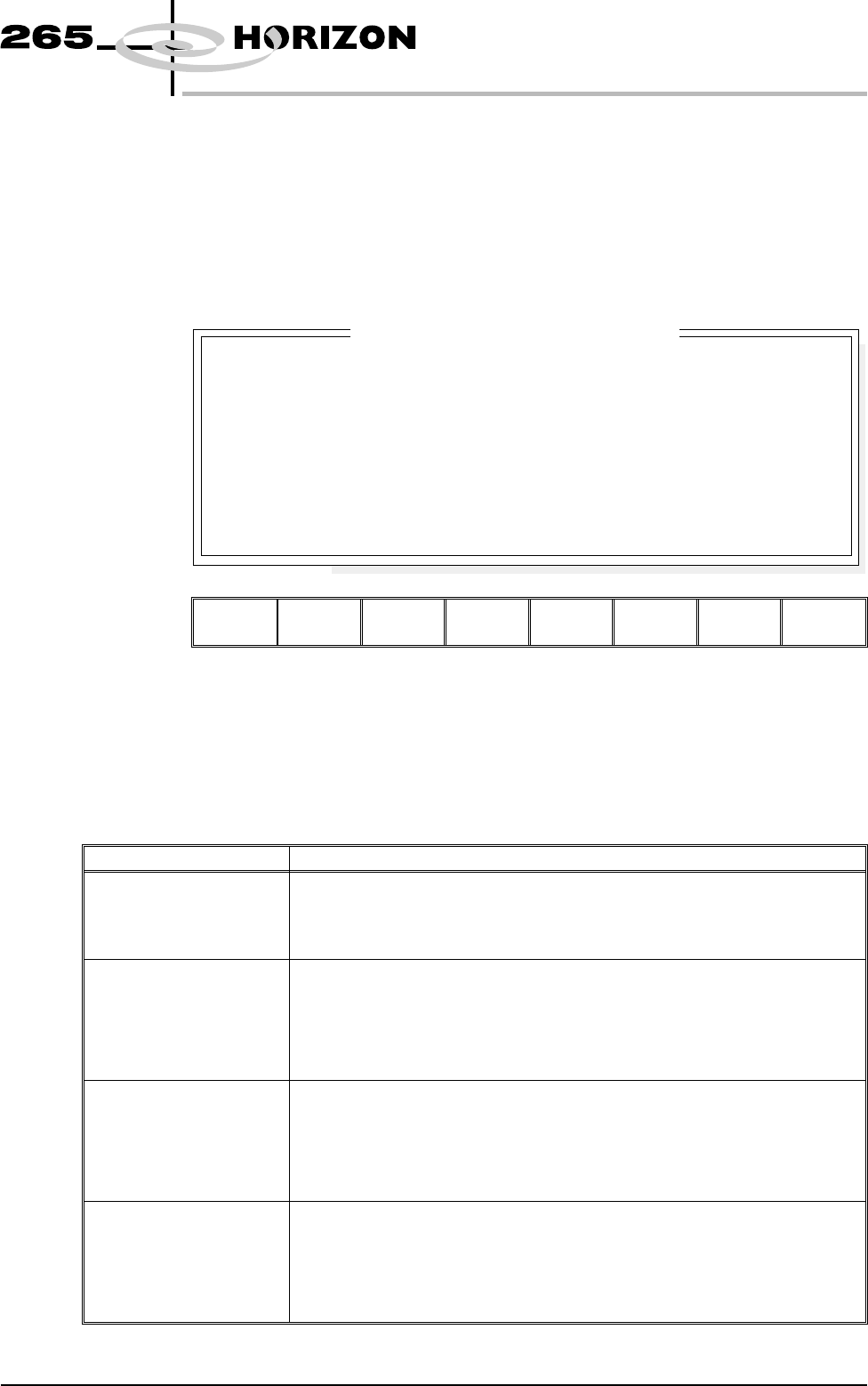
To enable screen library files carry out the following:
1. Highlight Screen Size in the Set Prefs page.
2. Using Incr. or Decr. select Screen Library.
Edit Data is now available on the menu bar.
3. Select Edit Data, the following window and menu bar is displayed:
Next Previous Incr. Decr. Exit
Use Incr. or Decr. to select the required Screen Type. If no valid screen library
files are found, the default file DEK 265 Central Image is displayed.
Use the Next or Previous to select and Incr. or Decr. to modify the screen frame
parameters as required.
The screen library menu parameters are defined in the table below:
Parameter Definition
Screen Record ID The identity of the screen type library record containing a text string that
matches the Screen Type selected.
Format Maximum 32 character text string
Default DEK 265 Central Image
Screen Length This parameter sets overall dimension front to rear of the screen frame or
adaptor.
Minimum 550mm
Maximum 860mm
Increment 0.1mm
Default 736.6mm
Screen Width This parameter sets the overall dimension left to right of the screen frame or
adaptor.
Minimum 580mm
Maximum 736.6mm
Increment 0.1mm
Default 736.6mm
Frame Front This parameter sets the distance between the outer edge of the screen frame
or adaptor and the inner edge of the frame, at the front of the frame.
Minimum 20mm
Maximum Screen Length - 250mm
Increment 0.1
Default 38.1mm
Software Version 6 User Manual 2.9
SET PREFERENCES
PREFERENCES
SCREEN TYPE
SCREEN LENGTH
SCREEN WIDTH
FRAME FRONT
FRAME REAR
FRAME LEFT
FRAME RIGHT
DEK 265 CENTRAL IMAGE
XXX
XXX
XXX
XXX
XXX
XXX
mm
mm
mm
mm
mm
mm
Screen Frame Configuration