00198243-01_AI_BulkFeederX_XS-SX_DE+EN.pdf - 第117页
4 Retrofit kit for X-Series S 4.3 Fitting the BulkFeeder X computer Assembly Instructions / Montageanleitung SIPLACE BulkFeeder X Retrofit Kit for SX Series and X Series S 07/2017 117 ► Remove the top screw (1). ► Positi…
4 Retrofit kit for X-Series S
4.3 Fitting the BulkFeeder X computer
116 Assembly Instructions / Montageanleitung SIPLACE BulkFeeder X Retrofit Kit for SX Series and X Series S 07/2017
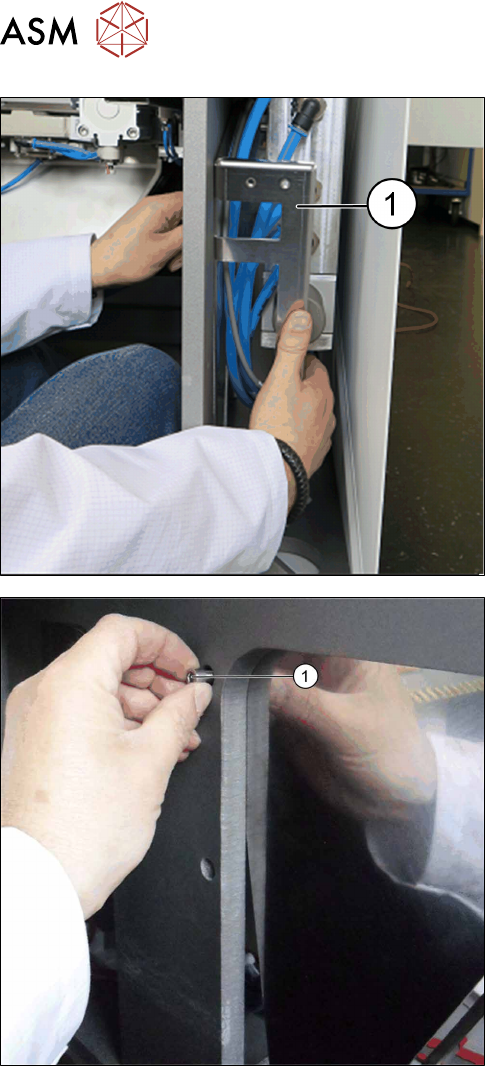
► Insert the holder (1) into the inside. Make sure
that no hoses or cables are trapped.
► Position the holder. Tighten the bottom screw (1).
4 Retrofit kit for X-Series S
4.3 Fitting the BulkFeeder X computer
Assembly Instructions / Montageanleitung SIPLACE BulkFeeder X Retrofit Kit for SX Series and X Series S 07/2017 117
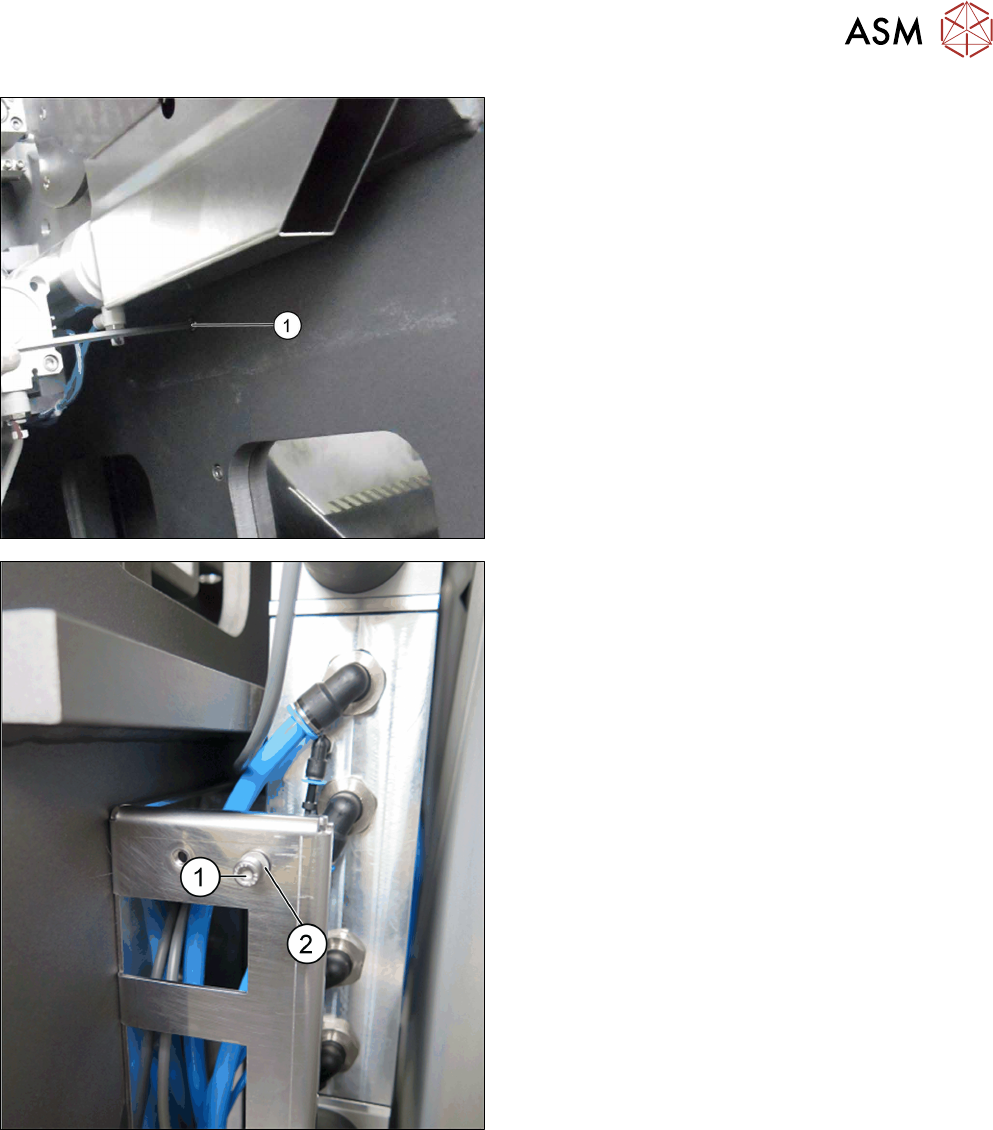
► Remove the top screw (1).
► Position the holder. Tighten the top screw. The
holder for fitting the BulkFeeder X computer is
now fitted.
► To fit the BulkFeeder X computer, fasten the
screws (1) and washers (2) at the 2 top and 2
bottom openings of the holder.
When fitting the BulkFeeder X computer, make
sure that the washers are directly behind the
screws.
4 Retrofit kit for X-Series S
4.3 Fitting the BulkFeeder X computer
118 Assembly Instructions / Montageanleitung SIPLACE BulkFeeder X Retrofit Kit for SX Series and X Series S 07/2017
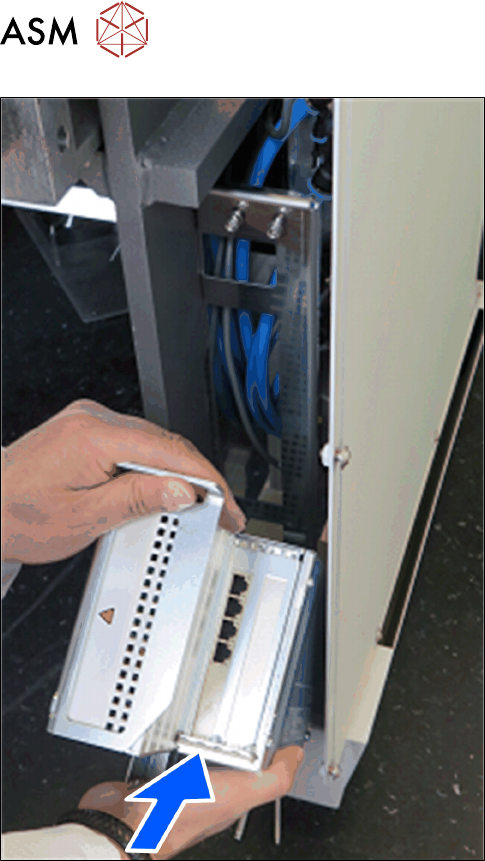
► The BulkFeeder X computer is first fitted at the
bottom via the book holder, to the holder. Posi-
tion the book holder opening over the bottom
fastening screws.