00198243-01_AI_BulkFeederX_XS-SX_DE+EN.pdf - 第77页
77 Assembly Instructions / Montageanleitung SIPLACE BulkFeeder X Retrofit Kit for SX Series and X Series S 07/2017 Table of contents Table of contents 1 Introduction .. 79 1.1 Safety Instructions .. 79 1.1.1 Conventi…
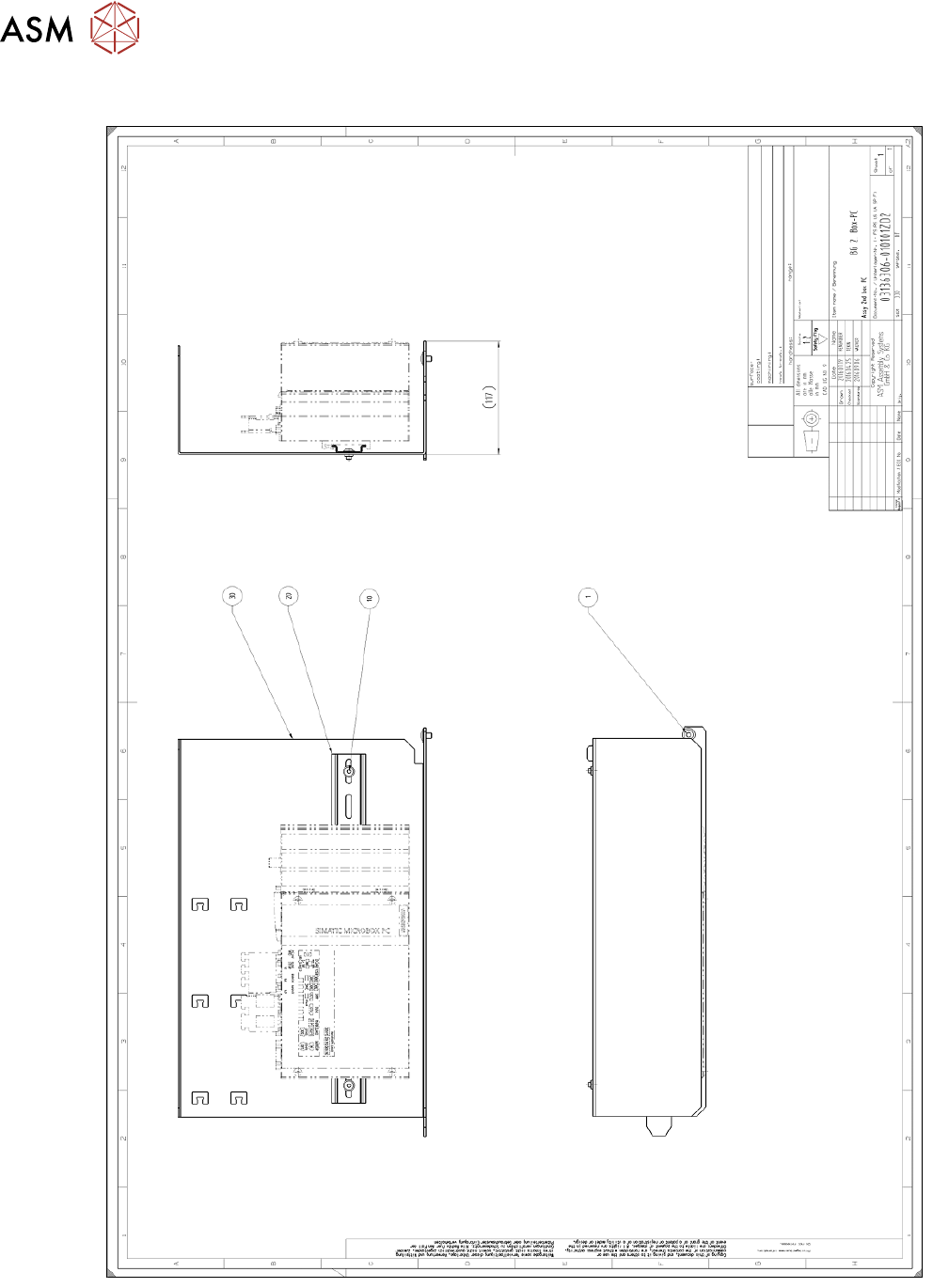
6 Anhang
6.2 Mechanik Baugruppe
76 Assembly Instructions / Montageanleitung SIPLACE BulkFeeder X Retrofit Kit for SX Series and X Series S 07/2017
6.2 Mechanik Baugruppe

77Assembly Instructions / Montageanleitung SIPLACE BulkFeeder X Retrofit Kit for SX Series and X Series S 07/2017
Table of contents
Table of contents
1 Introduction.. 79
1.1 Safety Instructions.. 79
1.1.1 Conventions for the Use of Safety Instructions and Symbols.. 79
1.1.2 Safety Instructions for Working with Strong Magnetic Fields.. 80
1.1.3 Safety Instructions for the Power Supply (Without SMPS).. 80
1.1.4 Safety Instructions for the Power Supply (With SMPS).. 81
1.1.5 Safety instructions for the compressed air supply.. 83
1.1.6 Safety Instructions for the Gantry.. 83
1.2 Preparatory Work..... 84
1.3 Other Instructions.. 86
1.3.1 Environmentally-Friendly Disposal of Materials and Components.. 86
1.3.2 Use of Original SIPLACE Accessories and Spare Parts.. 87
1.3.3 ESD Guidelines.. 87
1.3.3.1 Definition of ESD.. 87
1.3.3.2 Important Measures to Protect Against Static Charging.. 87
1.3.3.3 Handling ESD Modules.. 87
1.3.3.4 Measurements and Modifications to ESD Modules.. 87
1.3.3.5 Dispatching ESD Modules.. 88
1.3.4 Release History.. 88
1.4 Staff Qualifications and Training.. 88
2 Brief description.. 89
2.1 Restrictions.. 89
2.2 Tools and equipment required.. 89
2.3 Scope of delivery.. 90
2.3.1 Retrofit kit for SX-Series.. 90
2.3.2 Retrofit kit for X-Series S.. 91
2.4 Required Working Time.. 92
3 Retrofit kit for SX-Series.. 93
3.1 Preparatory steps on the SX-Series.. 93
3.2 Preparatory steps.. 93
3.2.1 Installation of a GigE card in the BulkFeeder X computer.. 93
3.2.2 Fitting the LAN card in the station computer.. 97
3.2.2.1 Removing the station computer.. 97
3.2.2.2 Fitting the LAN card.. 98
3.2.2.3 Fitting the station computer.. 99
3.3 Fitting the BulkFeeder X computer.. 100
3.4 Inserting the cable into the machine.. 102
3.4.1 Cable for connecting the BulkFeeder X to the BulkFeeder X computer.. 102
3.4.2 Cable for connecting the BulkFeeder X computer to the station computer.. 107
3.5 Connecting the cable.. 108
4 Retrofit kit for X-Series S.. 111
4.1 Preparatory steps on the X-Series S.. 111
4.2 Preparatory steps.. 111
4.2.1 Installation of a GigE card in the BulkFeeder X computer.. 111

78 Assembly Instructions / Montageanleitung SIPLACE BulkFeeder X Retrofit Kit for SX Series and X Series S 07/2017
Table of contents
4.3 Fitting the BulkFeeder X computer.. 115
4.3.1 Dismantling the lower side cover.. 115
4.3.2 Fitting the Bulkfeeder X computer.. 115
4.4 Inserting the cable into the machine.. 120
4.4.1 Location 1.. 120
4.4.2 Location 2 and 3.. 121
4.5 Connecting the BulkFeeder X computer to the station computer.. 124
4.5.1 Removing the station computer.. 124
4.5.2 Inserting the cable for the power supply and LAN connection to the BulkFeeder X computer.. 124
4.5.3 Connecting the cable to the BulkFeeder X computer.. 126
4.5.4 Fitting the station computer.. 126
4.5.5 Connecting the cable to the station computer.. 127
4.6 Connecting the cable.. 128
5 Final work.. 129
5.1 Connecting the keyboard and monitor.. 129
5.2 Configuring the BulkFeeder computer.. 130
5.2.1 Configuration for SX-Series.. 130
5.2.2 Configuration for X-Series S.. 132
5.2.3 Configuring the additional LAN card.. 135
5.3 Installing the station software.. 136
5.4 Checking the connection to the station computer.. 140
5.5 Final work to the SX-Series.. 143
5.6 Final work to the X-Series S.. 143
5.6.1 Fitting the side cover.. 143
6 Appendix.. 145
6.1 Schematic diagram electronics.. 145
6.2 Mechanics assembly.. 146