APPENDIX.pdf - 第29页
Appendix B 3D T r ouble Shooting Guide B-7 Figur e B-7. "Mark3TSG" scr een 6. Proceed with the items of the solution as in the previous steps, then the last step appears as in Figure B-8. When all the steps of …
Samsung Component Placer CP-45F(V)/FS Operations Manual
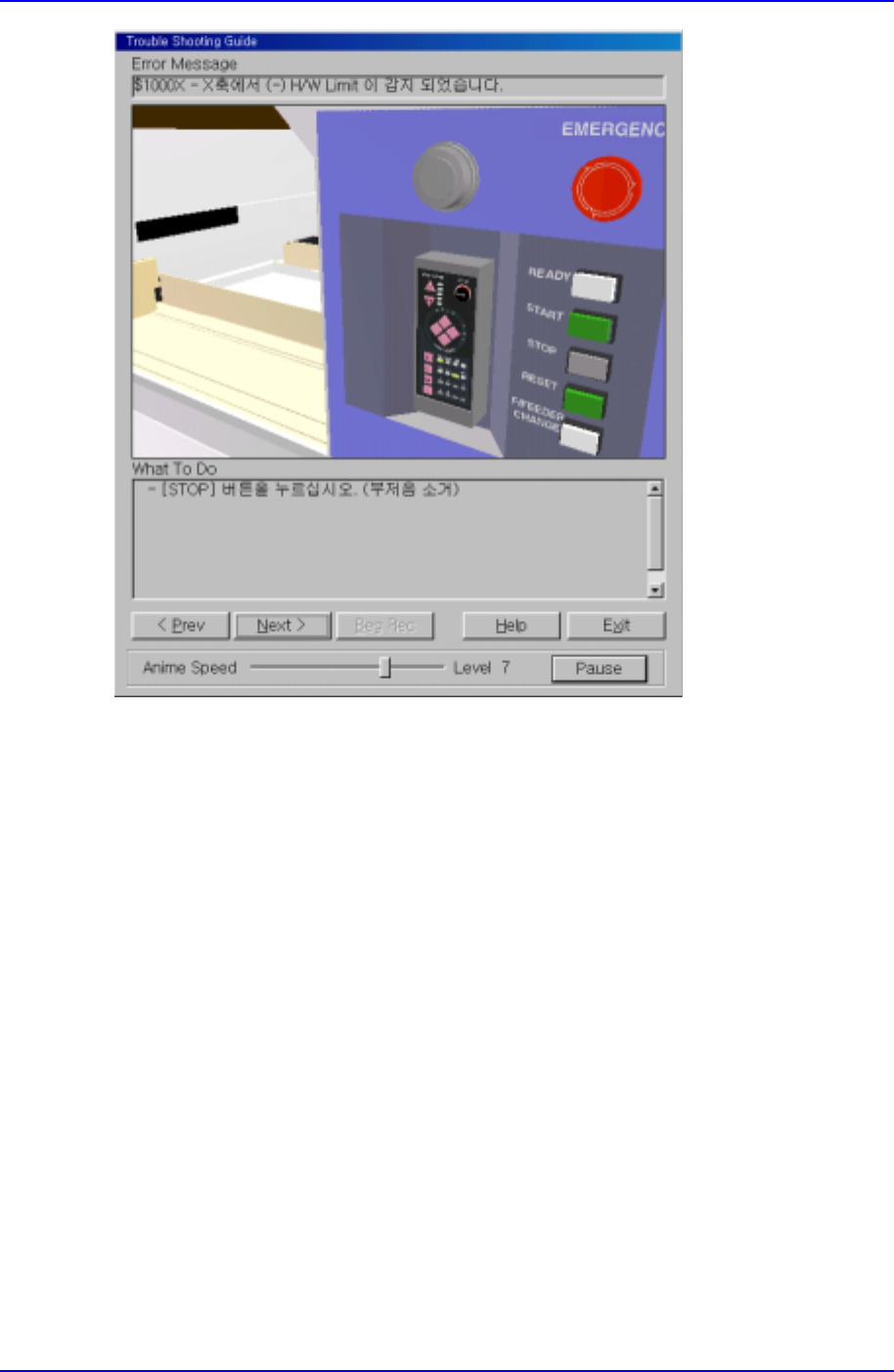
B-6
Figure B-6. "Mark3TSG" screen
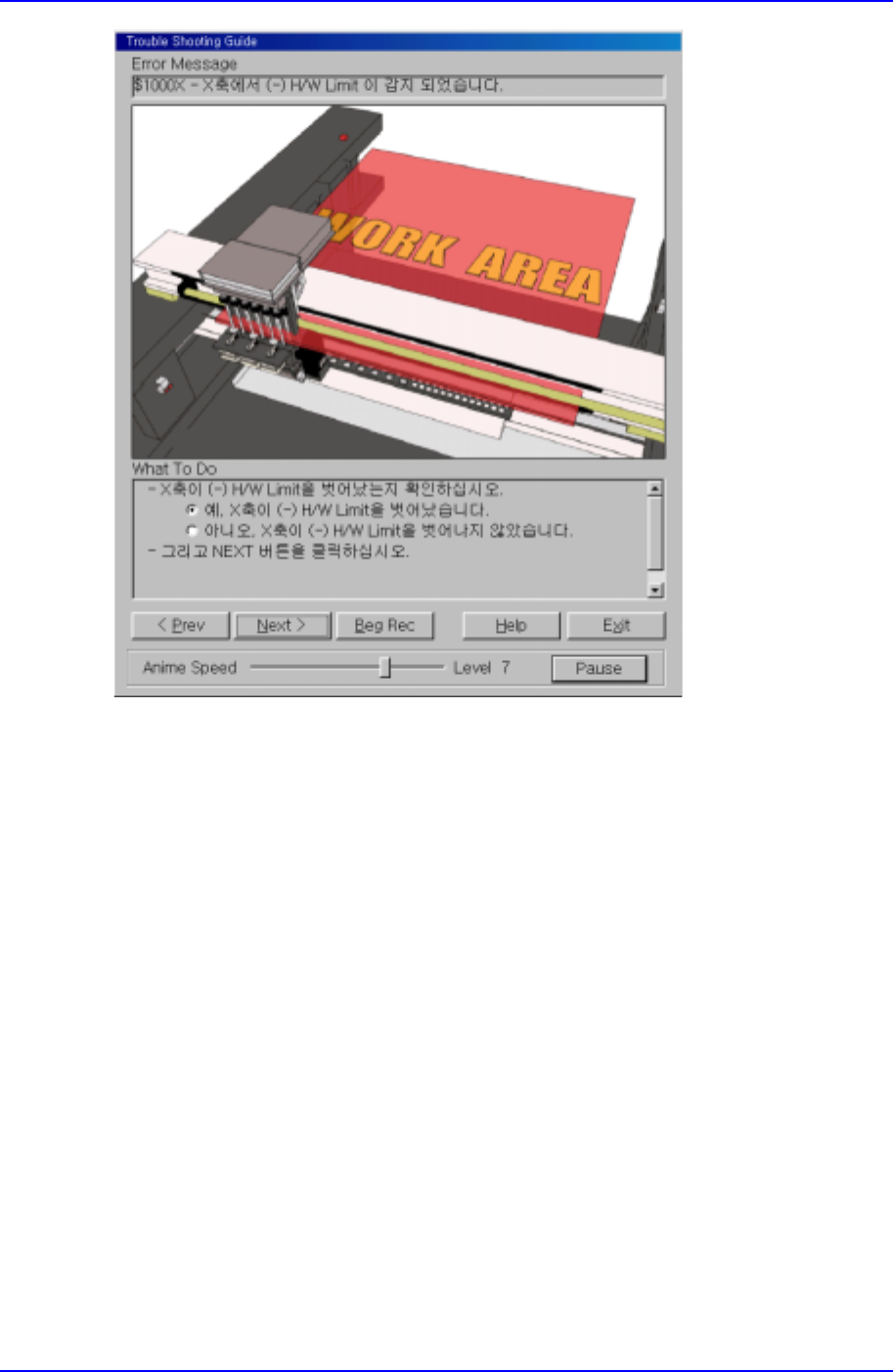
5. The screen changes to the next step as in Figure B-7. In a selection step as in Figure
B-7, the user must select the current situation to move to the next step. In this
example, the first situation is selected. Click on [Next>] to move to the next step.
Appendix B 3D Trouble Shooting Guide
B-7
Figure B-7. "Mark3TSG" screen
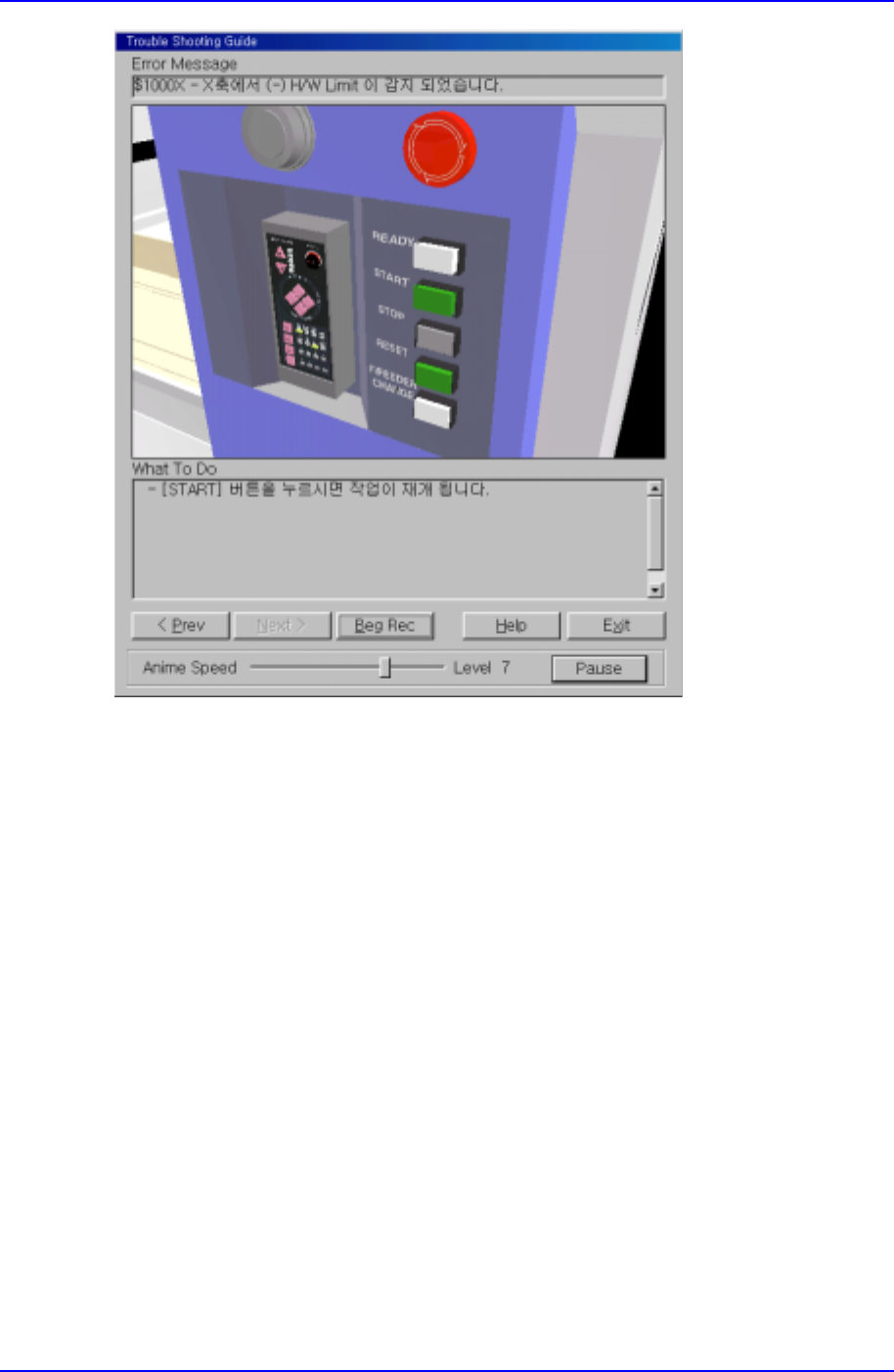
6. Proceed with the items of the solution as in the previous steps, then the last step
appears as in Figure B-8. When all the steps of the solution are completed, click on
the [Exit] button to end Trouble Shooting Guide.
Samsung Component Placer CP-45F(V)/FS Operations Manual
B-8
Figure B-8. "Mark3TSG" screen
B.4. Using Help
Mark3TSG provides the 'Help' function that gives information on the error being
remedied. When the Help button in Trouble Shooting Guide in Fig. B-8 is clicked on, a
Help screen showing the information related to the present error appears as in Fig. B-9.
Through 'Help', the following can be checked.
1. Explanation on the present error.
2. Searching of the contents or index of the solutions for errors provided by Mark3TSG.
3. Finding the explanation on the solution for an error through subject searching.