APPENDIX.pdf - 第6页
在线预览 APPENDIX.pdf PDF 文档。
Figure C-5. "Dump Box " dialog box .................................................................C-5
Figure C-6. "Tray Configuration" dialog box......................................................C-6
Figure D-1. External View and Structure...........................................................D-1
Figure D-2. Setting the height of the docking cart.............................................D-4
Figure D-3. The cylinder up...............................................................................D-4
Figure D-4. The cylinder down..........................................................................D-5
Figure D-5. Setting the feeder base system option...........................................D-6
Figure D-6. Technical drawing...........................................................................D-8
Figure D-7. Air Diagram 1...............................................................................D-10
Figure D-8. Air Diagram 2...............................................................................D-12
List of Tables
Table D-1. Specifications...................................................................................D-2
Table D-2. Items to check..................................................................................D-7
Appendix A Optimizer
A-1
Appendix A. Optimizer
The Optimizer automatically creates a program to maximize the production efficiency by
optimizing the arrangement position and operation order of tape feeder, nozzle, ANC, and
others. The method to achieve the maximum production efficiency is as follows.
Minimize the number of nozzle changes
Maximize the number of simultaneous pickups by the feeder
Arrange the feeders so that the time for XY gantry movement is minimized
Decide the order of optimum mounting operation
The Optimizer takes into account of various operation conditions and executes the
optimum algorithm to achieve these results. In this chapter, the structures of various
setting screens and setting methods necessary to execute the Optimizer are explained.
A.1. Setup Menu/ANC
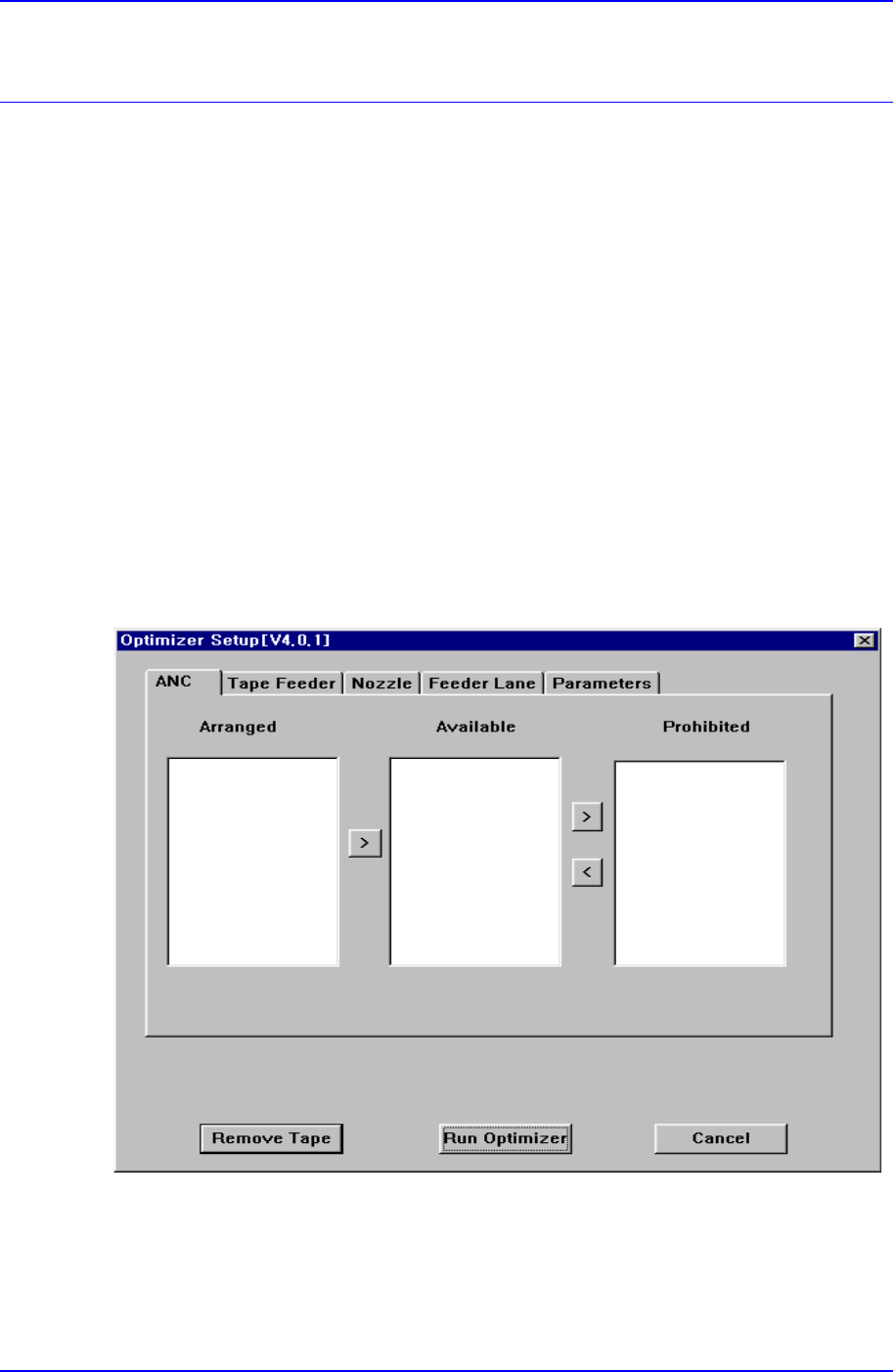
Figure A-1. "Optimizer Setup: ANC" dialog box
The screen to set the optimum arrangement of movable type ANCs. Fixed type ANCs are
not listed in the screen.
<ANC> group/<Arranged> list box