APPENDIX.pdf - 第53页
Appendix B 3D T r ouble Shooting Guide B-31 problem. Step2 - Press the STOP button. (Stop the buzzer sound). Error Code $5504 Link Step Message E - Error in the tray feeder communication data. Step1 - Check the erro r me…
Samsung Component Placer CP-45F(V)/FS Operations Manual
B-30
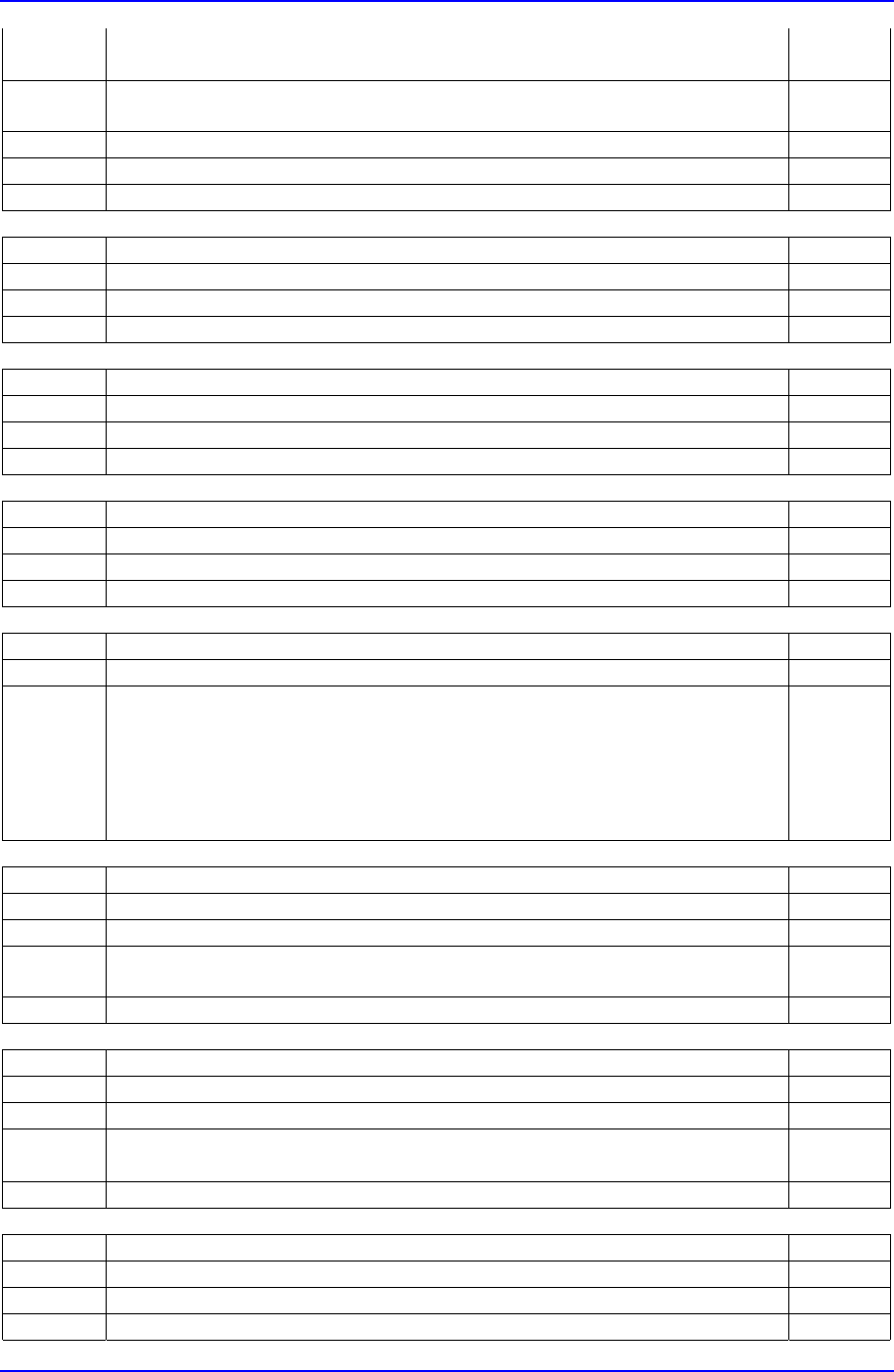
(b) Feeder error Step5
(c) Other. Step6
Step4
- Specify the component pickup position for the feeder and resume
operation.
Step5 - Solve the problem of the feeder and resume operation.
Step6 - Please contact Our C/S.
Step7 - Supply components again and resume operation.
Error Code $4200 Link
Step Message
E - Tried to pickup a component on a position that is beyond the limit.
Step1 - Please contact our C/S.
Error Code $4201 Link
Step Message
E - Tried to place a component on a position that is beyond the limit.
Step1 - Please contact out C/S .
Error Code $4202 Link
Step Message
E - Tried to change nozzle on a position that is beyond the limit.
Step1 - Please contact our C/S.
Error Code $5301 Link
Step Message
E - A error in the number of retries at Tray Feeder.
- Pressing the START button could resume operation.
- If the problem persists, check the following.
… Check if there are components
… Component pickup position
… Level of flatness of the tray
Error Code $5501 Link
Step Message
E - Tray feeder is in error.
Step1
- Check the error message on the LCD screen of tray feeder and solve the
problem.
Step2 - Press the STOP button. (Stop the buzzer sound).
Error Code $5502 Link
Step Message
E - Tray feeder is not ready.
Step1
- Check the error message on the LCD screen of tray feeder and solve the
problem.
Step2 - Press the STOP button. (Stop the buzzer sound).
Error Code $5503 Link
Step Message
E - Error in the tray feeder communication command.
Step1 - Check the error message on the LCD screen of tray feeder and solve the
Appendix B 3D Trouble Shooting Guide
B-31
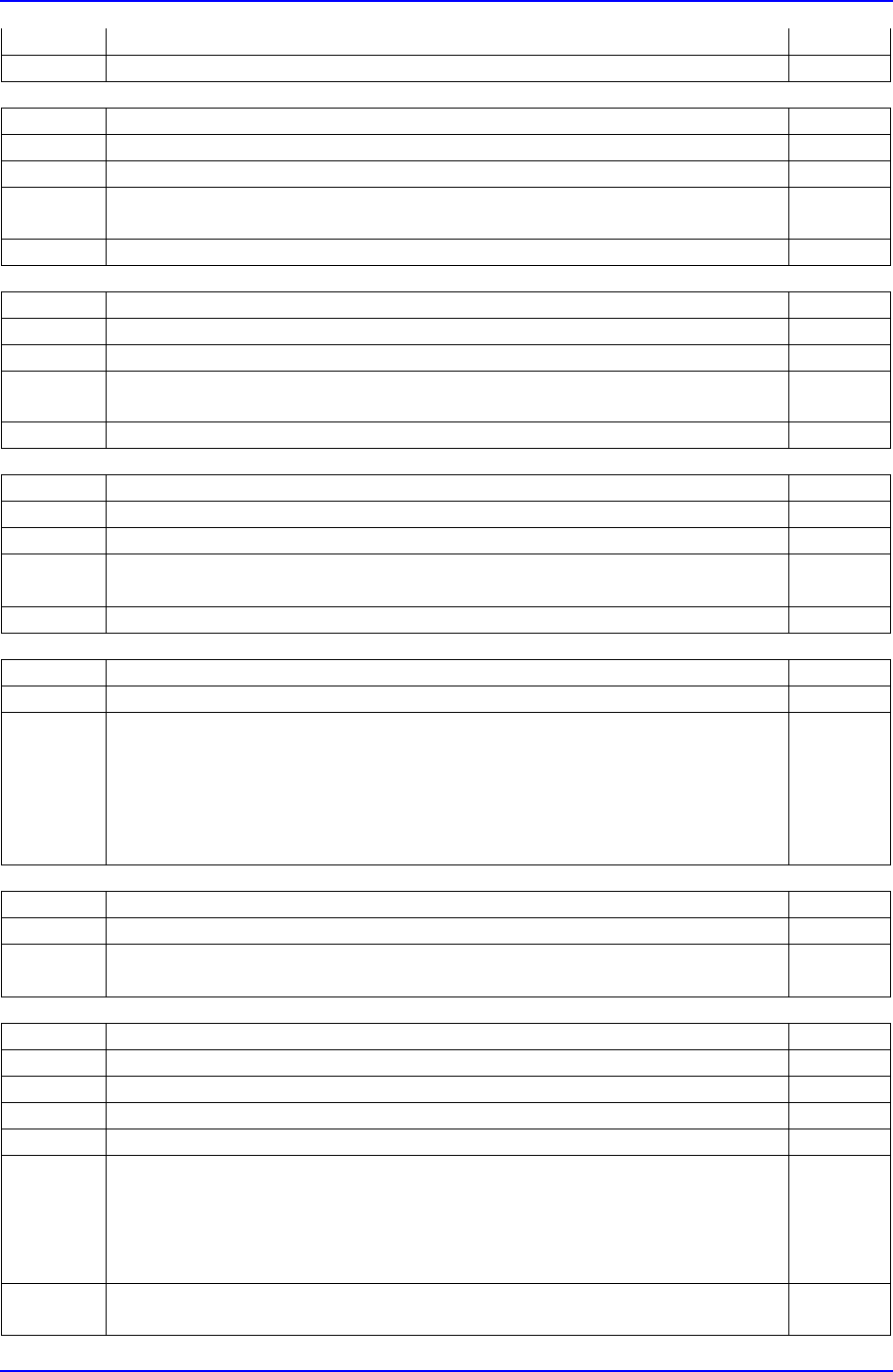
problem.
Step2 - Press the STOP button. (Stop the buzzer sound).
Error Code $5504 Link
Step Message
E - Error in the tray feeder communication data.
Step1
- Check the error message on the LCD screen of tray feeder and solve the
problem.
Step2 - Press the STOP button. (Stop the buzzer sound).
Error Code $5505 Link
Step Message
E - No palette in the tray feeder.
Step1
- Check the error message on the LCD screen of tray feeder and solve the
problem.
Step2 - Press the STOP button. (Stop the buzzer sound).
Error Code $5506 Link
Step Message
E - Time out error in the tray feeder.
Step1
- Check the error message on the LCD screen of tray feeder and solve the
problem.
Step2 - Press the STOP button. (Stop the buzzer sound).
Error Code $5800 Link
Step Message
E - Vacuum Check error.
- Check the following and resume operation.
… Component pickup condition check
… Nozzle wear condition check
… Vacuum Generator check
- If the problem persists, please contact Our C/S.
Error Code $5801 Link
Step Message
E - Vision Check error.
- Check the vision related setting of the component.
Error Code $2001 Link
Step Message
E - Can't raise the BUT(Backup Table).
Step1 1. Press the STOP button. (Stop the buzzer sound).
Step2 - Open the equipment door.
Step3 - Move the BUT from the I/O menu of MMI Diagnosis.
Does the BUT(Backup Table) move?
. Yes, the BUT moves. Step4
. No, the BUT does not move. Step5
- Then click on the NEXT button.
Step4 - There is a problem with the sensor.
- Please contact Our C/S.
Samsung Component Placer CP-45F(V)/FS Operations Manual
B-32
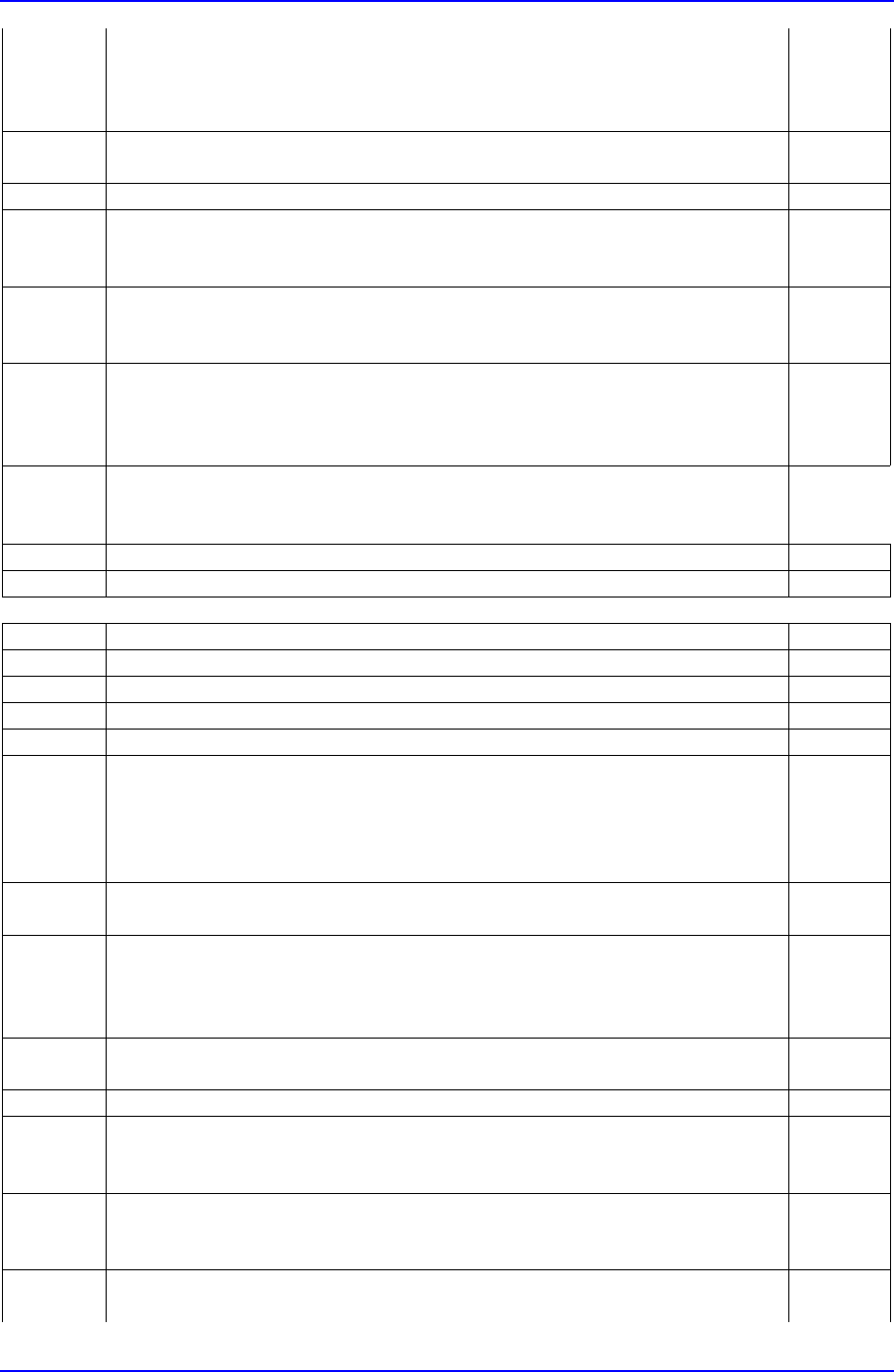
Step5 - Is there any physical interference?
. Yes, there is. Step6
. No, there isn't. Step13
- Then click on the NEXT button.
Step6 - Remove the physical interference.
- Then click on the NEXT button.
Step7 - Close the equipment door.
Step8 1. Cancel by turning the emergency switch.
2. Press the RESET button.
- Then click on the NEXT button.
Step9 1. Turn on the power for motor.
2. Press the READY button.
- Then click on the NEXT button.
Step10 1. Select the HOME mode by using the MODE button in the teaching box.
2. Turn off all the LEDs by using the AXIS button.
3. Press the HOME START button.
- Then click on the NEXT button.
Step11 - Click on START or CONTINUE on MMI.
… 'START': starts operation with a new PCB.
… 'CONTINUE': continues at the point where the operation stopped.
Step12 - Press the START button to resume operation.
Step13 - Please contact Our C/S.
Error Code $2002 Link
Step Message
E - Can't lower the BUT(Backup Table).
Step1 1. Press the STOP button. (Stop the buzzer sound).
Step2 - Open the equipment door.
Step3 - Move the BUT from the I/O menu of MMI Diagnosis .
Does the BUT(Backup Table) move? Step4
. Yes, the BUT moves. Step5
. No, the BUT does not move.
Then click on the NEXT button
Step4 - There is a problem with the sensor
- Please contact Our C/S.
Step5 - Is there any physical interference?
. Yes, there is. Step6
. No, there isn't. Step13
- Then click on the NEXT button.
Step6 - Remove the physical interference.
- Then click on the NEXT button.
Step7 - Close the equipment door.
Step8 1. Cancel by turning the emergency switch.
2. Press the RESET button.
- Then click on the NEXT button.
Step9 1. Turn on the power for motor.
2. Press the READY button.
- Then click on the NEXT button.
Step10 1. Select the HOME mode by using the MODE button in the teaching box.
2. Turn off all the LEDs by using the AXIS button.