晶圆测试说明书Cascade-11861-6-Manual.pdf - 第9页
Safety S tandards • vii Safety Standards Chapter 2 Intr oduction The information in this gu ide enables you to operate the equipment safe ly and effectively. Any deviation from a recommended pro cedure, or a modification…

vi
•
Summit 11K/12K Probe Stations User’s Guide
Safety Standards
•
vii
Safety Standards Chapter 2
Introduction
The information in this guide enables you to operate the equipment safely and
effectively. Any deviation from a recommended procedure, or a modification of
the equipment, may create a hazardous operating situation. Cascade Microtech,
Inc. (Cascade) disclaims any responsibility for consequences resulting from any
such deviation, modification, or application.
In this guide, read and follow the instructions labeled:
• Warning(s) and Danger(s) to prevent personal hazard or injury
• Caution(s) to prevent damage or destruction to equipment, or the loss of
data.
• Note(s) for important information.
The S300 probe station is designed to comply with the ETL safety standard for
laboratory equipment; to comply with European directives for machines and
thus, is CE-marked; to comply with the SEMI S3-0200 international standard for
manufacturing quality within the semiconductor industry.
DANGER
To avoid personal injury from electric shock, ground the controller, probe station,
and monitor with the provided power cords. Do not disable the grounded leads on
the power cords.
For continued protection against risk of fire, replace a fuse on probe station
equipment only with a fuse of the specified type and current rating. To avoid injury,
keep hands, clothing, and jewelry clear of all moving parts.
Several probe station components weigh 23 kg (50 lb.) or more. To prevent
personal injury, refer to and follow the lifting guidelines provided by your company.
Use anti-electrostatic discharge (ESD) precautions when you connect cables. ESD
can damage components.
W
ARNING
Class 3b lasers may be configured on the Summit and are potentially hazardous.
Consult OEM manuals for the provided safety information.
Software Interlocks
LOCK OUT / TAG OUT
See Locking the Workstation in the Nucleus Software User’s Guide.
viii
•
Summit 11K/12K Probe Station User’s Guide
MICROCHAMBER INTERLOCK
WARNING
The interlock mechanism for the load door is managed by the Nucleus system
software. Every posible action has been taken to ensure that the stage will stop
correctly. Nevertheless, there is still a chance that the stage will not stop
immediately when the door is opened. When reaching into the stage area, use
caution to avoid personal injury.
This setting controls the actions of the stage when the load door of the station is
opened. Possible values include:
• None — the interlock switch has no effect.
• Warn — when the load door is open, a warning message will be displayed but
the stage will still be able to move as normal.
• Stop Stage — when the load door is open, a warning message will be displayed
and the stage will not be allowed to move. If the door opens during a move, the
move will be interrupted and an error will be generated. When in this mode, an
extra icon is displayed on the status bar.
Safety Labels-Sicherheits Schilder-Etiquettes de sécurité
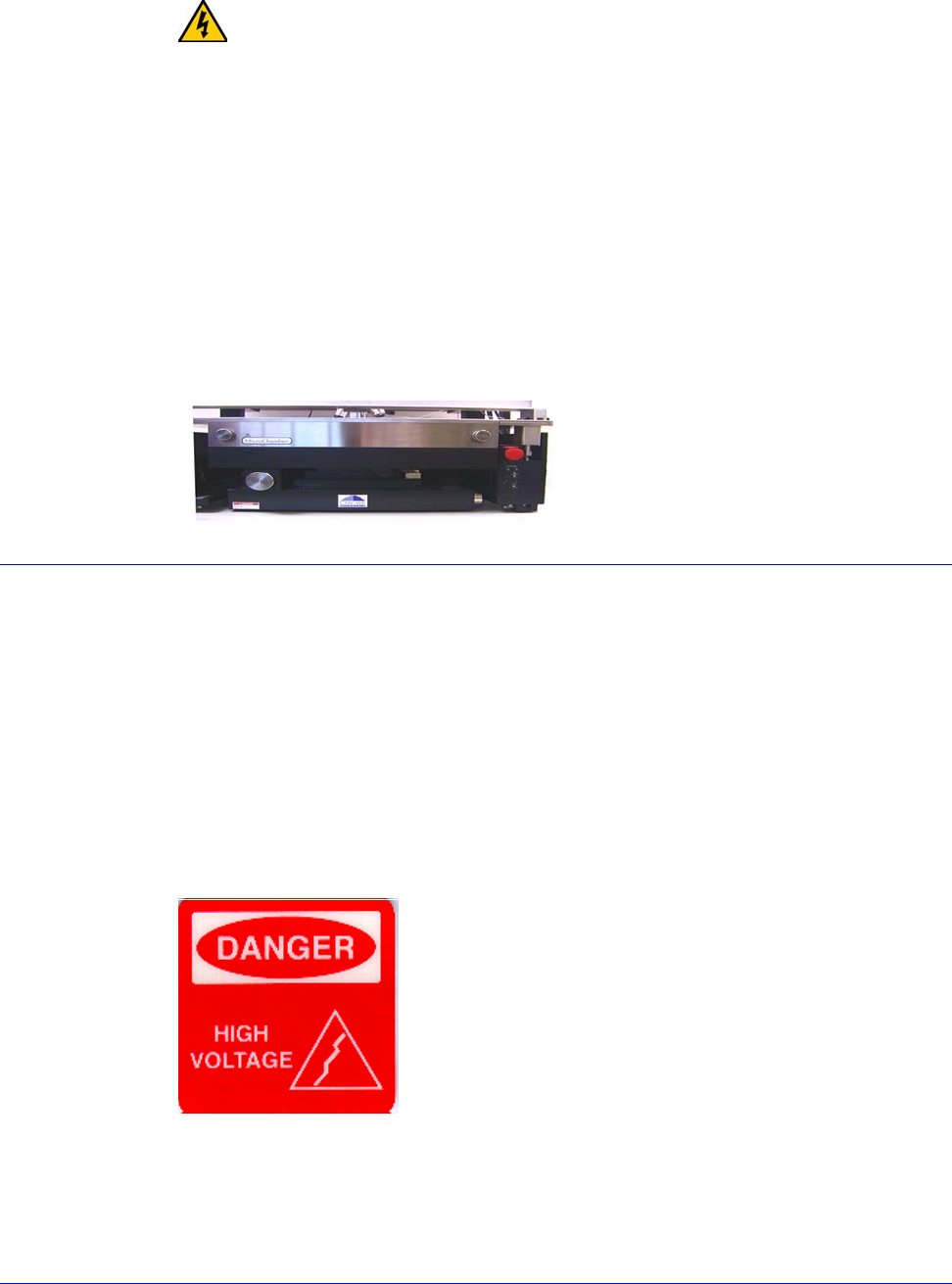
DANGER LABELS—GEFAHR-SYMBOLE—ETIQUETTES <<DANGER>>
Danger labels warn of immediate danger that could result in severe injury or
death.
GEFAHR-Symbole warnen vor Gefahren, die zu schweren Verletzungen oder
zum Tode fuehren koennen
Les étiquettes de danger préviennent sur la nature de divers dangers qui
pourraient entrainer des blessures sérieuses ou mortelles
.
VORSICHT – Hochspannung !!
DANGER – Haute Tension
DANGER – High Voltage