Installationsanleitung_SuSE9.3_en.pdf - 第24页
Installation Description Customized LRL SuSE 9.3 44. Close the "Hardware Configur ation" dial og box by clicking " Next ". This completes configuration of the hardware. 45. Configuration terminate s w…
Customized LRL SuSE 9.3 Installation Description
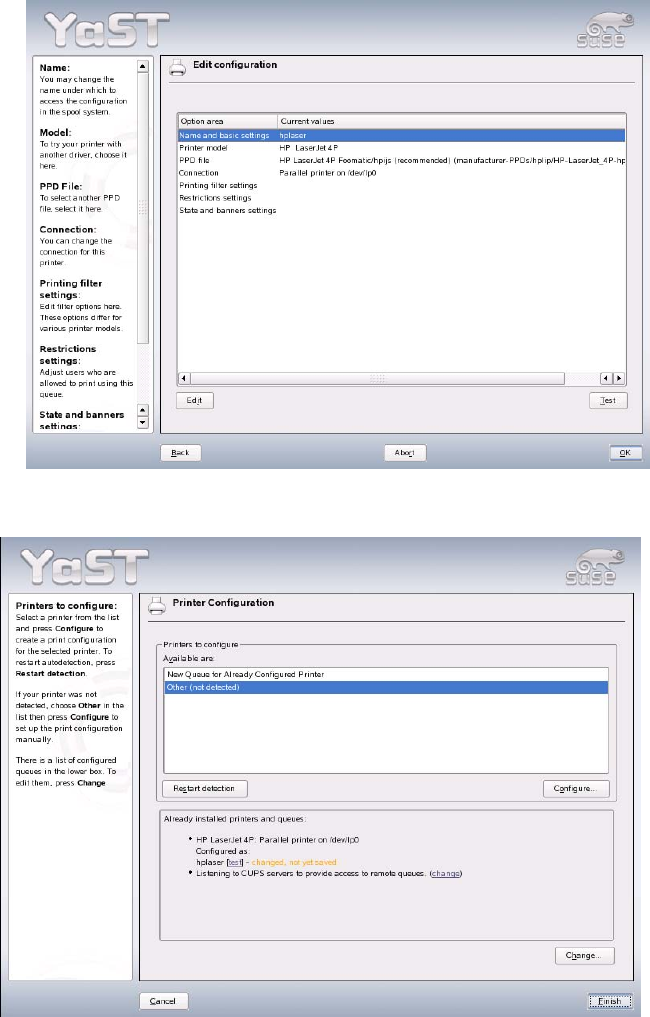
42. You can print a test page by clicking "Test". Close the dialog box by clicking "OK".
43. Close the "Printer Configuration" dialog box by clicking "Finish". This completes the installation of
the printer.
23 of 69
Installation Description Customized LRL SuSE 9.3
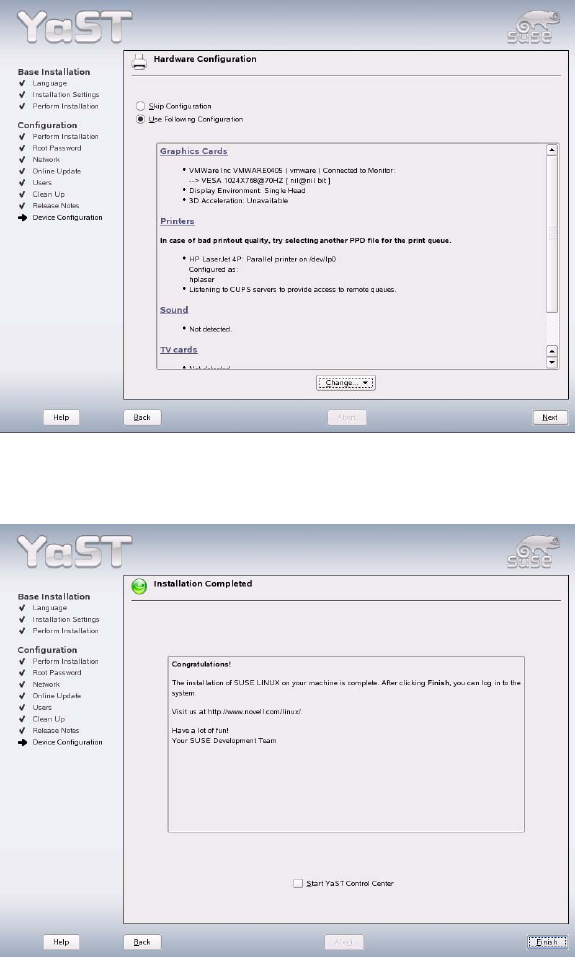
44. Close the "Hardware Configuration" dialog box by clicking "Next". This completes configuration of
the hardware.
45. Configuration terminates with the "Installation Completed" message. This message can then be
confirmed with the "Finish" button.
46. The system is restarted and is now ready for you to carry out the installation of the line computer
software (see section
4.4.1 Entries during installation when updating the operating system to SuSE
9.3
).
Remove the installation CD from the drive.
24 of 69
Customized LRL SuSE 9.3 Installation Description
4.3.3 Update: Installation via "Install Options"
1. Insert the operating system installation CD.
Note
When using an "Econel 30" system (these have both a DVD and a CD writer) the
installation CD must be inserted into the CD writer drive.
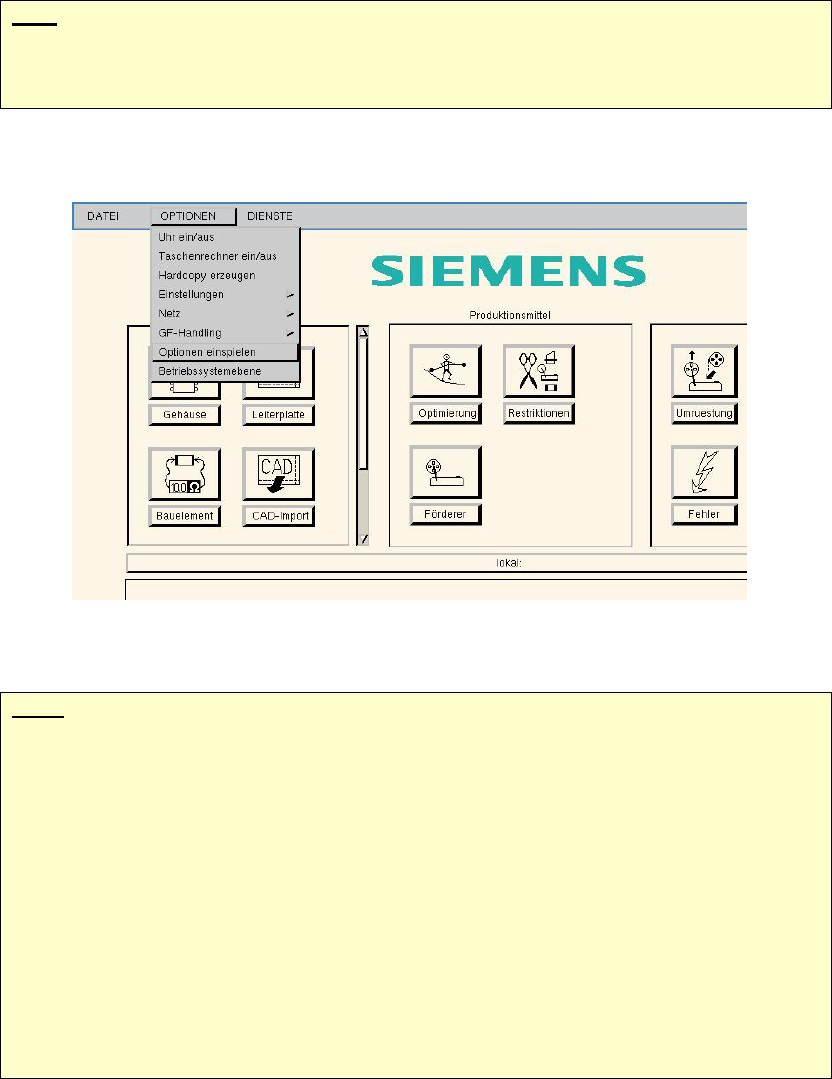
2. Select "Load options" from the "Options" menu.
3. A window opens. At the prompt, "Insert the floppy or the CD and press return.", press return.
Note:
The system now checks the sizes of the hard disk partitions.
If the partitions are too small, a message is issued to the effect that the hard disk partitions
must be enlarged (see section 4.2.1) before installation can be carried out.
If the size of the partitions is okay, the computer is shut down and booted from CD-ROM
when it is switched on again.
When installation of the operating system starts, you can select between
- a new installation of the operating system (SuSE 9.3) (see section 4.4.2 )
- an update of the operating system (from SuSE 7.3/9.0 to SuSE 9.3) (see section 0)????
The following sections describe how to update the operating system.
25 of 69