Installationsanleitung_SuSE9.3_en.pdf - 第9页
Customized LRL SuSE 9.3 Installation Description 9 of 69 Reboot the computer with the command : init 6 8. Select " Boot from Harddisk " duri ng booting. 9. Repeat steps 2 through 6. 10. After the message "…
Installation Description Customized LRL SuSE 9.3
8 of 69
4.2 Update of LRL.503.03 (SuSE 7.3) / LRL.503.04 (SuSE 9.0) to
LRL.503.05 (SuSE 9.3)
When migrating from LRL.503.03 (SuSE 7.3) or LRL.503.04 (SuSE 9.0) to LRL.503.05 (SuSE 9.3), we
recommend that the filesystem format is changed from "reiserFS" to "ext3", as the latter is more stable. You
can only change the file system by completely reformatting the hard disk and reinstalling the operating
system. In consequence, it is necessary to first back up the data and restore it after the operating system has
been installed.
If you choose not to change the filesystem format, it is nevertheless necessary to adjust the partition size to
meet the requirements of SuSE 9.3. This is described in the section below. If the operating system is
reinstalled, it is not necessary to increase the size of the partitions.
4.2.1 Increasing the size of the hard disk partitions
When migrating from LRL.503.03 (SuSE 7.3) and in certain circumstances when migrating from LRL.503.04
(SuSE 9.0) to LRL.503.05 (SuSE 9.3), a correction is carried out which enlarges the hard disk partitions for
the root area. The size of the hard disk is checked both when the operating system is installed and when the
Line Computer Linux application is installed.
The user must be logged in as "root" to enlarge the partition size. Furthermore, no other user can be logged
in as "plr", otherwise the partitions cannot be changed. This means that the operator must log out as "plr"
and thus terminate the line computer application.
The following two steps must be carried out:
• Execute the script "mkpart.sh" under SuSE 7.3 or SuSE 9.0 under the root account
• Install/update the full version Customized LRL-SuSE 9.3
The steps in detail are as follows:
Step 1: Run the script under SuSE 7.3/9.0 under the root account
1. Reboot the system ("shutdown").
2. Switch to console 2 with the key combination "Ctrl" + "Alt" + "F2".
3. Log in as "root"
4. Insert the "Customized SuSE 9.3" CD
5. Mount the CD with the command:
mount /cdrom
6. Start the script with the command:
/cdrom/mkpart.sh
Respond to the prompt "do you want to continue [y/n]" with "y".
7. When the following message has been displayed:
Now you have to reboot the system.
login as root and run this script again
Customized LRL SuSE 9.3 Installation Description
9 of 69
Reboot the computer with the command:
init 6
8. Select "Boot from Harddisk" during booting.
9. Repeat steps 2 through 6.
10. After the message "removing old packages" has appeared, reboot the computer with
init 6
The CD must remain in the drive to continue installation of the operating system.
Step 2: Updating to the full version of Customized LRL SuSE 9.3
11. Install SuSE 9.3 and LRL.503.04 according to the instructions in section
4.3.3, point 4.
Installation Description Customized LRL SuSE 9.3
10 of 69
4.3 Installing the Customized LRL SuSE 9.3 distribution
4.3.1 Overview
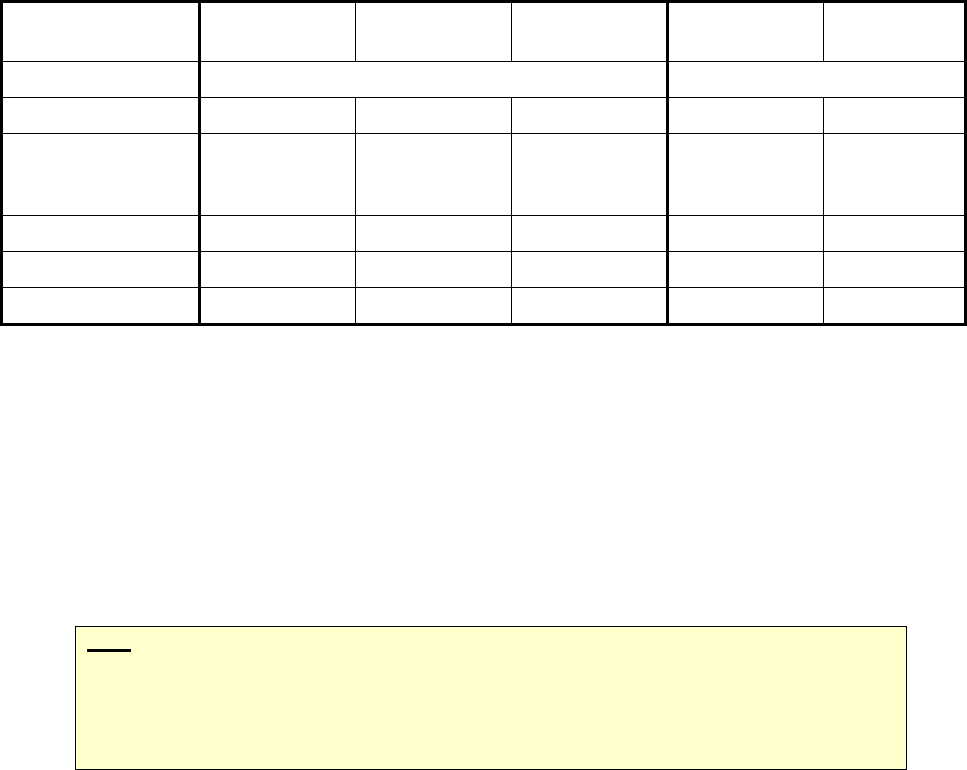
Installation can be carried out from a number of different initial scenarios. Different activities with respect to
data backup and data conversion are necessary depending on the initial scenario. The table below provides
an overview:
New hardware SCO 3.0/
5.0
SuSE 7.3/
9.x
SuSE 7.3 SuSE 9.x
Action New installation Update
Data backup - X X (X) -
Increase the size of
the hard disk
partition
- - - X (X)
Load options - - - X X
Boot from CD X X X X X
Data conversion X X X X X
Before the installation is carried out, a data backup run must be performed.
When migrating from SCO 3.0, data must first be converted at least to 403 format. Then the data can
be backed up over the network, for example.
When migrating from SCO 5.0, it is recommended that data is backed up over the network. The
backup tool SDH_Backup cannot be used for backing up data for Linux.
When updating from SuSE 7.3, it is recommended that data is backed up.
When updating from SuSE 9.0, it is recommended that the size of the partition is increased if this is
not been done already.
Note:
Installation is always started by rebooting from CD. The choice whether a new installation
and update installation is to be carried out is taken at the appropriate place at the start of
the installation.
The CD-ROM drive must be entered as the first boot device in the BIOS.
After the software has been installed, the data must be reloaded into the master data maintenance system. If
this cannot be done before the Line Computer Linux software is installed, any data conversion which needs
to be carried out must be done by reinstalling the Line Computer Linux software and choosing "Load options"
from the "Options" menu.
Once the data backup has been carried out, proceed as described in the following sections:
- in the event of a new installation, proceed with section
4.3.2
- in the event of an update, proceed with section
4.3.3
- in the event of a pure LRL installation, proceed with section
4.4.2.