Installationsanleitung_SuSE9.3_en.pdf - 第47页
Customized LRL SuSE 9.3 Installation Description 14. If the connection tes t was successful, confirm the message with " OK ". Figure 4-8 15. Confirm the dialog box shown in po int 10 above by clicking the "…
Installation Description Customized LRL SuSE 9.3
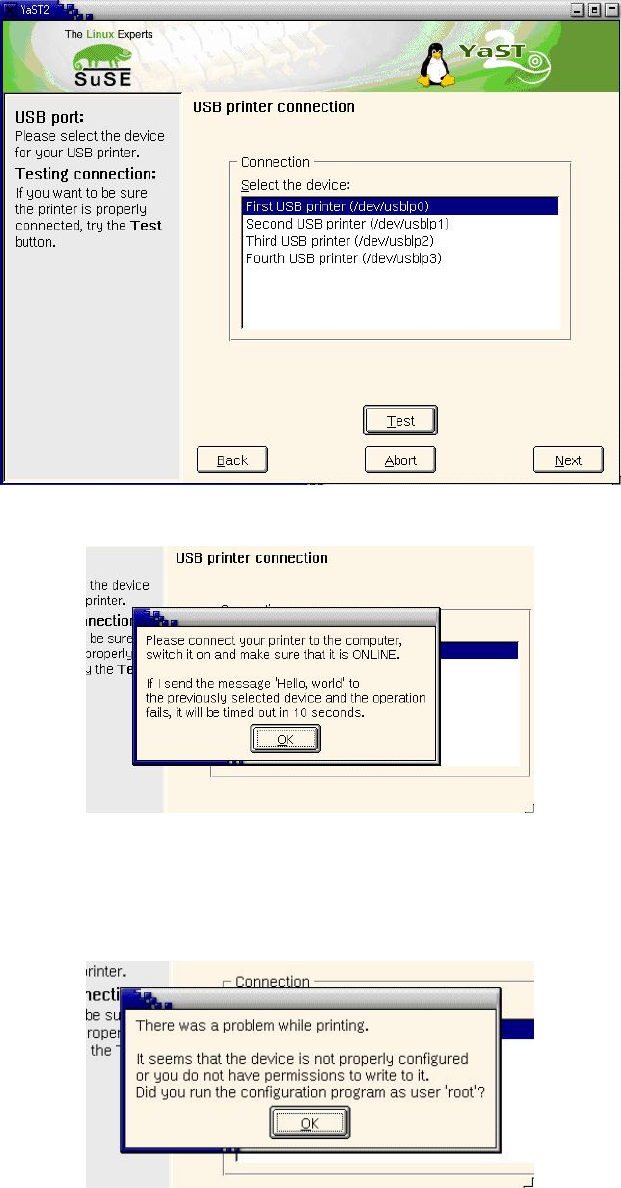
10. Select the USB port the printer is connected to.
Figure 4-5
11. You can (should) click the "Test" button to test the connection to the printer.
Figure 4-6
12. Confirm the message by clicking "OK".
13. If the connection test fails, confirm the message with "OK", return to point
10 above and select a
different port.
Figure 4-7
If the printer is not detected on any port, cancel configuration (using the "Abort" button in the dialog
box shown in point
10 above) and check the BIOS settings again (see "4.5.2.1.1 Requirements:"
above).
46 of 69
Customized LRL SuSE 9.3 Installation Description
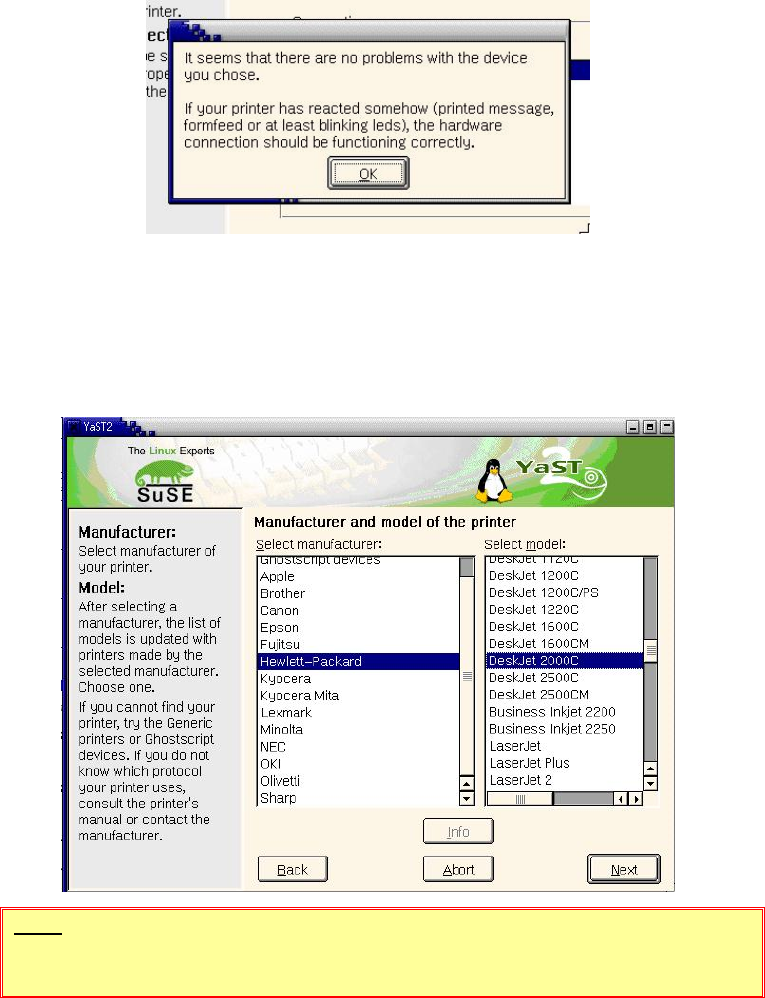
14. If the connection test was successful, confirm the message with "OK".
Figure 4-8
15. Confirm the dialog box shown in point 10 above by clicking the "Next" button.
16. Select the printer manufacturer and model:
Hewlett-Packard
DeskJet 2000C
Figure 4-9
NOTE
The model specified above must be selected!
17. Confirm the dialog box by clicking "Next".
47 of 69
Installation Description Customized LRL SuSE 9.3
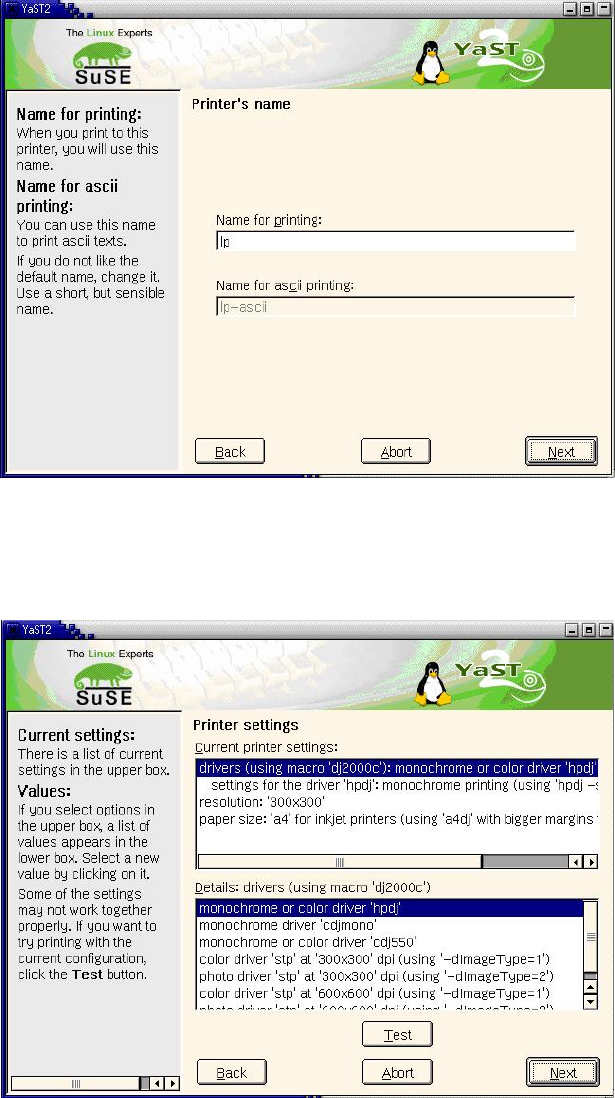
18. You can specify a name for the printer: The suggested name "lp" can be accepted.
Figure 4-10
19. Confirm the dialog box by clicking "Next".
20. The next dialog box allows you to make further driver settings. You can accept the preset values
with "Next".
Figure 4-11
21. The next dialog box allows you to make further "hardware-independent settings". You can accept
the default settings with "Next".
22. The final dialog box shows all the printers now configured.
23. If more than one printer is installed, you must select the default printer (this is indicated by the
arrow in the left-hand column). Select the line containing the required printer and set it as the
default printer by clicking the "Set as default" button.
48 of 69