00190802-02.pdf - 第337页
User’s Manual Line Computer UNIX 12 Production Tools / S tation and Line Configuration Software Version 402.xx Edition 06/96 12.1 Configuration Editor 12 - 1 12 Pr oduction T ools / Station and Line Configuration 12.1 Co…

. User’s Manual SIPLACE Line Computer UNIX
Software Version 402.xx Edition 06/96
12 - II

User’s Manual Line Computer UNIX 12 Production Tools / Station and Line Configuration
Software Version 402.xx Edition 06/96 12.1 Configuration Editor
12 - 1
12 Production Tools /
Station and Line Configuration
12.1 Configuration Editor
The actual configuration of a station is described in the Configuration Editor.
☞
NOTE
Only privileged users are permitted to generate or change a configuration using the Configuration Editor.
The station configuration can be generated and changed by means of the commands contained in the
Structure Editor (see section 12.1.2.6).
-
In the Configuration Editor the different options such as nozzle changer, CRDL measuring instrument
and coplanarity laser module are set up.
-
Only one real configuration can be generated for a given station.
-
The station configuration forms the basis for the generation of the set-up by means of the Set-Up
Editor (see chapt. 13).
-
Those options defined for the station configuration are preset for the set-up.
12 Production Tools / Station and Line Configuration User’s Manual Line Computer UNIX
12.1 Configuration Editor Software Version 402.xx Edition 06/96
12 - 2
12.1.1 Starting the Configuration Editor
To be able to change or generate a station configuration, the steps described below have to be performed first.
●
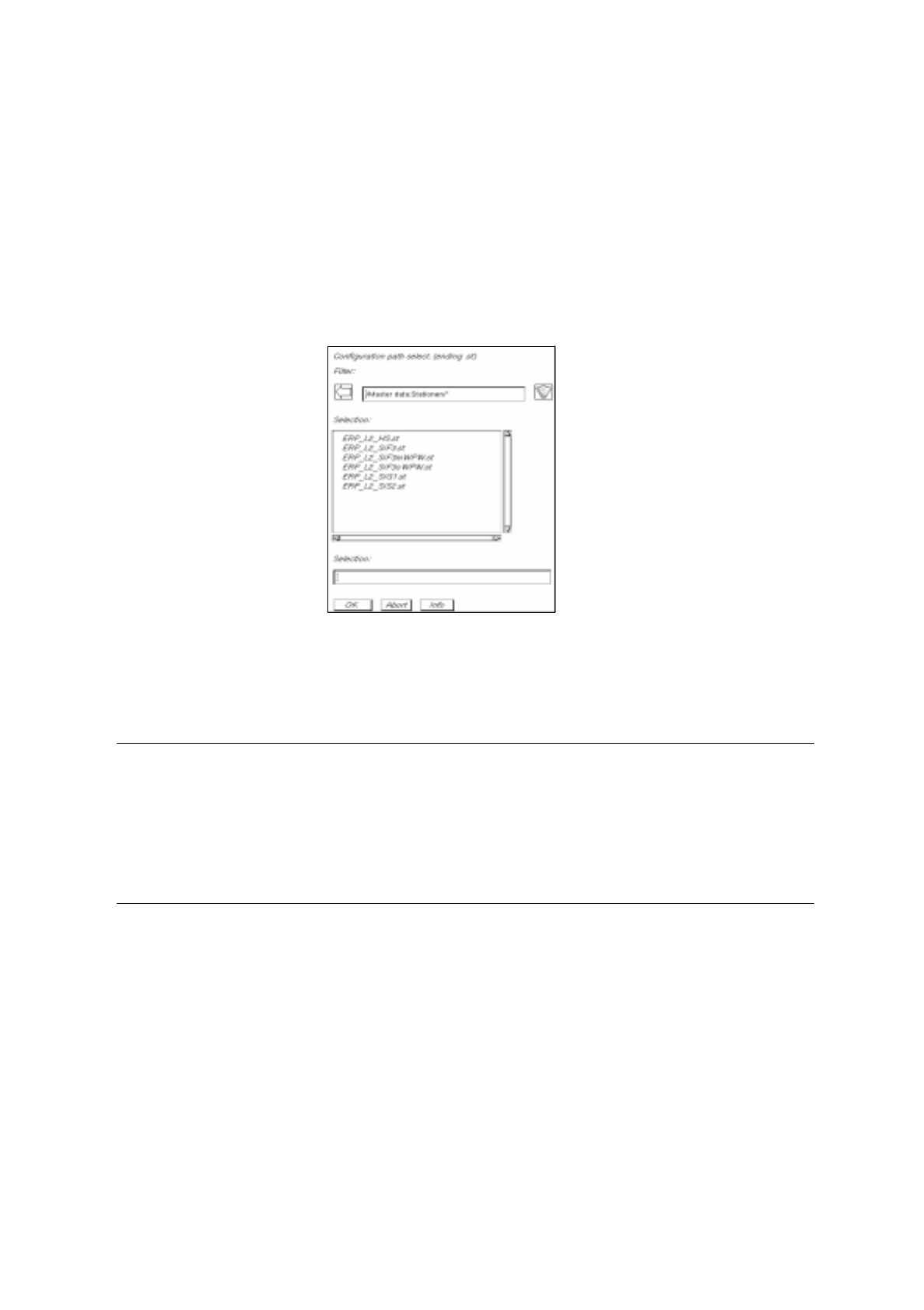
Click on SERVICES -> Station Configuration on the desktop menu bar.
The FSB containing the directory "master data:Stationen" is opened.
●
Open the directory "master data:Stationen" by double-clicking.
The list of the configured stations is displayed in the FSB.
Changing existing configurations:
●
Select station "xx.st" and confirm with OK (or select station directly by double-clicking).
The main window of the Configuration Editor, the Structure Editor is opened (see Fig. 12.1.1).
☞
NOTE
Problems may be encountered if an existing configuration is changed on the basis of which a set-up
has already been generated (consistency of set-up and configuration data). If, for example, an nozzle
changer, which was defined in the station's set-up data for the assembly of a particular PCB, is remo-
ved from the configuration of the station, it is no longer possible to select the job for the assembly of
this PCB (see chapt. 14).