00190802-02.pdf - 第445页
User’s Manual Line Computer UNIX 14 Control / Control Modules Software Version 402.xx Edition 06/96 14.5 Set-Up Modification Generator 14 - 43 The FSB is clos ed and the main w indow of the Set- Up Modific ation G enerat…

14 Control / Control Modules User’s Manual Line Computer UNIX
14.5 Set-Up Modification Generator Software Version 402.xx Edition 06/96
14 - 42
14.5.3.1 OPTIONS Menu
-
Overwriting of files with/without confirmation
This software toggle switch enables a verification query to be displayed or suppressed prior to the
overwriting of existing data.
●
Select OPTIONS --> Overwrite with/without confirm.
☞
NOTE
When overwriting with confirmation has been set and, for example, an existing set-up is selected
from the FSB for the creation of a PCB-specific follow-up set-up, a dialog box containing an appro-
priate message is displayed which must be confirmed (see section 14.5.3.2).
When without
confirmation is set, the data will be overwritten without any verification query!
All settings selected under "OPTIONS" are also valid in the main window of the Set-Up Modification
Generator. They can, however, also be changed subsequently on the menu of the main window (see
section 14.5.4).
14.5.3.2 Selection Area
This area provides the following actions for the generation of changeover instructions - in accordance with
certain criteria - which can be initiated by the operator by clicking on the corresponding button.
The terms used in the connection with set-ups are described in section 14.5.1.
-
Current set-up --> Set-up
This option enables the operator to obtain instructions for changeover from the current set-up to a
follow-up set-up which has to be specified (selected).
●
Click on button Current set-up --> Set-up.
The selection window is closed and the main window of the Set-Up Modification Generator toge-
ther with the FSB for the selection of the follow-up set-up, which is located above it, is opened.
●
Open the directory "*master data:Anlagen" by double-clicking.
●
Successively select line "*xx.ak" and subline "*xx.va" by double-clicking.
●
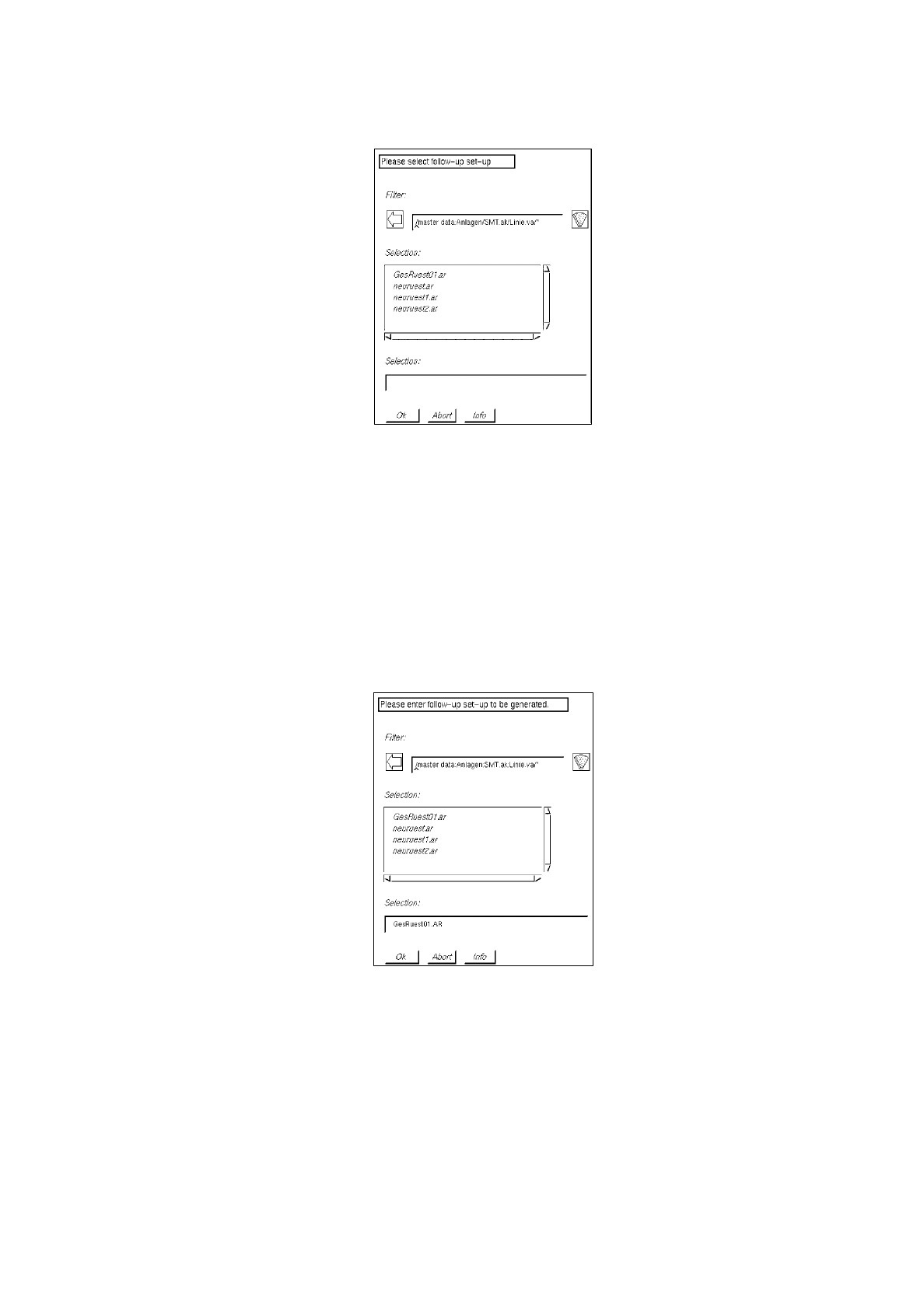
Select follow-up set-up "xx.ar" from the FSB (see example below) by double-clicking.
User’s Manual Line Computer UNIX 14 Control / Control Modules
Software Version 402.xx Edition 06/96 14.5 Set-Up Modification Generator
14 - 43
The FSB is closed and the main window of the Set-Up Modification Generator is displayed on the
screen (see Fig. 14.5.2).
-
Current set-up
-->
PCB-specific set-up
This option enables the operator to obtain instructions for changeover from the current set-up to a
follow-up set-up for the production of a specific PCB type. A follow-up set-up is created in addition.
●
Click on button
Current set-up
-->
PCB-specific set-up
.
The selection window is closed and the main window of the Set-Up Modification Generator
together with the FSB for the selection of the PCB, which is located above it, is opened.
●
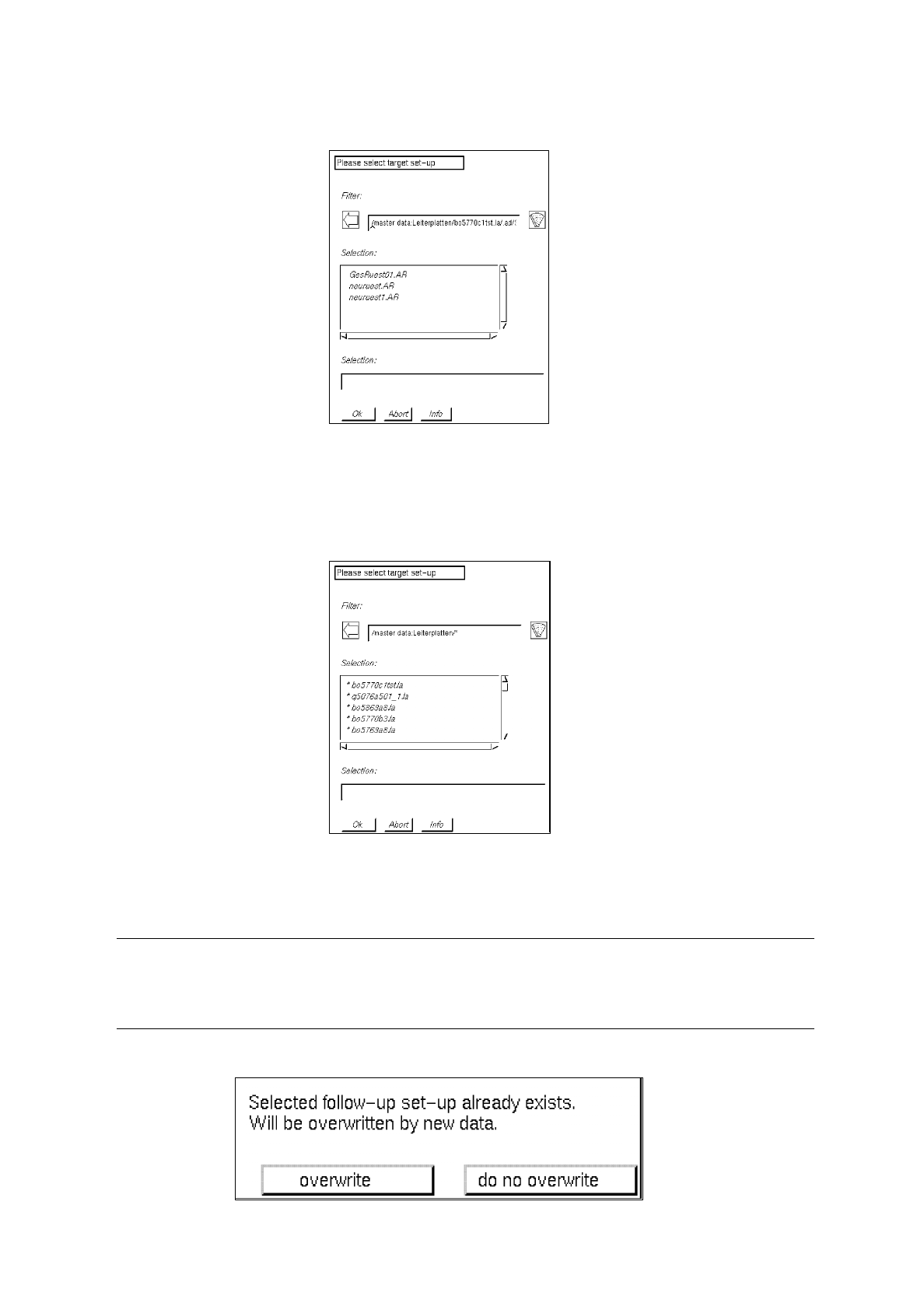
For the selection of the target set-up, open the directory "*master data:Leiterplatten" by double-
clicking, and successively select the PCB "*xx.la", "*.ad", line "*xx.AK" and subline "*xx.VA" by
double-clicking.
A list of possible target set-ups is now displayed in the FSB.
14 Control / Control Modules User’s Manual Line Computer UNIX
14.5 Set-Up Modification Generator Software Version 402.xx Edition 06/96
14 - 44
●
Select target set-up "xx.AR" by double-clicking.
●
Open the directory "*master data:Anlagen:xx.ak:xx.va" by double-clicking.
All existing follow-up set-ups are now displayed in the FSB.
●
Enter name xx
.ar
for the new follow-up set-up to be created and confirm with
OK
, or select
existing follow-up set-up by double-clicking.
☞
NOTE
When the setting
with confirmation
has been selected (see section 14.5.3.1) and an
existing follow-up set-up is selected, the following dialog box is displayed: