c921199.R00_EN.pdf - 第45页
Chapter 2 Replacing par ts Contents 1. Replaceable parts 2-1 2. T ape Guide Assembly 2-2 2.1 Removal 2-2 2.2 Installation 2-3 3. T ape guide front lever 2-4 3.1 Removal 2-4 3.2 Installation 2-5 4. T ape guide rear lever …
1-24
1
Handling
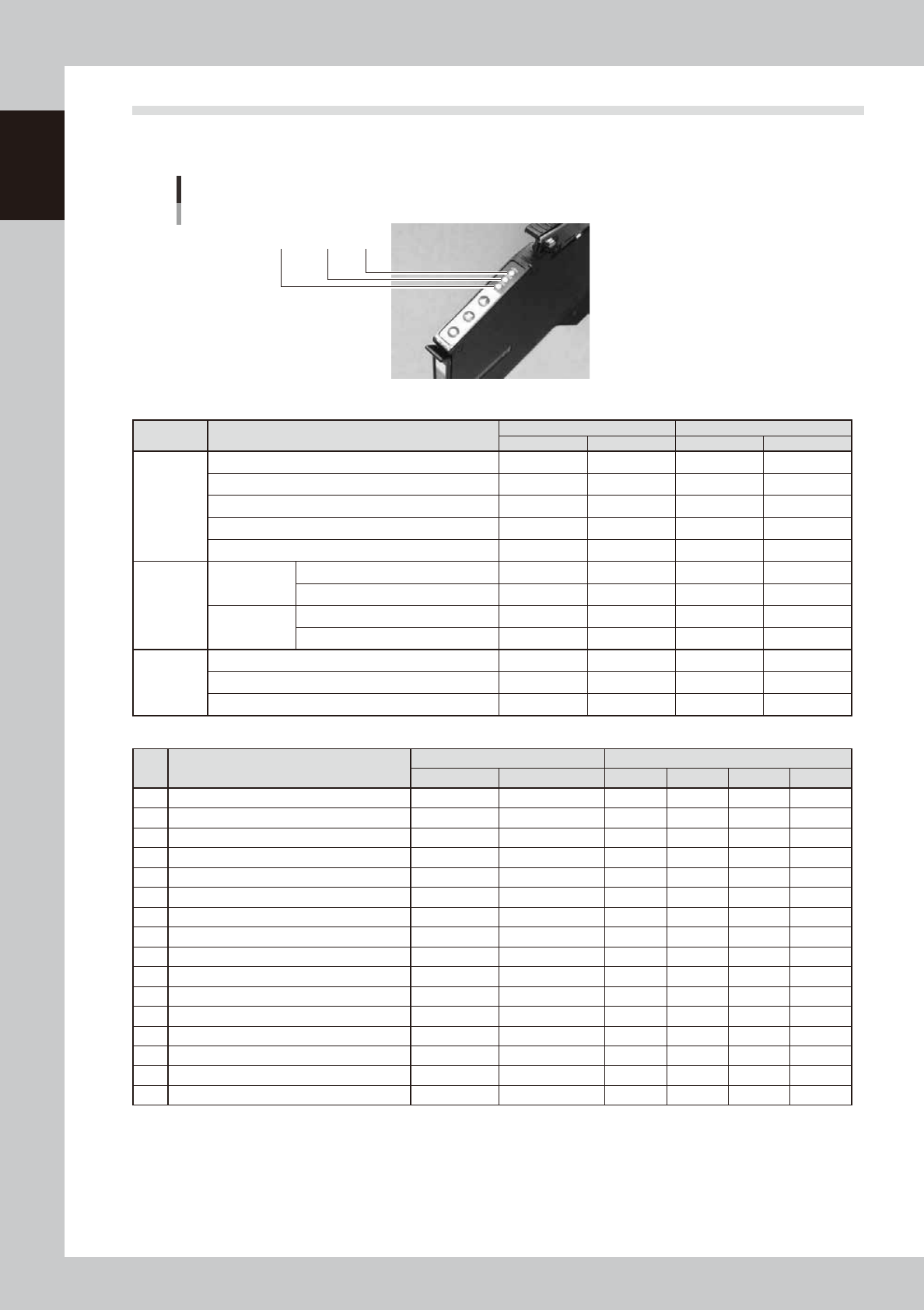
8.4 Indicator of the feeder
The indicators of the feeder turn on, flash or turn off so that setup of the feeder and components can be
recognized easily.
LED color
“Red”“Green” “Yellow”
63145-9L-10
n
During normal use
State Details
Standard Setup check
*1
CART FEEDER CART FEEDER
Setup change
No setup (Removal command) Red lighting Red lighting Red lighting
Wrong setup
Setup position indication Red flash Red flash
Normal component set reliability NG
*3
Setup completion set position Green lighting Red lighting
*2
Green lighting
*2
Out of
components
Stop due to remaining
amount
Stop due to remaining amount (out of components
)
Changing to alternative components
Retry over
Pickup/recognition error stop Yellow lighting Yellow lighting
Changing to alternative components
Yellow lighting Yellow lighting
Component
shortage warning
Component shortage warning
Wrong components supplied due to splicing
Supply of components finished with splicing
n
Intelligent Option
No Feeder status
F2 intelligent lighting pattern F3 intelligent lighting parrern
Color Lighting Bank Red Yellow Green
1
Open-circuit fault
2
Power supplied Yellow green Lighting Lighting
3
Intelligent recognition / Production Green Lighting Lighting
4
Component check NG (wrong components) Pink Flashing
Quickly flashing
5
Component check OK Green Quickly flashing
Quickly flashing
6
Not used for production Blue Quickly flashing
Quickly flashing
7
Not registered in database Blue Flashing
Quickly flashing
8
Out of components Orange Lighting Lighting
9
Component shortage warning Green Alternate lighting
Quickly flashing
10
Skip component pickup Orange Flashing Lighting
11
Feeder trouble detected Pink Lighting Lighting
12
Removal lock Orange Quickly flashing
13
Simple check Light blue Flashing
Quickly flashing
14
Alternative position: Pickup undefined lane (relocate) Green Alternate lighting
Quickly flashing
15
Alternative position: Pickup defined lane (relocate) Green Alternate lighting
Quickly flashing
16
Not used for production: Pickup undefined lane (relocate) Blue Alternate lighting
Quickly flashing
*1 This is a standard function for selecting [Parts setup check after board reading] of application setup.
This is not identical to the setup check of Intelligent Option.
*2 The indication shows that setup is judged as OK in the setup list dialog but that the F3 feeder is not installed.
The green indicator of the F3 feeder will light up if the F3 feeder is set.

Chapter 2 Replacing parts
Contents
1. Replaceable parts 2-1
2. Tape Guide Assembly 2-2
2.1 Removal 2-2
2.2 Installation 2-3
3. Tape guide front lever 2-4
3.1 Removal 2-4
3.2 Installation 2-5
4. Tape guide rear lever 2-7
4.1 Removal 2-7
4.2 Installation 2-8
5. Under rail 2-9
5.1 Removal 2-9
5.2 Installation 2-9
6. Clamping lever assembly 2-10
6.1 Removal 2-10
6.2 Installation 2-11
7. Tail pin 2-13
7.1 Removal 2-13
7.2 Installation 2-13
8. Under plate 2-14
8.1 Removal 2-14
8.2 Installation 2-15
9. Unclamping wire 2-17
9.1 Removal 2-17
9.2 Installation 2-18

10. Wire covers 1 and 2 2-20
10.1 Removal 2-20
10.2 Installation 2-21
11. Handle 2-22
11.1 Removal 2-22
11.2 Installation 2-23
12. P/O lever assembly 2-26
12.1 Removal 2-26
12.2 Installation 2-26
13. P/O2 roller 2-27
13.1 Removal 2-27
13.2 Installation 2-28
14. Board connector 2-29
14.1 Removal 2-29
14.2 Installation 2-29