182050 User manual.pdf - 第128页
semi automatic ',$*126 7,&6 6<67(0 4.6 User Manual Software Version 0 7SP02 MMOV2 Group 2 (X12) MMOV2 Group 3 (X12) Display Al l Analogue Input s Selectin g this diagnostic func tion opens the followi ng wind…
semi automatic
',$*1267,&6
6<67(0
Software Version 07SP02 User Manual 4.5
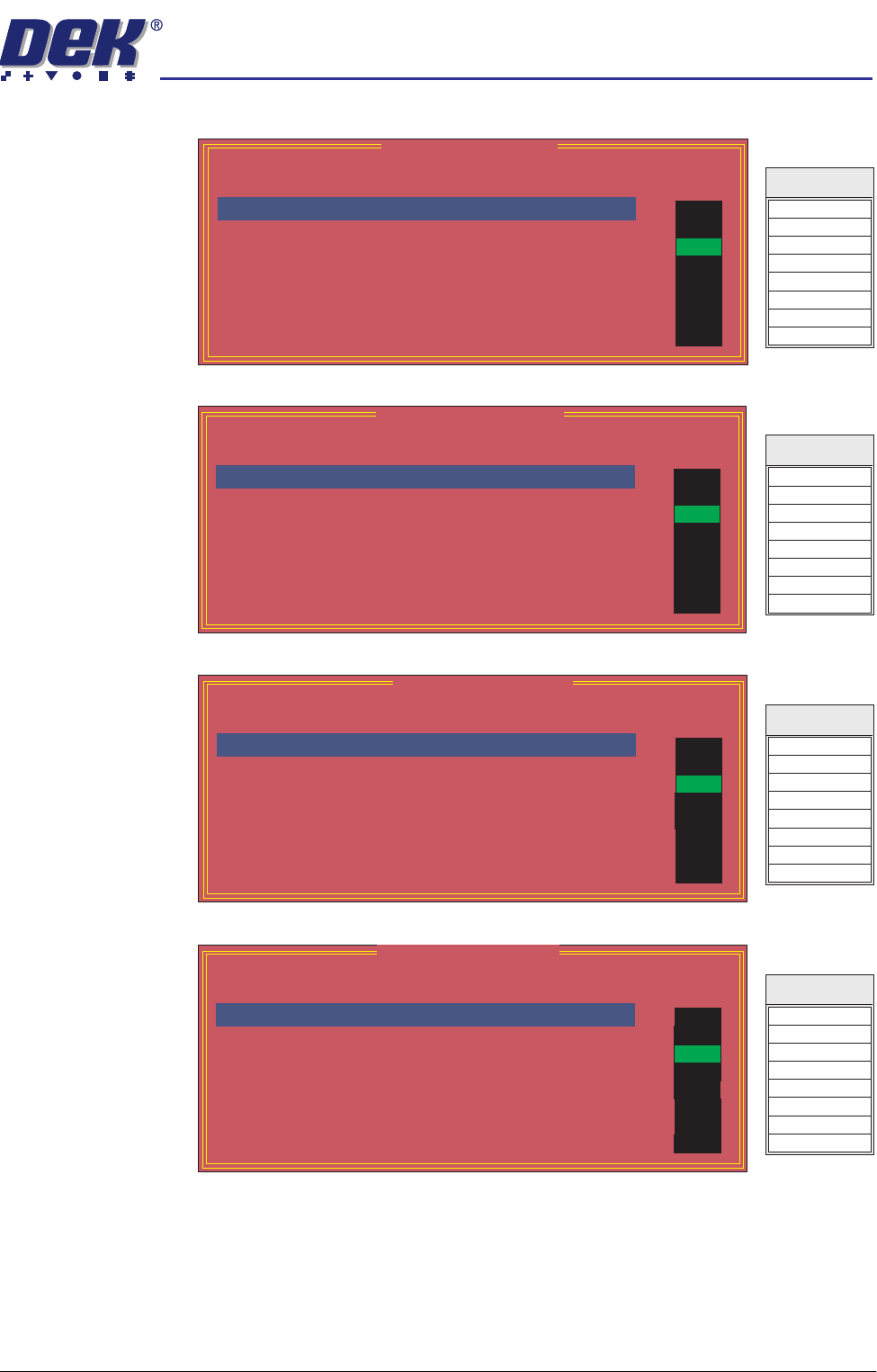
MMOV1 Group 2
(X13)
MMOV1 Group 3
(X13)
MMOV2 Group 0
(X12)
MMOV2 Group 1
(X12)
MMOV 1 Group 2
Point Description
---------------------
---------
-------
-----------
------
Bit No
Sense
Direction
State
Not Used
Green Beacon
Amber Beacon
Red Beacon
Not Used
ProFlow Reg Output
Cleaner Home Clamp
Chase Clamp
0
1
2
3
4
5
6
7
Positive
Positive
Positive
Positive
Positive
Positive
Positive
Positive
Output
Output
Output
Output
Output
Output
Output
Output
OFF
ON
OFF
OFF
OFF
OFF
OFF
OFF
Totem 0
Totem 1
Totem 2
Totem 3
Totem 4
Totem 5
Totem 6
Totem 7
Signal
MMOV 1 Group 3
Point Description
---------------------
---------
-------
-----------
------
Bit No
Sense
Direction
State
Screen Clamp
Cleaner Blade
Cleaner Vacuum
Clamp Board
Board Stop
Not Used
Not Used
Not Used
0
1
2
3
4
5
6
7
Positive
Positive
Positive
Positive
Positive
Positive
Positive
Positive
Output
Output
Output
Output
Output
Output
Output
Output
OFF
ON
OFF
OFF
OFF
OFF
OFF
OFF
Source 0
Source 1
Source 2
Source 3
Source 4
Source 5
Source 6
Source 7
Signal
MMOV 2 Group 0
Point Description
---------------------
---------
-------
-----------
------
Bit No
Sense
Direction
State
Air Pressure
Screen Present
Lid Bolt Shut
Cartridge Empty
Cartridge Home
Cartridge Away
ProFlow Cassette Low
ProFlow Fitted
0
1
2
3
4
5
6
7
Positive
Positive
Positive
Positive
Negative
Negative
Positive
Positive
Input
Input
Input
Input
Input
Input
Input
Input
OFF
ON
OFF
OFF
OFF
OFF
OFF
OFF
IN 0
IN 1
IN 2
IN 3
IN 4
IN 5
IN 6
IN 7
Signal
MMOV 2 Group 1
Point Description
---------------------
---------
-------
-----------
------
Bit No
Sense
Direction
State
Not Used
Not Used
ProFlow Reg Fitted
Not Used
Not Used
Not Used
Not Used
Not Used
0
1
2
3
4
5
6
7
Positive
Positive
Positive
Positive
Positive
Positive
Positive
Positive
Input
Input
Input
Input
Input
Input
Input
Input
OFF
ON
OFF
OFF
OFF
OFF
OFF
OFF
IN 8
IN 9
IN A
IN B
IN C
IN D
IN E
IN F
Signal
semi automatic
',$*1267,&6
6<67(0
4.6 User Manual Software Version 07SP02
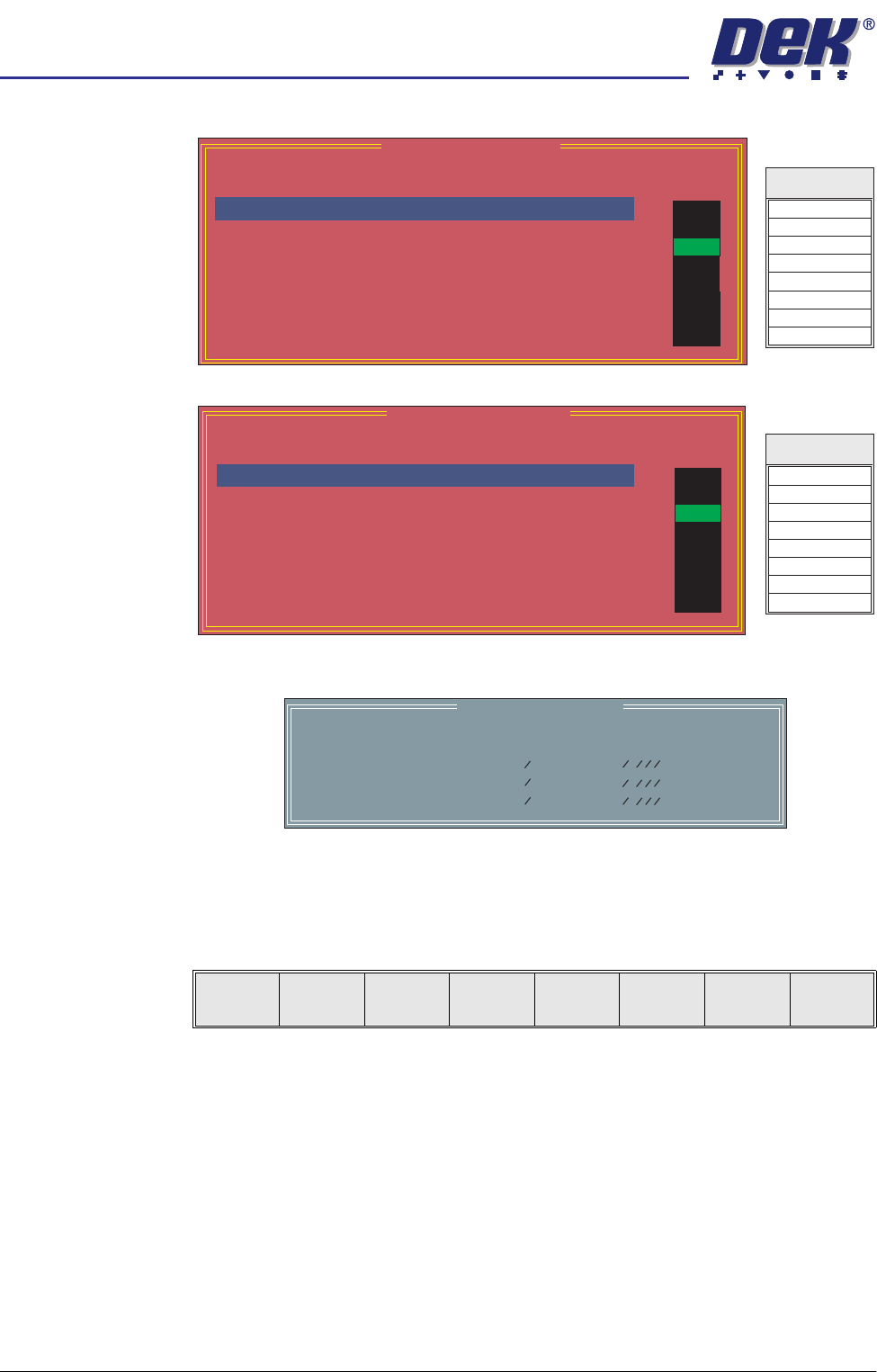
MMOV2 Group 2
(X12)
MMOV2 Group 3
(X12)
Display All
Analogue Inputs
Selecting this diagnostic function opens the following window:
NOTE
Sensors for pressure, temperature and relative humidity are not fitted to this
machine.
The menu bar changes to the following:
Exit returns operation to the system diagnostics page.
Toggle Lid Bolt Selecting this function alternately extends and retracts the lid bolt.
Change Edit
Password
Selection of this option prompts the user to enter a new password.
Change
Diagnostics
Password
Selecting this diagnostic function either allows a password to be entered or
changes an existing password. This password protection inhibits unauthorized
entry into diagnostics.
MMOV 2 Group 2
Point Description
---------------------
---------
-------
-----------
------
Bit No
Sense
Direction
State
Front Belt Forward
Front Belt Reverse
Rear Belt Forward
Rear Belt Reverse
Tilt Cartridge Away
Tilt Cartridge Home
Solvent Pinch Valve
Cleaner Paper Feed
0
1
2
3
4
5
6
7
Positive
Positive
Positive
Positive
Positive
Positive
Positive
Positive
Output
Output
Output
Output
Output
Output
Output
Output
OFF
ON
OFF
OFF
OFF
OFF
OFF
OFF
Totem 0
Totem 1
Totem 2
Totem 3
Totem 4
Totem 5
Totem 6
Totem 7
Signal
MMOV 2 Group 3
Point Description
---------------------
---------
-------
-----------
------
Bit No
Sense
Direction
State
Release Table Brake
Cleaner Vacuum
Vacuum Valve
ProFlow Reg Control
Tooling Pressure
Lid Bolt
Dispense Paste
Solvent Tank Press
0
1
2
3
4
5
6
7
Positive
Positive
Positive
Positive
Positive
Positive
Positive
Positive
Output
Output
Output
Output
Output
Output
Output
Output
OFF
ON
OFF
OFF
OFF
OFF
OFF
OFF
Source 0
Source 1
Source 2
Source 3
Source 4
Source 5
Source 6
Source 7
Signal
Analogue I/O Values
Description
--------------
----------------
Integer Value
--------------------
Converted Value
Pressure Sensor
Temperature
Relative Humidity
0
0
0
0.000 kg
0.000 C
0.000 %
o
Exit

semi automatic
',$*1267,&6
6<67(0
Software Version 07SP02 User Manual 4.7
Change Terminate
Password
Selecting this diagnostic function either allows a password to be entered or
changes an existing password. This password protection inhibits unauthorized
operation of the terminate control program.
Change Fiducial
Set-up Password
Selecting this diagnostic function allows a password to be entered or changes
an existing password. This password protection inhibits unauthorized entry into
the fiducial setup.
Change
Maintenance
Password
Selecting this diagnostic function allows a password to be entered or changes
an existing password. This password protection inhibits unauthorized entry into
the maintenance functions.
Terminate Control
Program
Selecting this diagnostic function terminates the control program and returns to
Windows NT.