182050 User manual.pdf - 第167页
semi automatic +286 (.( (3, 1* 5(&29(5<352 &('85( Software Version 07SP02 User Manual 6.13 1 1. On completion the system rest art s, follow the on-s creen prompt s to confirm machine seri al number . 12…

semi automatic
+286(.((3,1*
5(&29(5<352&('85(
6.12 User Manual Software Version 07SP02
RECOVERY PROCEDURE
System
Description
The machine hard disk drive is partitioned to allocate both system and dynamic
disk space.
System information is held on drive C: which holds all the system software
including the Windows NT operating system.
The drive D: contains the machine operating software and the dynamic
(changeable) files such as product, machine configuration and calibration.
It is the files on drive D: which need to be backed up at regular intervals to
enable the machine to be brought back into an up-to-date working state should
the Windows NT operating system or the machine software fail.
Recovery Disk DEK provides a Software CD-ROM which the engineer can use to restore the
machine or the operating system software should an error occur. The CD-ROM
auto-runs, on-screen prompts provide an easy route to either full or partial
recovery. The option for full or partial recovery depends upon the extent of the
system error reported and whether the engineer deems it necessary to com-
plete a full or partial recovery.
At the time of machine shipment, the software CD-ROM is burnt with all the
information required to operate the machine, this disk is shipped with the
machine. It should be noted that the product specific files such as CONFIG.TXT
files, may have changed since the time of shipment. Files that have been
archived can be used to overwrite the files on disk D: as required.
NOTE
If the machine configuration files are reloaded ensure the correct camera type
is selected, see Setting Camera Type in Camera System Module.
Recovery Procedure To perform a partial or full system recovery carry out the following:
1. Turn the mains isolator to OFF.
2. Insert the Software CD-ROM into the machine PC CD-ROM tray.
3. Turn the mains isolator to ON, the DEK Set-up program runs.
NOTE
If a current backup copy of the product and machine calibration data is not
held, carry out Steps 4 - 6 .
4. Select Option 3 - Backup Product and Calibration Data.
5. Insert a blank formatted floppy disk into the A: drive.
6. Follow the on-screen prompts and copy the machine calibration and product
files to the A: drive.
7. From the main menu, select either Option 1 to replace Windows NT partition
or Option 2 to reload the entire disk and select C on the keyboard.
8. When prompted enter machine serial number and press Return. The Ghost
program now re-writes the Windows NT partition and if selected the DEK
machine software.
9. On completion, remove the CD-ROM from the PC and reboot the machine.
10. Window NT automatically scans both partitions of the hard disk for errors.

semi automatic
+286(.((3,1*
5(&29(5<352&('85(
Software Version 07SP02 User Manual 6.13
11. On completion the system restarts, follow the on-screen prompts to confirm
machine serial number.
12. Select Fixed Head, Single Stepper and the correct camera for the type
fitted.
13. When prompted, re-load the machine calibration data.
14. The machine now initializes.
15. The product files can now be copied onto the machine using Copy Data
function in Housekeeping (Copy Data section in this chapter refers).
semi automatic
+286(.((3,1*
)($785(/,&(16,1*
6.14 User Manual Software Version 07SP02
FEATURE LICENSING
Introduction This standalone program accessed from the taskbar, enables a user to request
and install a licence to run a new feature on the machine. The opening window
lists all the licences available on the dongle and applicable to the machine.
Each licence enabled or requested is signified by a tick beside the feature listed.
The features available on the dongle are updated at software upgrades.
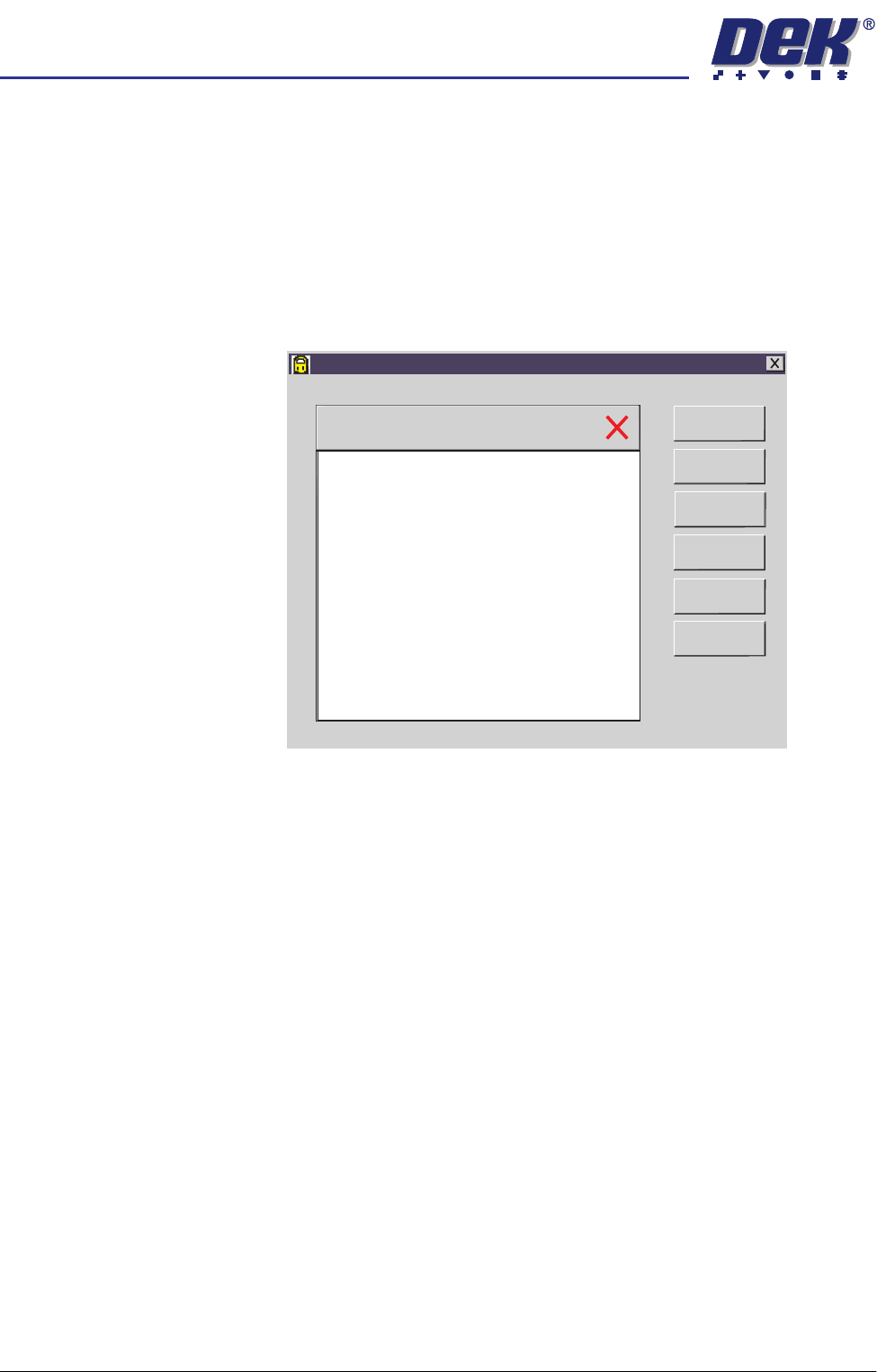
License Request 1. Select Start on the taskbar, Programs and Feature License. The following
window is displayed:
Feature License
Version 01. 02
Serial Number 113375
Basic Board Insp.
PC Type 1
PC Type 2
Customer Info
Print Features
Print Request
Install Licence
Refresh
Exit