182050 User manual.pdf - 第188页
semi automatic ',163(&7,21 ',163(&7,21 6(78 3 7.14 User Manual Software Ve rsion 07SP02 The following 2Di GUI window (e xample) appears: CAUTION FIDUCIAL POSITION. If during the pr int cycle, th e …
semi automatic
',163(&7,21
',163(&7,216(783
Software Version 07SP02 User Manual 7.13
16. Select Change Screen.
17. Select Exit.
18. Select Run.
19. If the stencil has not been changed the message ‘Screen has not been
changed for this product’ is displayed, select Use Screen to continue.
20. Select Auto Board.
21. Setup the board and stencil fiducials.
22. Select Inspect Setup. If this option is unavailable, check set prefs for 2D
Inspection enabled. The following message on the operator prompt bar is
displayed, ‘Click on the board representation to add a new site or select
an existing site to edit’.
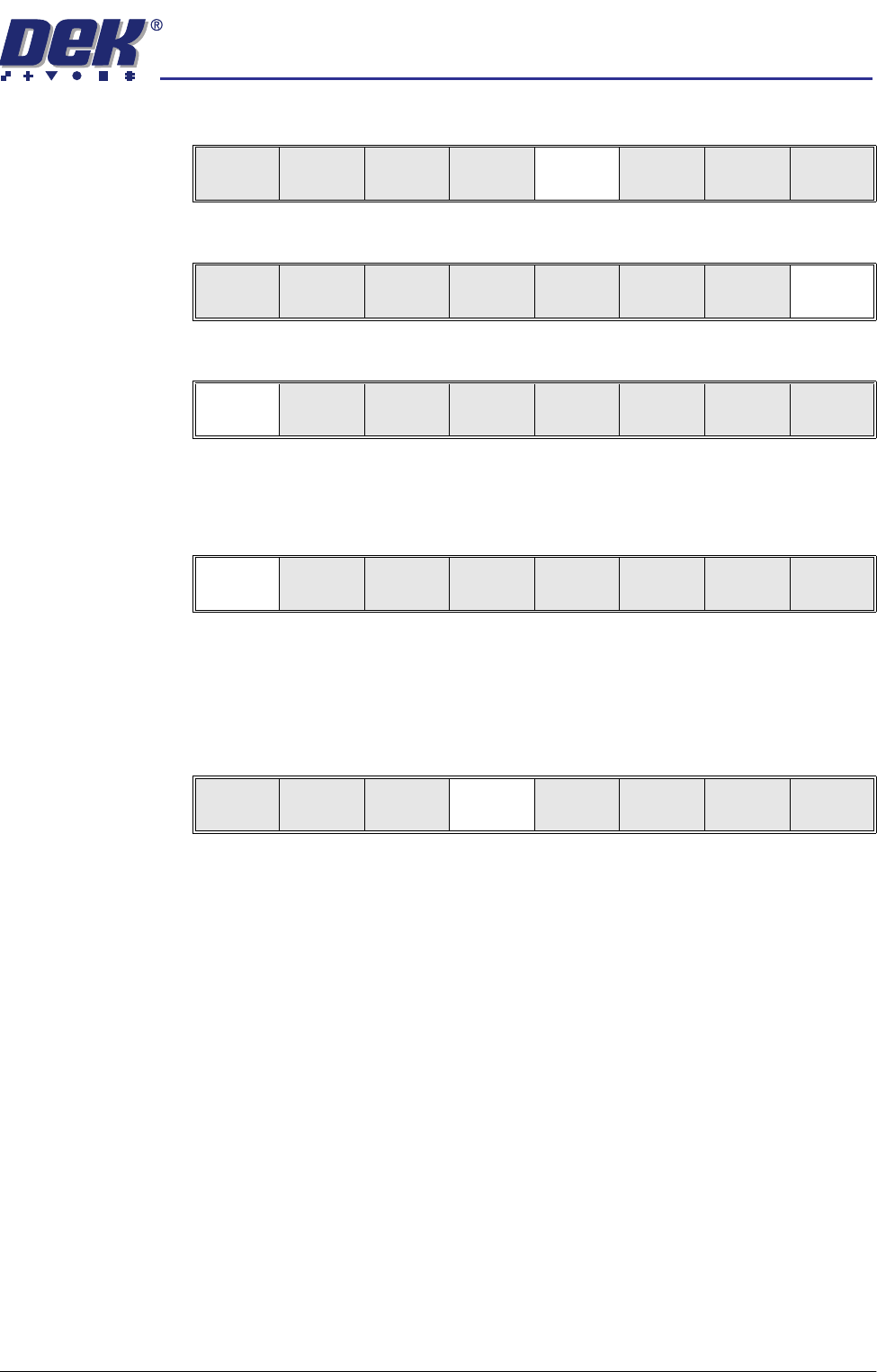
Mode
Load
Data
Edit
Data
Setup
Squeegee
Change
Screen
Change
Tooling
Change
Language
Exit
Mode
Load
Data
Edit
Data
Setup
Squeegee
Change
Screen
Change
Tooling
Change
Language
Exit
Run
Open
Cover
Paste
Load
Clean
Screen
Setup Monitor Maint.
Auto
Board
Manual
Board
Exit
Step
Open
Cover
Inspect
Setup
Single Exit
semi automatic
',163(&7,21
',163(&7,216(783
7.14 User Manual Software Version 07SP02
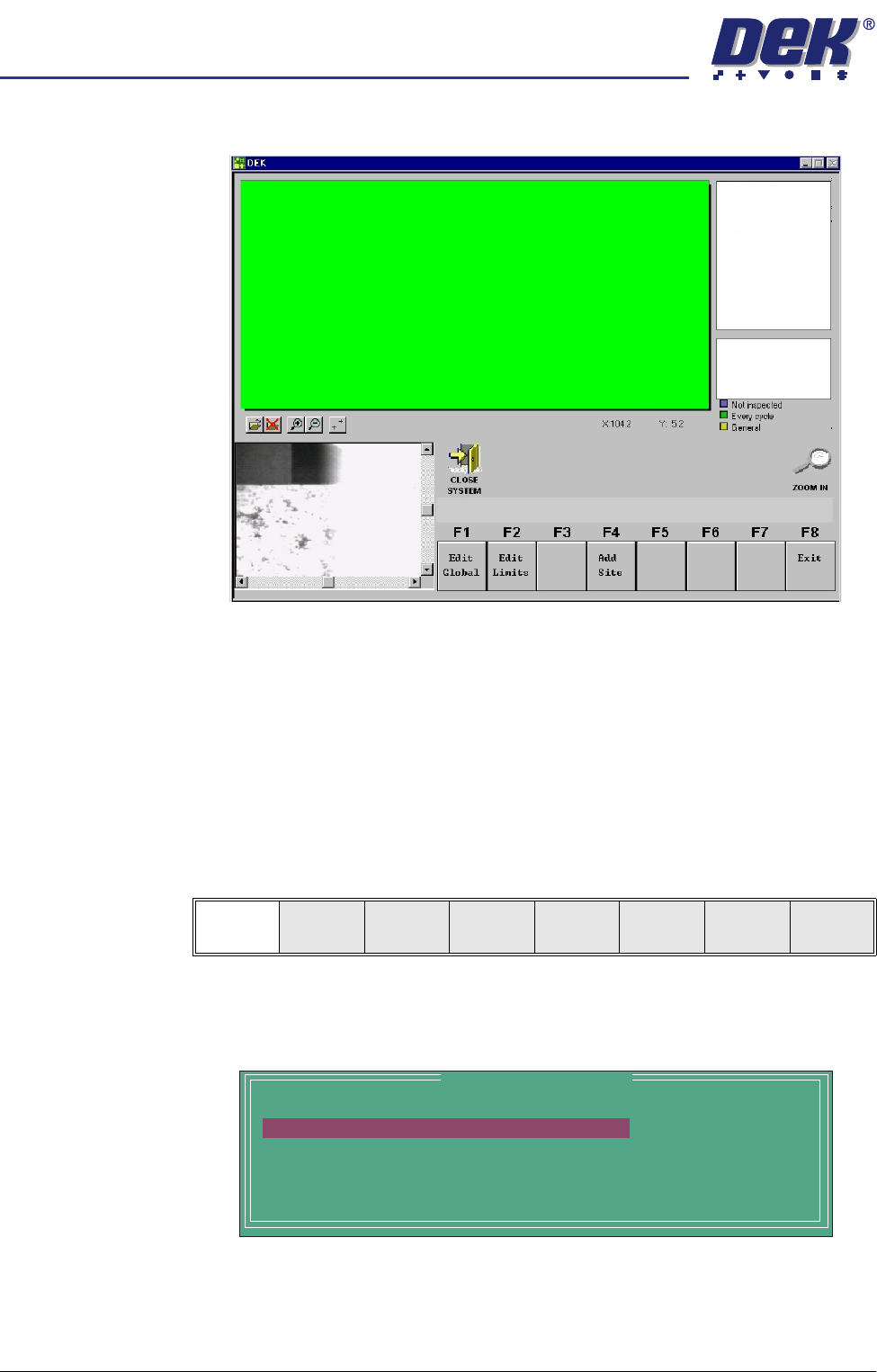
The following 2Di GUI window (example) appears:
CAUTION
FIDUCIAL POSITION.
If during the print cycle, the position of board
fiducials are changed, the position of previous inspection sites, (if any)
may be affected. Small changes are automatically compensated for,
however large changes, ie more than 3mm may require sites to be
relearnt.
NOTE
If selecting a product file with site listings pre-loaded, a ‘Please Wait’
indicator bar may be displayed whilst all sites are being downloaded.
Edit Global 1. Select Edit Global.
NOTE
Delete Site is only available if at least one site exists already.
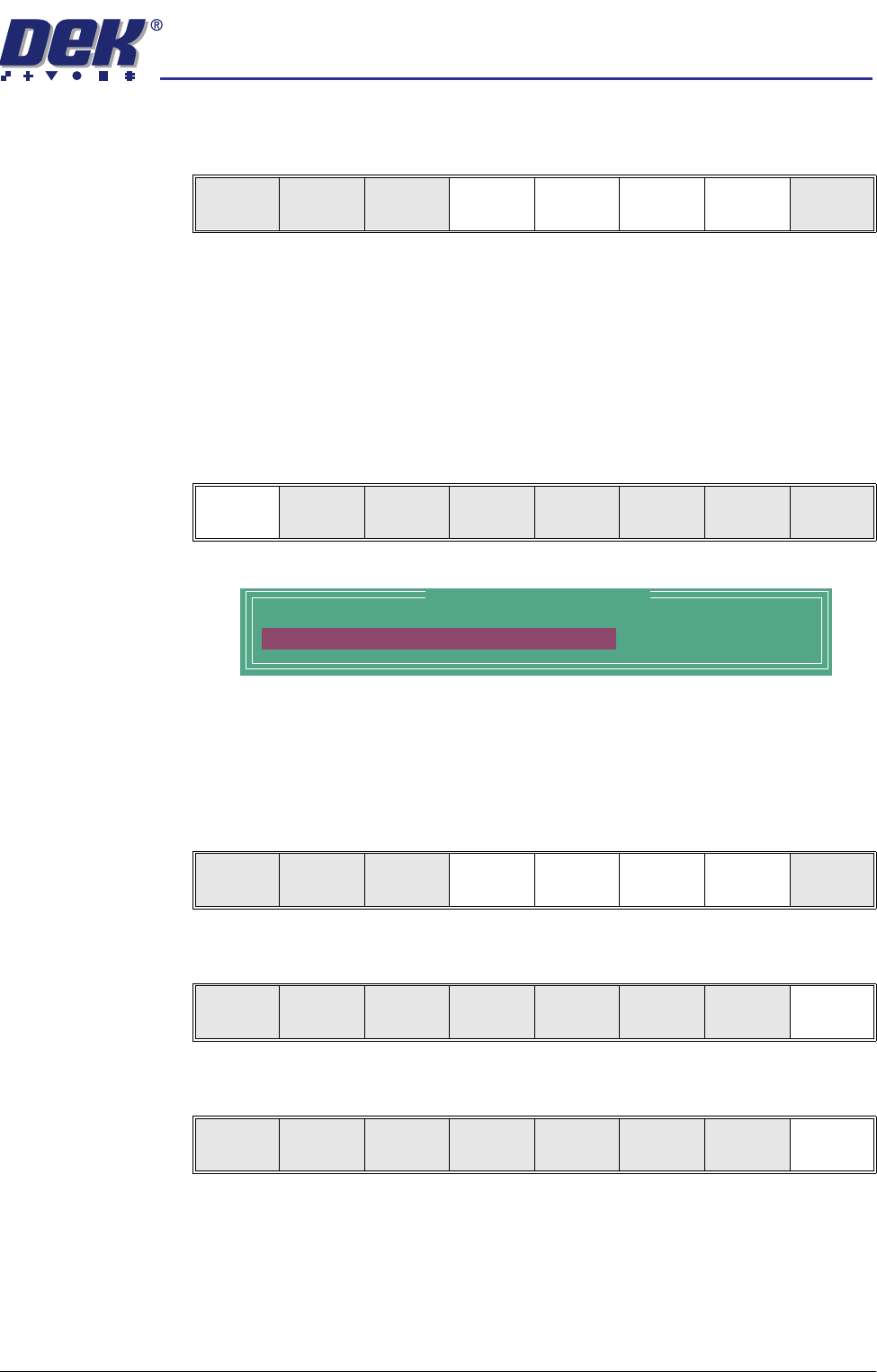
The following Edit Global Parameters window is displayed:
Edit
Global
Edit
Limits
Add
Site
Exit
Edit Global Parameters
BOARD 2DI TYPE
PRE-IMAGE MODE
MIN SITES/CYCLE
WARNING LIMIT
LOW PASTE ACTION
BASIC
EVERY
3
3
MANUAL
semi automatic
',163(&7,21
',163(&7,216(783
Software Version 07SP02 User Manual 7.15
2. Enter the parameter values below using the Next, Previous, Incr. and Decr.
keys.
• Pre-images to Every
• Warning Limit to 20, this can be reduced later in ‘adjust inspect’
A definition of all 2Di parameters and their values is given at the end of this
chapter.
On completion of successful setup, parameters can be adjusted to suit the
product.
3. Select Limit Options.
This is usually set to enabled. If the global limit option is disabled, the limit
set and parameter is greyed out. This is a global limit, therefore it is active
for the whole product. If paste inspection is not required for a specific type
of site, this can be achieved later in limit set options for the site.
4. Enter global limit options using Next, Previous, Incr. and Decr. keys.
5. Select Exit.
6. Select Exit.
Limit
Options
Next Previous Incr. Decr. Exit
Limit
Options
Next Previous Incr. Decr. Exit
Global Limit Set Options
Paste Enabled
Next Previous Incr. Decr. Exit
Next Previous Incr. Decr. Exit
Limit
Options
Next Previous Incr. Decr. Exit