182050 User manual.pdf - 第31页
semi automatic 0$&+,1 (352*5 $00,1 * 67$*( %9$ &880 722/,1* Software Version 07SP02 User Manual 1.21 7. Select Save (F2). The message ‘ Saving fiducial dat a - Please wait Board dat a fil e saved ’ is dis …
semi automatic
0$&+,1(352*5$00,1*
67$*(%9$&880722/,1*
1.20 User Manual Software Version 07SP02
STAGE 6B - VACUUM TOOLING
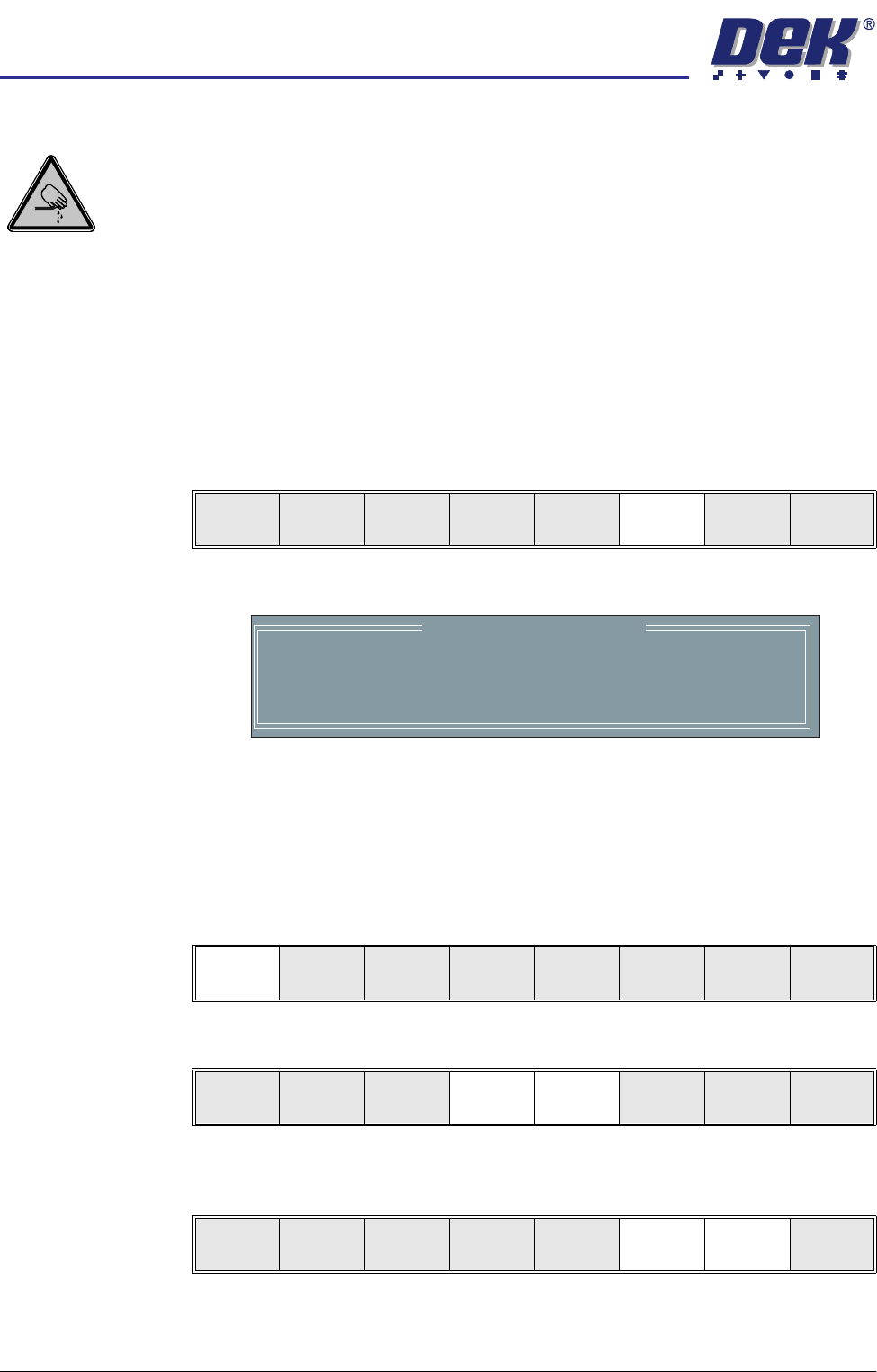
WARNING
BOARD CLAMPS. EXTREME CARE MUST BE EXERCISED WHEN WORKING IN
THE TOOLING AREA OF THE MACHINE TO AVOID INJURY. THE FOILS ON THE
FRONT AND REAR BOARD CLAMPS ARE VERY SHARP.
CAUTION
BOARD CLAMPS.
Care must be taken to ensure that the board clamps are
not damaged when removing or replacing tooling.
NOTE
Ensure that Generic Tooling is set to Enabled in Set Prefs.
1. If there is a screen loaded return to Stage 5 to remove the screen.
2. Select Change Tooling (F6). The print carriage and the under screen
cleaner are moved to the rear.
The Change Tooling Parameters window is displayed:
3. Setting up the board stop position is automatically done using the board
dimensions previously set in the product file. If they need adjustment to re-
position the board stop for any reason, ie any routing on the board edge or
a badly positioned image on the stencil, this can be done now. If adjustment
is necessary continue with Step 4. If adjustment is not necessary go to Step
9.
4. Select Adjust (F1).
5. Use the Next and Previous keys (F4 - F5) to highlight each parameter.
6. Use the Incr. and Decr. keys (F6 - F7), or the forward slash key (/) on the
keyboard, to change the parameter value.
Mode
Load
Data
Edit
Data
Setup
Squeegee
Change
Screen
Change
Tooling
Change
Language
Exit
Change Tooling Parameters
BOARD WIDTH
BOARD STOP X
BOARD STOP Y
UNDER CLEARANCE
216.0
125.0
142.6
19.0
mm
mm
mm
mm
Adjust
Open
Cover
Home
Cleaner
Board
Stop
Full
Width
Load
Width
Generic
Tooling
Exit
Save Next Previous Incr. Decr. Exit
Save Next Previous Incr. Decr. Exit
semi automatic
0$&+,1(352*5$00,1*
67$*(%9$&880722/,1*
Software Version 07SP02 User Manual 1.21
7. Select Save (F2). The message ‘Saving fiducial data - Please wait Board
data file saved’ is displayed.
8. Select Exit (F8).
9. Select Full Width (F5). The message ‘Checking for a board on the belts’
is displayed. Whilst the rear rail is moving the message ‘Rail Moving...’ is
displayed.
10. Select Open Cover (F2).
11. Raise the printhead cover.
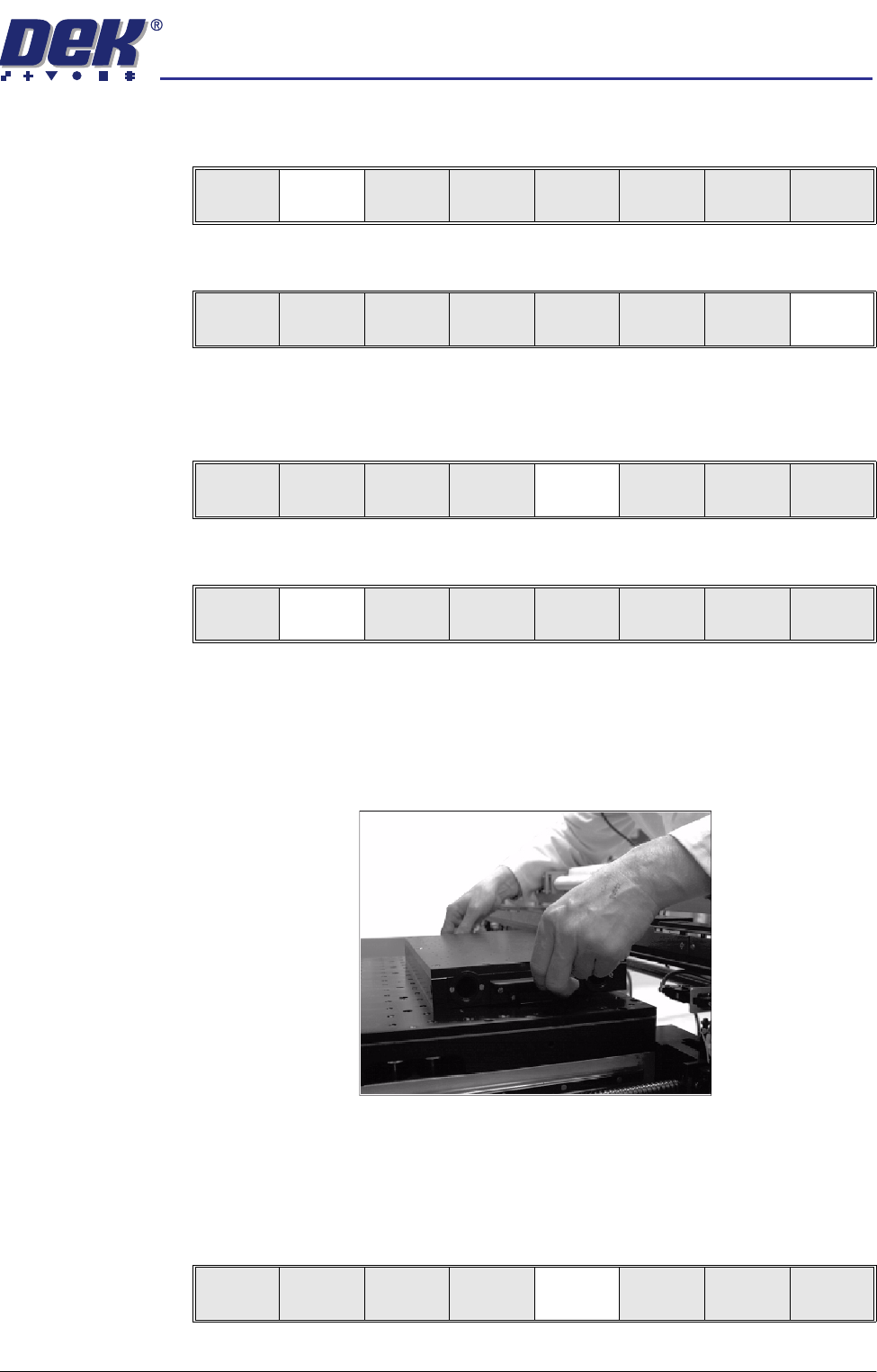
12. The vacuum box can now be fitted into the appropriate location holes in the
tooling plate. Ensure the vacuum box is placed into the correct set of holes
taking regard of the type of screen being used. Connect the vacuum hose
to the vacuum box inlet, ensure the hose is routed clear of any parts.
13. Lower the printhead cover.
14. Press the System button.
15. Select Board Width (F5). The message ‘Checking for a board on the
belts’ is displayed. Whilst the rear rail is moving the message ‘Rail
Moving...’ is displayed.
Save Next Previous Incr. Decr. Exit
Save Next Previous Incr. Decr. Exit
Adjust
Open
Cover
Home
Cleaner
Board
Stop
Full
Width
Load
Width
Generic
Tooling
Exit
Adjust
Open
Cover
Home
Cleaner
Board
Stop
Board
Width
Load
Width
Generic
Tooling
Exit
Adjust
Open
Cover
Home
Cleaner
Board
Stop
Board
Width
Load
Width
Generic
Tooling
Exit
semi automatic
0$&+,1(352*5$00,1*
67$*(%9$&880722/,1*
1.22 User Manual Software Version 07SP02
16. Select Generic Tooling (F7). The print carriage moves to the front of the
machine.
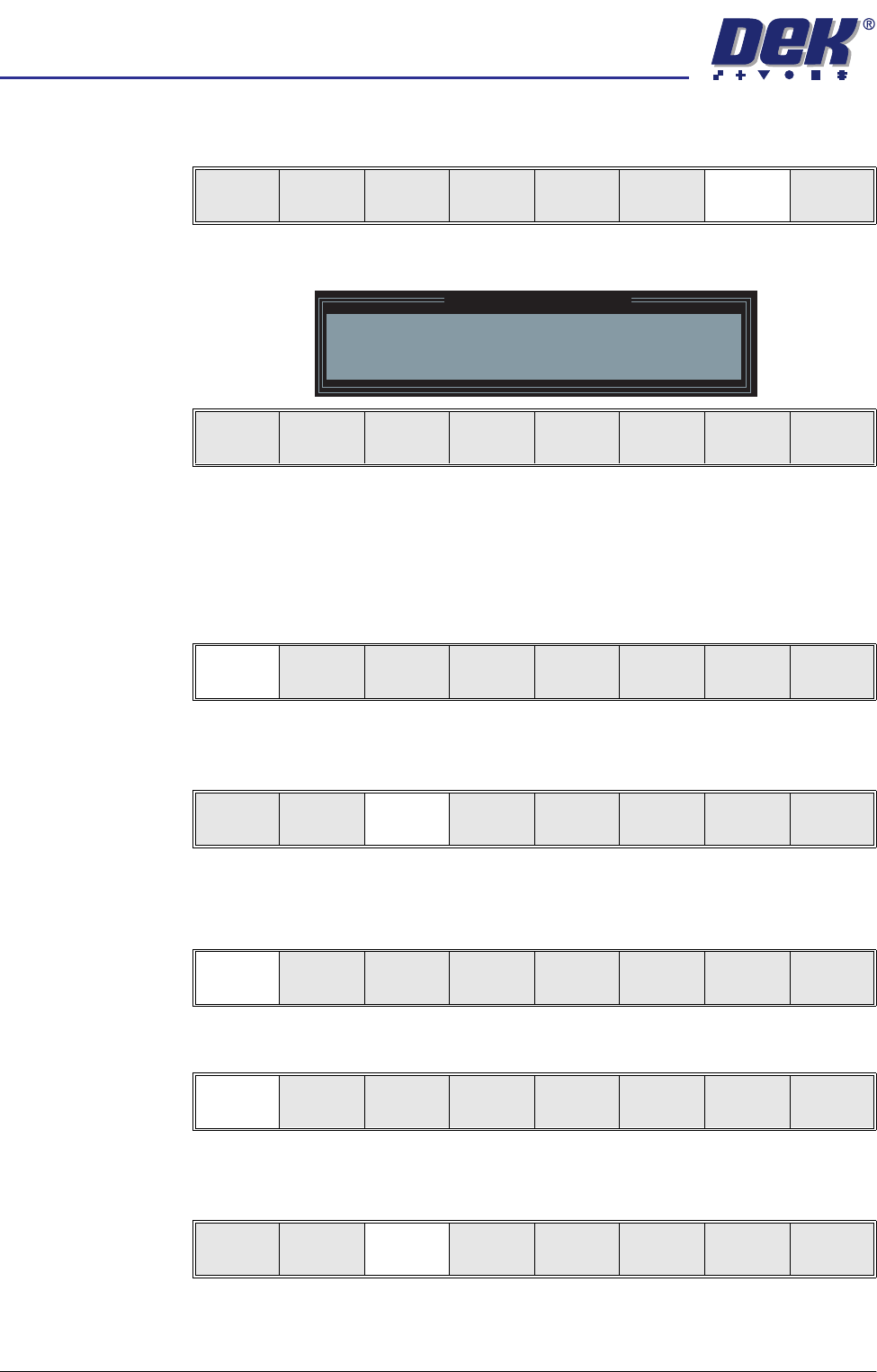
The following window and menu bar is displayed:
NOTE
If contaminated squeegees are fitted, these should be replaced at this point.
17. Select Continue (F1). Cleaner moves to the Home position and the print
carriage moves to the rear of the machine. The message ‘Table at Home
Height’ is displayed.
18. Select Transprt Height (F3). The message ‘Table at Transport Height’ is
displayed.
19. Place a board on the input sensor of the transport rail of the machine.
20. Select Load (F1).
21. Select Auto Board (F1).
22. Select Vision Height (F3). The message ‘Table at Vision Height. Check
Tooling Clearance’ is displayed.
Adjust
Open
Cover
Home
Cleaner
Board
Stop
Full
Width
Load
Width
Generic
Tooling
Exit
Generic Tooling Warning
WARNING Paste may drip into the machine
Remove Squeegees NOW
Continue
Open
Cover
Exit
Continue
Open
Cover
Exit
Load
Transpr t
Height
Board
Clamps
Change
Screen
Open
Cover
Exit
Load
Vision
Height
Home
Height
Board
Clamps
Change
Screen
Open
Cover
Exit
Auto
Board
Manual
Board
Exit
Unload
Vision
Height
Home
Height
Board
Clamps
Change
Screen
Open
Cover
Exit