182050 User manual.pdf - 第203页
semi automatic ',163(& 7,21 237,216$ )7(5$1 ,163(& 7,21$ /$50 Software Version 07SP02 User Manual 7.29 New Pre-images Selecting th is option initiates a pre-prin t inspecti on on the next print cycle t…
semi automatic
',163(&7,21
237,216$)7(5$1,163(&7,21$/$50
7.28 User Manual Software Version 07SP02
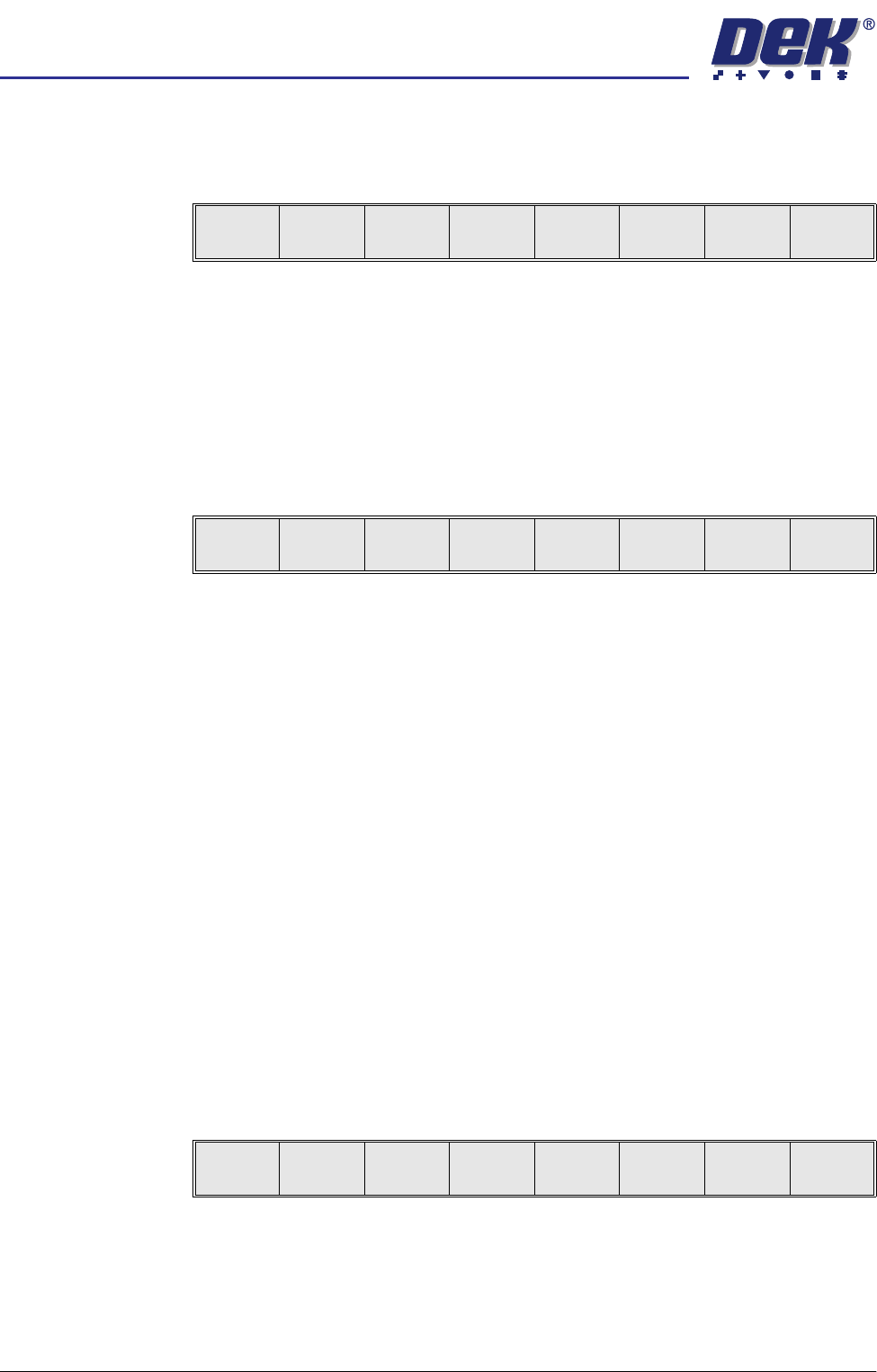
OPTIONS AFTER AN INSPECTION ALARM
The machine stops at the first inspection alarm. When an inspection alarm
occurs, several menu bar options become available.
The functional description for each option is as follows:
Accept Selecting this option clears the alarm panel and feeds the board out of the
machine, without inspecting further sites.
Inspect More Selecting this option clears the alarm panel and allows the inspection sequence
to continue, until it either completes inspection or raises another alarm.
Recovery Action Selecting this option displays the following menu:
The user prompt text shows the following lines:
‘Clean Mode 1 : XXXX’
Where XXXX is the description of the clean mode setting, ie ‘WVWD’ for wet,
vac, wet, dry.
Paste Load Selecting this option initiates a paste load cycle, if a paste dispenser is fitted or
enables paste to be loaded manually.
Re-print Board Selecting this option clears the alarm panel, the board is re-printed and the
inspection sequence is started again from the beginning. All the existing alarm
information is cleared.
NOTE
The Re-print Board button is not available if the current board has already been
re-printed.
Adjust Selecting this option allows the adjustment of process parameters.
Inspect All Selecting this option clears the alarm panel, the inspection sequence is
restarted from the beginning. All the existing alarm information is cleared.
Adjust Inspect Selecting this option displays the following menu:
Edit Global Selecting this option opens the edit global parameters window, allowing param-
eters that are used throughout the inspection to be altered.
Edit Limits Selecting this option opens the limit sets window, allowing a set of limit param-
eters to be selected and altered.
Accept
Inspect
More
Recovery
Action
Adjust
Inspect
All
Adjust
inspect
Reject
Paste
Load
Clean
Mode 1
Re-print
Board
Exit
Edit
Global
Edit
Limits
New Pre-
images
Edit
Site
Inspect
Site
Exit

semi automatic
',163(&7,21
237,216$)7(5$1,163(&7,21$/$50
Software Version 07SP02 User Manual 7.29
New Pre-images Selecting this option initiates a pre-print inspection on the next print cycle to
capture the new pre-images. The message ‘New pre-images will be col-
lected next print cycle’ is displayed.
NOTE
The New Pre-image button is only available if pre-image is set to 1.
Edit Site Selecting this option opens the site parameters window, allowing adjustment of
the site specific parameters.
Inspect Site Selecting this option opens the inspection results window and displays the
following menu:
Selecting Next or Previous moves the highlight up and down the list of site
pads.
Selecting Auto Scale automatically adjusts the paste scaling value for the
current site, to cause the value of paste present, on the pad currently selected
in the inspection result list, to be reported as 100%. This is used where the site
pad causing the alarm is actually a good print.
Reject Selecting this option clears the alarm panel and the board is fed to the output
end of the rail system and held there.
Auto
Scale
Next Previous Exit
semi automatic
',163(&7,21
0(183$5$0(7(56
7.30 User Manual Software Version 07SP02
MENU PARAMETERS
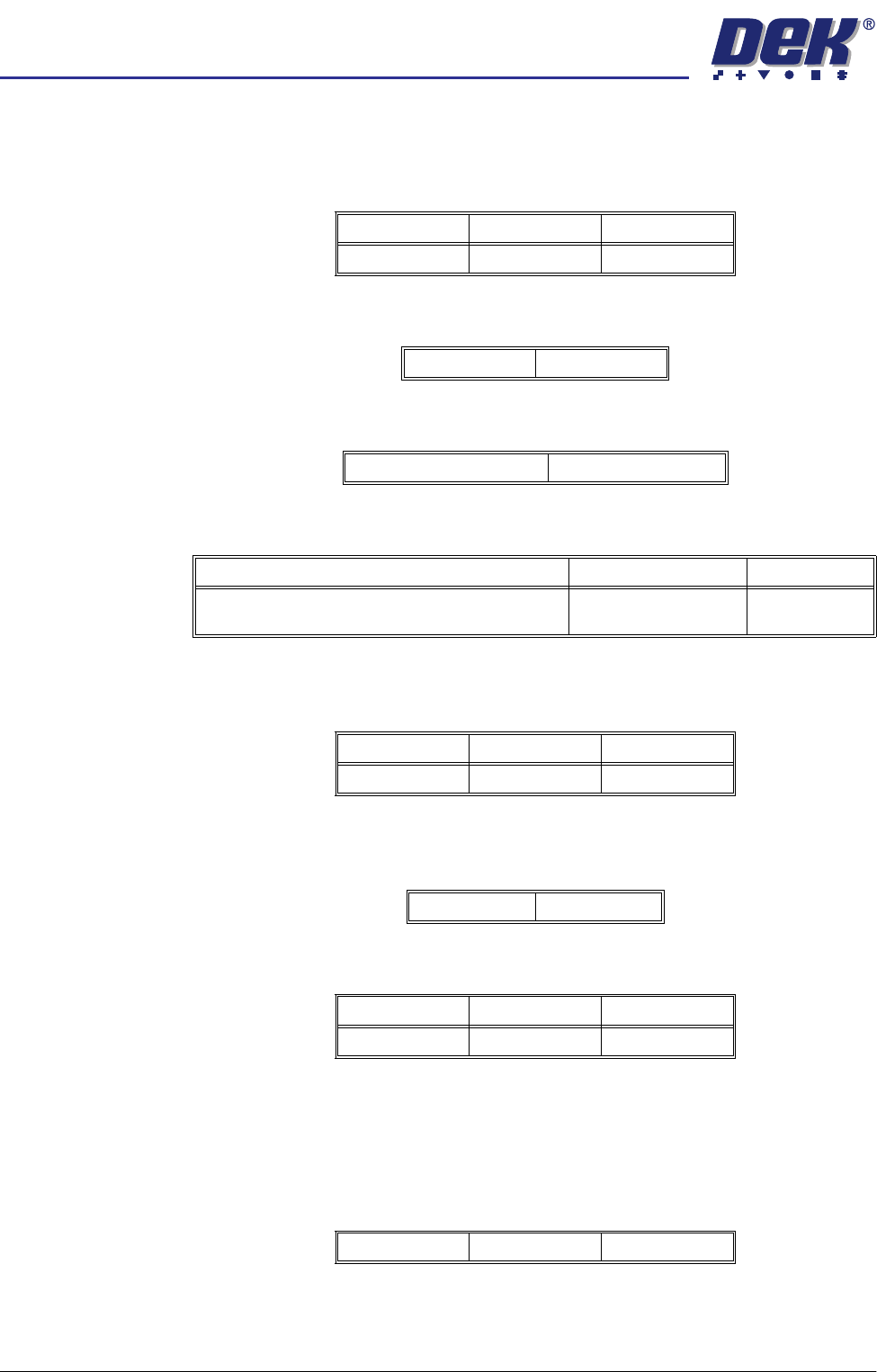
2D Inspect Rate This parameter sets the number of print cycles between inspection cycles, with
zero indicating no inspection.
Board Inspect Type This parameter sets the type of inspection to be learnt:
Pre-image This parameter sets when a pre-image is taken. The options are:
Min Sites/Cycle This parameter sets the number of sites to inspect every cycle.
Warning Limit This parameter determines how many consecutive warnings on the same site
constitute an alarm.
Low Paste Action This parameter sets the action performed on a low paste alarm. The options
are:
No. Sites This parameter displays the total number of sites.
Site Name The unique name given to a site for identification. The name can have a
maximum of 20 characters.
Site Priority This parameter determines the priority of a site. Where the site is part of a
device, the value applies to the whole device. The options are:
Minimum Maximum Increments
01001
None Basic
One - First Board Only Every - Every Board
Minimum Maximum Increments
Number of Every Cycle sites plus one, ie at least
one general site must be inspected
Total number of sites 1
Minimum Maximum Increments
1201
Manual Re-print
Minimum Maximum Increments
010001
Not Inspected General Every Cycle