182050 User manual.pdf - 第192页
semi automatic ',163(&7,21 ',163(&7,21 6(78 3 7.18 User Manual Software Ve rsion 07SP02 2. Enter p arameters usi ng the Next , Previous , Incr . and Dec r . keys. A coarse set of values i s shown a…
semi automatic
',163(&7,21
',163(&7,216(783
Software Version 07SP02 User Manual 7.17
2. Use the keyboard to enter the ID of the new limit set and press Enter.
NOTE
Limit ID may be any name up to 20 characters in length including spaces.
3. Enter parameters using the Next, Previous, Incr. and Decr. keys. A coarse
set of values is shown above.
4. Select Save Limits. The message ‘Saving Fiducial Data - Please Wait
Board data file saved’ is displayed.
5. Select Exit.
6. Select Edit Limits.
7. Go to Step 3 of Edit Limits (below).
Edit Limits 1. Select Edit Limits.
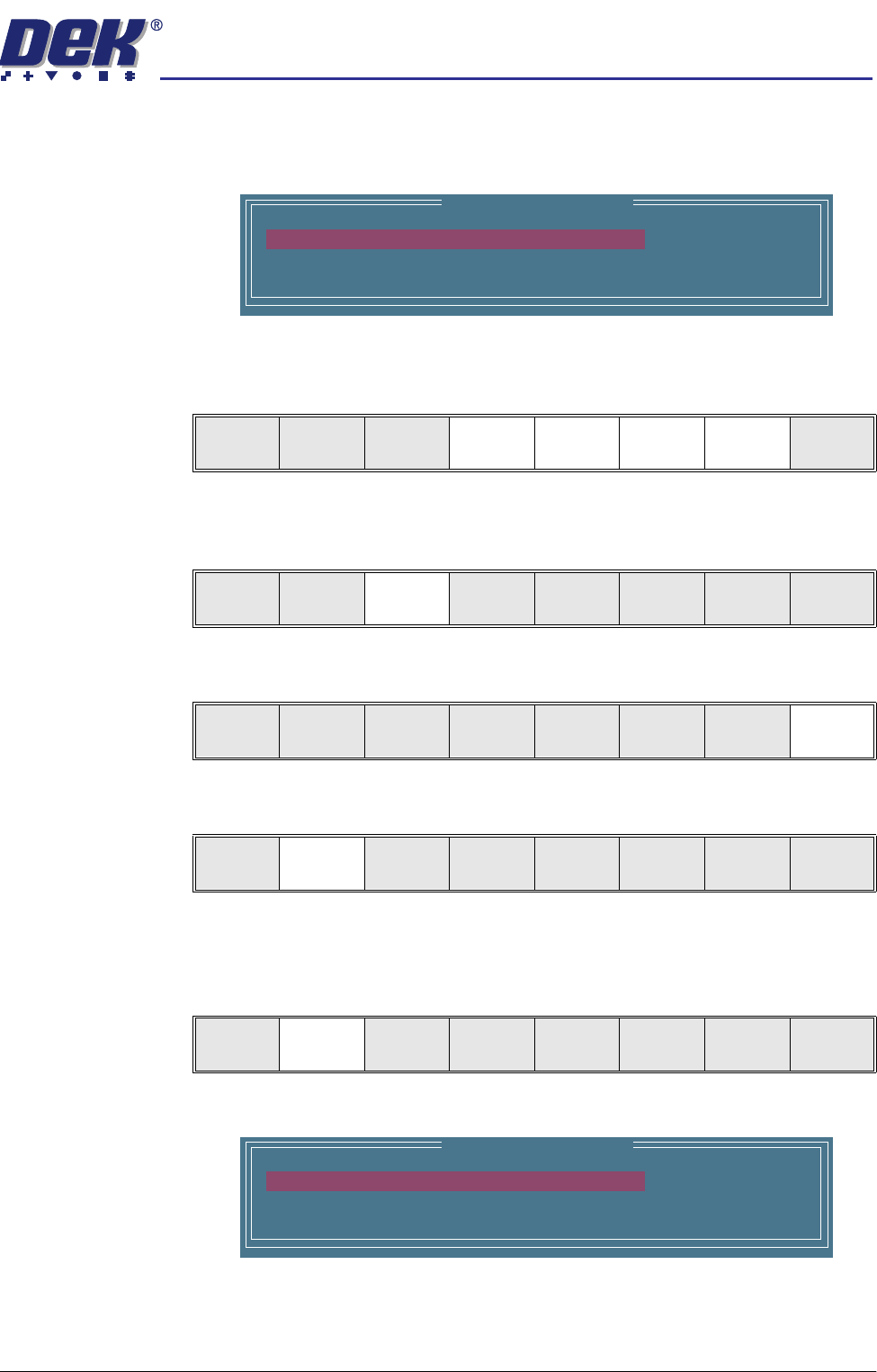
The following window is displayed:
Edit Limit Parameters
Limit ID
Paste Warning
PasteAlarm
COARSE
90
80
Save
Limits
Next Previous Incr. Decr. Exit
Save
Limits
Next Previous Incr. Decr. Exit
Save
Limits
Next Previous Incr. Decr. Exit
Add
Limits
Edit
Limits
Next
Limit
Previous
Limit
Exit
Add
Limits
Edit
Limits
Next
Limit
Previous
Limit
Exit
Edit Limit Parameters
Limit ID
Paste Warning
PasteAlarm
COARSE
90
80
semi automatic
',163(&7,21
',163(&7,216(783
7.18 User Manual Software Version 07SP02
2. Enter parameters using the Next, Previous, Incr. and Decr. keys. A coarse
set of values is shown above
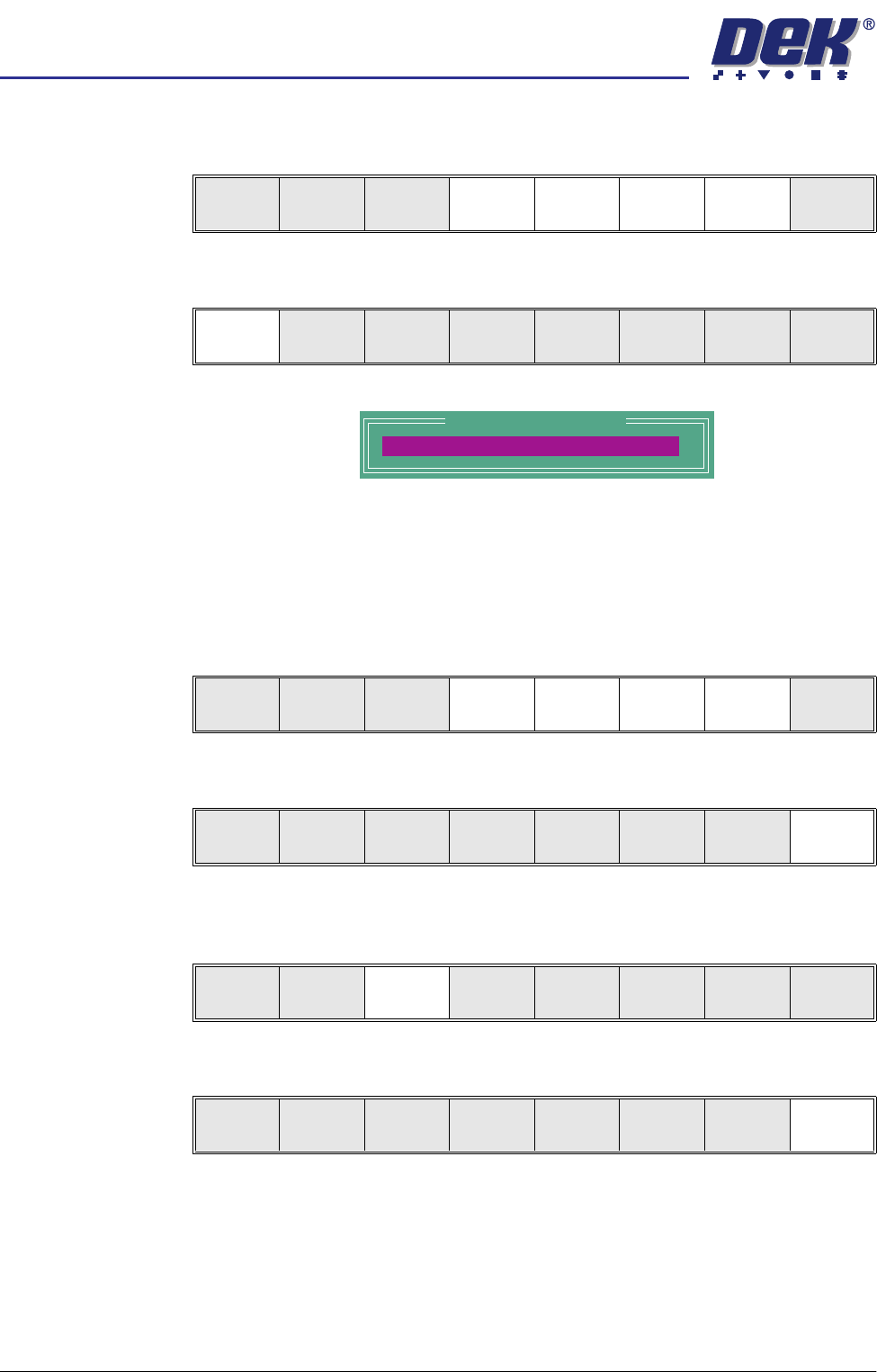
3. Select Limit Options.
This is usually set to enabled. If the global limit option is disabled, the limit
set and parameter is greyed out. This is a limit set option, therefore it is only
active for this particular limit set. If paste inspection is not required for the
whole product, this can be achieved in global limit options under edit globals,
earlier in this chapter.
4. Enter limit set options using Next, Previous, Incr. and Decr. keys.
5. Select Exit.
6. Select Save Limits. The message ‘Saving Fiducial Data - Please Wait
Board data file saved’ is displayed.
7. Select Exit.
Limit
Options
Save
Limits
Next Previous Incr. Decr. Exit
Limit
Options
Save
Limits
Next Previous Incr. Decr. Exit
Site Limit Set Options
Paste Enabled
Next Previous Incr. Decr. Exit
Next Previous Incr. Decr. Exit
Limit
Options
Save
Limits
Next Previous Incr. Decr. Exit
Add
Limits
Edit
Limits
Next
Limit
Previous
Limit
Exit

semi automatic
',163(&7,21
',163(&7,216(783
Software Version 07SP02 User Manual 7.19
Selecting an
Existing Site
To edit an existing site carry out one of the following procedures:
• Using the mouse left button, select the position of the site on the represen-
tation of the board.
• Using the mouse left button, select the site (or device) name on the devices
and site list.
• Use the Next / Previous buttons on the menu bar.
When an existing site is selected the following GUI display information is
updated:
• Site parameter information.
• Site X and Y coordinates.
• Vision panel camera display image of new site.